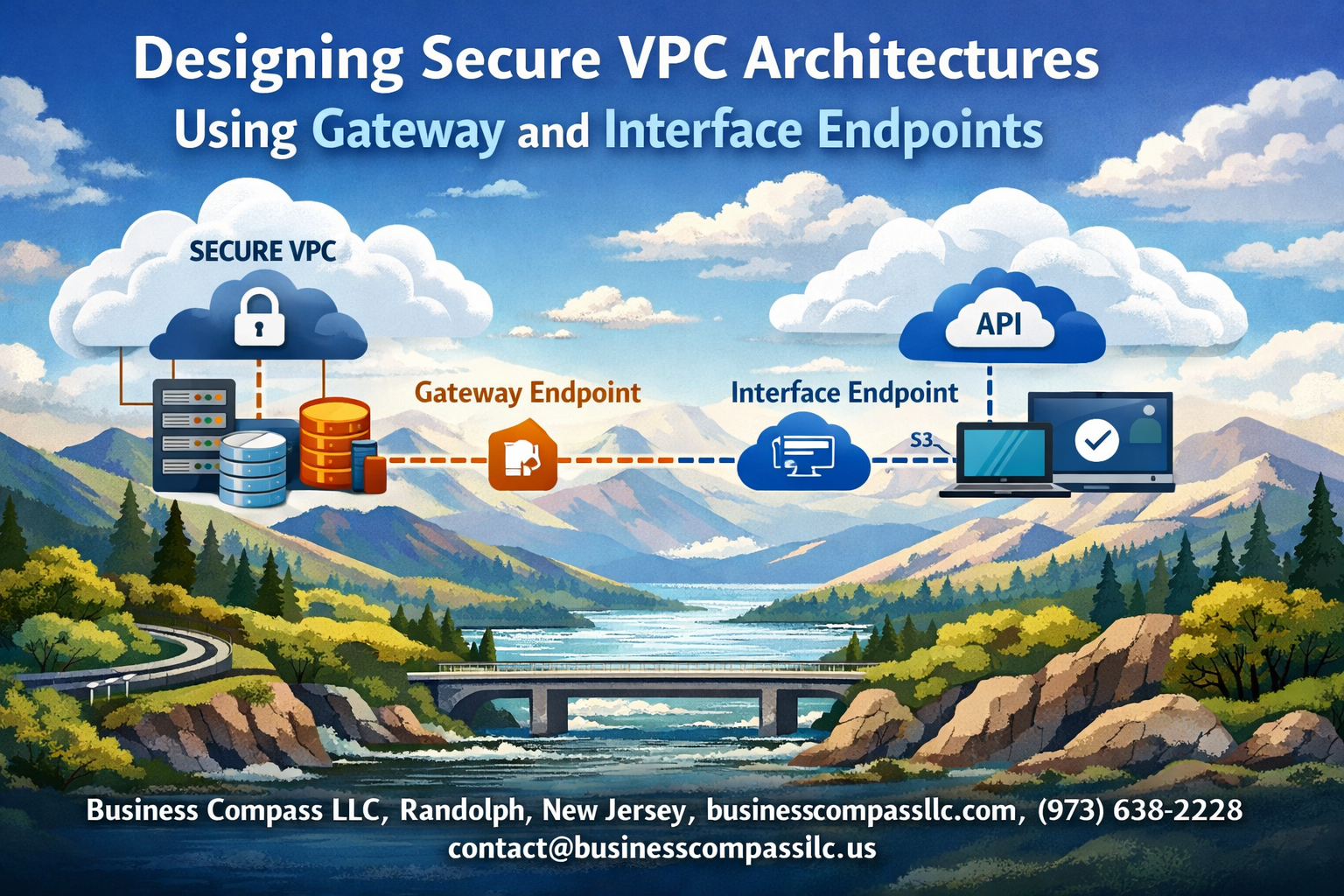
AWS VPC endpoints are game-changers for organizations wanting to keep their cloud traffic private while maintaining secure connections to AWS services. This guide is designed for cloud architects, DevOps engineers, and security professionals who need to build robust, secure VPC architecture without exposing sensitive data to the public internet.
VPC security doesn’t have to be complicated when you understand the right tools and strategies. You’ll discover how gateway endpoints AWS provides can secure your connections to services like S3 and DynamoDB, while interface endpoints VPC configuration opens up private access to dozens of other AWS services. We’ll also walk through multi-tier VPC security designs that create layered protection for your most critical workloads.
We’ll cover the essential VPC endpoint design principles that form the foundation of secure cloud networking, explore practical implementation strategies for both endpoint types, and show you how to architect comprehensive solutions that scale with your business needs. By the end, you’ll have the knowledge to implement AWS private connectivity that keeps your data secure and your compliance teams happy.
Understanding VPC Security Fundamentals

Core VPC Network Isolation Benefits
Amazon Virtual Private Cloud provides a logically isolated network environment within AWS, creating a secure foundation for cloud infrastructure. This network isolation operates at multiple layers, establishing clear boundaries between your resources and the broader internet while maintaining strict control over traffic flow.
The primary advantage of VPC security lies in its default-deny approach. Unlike traditional networking where everything is potentially accessible, VPC architecture requires explicit permission for any communication. This means your EC2 instances, databases, and other resources exist in a protected bubble where access must be intentionally configured and granted.
Network segmentation becomes effortless through subnets, allowing you to create distinct zones for different application tiers. Your web servers can reside in public subnets with controlled internet access, while databases and internal services remain completely isolated in private subnets. This layered approach significantly reduces your attack surface and limits potential breach impact.
Security groups act as virtual firewalls at the instance level, providing stateful packet filtering that automatically handles return traffic. Combined with Network Access Control Lists (NACLs) at the subnet level, you get granular control over both inbound and outbound traffic patterns. This dual-layer protection ensures that even if one security mechanism fails, backup controls remain in place.
Traditional Internet Gateway Security Limitations
Internet gateways create a direct path between your VPC resources and the public internet, which introduces several security considerations that organizations must carefully address. When EC2 instances in public subnets communicate with AWS services like S3 or DynamoDB, traffic typically routes through the internet gateway, exposing data to potential interception.
This routing pattern means your sensitive data travels across the public internet, even when communicating with AWS services in the same region. While AWS encrypts this traffic, the path itself creates compliance challenges for organizations with strict data residency requirements or those operating under regulations that mandate private network communications.
Bandwidth costs become a concern as well. Traffic flowing through internet gateways to reach AWS services incurs data transfer charges, which can accumulate significantly in high-volume environments. These costs compound when multiple services need constant communication with AWS APIs or when large datasets move between your applications and managed services.
The dependency on internet connectivity also introduces availability risks. Network outages, routing issues, or internet service provider problems can disrupt communication with critical AWS services, even though both your VPC and the target services remain fully operational within AWS infrastructure.
Private Subnet Communication Challenges
Private subnets create secure environments by blocking direct internet access, but this protection introduces complexity when resources need to communicate with external services or AWS APIs. Instances in private subnets cannot directly reach the internet, making software updates, API calls, and service integrations more complicated.
NAT gateways often serve as the solution for outbound internet access from private subnets, but they create new challenges. These managed services add costs, require careful capacity planning, and become potential single points of failure. High-availability designs need multiple NAT gateways across availability zones, multiplying expenses and management overhead.
Service discovery and load balancing become more complex in private subnet architectures. Applications need alternative methods to reach AWS services without internet routing, and monitoring systems require special configuration to maintain visibility into private resources. Traditional troubleshooting approaches may not work when direct connectivity paths don’t exist.
The inability to directly access AWS service APIs from private subnets can break automation workflows, deployment pipelines, and monitoring solutions that expect standard internet connectivity. Teams often need to redesign their operational processes and tooling to accommodate these networking constraints while maintaining security standards.
Gateway Endpoints for Enhanced AWS Service Security

S3 and DynamoDB Direct Private Access
Gateway endpoints transform how your AWS resources communicate with S3 and DynamoDB by creating dedicated private pathways within your VPC infrastructure. Unlike standard internet-based connections, these endpoints establish direct routes that keep all traffic flowing through Amazon’s internal network backbone.
When you deploy gateway endpoints for S3 and DynamoDB, your EC2 instances, Lambda functions, and other compute resources access these services without routing through internet gateways or NAT devices. This creates a seamless private channel that maintains the same API functionality while dramatically improving security posture.
The implementation process involves creating gateway endpoints through the VPC console or AWS CLI, then associating them with specific route tables. Once configured, your applications automatically route S3 and DynamoDB requests through these private pathways without requiring code changes or application modifications.
Eliminating Internet Traffic for Core Services
Traditional VPC architectures often rely on internet connectivity for AWS service access, creating potential security vulnerabilities and unnecessary exposure. Gateway endpoints eliminate this dependency by routing S3 and DynamoDB traffic exclusively through AWS’s private network infrastructure.
This approach provides several security advantages:
- Zero internet exposure for critical data transfers between your VPC and AWS services
- Reduced attack surface by eliminating public IP dependencies
- Enhanced data sovereignty with traffic remaining within AWS infrastructure boundaries
- Simplified security group rules without complex internet-based access controls
Private subnet resources gain direct access to S3 buckets and DynamoDB tables without requiring public IP addresses or complex routing configurations. This design particularly benefits database backup operations, data analytics workflows, and application logging scenarios where sensitive information flows between your infrastructure and AWS storage services.
Cost Optimization Through Reduced NAT Gateway Usage
Gateway endpoints deliver substantial cost savings by reducing or eliminating NAT gateway dependencies for S3 and DynamoDB access. NAT gateways charge both hourly usage fees and data processing costs, which accumulate quickly in high-throughput environments.
Consider these cost optimization scenarios:
- Data-intensive applications processing terabytes through S3 save hundreds of dollars monthly on NAT gateway data transfer fees
- DynamoDB-heavy workloads eliminate per-gigabyte processing charges for database operations
- Backup and archival processes reduce costs by 60-80% when transferring large datasets to S3
- Analytics pipelines benefit from zero additional charges for data movement between compute and storage layers
The financial impact becomes more pronounced in multi-availability zone deployments where multiple NAT gateways would otherwise be required for high availability. Gateway endpoints provide the same redundancy and performance characteristics without the associated infrastructure costs.
Route Table Configuration Best Practices
Proper route table configuration ensures optimal traffic flow and maintains security boundaries when implementing gateway endpoints. The configuration process requires strategic planning to avoid routing conflicts and maintain network segmentation.
Key configuration principles include:
Subnet-Specific Associations: Associate gateway endpoints with route tables serving specific subnet tiers rather than applying blanket configurations across all subnets. This granular approach maintains security boundaries between application layers.
Prefix List Management: AWS automatically manages destination prefixes for S3 and DynamoDB through gateway endpoints, but monitor these entries to ensure they don’t conflict with custom routes or peering connections.
Policy-Based Access Control: Implement endpoint policies to restrict access to specific S3 buckets or DynamoDB tables based on resource ARNs, VPC identifiers, or principal conditions. These policies act as additional security layers beyond IAM permissions.
Cross-Region Considerations: Gateway endpoints operate within single regions, so multi-region architectures require careful route table planning to ensure traffic flows through appropriate endpoints based on resource locations.
Regular auditing of route table configurations helps identify potential security gaps or performance bottlenecks as your VPC architecture evolves and scales.
Interface Endpoints for Comprehensive Service Privacy
PrivateLink Technology for Secure AWS API Access
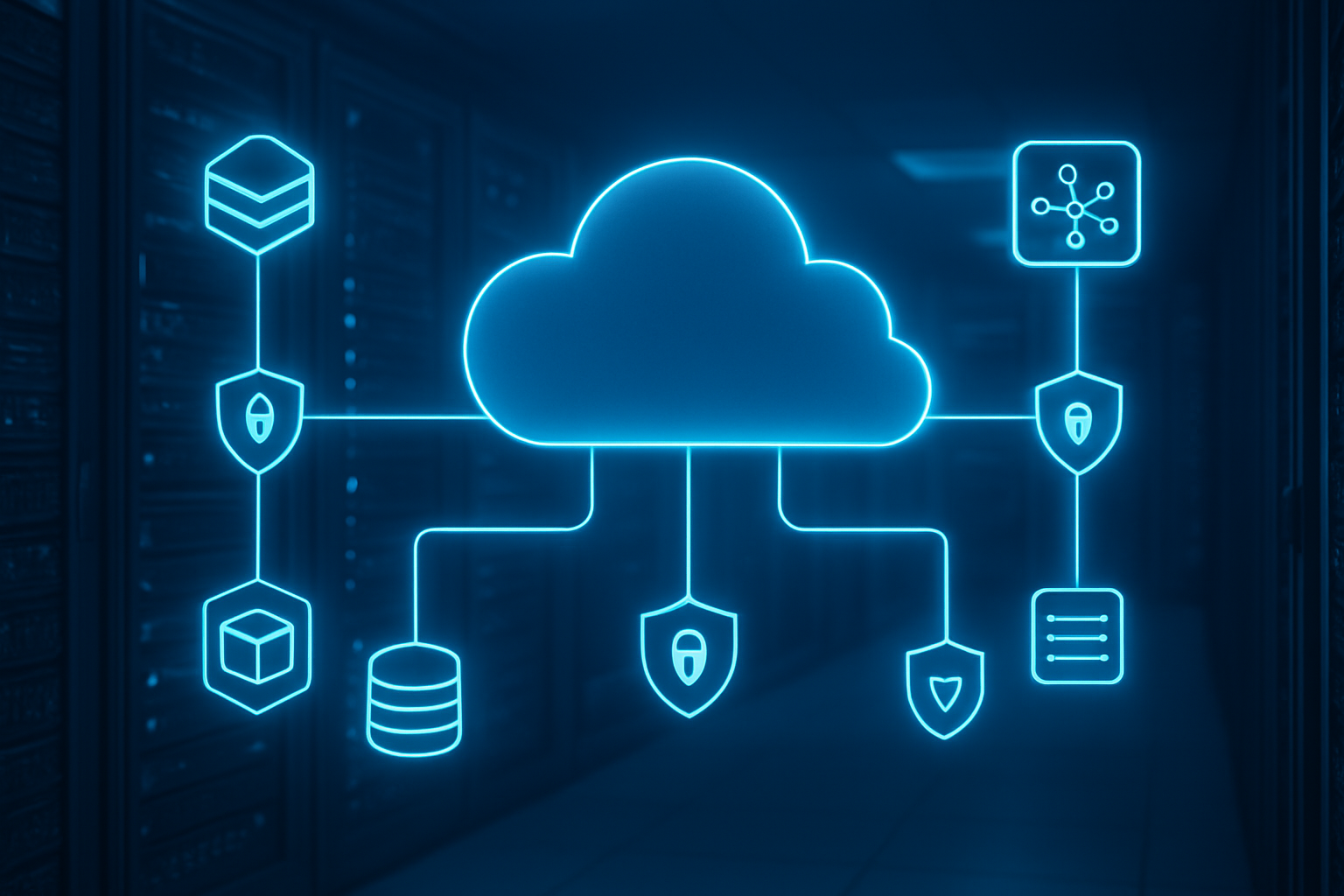
Interface endpoints leverage AWS PrivateLink technology to create secure, private connections between your VPC and AWS services without requiring internet gateways, NAT devices, or VPN connections. This technology establishes a direct network path that keeps traffic within the AWS backbone infrastructure, dramatically reducing your attack surface.
When you create an interface endpoint, AWS provisions an elastic network interface (ENI) within your VPC subnets. This ENI receives a private IP address from your subnet’s CIDR range, allowing EC2 instances to communicate with AWS services using standard DNS resolution. The traffic flows through AWS’s private network fabric rather than traversing the public internet, ensuring end-to-end encryption and compliance with strict security requirements.
Key advantages of PrivateLink for VPC endpoint configuration:
- Traffic never leaves the AWS network infrastructure
- Eliminates data transfer charges for internet-bound traffic
- Supports fine-grained access control through IAM policies
- Provides audit trails through AWS CloudTrail integration
- Scales automatically based on demand
Interface endpoints support over 100 AWS services, including EC2, S3, Lambda, SQS, SNS, and many others. Each endpoint can handle thousands of concurrent connections while maintaining consistent performance and reliability.
DNS Resolution Within Private Networks
Interface endpoints create DNS entries that seamlessly integrate with your existing VPC DNS infrastructure. AWS automatically generates private DNS names for each endpoint, allowing your applications to connect using familiar service URLs without code modifications.
When private DNS is enabled for an interface endpoint, AWS Route 53 resolver intercepts DNS queries for the AWS service and returns the private IP address of the endpoint ENI instead of the public IP. This DNS magic happens transparently, so your applications continue using standard AWS SDK calls while benefiting from private connectivity.
DNS resolution flow for interface endpoints:
- Application makes DNS query for
s3.amazonaws.com - VPC DNS resolver checks for private DNS override
- Returns private IP of interface endpoint ENI
- Application connects directly through private network
You can also create custom DNS names for your endpoints using Route 53 private hosted zones, giving you complete control over naming conventions and making it easier to manage multi-environment deployments.
Security Group Controls for Endpoint Traffic
Security groups act as virtual firewalls for your interface endpoints, providing granular control over inbound and outbound traffic. Each endpoint ENI can be associated with one or more security groups, allowing you to implement defense-in-depth strategies for secure cloud networking.
Recommended security group configurations:
- Create dedicated security groups for each endpoint type
- Allow HTTPS (port 443) inbound from application security groups
- Restrict outbound traffic to only necessary destinations
- Use source security group references instead of CIDR blocks
- Implement logging for security group rule evaluations
Security groups work in conjunction with NACLs to provide layered security controls. While NACLs operate at the subnet level with stateless rules, security groups provide stateful inspection at the instance level, creating comprehensive protection for your endpoint traffic.
Consider implementing separate security groups for different application tiers accessing the same endpoint. This approach allows you to track and audit access patterns while maintaining principle of least privilege access controls.
Multi-AZ Deployment for High Availability
Deploying interface endpoints across multiple Availability Zones ensures high availability and fault tolerance for your secure VPC architecture. Each AZ deployment creates a separate ENI with its own private IP address, distributing load and eliminating single points of failure.
Multi-AZ deployment strategies:
- Deploy endpoints in all AZs where your applications run
- Use cross-AZ redundancy for critical service connections
- Implement health checks for endpoint availability monitoring
- Configure automatic failover through Route 53 health checks
- Load balance traffic across AZ-specific endpoints
AWS automatically distributes traffic across healthy endpoint ENIs within your VPC, but you can also implement application-level load balancing for more sophisticated traffic management. This approach provides better control over failover behavior and allows you to optimize for latency or cost.
Multi-AZ interface endpoints also support disaster recovery scenarios where entire AZs become unavailable. Your applications can continue accessing AWS services through endpoints in healthy AZs without manual intervention or configuration changes.
Architecting Multi-Tier Secure VPC Designs
Database Tier Isolation Using Interface Endpoints
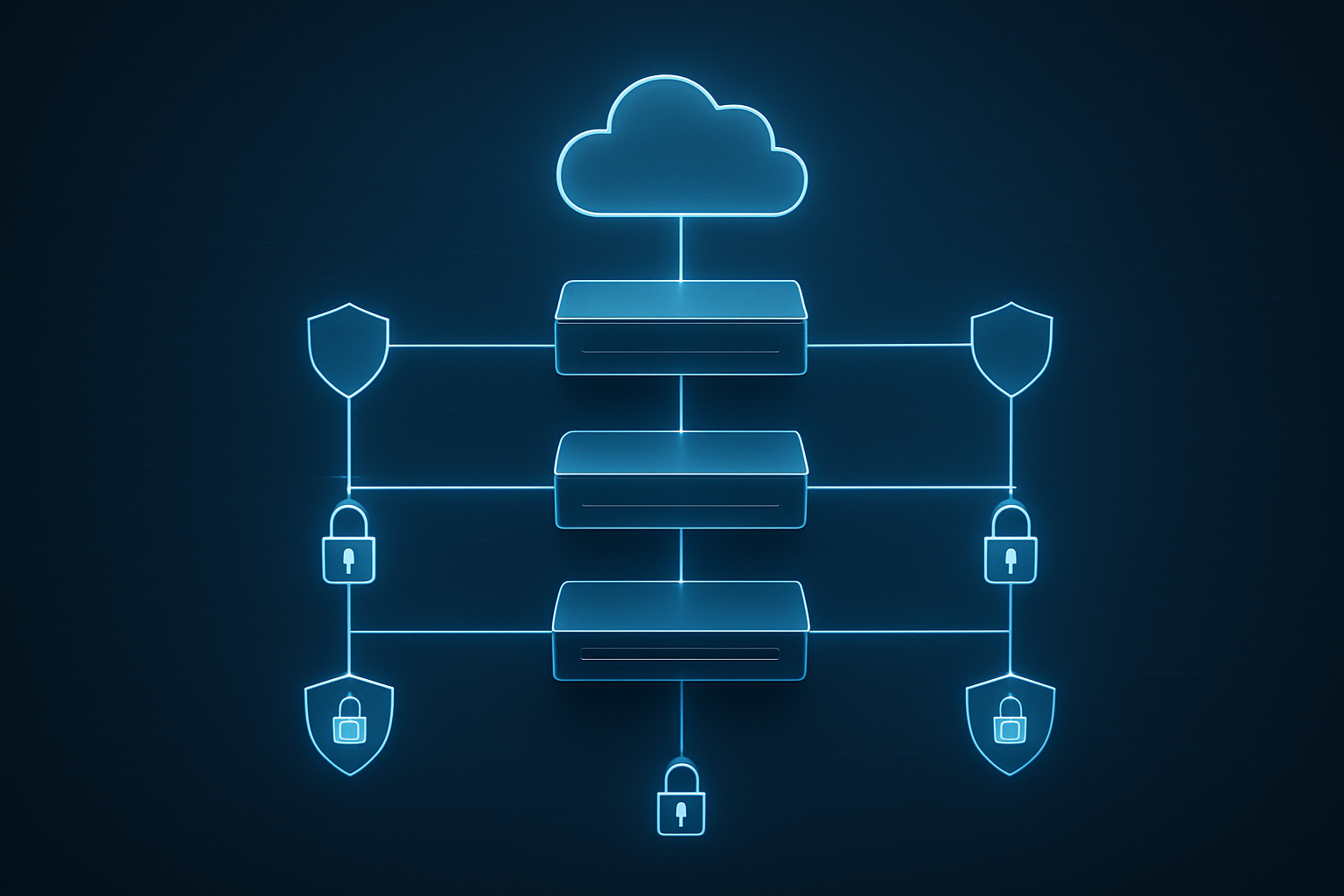
Database tier isolation represents the cornerstone of secure VPC architecture, where interface endpoints create an impenetrable barrier between your sensitive data and the public internet. When you deploy RDS instances or other database services in private subnets, interface endpoints ensure that all database traffic flows through AWS’s private network backbone, completely bypassing internet gateways.
The beauty of this approach lies in its granular control. You can configure VPC endpoints for specific AWS services like RDS, DynamoDB, or DocumentDB, creating dedicated tunnels that only your authorized resources can access. Each interface endpoint gets its own private IP addresses within your VPC, allowing you to apply security group rules with surgical precision.
Consider a real-world scenario where your application needs to connect to both RDS and DynamoDB. Instead of routing this traffic through NAT gateways or internet gateways, interface endpoints establish direct, encrypted connections. This dramatically reduces your attack surface while improving performance through reduced latency.
Security groups attached to interface endpoints act as virtual firewalls, controlling which EC2 instances, Lambda functions, or other AWS resources can communicate with your databases. You can restrict access based on source IP ranges, security group membership, or even specific IAM roles, creating multiple layers of protection around your most critical data assets.
Application Tier Gateway Endpoint Integration
Application tier architecture benefits enormously from strategic gateway endpoint integration, particularly when dealing with S3 and DynamoDB traffic patterns. Gateway endpoints operate differently from interface endpoints – they route traffic through your VPC’s routing table rather than creating network interfaces, making them ideal for high-throughput application workloads.
The magic happens when you deploy gateway endpoints for S3 in your application tier subnets. Your application servers can access S3 buckets without consuming NAT gateway bandwidth or incurring data transfer charges. This becomes especially valuable for applications that frequently read configuration files, upload user content, or process large datasets stored in S3.
Gateway endpoint configuration requires careful route table management. You’ll create specific routes that direct S3 and DynamoDB traffic through the gateway endpoint while keeping other internet-bound traffic flowing through your NAT gateway. This selective routing ensures that only the intended services benefit from private connectivity while maintaining internet access for other application needs.
Performance improvements can be substantial. Applications no longer compete for NAT gateway bandwidth when accessing S3 or DynamoDB, leading to more predictable response times. The reduced network hops also mean lower latency for frequently accessed data, which can significantly improve user experience for data-intensive applications.
Cross-VPC Communication Security Patterns
Cross-VPC communication introduces complexity that demands sophisticated security patterns, especially when different VPCs host various application tiers or serve different environments like development, staging, and production. VPC peering combined with interface endpoints creates secure communication channels that respect network boundaries while enabling necessary data flows.
The hub-and-spoke pattern emerges as a popular solution for organizations managing multiple VPCs. A central “hub” VPC hosts shared services like DNS, monitoring, and security tools, while “spoke” VPCs contain environment-specific resources. Interface endpoints in the hub VPC can serve multiple spoke VPCs, centralizing access control and reducing management overhead.
Transit Gateway integration amplifies these security patterns by providing centralized routing control across multiple VPCs. You can configure route tables that direct specific traffic through interface endpoints while blocking other communication paths. This creates a zero-trust networking model where every connection requires explicit authorization.
Private hosted zones in Route 53 play a crucial role in cross-VPC endpoint resolution. When properly configured, applications in one VPC can resolve endpoint DNS names that point to interface endpoints in another VPC, creating seamless connectivity that feels like local network access. This DNS-based approach simplifies application configuration while maintaining strict security boundaries.
Monitoring cross-VPC endpoint traffic becomes essential for maintaining security posture. VPC Flow Logs capture detailed information about traffic patterns, helping you identify unusual access patterns or potential security threats. CloudWatch metrics from interface endpoints provide visibility into connection counts, data transfer volumes, and error rates across your multi-VPC architecture.
Implementation and Configuration Strategies

Endpoint Policy Creation for Least Privilege Access
Creating effective endpoint policies forms the backbone of secure VPC endpoint configurations. These policies control which AWS services and resources can be accessed through your endpoints, ensuring you maintain strict security boundaries while enabling necessary functionality.
Start by identifying the specific services and actions your applications require. For S3 gateway endpoints, craft policies that restrict access to particular buckets and operations. Use condition statements to limit access by source IP ranges, VPC identifiers, or specific IAM principals. A well-structured policy might allow read access to specific S3 buckets from your private subnets while blocking all other operations.
Interface endpoint policies follow similar principles but require more granular control. Specify the exact API actions your applications need rather than using broad wildcard permissions. For EC2 interface endpoints, you might allow only DescribeInstances and DescribeSecurityGroups actions from specific subnet ranges.
Resource-based conditions add another security layer. Use aws:SourceVpce to ensure requests only come through designated endpoints, and aws:SourceVpc to verify traffic originates from your VPC. Time-based conditions can restrict access to business hours, reducing attack windows.
Testing policies requires careful planning. Start with permissive policies in development environments, then gradually tighten restrictions based on application behavior. Use AWS CloudTrail to identify actual API calls and create policies that match real usage patterns rather than theoretical requirements.
Network ACL Integration with Endpoint Security
Network Access Control Lists (NACLs) provide subnet-level security that complements your VPC endpoint configuration. While security groups handle instance-level filtering, NACLs create an additional defense layer at the subnet boundary, making them crucial for comprehensive endpoint security.
Configure NACLs to allow necessary traffic flows while blocking unwanted connections. For gateway endpoints, allow HTTP and HTTPS traffic (ports 80 and 443) from your private subnets to AWS service IP ranges. Since gateway endpoints use AWS public IP ranges, you’ll need to regularly update NACL rules as AWS announces new IP ranges.
Interface endpoints require more specific NACL configurations. These endpoints use private IP addresses within your VPC, so create rules allowing traffic between your application subnets and endpoint subnets. Allow inbound traffic on port 443 for HTTPS connections, and configure outbound rules for response traffic on ephemeral ports (typically 1024-65535).
Consider using separate subnets for your interface endpoints to simplify NACL management. This approach lets you create dedicated NACLs for endpoint traffic, making rule management cleaner and reducing the risk of configuration conflicts with other resources.
Don’t forget about DNS resolution. Interface endpoints require DNS queries to function properly, so ensure your NACLs allow UDP traffic on port 53 between your application subnets and VPC DNS servers.
Monitoring and Logging Endpoint Traffic
Effective monitoring transforms your VPC endpoint deployment from a security enhancement into a comprehensive visibility platform. VPC Flow Logs capture detailed information about traffic flowing through your endpoints, providing insights into usage patterns, security events, and performance characteristics.
Enable VPC Flow Logs at multiple levels for complete visibility. Subnet-level logs capture all traffic within endpoint subnets, while ENI-level logs provide granular details about specific interface endpoints. Configure logs to capture both accepted and rejected traffic – rejected connections often reveal security issues or misconfigurations.
CloudTrail integration offers API-level visibility for your endpoint traffic. Enable data events for S3 gateway endpoints to track object-level operations, and ensure management events capture endpoint policy changes and configuration modifications. These logs help with compliance requirements and security auditing.
CloudWatch metrics provide real-time monitoring capabilities. Track endpoint-specific metrics like packet count, byte count, and connection failures. Set up alarms for unusual traffic patterns or connection errors that might indicate security issues or service disruptions.
Consider using third-party monitoring tools that can parse VPC Flow Logs and provide enhanced analytics. These tools often offer better visualization, anomaly detection, and correlation capabilities than native AWS monitoring alone.
Log retention policies balance cost and compliance requirements. Store high-level metrics for extended periods while maintaining detailed logs for shorter durations based on your security and audit requirements.
Troubleshooting Common Connectivity Issues
DNS resolution problems top the list of VPC endpoint connectivity issues. Interface endpoints create new DNS entries that must resolve correctly for applications to connect. Verify that your VPC has DNS resolution and DNS hostnames enabled – both settings are required for proper endpoint functionality.
Route table misconfigurations frequently cause gateway endpoint problems. S3 and DynamoDB gateway endpoints require specific routes in your route tables pointing to the endpoint. Missing or incorrect routes send traffic over the internet instead of through the endpoint, breaking private connectivity and potentially causing security policy violations.
Security group rules often block necessary traffic flows. Interface endpoints need security groups allowing inbound HTTPS traffic on port 443 from your application subnets. Don’t forget about outbound rules – applications need outbound access to reach the endpoint, and the endpoint needs outbound access to communicate with AWS services.
Policy conflicts create subtle connectivity issues. When both endpoint policies and resource policies (like S3 bucket policies) are present, both must allow the requested action. A permissive endpoint policy won’t help if the S3 bucket policy blocks the request, and vice versa.
Network connectivity tools help diagnose problems systematically. Use nslookup to verify DNS resolution, telnet to test port connectivity, and curl with verbose output to examine HTTPS handshakes. VPC Reachability Analyzer can test connectivity paths and identify configuration gaps.
Performance Optimization Techniques
Endpoint placement significantly impacts application performance. Position interface endpoints in the same Availability Zones as your applications to minimize latency and reduce cross-AZ data transfer costs. Multiple endpoints across AZs provide redundancy but consider the cost implications of cross-AZ traffic.
DNS caching optimization reduces latency for frequently accessed services. Configure application DNS caches with appropriate TTL values – too short causes excessive DNS queries, while too long delays failover to healthy endpoints. Most applications benefit from 60-300 second cache times.
Connection pooling and reuse dramatically improve performance with interface endpoints. Applications making frequent API calls should maintain persistent connections rather than establishing new HTTPS connections for each request. This reduces SSL handshake overhead and improves overall throughput.
For S3 gateway endpoints, consider request patterns when designing your architecture. Parallel uploads and multipart uploads perform better than sequential operations. Use S3 Transfer Acceleration for global applications, though this bypasses gateway endpoints and may increase costs.
Monitor endpoint utilization to identify bottlenecks. High connection counts or bandwidth usage might indicate the need for additional endpoints or optimization opportunities. CloudWatch metrics help identify peak usage periods and guide capacity planning decisions.
Application-level optimizations often provide the biggest performance gains. Implement exponential backoff for retries, use appropriate timeouts, and design applications to handle temporary endpoint unavailability gracefully. These patterns improve both performance and reliability in distributed cloud environments.
VPC security doesn’t have to be complicated when you understand the building blocks. Gateway endpoints keep your AWS service traffic private and cost-effective, while interface endpoints give you granular control over service access across your entire network. When you combine these with solid multi-tier architecture principles, you create a robust foundation that protects your data and meets compliance requirements without breaking the bank.
The real magic happens when you stop thinking about security as an afterthought and start building it into your VPC design from day one. Take the time to map out your traffic flows, choose the right endpoint types for each service, and implement proper network segmentation. Your future self will thank you when auditors come knocking or when you need to scale quickly without compromising security. Start with one service, get comfortable with the configuration, and gradually expand your secure architecture as your confidence grows.