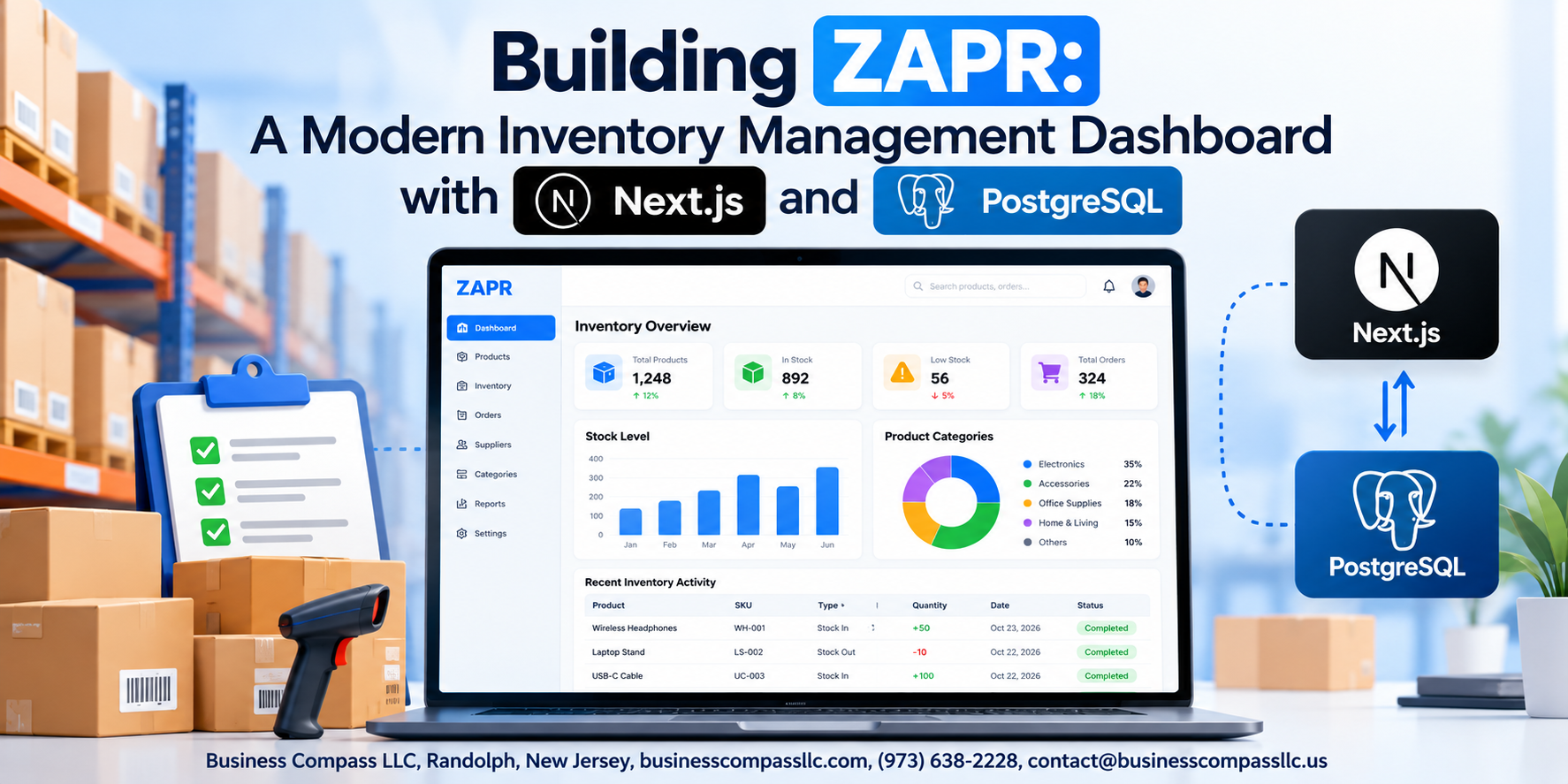
Building ZAPR: A Modern Inventory Management Dashboard with Next.js and PostgreSQL
If you’ve ever watched a warehouse team track stock levels in a spreadsheet, you already know the problem. Things get missed, numbers go stale, and nobody can agree on what’s actually on the shelf. ZAPR is a real-time inventory management dashboard built to fix exactly that — and in this guide, we’re going to walk through how to build it from scratch using Next.js and PostgreSQL.
This is for developers who want hands-on experience building a full stack Next.js application that does something genuinely useful. You don’t need to be a senior engineer, but you should be comfortable with JavaScript and have some basic database experience.
Here’s what we’ll cover:
- Why Next.js is the right foundation for a scalable inventory system — from server-side rendering to API routes
- How to design a PostgreSQL database that won’t fall apart when your product catalog grows from 50 items to 50,000
- What it actually takes to build the dashboard features users open every single day — search, filters, stock alerts, and live updates
By the end, you’ll have a clear blueprint for a modern inventory management dashboard you can ship, extend, and scale. Let’s get into it.
What ZAPR Is and Why It Solves Real Inventory Problems
The Core Pain Points of Traditional Inventory Management Tools
Spreadsheets break, legacy software costs a fortune, and real-time inventory tracking feels impossible. Businesses lose money through stockouts, overstocking, and manual errors daily.
How ZAPR Fixes This
ZAPR’s modern inventory management dashboard, built on Next.js and PostgreSQL, delivers speed, accuracy, and scalability without the headaches.
Choosing Next.js as the Foundation for ZAPR

Why Next.js Beats Traditional React for Inventory Dashboards
Next.js powers ZAPR because it combines server-side rendering, built-in API routes, and the App Router in one package — making your Next.js PostgreSQL app faster and cleaner to build. Inventory data loads instantly, navigation stays smooth across dashboard views, and backend communication happens without a separate server setup.
Designing a PostgreSQL Database That Scales with Your Inventory

Structuring Tables for Products, Stock Levels, and Transactions
Build three core tables: products (SKU, name, category), stock_levels (quantity, warehouse location), and transactions (movement history). Link them with foreign keys.
Writing Efficient Queries and Using Indexes
Index product_id and timestamp columns. Partial indexes on low-stock items keep your PostgreSQL database design fast under real inventory load.
Building the Core Dashboard Features Users Actually Need

A. Real-Time Stock Overview
Fetch live inventory data using Next.js Server Components with PostgreSQL queries refreshing on demand.
B. Search and Filtering
Query products instantly using indexed PostgreSQL columns for fast, responsive filtering.
C. Low-Stock Alerts
Trigger notifications when quantities drop below thresholds using scheduled database checks.
D. Transaction History
Display paginated inventory movements with timestamp-sorted PostgreSQL queries.
E. Role-Based Access
Restrict sensitive data using middleware-level permission checks tied to user roles.
Connecting Next.js to PostgreSQL Seamlessly and Securely

Setting Up a Reliable Database Connection Using a Connection Pool
Use pg or @vercel/postgres with connection pooling to handle concurrent requests efficiently in your Next.js PostgreSQL app.
Keeping Credentials Safe
Store secrets in .env.local:
DATABASE_URLPOSTGRES_PASSWORD
Handling Database Errors Gracefully
Wrap queries in try-catch blocks, returning fallback UI states to keep your inventory management dashboard running smoothly.
Optimizing ZAPR for Performance and a Smooth User Experience

A. Reducing Load Times with Data Caching and Incremental Static Regeneration
Cache frequently-accessed inventory data using Next.js ISR to avoid redundant PostgreSQL queries.
B. Improving UI Responsiveness with Optimistic Updates
Update the UI instantly before server confirmation, keeping your inventory management dashboard feeling snappy.
C. Mobile-Friendly Layouts
Use Tailwind’s responsive classes for seamless on-the-go access.
D. Testing Bottlenecks
Profile slow queries early.

Building ZAPR from the ground up with Next.js and PostgreSQL shows just how powerful the right tech stack can be when it matches the actual problem you’re trying to solve. From designing a database that grows with your inventory to building dashboard features that people genuinely want to use, every decision along the way was about keeping things practical, fast, and reliable. The connection between Next.js and PostgreSQL doesn’t have to be complicated, and with the right approach, it stays both seamless and secure.
If you’re thinking about building something similar, the biggest takeaway is to start with the real pain points first and let those drive your technical choices. ZAPR wasn’t built around flashy features — it was built around what inventory management actually demands day to day. Pick that same mindset, keep performance in mind from the start, and you’ll end up with something that not only works well but feels great to use. Give it a shot — your future self managing that inventory will thank you.