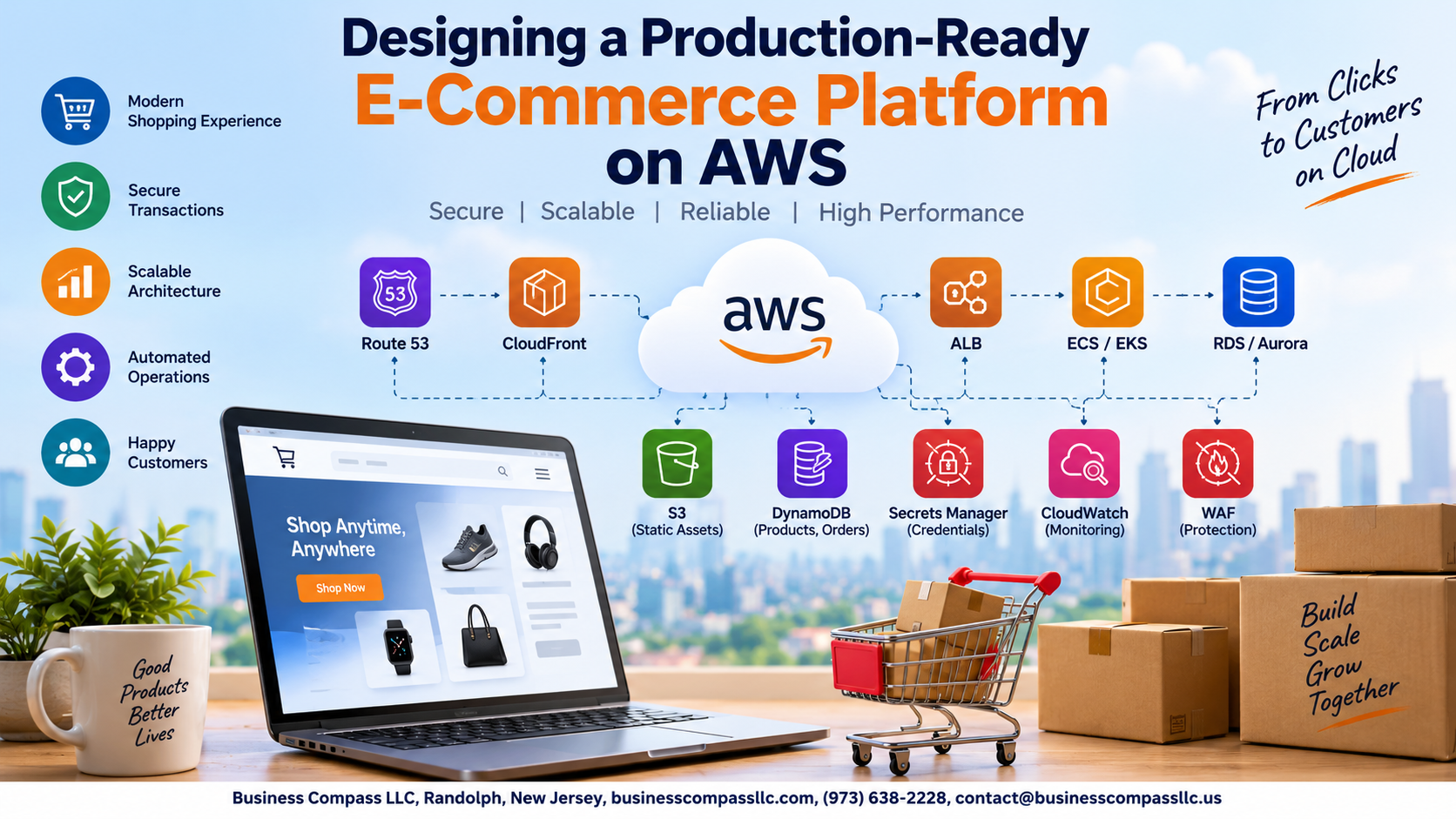
Designing a Production-Ready E-Commerce Platform on AWS
Building an e-commerce platform that actually holds up under real traffic is harder than most tutorials make it look. This guide is for backend engineers, cloud architects, and technical founders who need more than a “getting started” walkthrough — you need a system that handles flash sales, protects customer data, and stays online when it matters most.
Here’s what we’ll dig into:
- Core architecture and database design — how to structure your AWS infrastructure for scalability from day one, and how to build a database layer that doesn’t crack under load
- Frontend delivery and security — speeding up page load times to drive conversions, and locking down customer data and transactions end to end
- CI/CD, monitoring, and cost management — shipping updates without breaking production, catching issues before your customers do, and keeping your AWS bill from quietly spiraling out of control
By the end, you’ll have a clear blueprint for a production-ready AWS e-commerce platform that’s fast, secure, and built to grow.
Defining the Core Architecture for Scalability and Reliability

Choosing the Right AWS Services for Your E-Commerce Stack
Pick services that match your traffic patterns: EC2 Auto Scaling, ECS, or Lambda for compute; RDS Aurora for transactions; ElastiCache for sessions.
Designing a Multi-Tier Architecture to Separate Concerns
- Web, application, and data tiers stay independent
Planning for High Availability Across Multiple Availability Zones
- Deploy across at least two AZs
Structuring Microservices to Support Independent Scaling
- Split checkout, catalog, and inventory separately
Building a Resilient and High-Performance Database Layer

Selecting Between RDS, Aurora, and DynamoDB for Your Workload
Pick Aurora for relational data needing high availability, DynamoDB for session storage and product catalogs requiring millisecond reads.
Implementing Read Replicas to Handle Traffic Spikes
Offload heavy read traffic to replicas, keeping your primary instance free.
Caching Frequently Accessed Data with ElastiCache
- Cache product listings and pricing with Redis
Optimizing the Frontend Delivery for Speed and Conversion

Accelerating Content Delivery with Amazon CloudFront
Hosting Static Assets on S3 for Cost-Effective Performance
Reducing Latency with Edge Locations Closer to Customers
Improving Page Load Times to Reduce Cart Abandonment
Store images, CSS, and JS files in S3, then serve them through CloudFront’s global edge network. Shoppers load assets from nearby locations, cutting latency dramatically. Faster pages directly reduce cart abandonment—every second saved keeps more buyers moving toward checkout.
Securing Customer Data and Transactions End to End

A. Enforcing Identity and Access Management with IAM Policies
Apply least-privilege IAM roles per service.
B. Encrypting Sensitive Data at Rest and in Transit
Use KMS for encryption; enforce TLS everywhere.
C. Protecting Against DDoS Attacks Using AWS Shield and WAF
Shield Advanced plus WAF rules block malicious traffic automatically.
D. Maintaining PCI DSS Compliance for Payment Processing
Tokenize card data; never store raw PANs.
E. Monitoring Security Threats with Amazon GuardDuty
GuardDuty flags anomalies and suspicious API calls instantly.
Automating Deployments with a Reliable CI/CD Pipeline

Streamlining Code Releases with AWS CodePipeline
Reducing Downtime with Blue/Green Deployment Strategies
Running Automated Tests Before Every Production Release
AWS CodePipeline connects your GitHub repo to ECS deployments automatically. Blue/green swaps traffic instantly, cutting downtime to near zero. Automated tests — unit, integration, smoke — run before every release, catching bugs early. Failed tests block deployments completely, keeping broken code away from customers.
Monitoring, Logging, and Responding to Production Issues

Gaining Full Observability with Amazon CloudWatch Dashboards
Build custom dashboards tracking latency, error rates, and cart abandonment metrics in real time.
Centralizing Logs with AWS CloudTrail and OpenSearch
Stream all logs into OpenSearch for fast querying across services.
Setting Up Alerts to Detect and Resolve Issues Proactively
- Trigger SNS alerts on anomalies
Using AWS X-Ray to Trace and Diagnose Performance Bottlenecks
Pinpoint slow database queries instantly.
Managing Costs Without Sacrificing Performance or Reliability

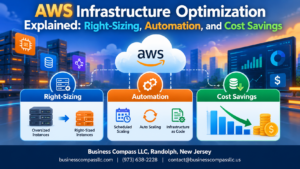
Right-Sizing EC2 Instances to Eliminate Wasteful Spending
Review CloudWatch metrics weekly and downsize over-provisioned instances immediately.
Leveraging Spot Instances for Non-Critical Background Jobs
- Use Spot for batch processing, image resizing, and report generation
- Save up to 90% compared to On-Demand pricing
Setting Budget Alerts to Stay in Control of AWS Spend
Configure AWS Budgets with SNS notifications at 80% threshold.

Building a production-ready e-commerce platform on AWS is not a one-time project — it’s an ongoing commitment to getting the right pieces in place and keeping them sharp. From laying down a solid, scalable architecture and a resilient database layer, to speeding up your frontend, locking down customer data, and automating your deployments, every layer plays a role in how well your platform holds up when real traffic hits.
The good news is that AWS gives you the tools to do all of this without breaking the bank, as long as you’re intentional about cost management and keep a close eye on performance through proper monitoring and logging. Start with the foundations, build in security from day one, and don’t wait for something to break before you set up alerts. The sooner you treat your platform like a production system that real customers depend on, the better your chances of scaling confidently and keeping those customers coming back.