Stop Babysitting Your EC2 Deployments — Let AWS CodeDeploy Do the Heavy Lifting
If you’ve ever pushed code to EC2 manually and held your breath waiting to see if the app comes back up, this guide is for you. DevOps engineers, backend developers, and cloud architects who want to ship faster without breaking production will get the most out of what’s here.
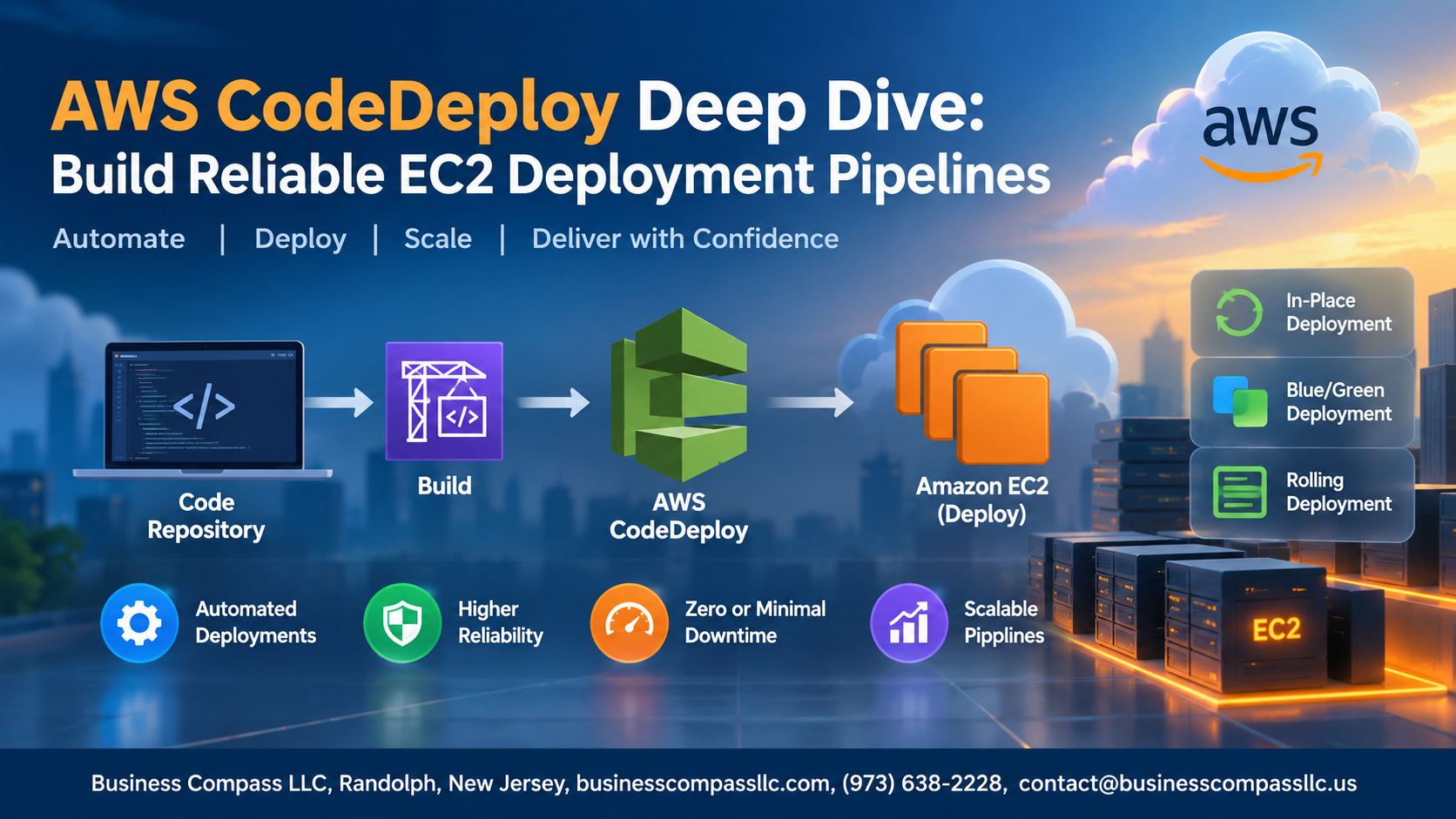
This AWS CodeDeploy tutorial walks you through building EC2 deployment pipelines that actually work under pressure. Here’s what you’ll dig into:
- AppSpec file configuration — the file that controls exactly what happens during every deployment, and how to get it right the first time
- Deployment strategies — including CodeDeploy blue/green deployment, which lets you run zero downtime deployments without crossing your fingers
- CI/CD pipeline integration and monitoring — how to wire CodeDeploy into a full automated pipeline and respond fast when something goes sideways
By the end, you’ll have a repeatable, automated EC2 deployment setup that doesn’t need someone watching it around the clock.
Understanding AWS CodeDeploy and Its Role in Modern Deployment

What AWS CodeDeploy Does and Why It Matters for EC2
AWS CodeDeploy automates application deployments to EC2 instances, eliminating risky manual processes. It handles rolling updates, traffic shifting, and rollbacks — making automated EC2 deployments consistent and repeatable across every environment without human error creeping in during critical release windows.
Setting Up AWS CodeDeploy for EC2 Environments
Configuring IAM Roles and Permissions for Secure Deployments
Create two IAM roles: one for CodeDeploy (service role) and one for your EC2 instances. Attach AWSCodeDeployRole to the service role and AmazonS3ReadOnlyAccess to the EC2 instance profile.
Installing and Registering the CodeDeploy Agent on EC2 Instances
Run this on your EC2:
sudo yum install ruby wget -y
wget https://aws-codedeploy-us-east-1.s3.amazonaws.com/latest/install
chmod +x ./install && sudo ./install auto
Creating Your First CodeDeploy Application and Deployment Group
- Go to CodeDeploy Console → Create Application
- Choose EC2/On-Premises as compute platform
- Create a deployment group, link your service role, and tag your EC2 instances for targeting
Mastering the AppSpec File for Precise Deployment Control

Breaking Down the AppSpec File Structure and Syntax
The appspec.yml file drives every CodeDeploy EC2 deployment. It defines:
- version – always
0.0 - os –
linuxorwindows - files – source-to-destination mappings
- hooks – lifecycle scripts controlling deployment stages like
BeforeInstall,AfterInstall, andValidateService
Choosing the Right Deployment Strategy to Minimize Downtime

In-Place vs. Blue-Green: Pick Your Strategy
Matching your AWS deployment strategy to your risk tolerance is everything. Use in-place deployments for low-traffic apps, blue-green deployments for zero-downtime releases, and canary or rolling configs when you need gradual rollouts. CodeDeploy supports all three, giving teams real flexibility.
Integrating CodeDeploy Into a Full CI-CD Pipeline
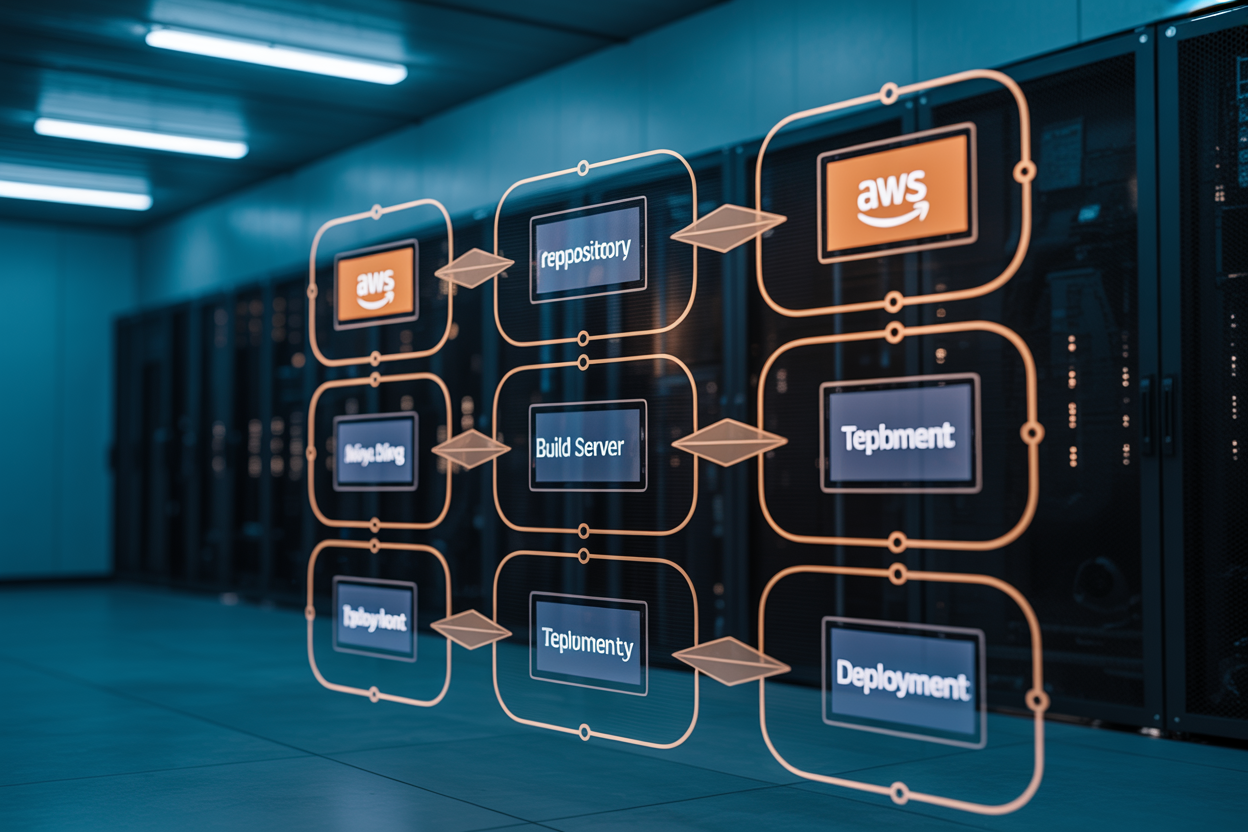
Connecting AWS CodePipeline to Automate Deployments
Hook CodePipeline directly to your CodeDeploy application by defining a deploy stage, selecting your deployment group, and pointing to your S3 artifact bucket — making your CI/CD pipeline AWS setup fully hands-free.
Triggering CodeDeploy from CodeBuild Artifacts
- Output artifacts from CodeBuild straight into S3
- CodePipeline picks them up automatically
Using GitHub Actions or Jenkins as Upstream Pipeline Triggers
Call the create-deployment API after a successful build.
Monitoring Deployments and Responding to Failures Fast

Reading CodeDeploy Logs, Setting Alarms, and Staying Alert
Check deployment logs at /var/log/aws/codedeploy-agent/ on your EC2 instances for quick troubleshooting. Pair that with CloudWatch Alarms tracking error rates, then configure automatic rollbacks and SNS notifications to alert your team instantly — keeping your deployment monitoring AWS workflow tight and production always stable.

AWS CodeDeploy takes the chaos out of shipping code to EC2 instances. From setting up your deployment groups and nailing the AppSpec file configuration to picking the right deployment strategy — whether that’s blue/green or rolling updates — every step plays a role in keeping your application stable and your users happy. Plugging CodeDeploy into a full CI/CD pipeline and having solid monitoring in place means you can catch issues early and recover fast when something goes sideways.
The best time to tighten up your deployment process is before something breaks in production. Start small — get a basic CodeDeploy setup running, test your AppSpec hooks thoroughly, and build from there. The more intentional you are about how you deploy, the less time you spend firefighting and the more time you spend shipping features that actually matter.