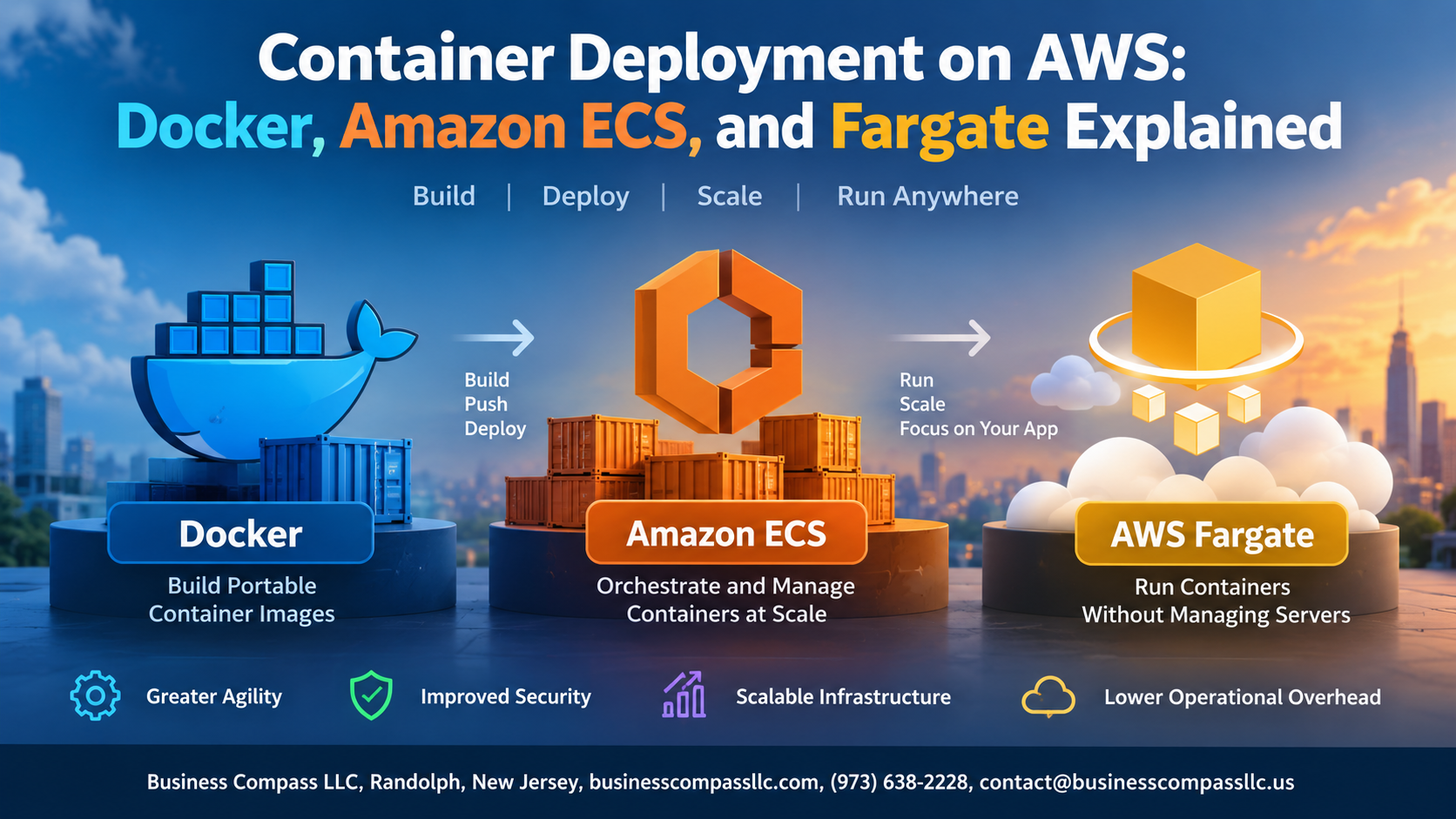
Container Deployment on AWS: Docker, Amazon ECS, and Fargate Explained
If you’ve been trying to wrap your head around AWS container deployment, you’re in the right place. Containers have changed how teams ship software — faster builds, consistent environments, fewer “works on my machine” headaches. But getting Docker running smoothly on AWS, picking between Amazon ECS and Fargate, and keeping costs under control? That’s where things get tricky fast.
This guide is for developers, DevOps engineers, and cloud architects who already know the basics of AWS and want a practical, no-fluff walkthrough of containerization on the platform.
Here’s what we’ll cover:
- Docker on AWS — how to set up and run containers without fighting your environment
- Amazon ECS vs AWS Fargate — what each one actually does, where they differ, and how to pick the right fit for your workload
- AWS container security and cost optimization — the stuff most tutorials skip, but you’ll absolutely need in production
By the end, you’ll have a clear picture of how container orchestration on AWS works and exactly what steps to take to get your first deployment live.
Understanding Containers and Why They Matter for Modern Deployments

What Containers Are and How They Differ from Virtual Machines
Containers package your app and its dependencies into one portable unit, sharing the host OS kernel — making them faster and lighter than VMs, which each run a full OS.
Key Benefits of Containerization
- Consistent environments across dev and production
- Faster startup times
- Simplified AWS container deployment
Getting Started with Docker on AWS
Core Docker Concepts Every Developer Should Know
Before deploying Docker on AWS, get comfortable with images, containers, Dockerfiles, and registries:
- Image: a snapshot of your app
- Container: a running instance
- Dockerfile: build instructions
- Registry: image storage (like Amazon ECR)
Deploying Containers with Amazon ECS

How Amazon ECS Simplifies Container Orchestration at Scale
Amazon ECS handles the heavy lifting of AWS container deployment — scheduling tasks, managing clusters, and keeping services running. Pair it with CloudWatch for health monitoring, Application Load Balancer for traffic distribution, and Auto Scaling policies to match demand, giving you a production-ready container orchestration setup without unnecessary complexity.
Running Serverless Containers with AWS Fargate

How Fargate Eliminates the Need to Manage EC2 Instances
AWS Fargate serverless containers remove infrastructure headaches entirely — no patching, no scaling EC2 clusters manually.
Choosing Between Fargate and EC2 Launch Types in ECS
- Fargate: ideal for unpredictable workloads
- EC2: better for cost-sensitive, high-throughput apps
Deploying Your First Fargate Task for Faster Time to Production
Define your task definition, assign CPU/memory, and deploy instantly.
Securing Your Container Deployments on AWS

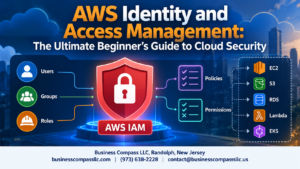
Applying IAM Roles and Policies to Control Container Access
Assign task-specific IAM roles directly to ECS tasks—never hardcode credentials.
Encrypting Sensitive Data with AWS Secrets Manager
Store API keys and passwords in Secrets Manager; inject them at runtime.
Hardening Container Security with Network Isolation and VPCs
- Run containers in private subnets
- Use security groups to restrict traffic
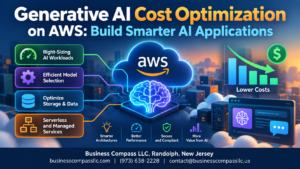
Optimizing Cost and Performance for Container Workloads

Right-Sizing Task Definitions to Avoid Over-Provisioning
Match CPU and memory to actual workload needs—not guesses. Start small, monitor with CloudWatch, then adjust.
Leveraging Fargate Spot for Significant Cost Savings
Fargate Spot cuts costs up to 70% for interruption-tolerant workloads.
Scaling Efficiently with ECS Service Auto Scaling Policies
- Use target tracking policies
- Scale on CPU or custom metrics
Tracking Costs with AWS Cost Explorer
Tag resources, filter by service, spot waste fast.

Containers have changed the way teams build and ship software, and AWS gives you some pretty powerful tools to make that happen. From packaging your app with Docker to orchestrating it with Amazon ECS, and letting Fargate handle the infrastructure so you don’t have to, there’s a clear path to running containers at scale without a lot of unnecessary headaches. Keeping security tight and keeping an eye on costs are just part of the equation that makes the whole thing work smoothly in production.
If you’re ready to get started, pick one piece and run with it. Spin up a Docker container locally, push it to Amazon ECR, and try a simple ECS deployment. Once that clicks, layering in Fargate and cost optimization strategies becomes a lot more natural. The best way to get comfortable with container deployments on AWS is to just start building.