Cloud Computing Basics: IaaS, PaaS, SaaS, and More Explained
If you’ve heard terms like IaaS, PaaS, and SaaS thrown around at work and nodded along without really knowing what they mean — this is for you.
Cloud computing is no longer just a tech buzzword. It’s how businesses store data, run apps, and build software without owning a single server. Developers, startup founders, IT managers, and anyone making technology decisions need to understand how it works — and fast.
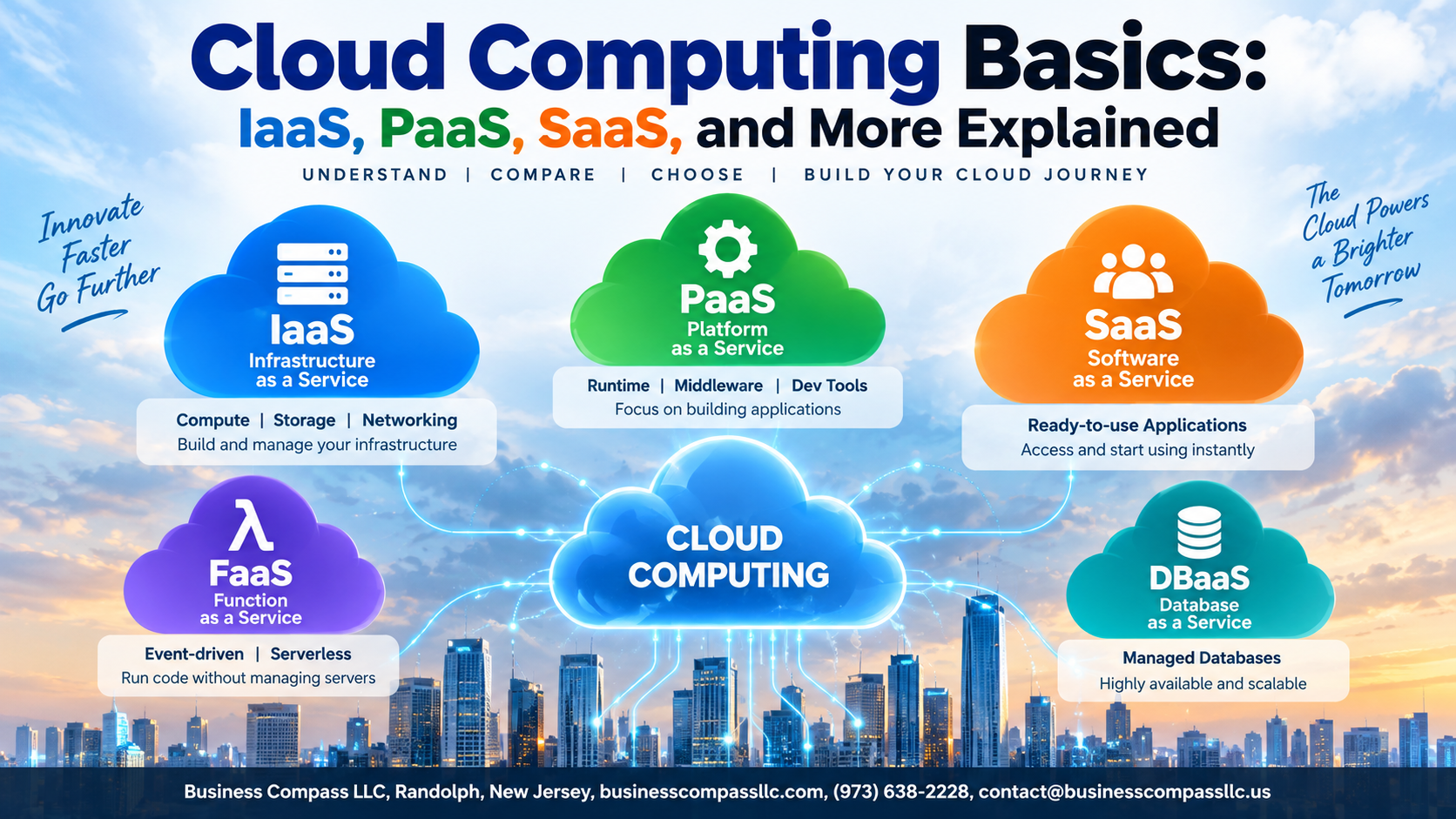
In this guide, you’ll get a clear breakdown of the three main cloud service models: Infrastructure as a Service (IaaS), Platform as a Service (PaaS), and Software as a Service (SaaS). You’ll also see a side-by-side cloud service models comparison so you can actually tell them apart, plus a look at common roadblocks companies hit when moving to the cloud and how to get past them.
No jargon. No fluff. Just what you need to know.
What Is Cloud Computing and Why It Matters

How Cloud Computing Works in Simple Terms
Cloud computing delivers computing resources—servers, storage, software—over the internet instead of local hardware.
Key Benefits of Moving to the Cloud
- Lower costs
- Easy scalability
- Remote accessibility
How Cloud Computing Changed Modern Business
Businesses now launch faster, collaborate globally, and cut IT overhead dramatically.
Infrastructure as a Service (IaaS) Explained

What IaaS Offers and How It Works
IaaS gives you raw computing power—servers, storage, and networking—over the internet. Think renting instead of buying hardware.
Key components:
- Virtual machines
- Storage buckets
- Networking tools
Top IaaS Providers
- AWS, Azure, Google Cloud—each offering unique pricing and regional strengths.
Platform as a Service (PaaS) Demystified
What PaaS Provides That IaaS Cannot
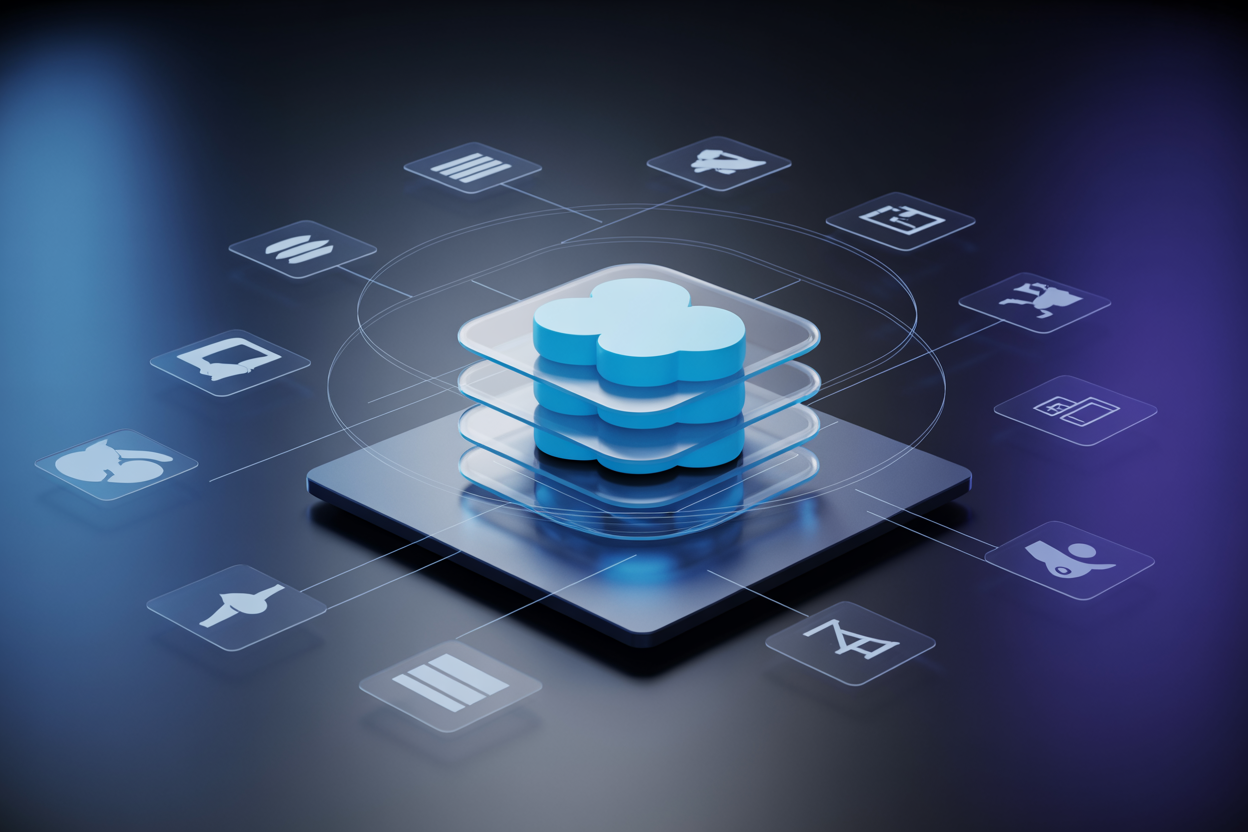
PaaS handles servers, storage, and middleware automatically, freeing developers from infrastructure management entirely.
How PaaS Speeds Up Application Development
Teams deploy code faster without configuring environments manually.
Best PaaS Platforms to Consider Today
- Google App Engine
- Heroku
- Microsoft Azure App Service
Software as a Service (SaaS) Made Simple

How SaaS Delivers Ready-to-Use Applications
SaaS tools — like Gmail, Slack, and Salesforce — are software as a service examples that run entirely in the browser. No installation, no maintenance. The vendor handles everything. You simply log in and get to work, making SaaS the most beginner-friendly option across all cloud service models.
Comparing IaaS, PaaS, and SaaS Side by Side

Key Differences in Control, Flexibility, and Responsibility
- IaaS: Maximum control, you manage everything above hardware
- PaaS: Balanced control, focus on code not servers
- SaaS: Zero management, just log in and use it
Choosing the Right Model Based on Your Goals
Pick IaaS for custom infrastructure, PaaS for faster development, SaaS for ready-made tools.
When to Combine Multiple Cloud Service Models
Most businesses mix all three.
Other Cloud Models Worth Knowing
Function as a Service (FaaS) and Serverless Computing
Run code without managing servers—pay only when it executes.
Desktop as a Service (DaaS) and Its Growing Relevance
Stream your desktop from the cloud to any device, anywhere.
Understanding Public, Private, and Hybrid Cloud Environments
- Public: Shared, scalable, cost-effective
- Private: Dedicated, secure, controlled
- Hybrid: Best of both worlds
Overcoming Common Cloud Adoption Challenges

Addressing Security and Compliance Concerns
Encrypt data, enable multi-factor authentication, and pick providers with SOC 2 or ISO 27001 certifications.
Managing Costs and Avoiding Cloud Waste
- Set budget alerts
- Delete idle resources
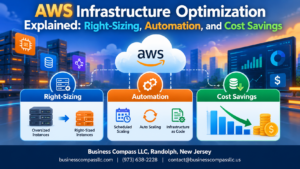
- Right-size instances regularly
Planning a Smooth Migration to the Cloud
Start small, migrate low-risk workloads first, then scale confidently.

Cloud computing has completely changed how businesses and individuals think about technology. From IaaS giving you raw infrastructure on demand, to PaaS helping developers build without the hassle of managing servers, to SaaS putting powerful software right in your browser — each model serves a different need. Knowing the difference helps you make smarter decisions, whether you’re running a startup or managing an enterprise IT budget. And with hybrid clouds, private clouds, and other emerging models in the mix, there’s genuinely something for every use case.
The challenges around cloud adoption are real, but they’re not deal-breakers. With the right planning and a clear understanding of what each model offers, moving to the cloud becomes a lot less intimidating. Start small, get comfortable with the basics, and scale from there. The cloud isn’t just a tech trend — it’s the foundation modern businesses are built on, and the sooner you get familiar with it, the better positioned you’ll be to take full advantage of what it offers.