


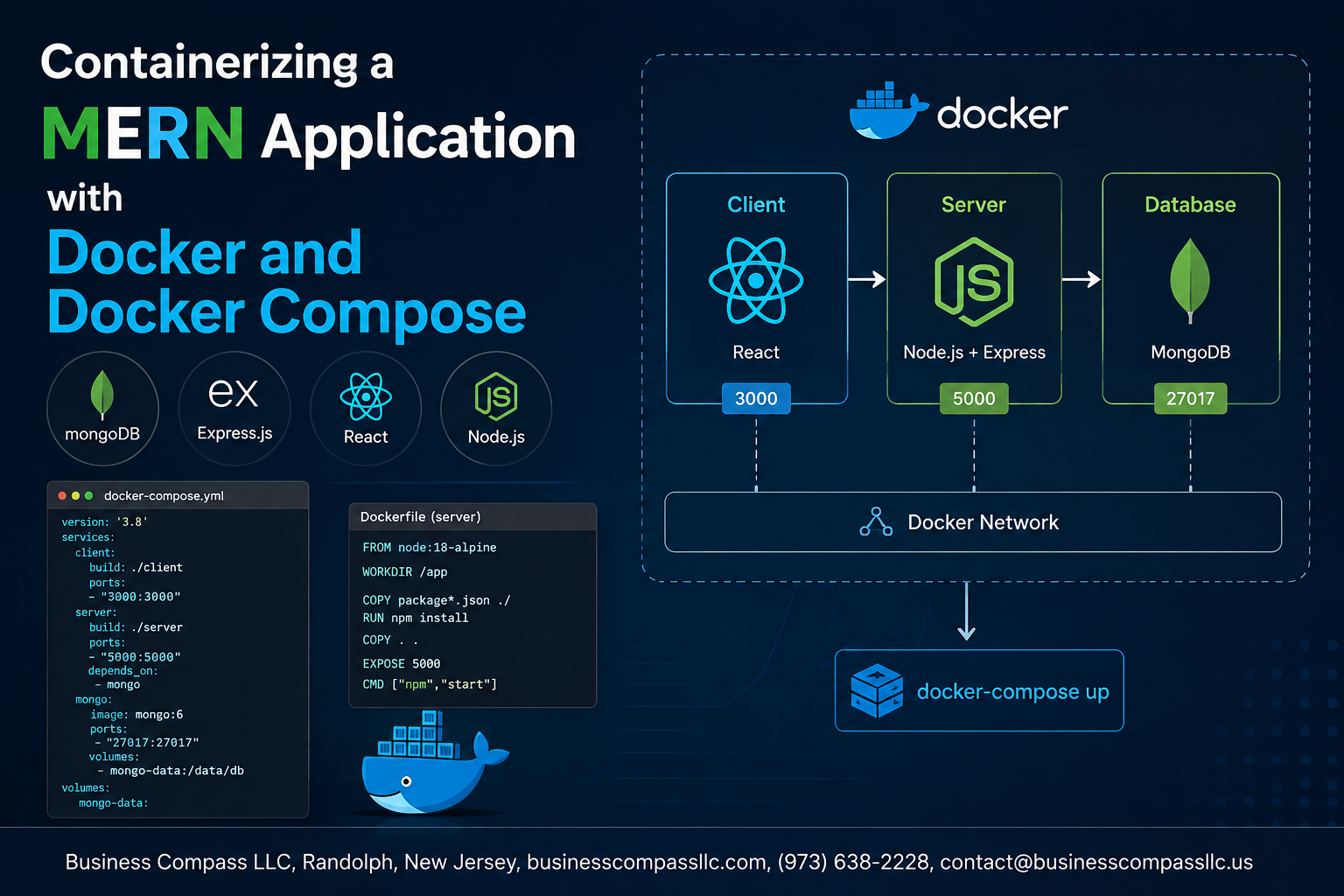
Stop Fighting “It Works on My Machine” — Containerize Your MERN Stack with Docker
If you’ve ever spent hours debugging an app that runs fine on your laptop but breaks the moment someone else clones it, this guide is for you.
Containerizing a MERN application with Docker solves that problem for good. By packaging MongoDB, Express, Node.js, and React into isolated containers, every developer on your team works in the exact same environment — no more dependency conflicts, no more version mismatches.
This tutorial is built for full-stack developers who already have a basic grasp of the MERN stack and want to level up their workflow with Docker and Docker Compose.
Here’s what you’ll walk away with:
- A clear picture of why Docker fits the MERN stack so naturally, and what you gain by making the switch
- Individual Dockerfiles for each service — MongoDB, your Node.js/Express backend, and your React frontend — so you know exactly what’s happening under the hood
- A working Docker Compose setup that ties all four services together into one command you can spin up anywhere
By the end, you’ll have a fully containerized MERN development environment running locally, ready to share with your team or ship to production.
Let’s get into it.
Understanding the MERN Stack and Why Docker Makes It Better
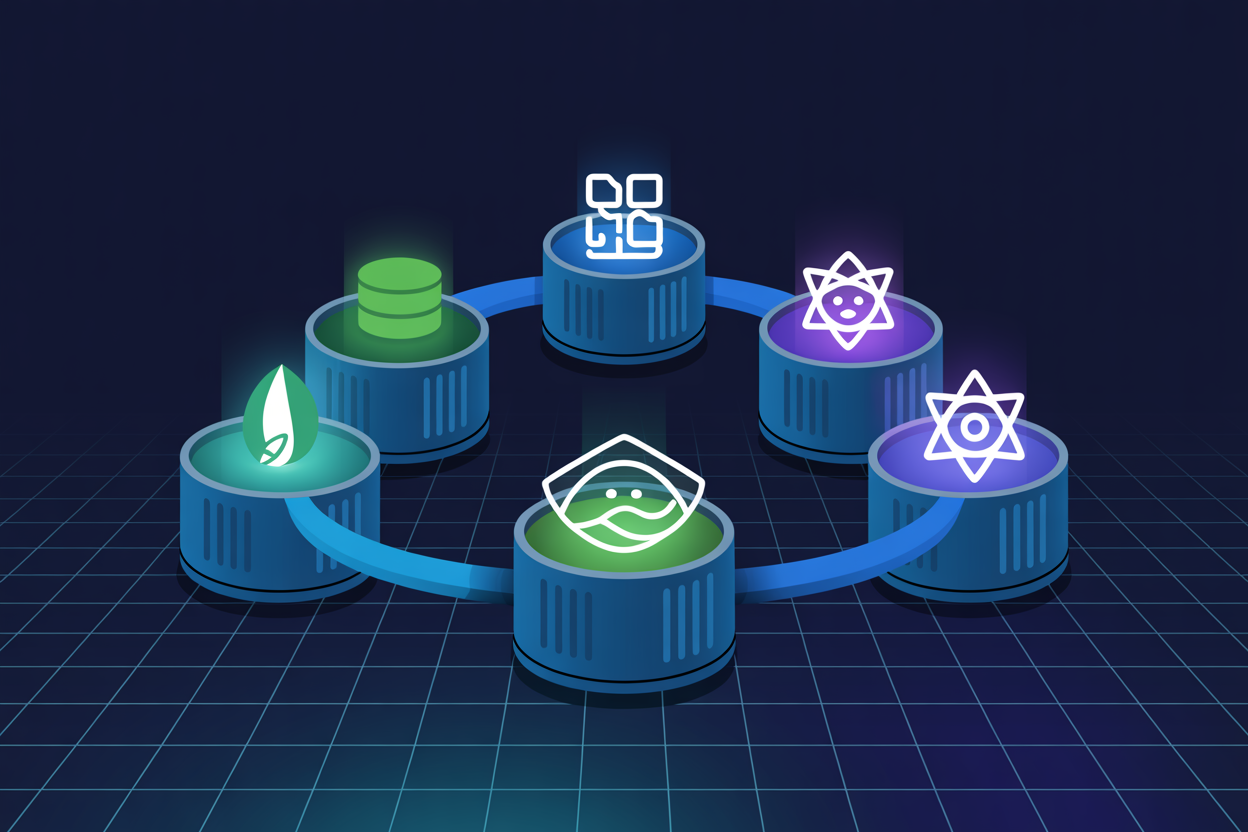
What the MERN Stack Is and How Its Components Work Together
MongoDB, Express, React, and Node.js form a full JavaScript stack — each layer talking to the next. Running this locally means wrestling with mismatched versions, missing dependencies, and the classic “works on my machine” nightmare. Docker packages every service into isolated containers, giving your MERN stack development environment identical behavior everywhere.
Setting Up Your Development Environment for Docker
Installing Docker and Docker Compose on Your Machine
Download Docker Desktop from docker.com — it bundles everything you need.
Verifying Installation
Run:
docker --versiondocker compose version
Project Structure
mern-app/
├── frontend/
├── backend/
└── docker-compose.yml
Key Concepts
- Images build containers
- Volumes persist MongoDB data
- Networks connect services
Dockerizing the MongoDB Database
Choosing the Right Official MongoDB Docker Image
Pull mongo:7.0 from Docker Hub — it’s stable and production-ready.
Writing a Dockerfile Configuration for Your Database Layer
FROM mongo:7.0
EXPOSE 27017
Persisting Data with Docker Volumes to Avoid Data Loss
- Mount
/data/dbas a named volume - Prevents data wipe on container restart
Containerizing the Express and Node.js Backend
Creating an Efficient Dockerfile for Your Node.js Server
Use node:18-alpine as your base image — it’s lightweight and production-ready.
Configuring Environment Variables Securely
Pass secrets via .env files using env_file in Docker Compose, never hardcoding credentials.
Exposing Ports & Using .dockerignore
Expose port 5000, then add node_modules and .env to .dockerignore to keep your Dockerizing Node.js Express app image lean.
Building a Docker Container for the React Frontend
Writing a Multi-Stage Dockerfile to Optimize React Build Size
Build your React app using a multi-stage Dockerfile — Node.js compiles the assets, then Nginx serves only the lightweight /build output, keeping your React Docker container lean.
Serving the React App Efficiently Inside the Container
Nginx handles static files fast with minimal config.
Connecting the Frontend Container to the Backend API
Point REACT_APP_API_URL to your backend service name.
Orchestrating All Services with Docker Compose
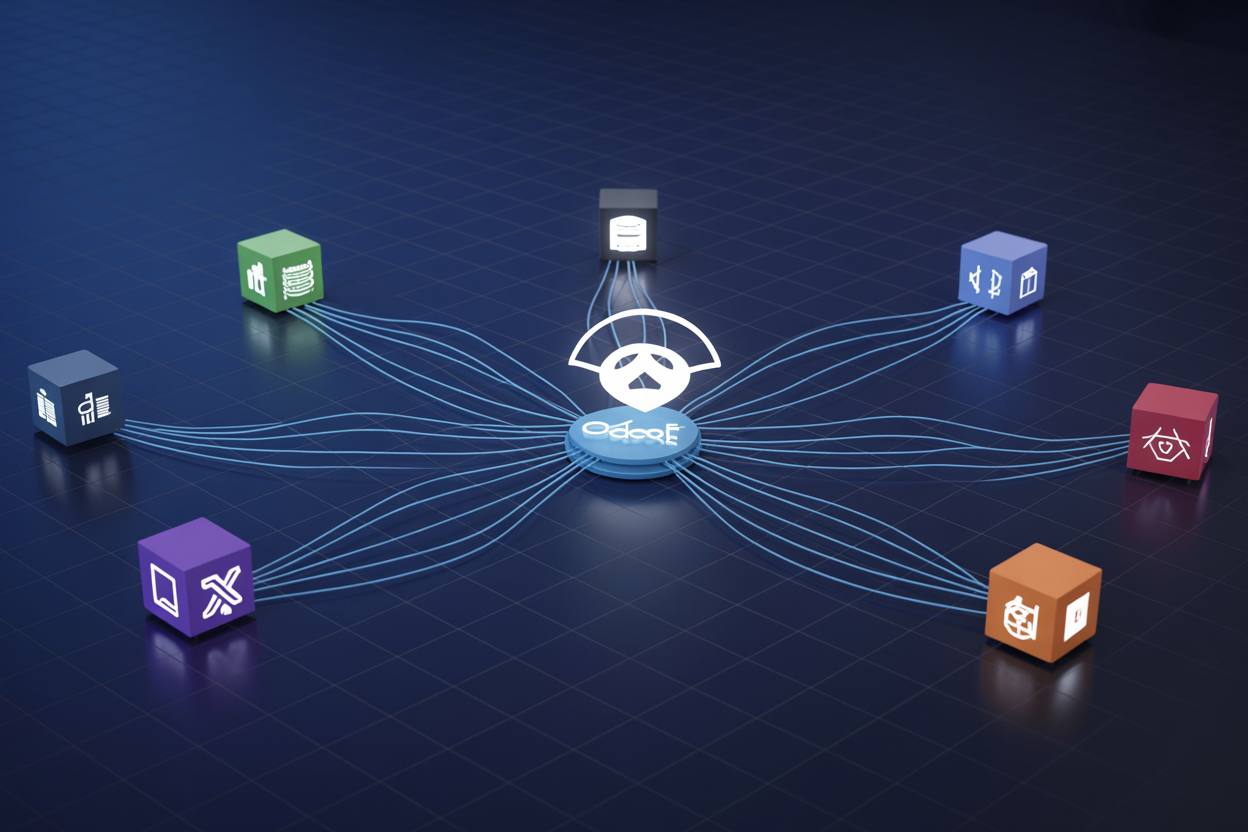
Writing a docker-compose.yml File That Ties Everything Together
Your docker-compose.yml brings MongoDB, Express, and React together under one roof. Define each service, map ports, and set environment variables cleanly.
services:
  mongo:
    image: mongo
  backend:
    build: ./server
    depends_on: [mongo]
  frontend:
    build: ./client
Getting your MERN app running smoothly across different machines has always been a headache, but Docker changes that completely. From setting up your environment and containerizing MongoDB, to wrapping your Express/Node.js backend and React frontend in their own containers, each piece of your stack now lives in a clean, isolated space. And with Docker Compose tying everything together, spinning up the entire application becomes a single command instead of a long checklist of manual steps.
If you haven’t already, give this setup a try on your next project. Once you experience the consistency and simplicity it brings to your workflow, going back to the old way of doing things will feel like a step backward. Start small, get comfortable with the basics, and before long, containerizing your apps will just feel like second nature.









