


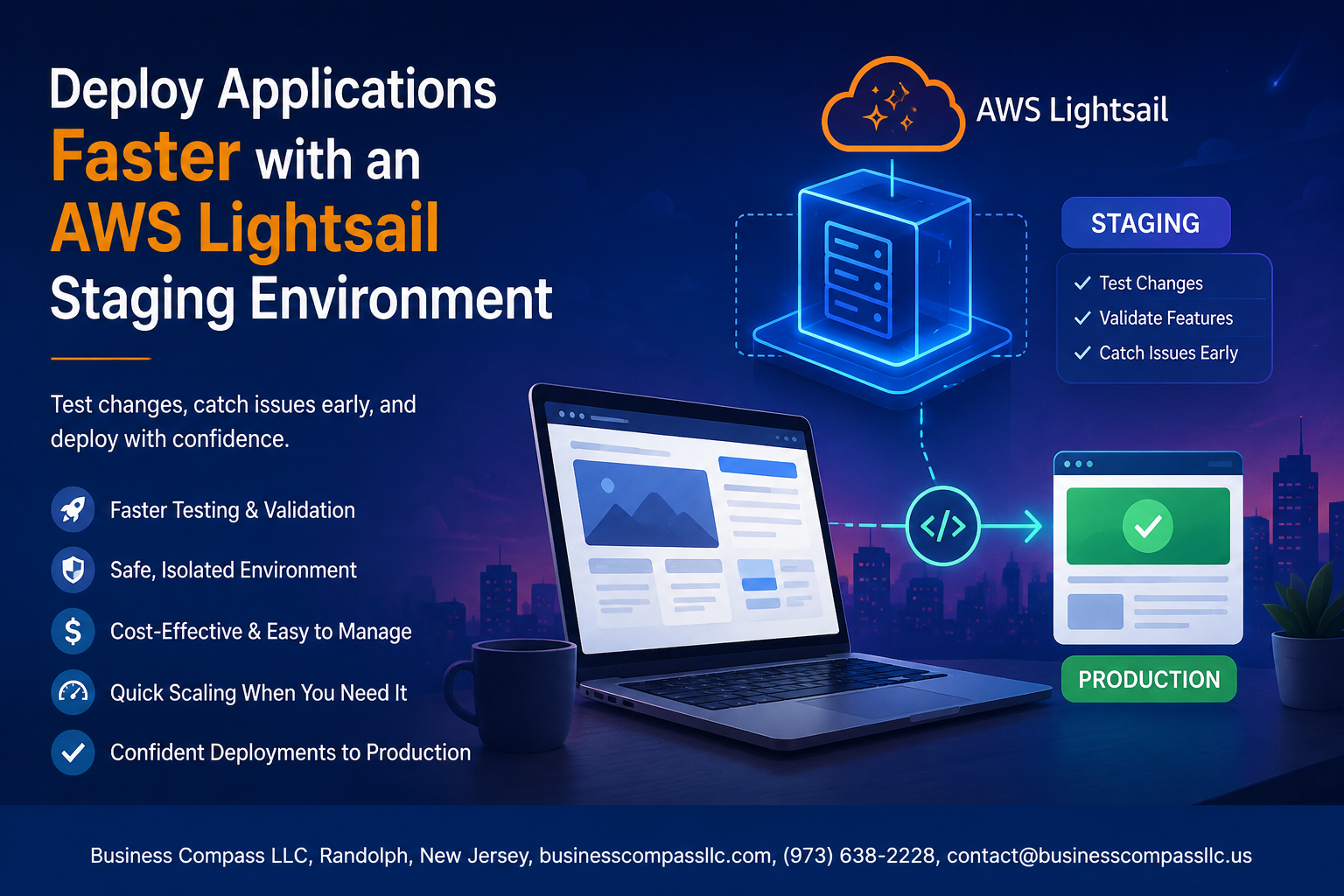
Stop Pushing Broken Code to Production
If you’ve ever deployed an update and immediately gotten a call that something is broken, this guide is for you.
Developers and small dev teams who ship on tight timelines often skip the staging step — not because they want to, but because setting one up feels like extra work. An AWS Lightsail staging environment changes that. It’s low-cost, fast to configure, and keeps your production environment safe while you test.
Here’s what we’ll walk through:
- How to set up a Lightsail staging instance that mirrors your production setup so your tests actually mean something
- How to build a deployment workflow on AWS that lets you catch bugs before users do
- How to manage Lightsail costs so running a staging environment doesn’t eat into your budget
By the end, you’ll have a working cloud staging setup and a repeatable process to deploy applications faster on AWS — without the panic.
Understanding the Role of a Staging Environment in Modern Development
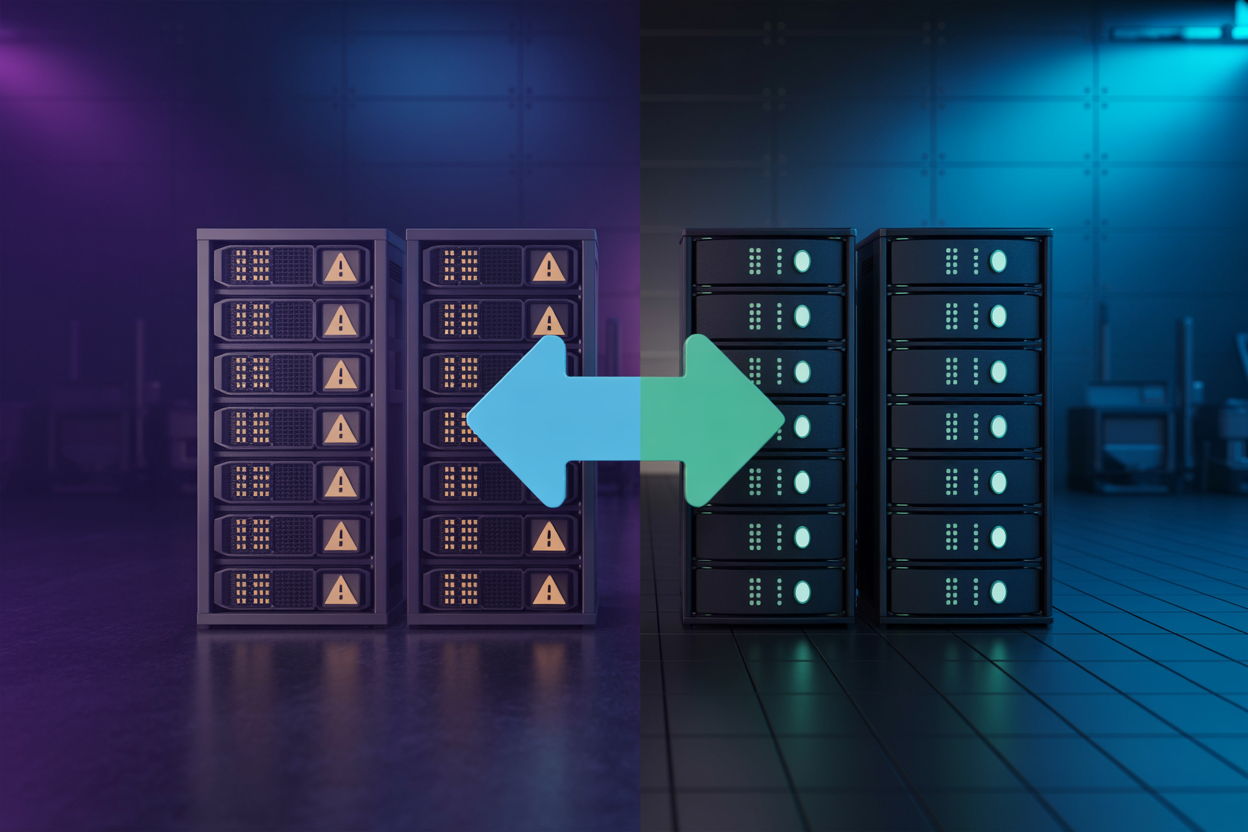
How Staging Bridges the Gap Between Development and Production
A staging environment acts as a safety net, catching bugs before real users hit them. It mirrors production closely enough to expose real-world issues without the risk.
Key Risks Avoided by Testing Before Going Live
- Broken deployments
- Data loss
- Downtime
Why AWS Lightsail Is Ideal
Lightsail keeps costs predictable with flat-rate pricing.
Setting Up Your AWS Lightsail Staging Instance
Choosing the Right Lightsail Plan for Your Application Needs
Pick a plan matching your production specs—CPU, RAM, storage.
Configuring Your Instance with the Correct OS or Blueprint
Choose a matching OS or blueprint (LAMP, Node.js, WordPress).
Setting Up Networking Rules and Firewall Settings
Open only necessary ports—80, 443, 22.
Connecting Securely via SSH
Download your key pair, then run:
ssh -i key.pem user@IP
Mirroring Your Production Environment for Accurate Testing
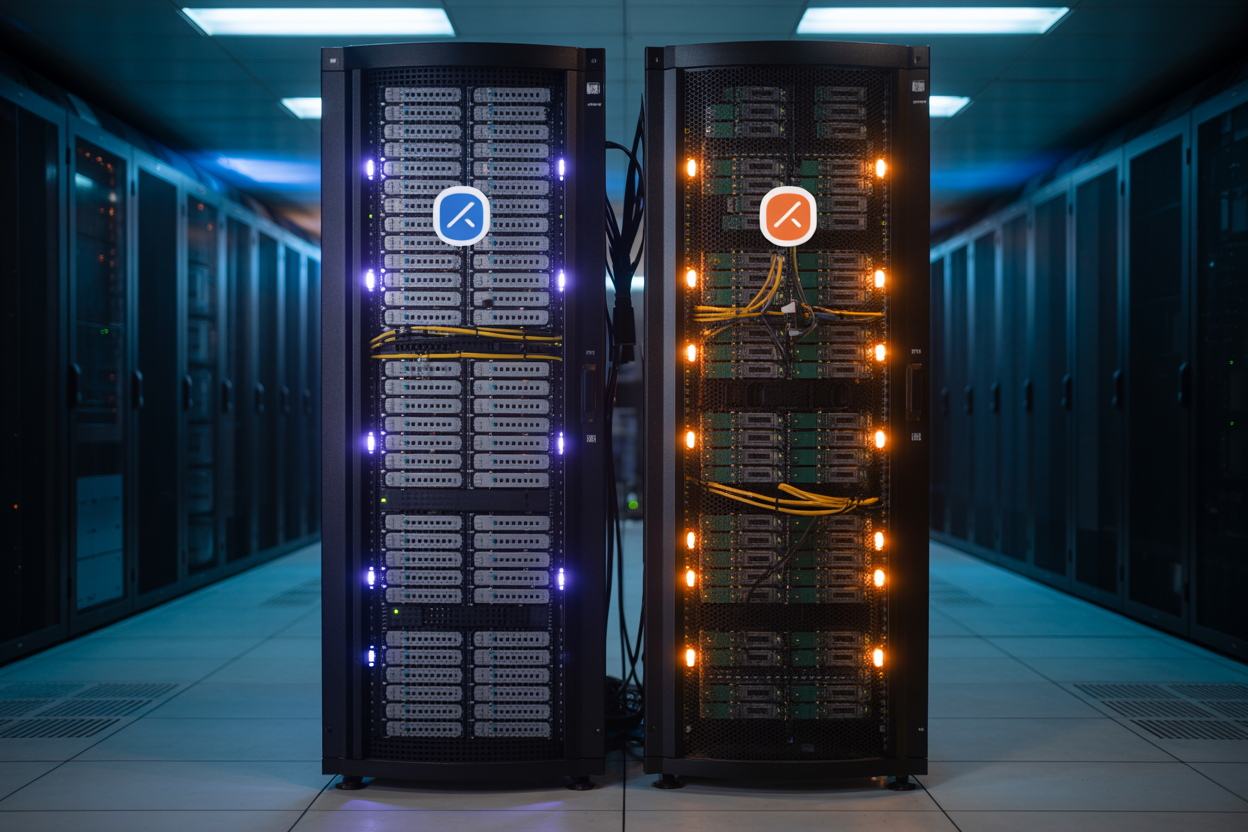
Replicating Database Configurations and Application Dependencies
Match your staging database settings exactly to production — same engine version, charset, and connection pooling rules.
Syncing Environment Variables Between Staging and Production
Keep .env files aligned across both environments, swapping only endpoints and credentials.
Using Snapshots to Maintain Consistency Across Environments
Regular Lightsail snapshots lock in a known-good state, making rollbacks painless.
Streamlining Your Deployment Workflow with Lightsail

A. Automating Code Deployments Using Scripts and CI/CD Pipelines
Connect GitHub Actions or CircleCI to your AWS Lightsail staging environment to push code automatically on every commit.
B. Leveraging Lightsail Container Services
Run Docker-based workloads for consistent, scalable staging builds.
C. Repeatable Builds
Eliminate human error using shell scripts.
D. Quick Rollbacks
Swap snapshots instantly when something breaks.
Testing and Validating Applications Before Going Live
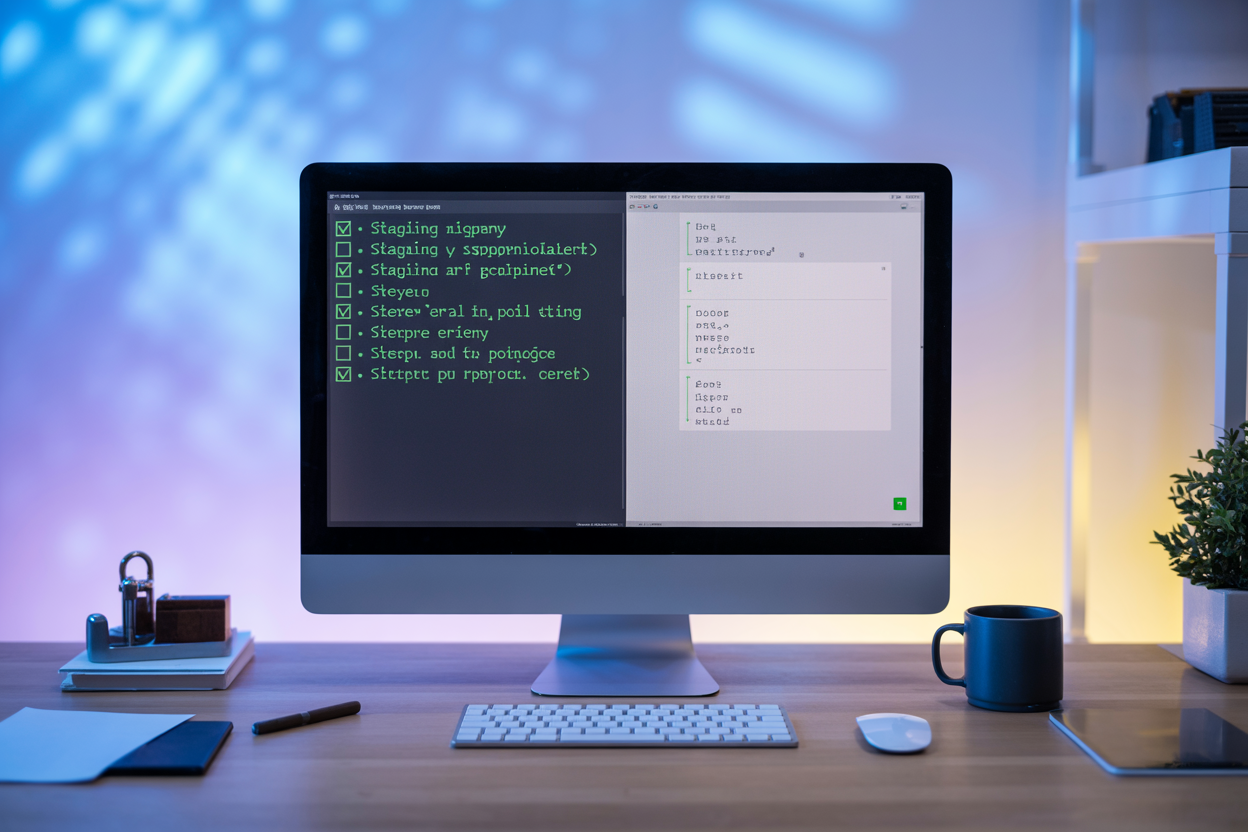
Running Functional and Performance Tests in the Staging Environment
Use your AWS Lightsail staging environment to run load tests, click-through flows, and API checks. Catch broken links, slow queries, and edge cases before real users ever see them.
Gathering Stakeholder Feedback Without Affecting Real Users
Share the staging URL privately with clients or team leads for sign-off.
Identifying and Resolving Bugs Before They Reach Production
Fix issues early — deployments stay clean.
Managing Costs While Running a Lightsail Staging Environment
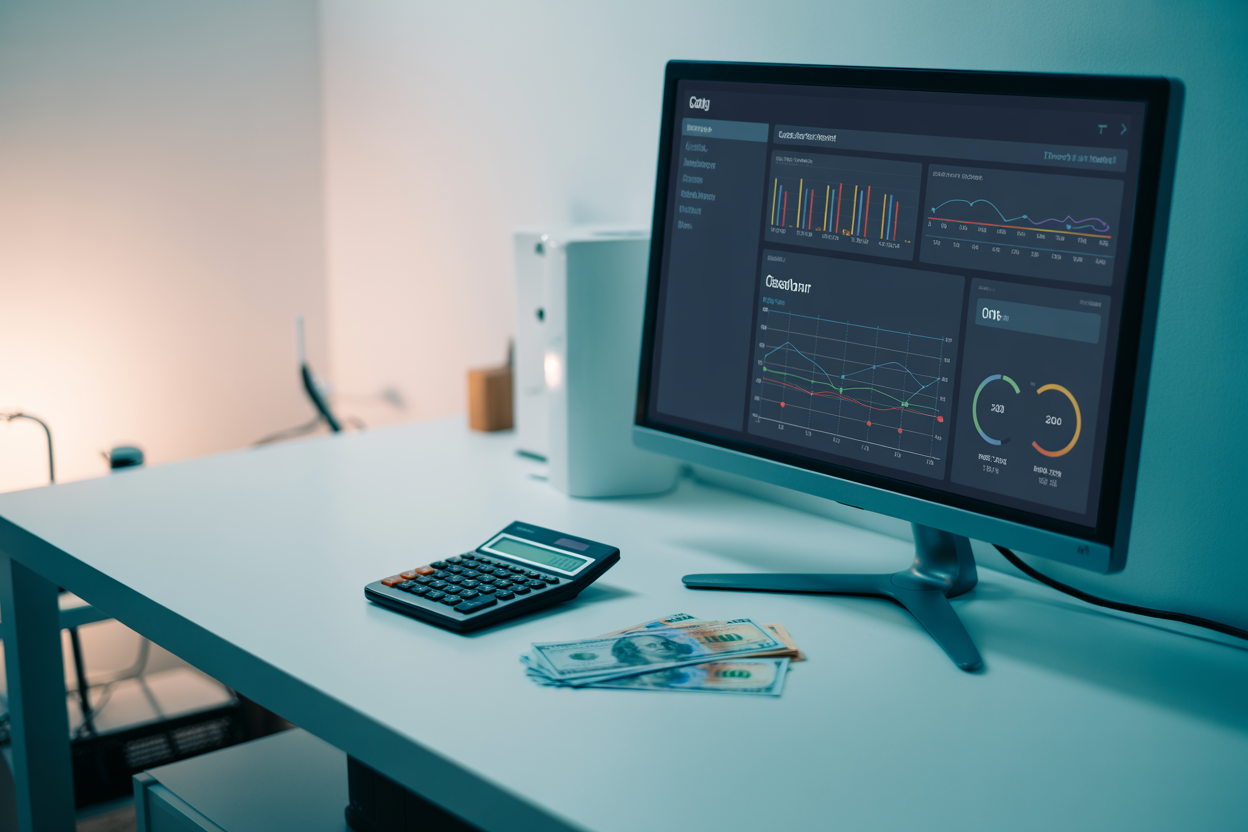
A. Fixed Pricing Keeps Budgets Predictable
Lightsail’s flat monthly pricing removes billing surprises.
B. Stop Instances When Idle
Pause or delete staging instances between sprints to cut costs fast.
C. Watch Resource Usage
Track CPU and bandwidth metrics regularly.
D. Staging Costs vs. Production Failures
A small staging bill beats expensive downtime every time.
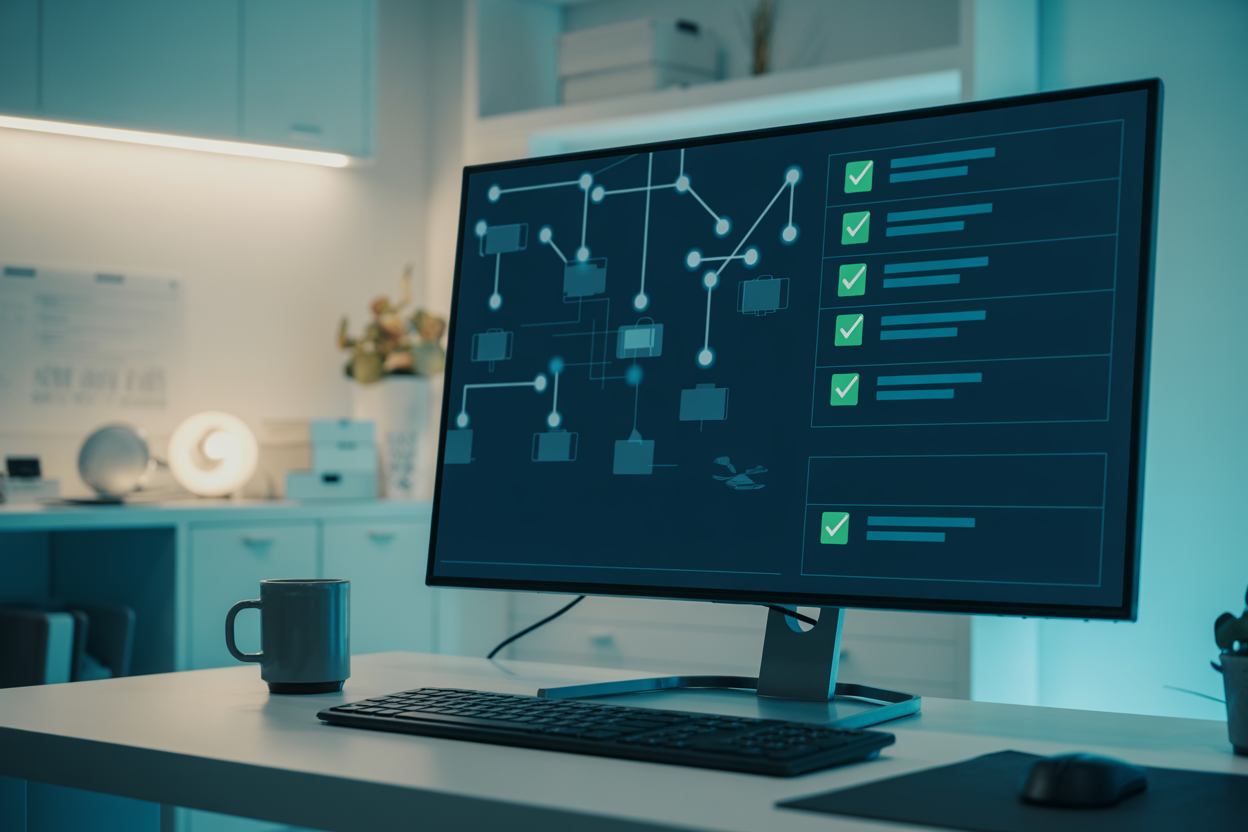
Setting up a staging environment in AWS Lightsail gives your team a safe space to catch bugs, test updates, and fine-tune your app before real users ever see it. By mirroring your production setup, streamlining your deployment workflow, and keeping a close eye on costs, you can ship faster without the anxiety of breaking things live. It’s one of those setups that just makes the whole development process smoother.
If you haven’t set up your Lightsail staging environment yet, now’s a great time to start. The barrier to entry is low, the costs are manageable, and the payoff — fewer production incidents and faster, more confident deployments — is absolutely worth it. Give it a shot and see how much easier your next release cycle feels.









