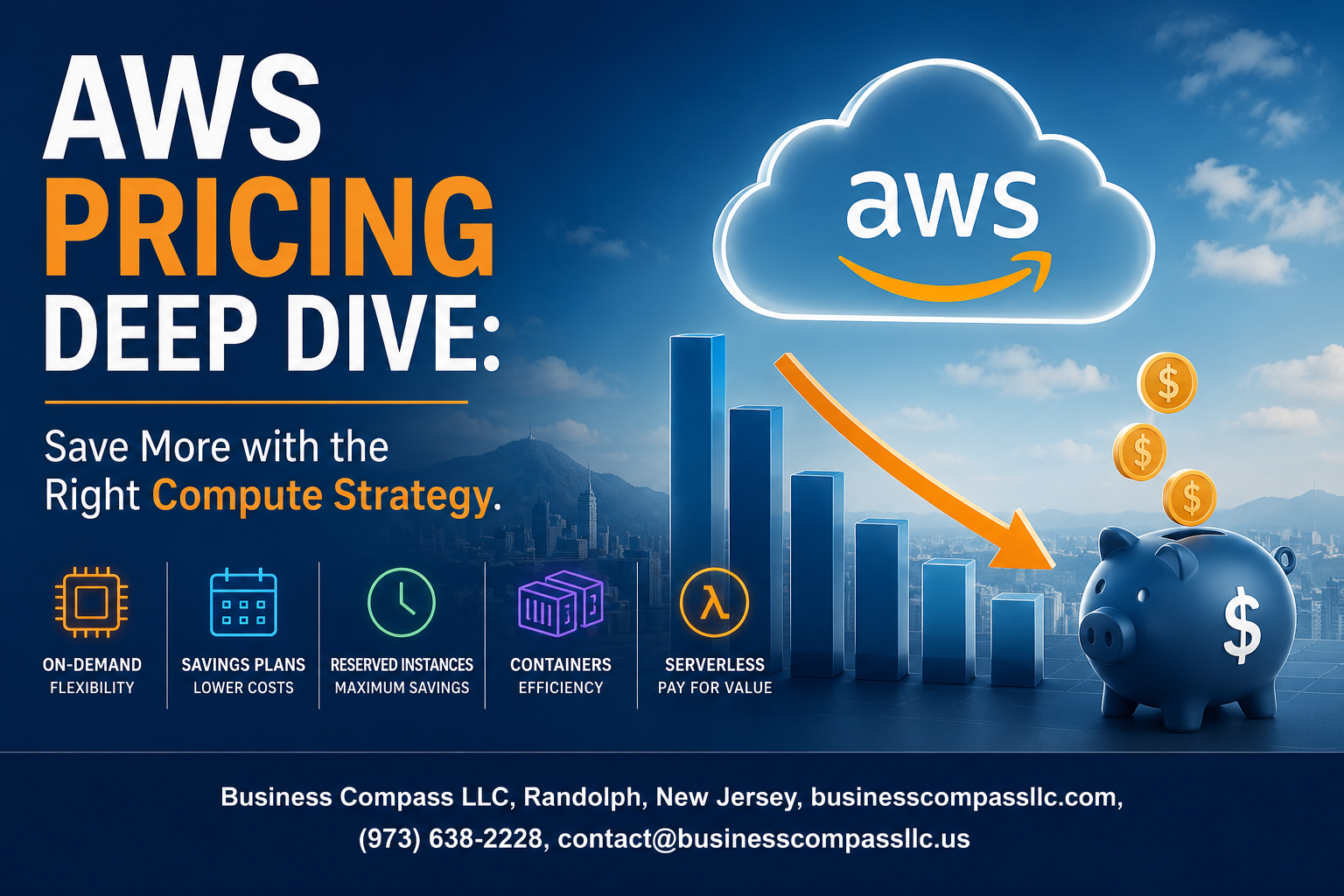
AWS cloud costs can quickly spiral out of control if you’re not paying attention to your compute strategy. This deep dive into AWS pricing optimization is designed for cloud engineers, DevOps teams, and engineering managers who want to cut their EC2 cost reduction bills without sacrificing performance.
Many teams overspend on AWS compute costs by 30-50% because they stick with default instance types or don’t take advantage of AWS pricing models like spot instances savings and reserved instance strategy. The good news? You can dramatically reduce your cloud spending with the right approach.
We’ll walk through the essential AWS compute pricing models so you know exactly what you’re paying for. Then we’ll dive into right-sizing EC2 instances – a simple but powerful technique that can slash your bills immediately. Finally, we’ll explore how strategic use of spot instances can deliver savings of up to 90% for the right workloads.
Ready to stop overpaying for compute? Let’s break down the strategies that actually work for AWS cost management.
Understanding AWS Compute Pricing Models

On-Demand Instances: Pay-as-You-Go Flexibility
On-demand instances offer the most straightforward AWS pricing model, charging by the second with no upfront costs or long-term commitments. This model works best for unpredictable workloads, development environments, and applications with short-term compute needs. While you pay premium rates, you gain complete flexibility to start and stop instances whenever needed without penalties.
Reserved Instances: Long-Term Commitment Savings
Reserved instances deliver significant cost savings of up to 75% compared to on-demand pricing when you commit to one or three-year terms. You can choose between All Upfront, Partial Upfront, or No Upfront payment options, with higher upfront payments yielding greater discounts. Standard Reserved Instances offer the best savings but lock you into specific instance types, while Convertible Reserved Instances provide flexibility to change instance families with slightly lower discounts.
Spot Instances: Maximum Savings for Flexible Workloads
Spot instances provide access to unused EC2 capacity at discounts up to 90% off on-demand prices, making them ideal for fault-tolerant applications like batch processing, data analysis, and CI/CD pipelines. AWS can reclaim these instances with two-minute notice when capacity is needed elsewhere, so your applications must handle interruptions gracefully. Smart spot instance strategies include diversifying across multiple instance types and availability zones to minimize interruption impact.
Dedicated Hosts: Compliance and Licensing Control
Dedicated hosts give you a physical EC2 server exclusively for your use, essential for compliance requirements or software licenses tied to physical cores or sockets. While more expensive than shared tenancy options, dedicated hosts help reduce licensing costs for enterprise software like Windows Server, SQL Server, or Oracle databases. You can launch multiple instances on a single dedicated host, maximizing the value of your physical server allocation.
Right-Sizing Your EC2 Instances for Optimal Cost

Analyzing CPU and Memory Utilization Patterns
Monitoring your EC2 instances reveals the truth about resource usage. Most businesses discover their instances run at 10-30% CPU utilization, meaning they’re paying for capacity they never use. CloudWatch metrics show real patterns over weeks and months, not just peak moments. Memory utilization tells a different story than CPU – applications might need RAM but barely touch processing power. Track these metrics during normal operations, traffic spikes, and quiet periods. The data shows exactly where you’re wasting money on oversized instances.
Selecting the Perfect Instance Family for Your Workload
Different workloads need different EC2 instance types for optimal AWS cost management. Memory-intensive applications like databases perform better on R-series instances rather than general-purpose M-series. Compute-heavy tasks benefit from C-series instances that pack more CPU power per dollar. Storage-optimized workloads run cheaper on I-series instances with fast local SSDs. Web servers often work perfectly on T-series burstable instances that cost less during low-traffic periods. Match your application’s resource demands to the right instance family and watch your AWS compute costs drop significantly.
Leveraging AWS Compute Optimizer for Data-Driven Decisions
AWS Compute Optimizer analyzes your actual usage patterns and recommends right-sizing EC2 instances automatically. This free service examines CPU, memory, and network metrics from the past 14 days to suggest cost-effective alternatives. The tool identifies underutilized instances and proposes smaller, cheaper options without performance impact. It also spots instances that need more resources and suggests upgrades before bottlenecks hurt your applications. Compute Optimizer integrates with Cost Explorer to show potential savings, making EC2 cost reduction decisions backed by real performance data rather than guesswork.
Strategic Use of AWS Spot Instances

Identifying Spot-Friendly Workloads and Applications
Batch processing jobs, data analysis tasks, and CI/CD pipelines work perfectly with spot instances since they can handle interruptions gracefully. Web applications with auto scaling groups also benefit from spot instances savings when you design them to distribute load across multiple availability zones. Avoid using spot instances for databases, real-time applications, or single-instance workloads that can’t recover from sudden shutdowns.
Implementing Fault-Tolerant Architecture for Interruptions
Build applications that checkpoint their progress regularly and can resume from the last saved state. Use multiple availability zones with load balancers to redirect traffic when spot instances terminate. Store critical data in persistent storage like EBS or S3 rather than local instance storage. Design your application to gracefully handle instance termination by implementing proper shutdown hooks and health checks.
Maximizing Savings with Spot Fleet and Auto Scaling
Spot Fleet automatically requests instances across multiple instance types and availability zones, increasing your chances of getting capacity while reducing costs by up to 90%. Configure Auto Scaling groups to use mixed instance types with spot instances as the primary choice and on-demand instances as backup. Set your maximum spot price strategically – often 50-70% of the on-demand price works well for consistent availability.
Best Practices for Spot Instance Management
Monitor spot price trends and availability patterns in your preferred regions to optimize bidding strategies. Use spot instance advisor to identify the most cost-effective instance types for your workloads. Set up CloudWatch alarms to track spot instance interruption rates and costs. Tag your spot instances properly for better cost tracking and implement automated scripts to handle instance state changes efficiently.
Reserved Instance Optimization Strategies

Standard vs Convertible Reserved Instances Selection
Standard Reserved Instances offer the deepest discounts but lock you into specific instance families and sizes. Convertible Reserved Instances provide flexibility to change instance types, operating systems, and tenancies while still delivering significant AWS pricing optimization benefits. Choose Standard RIs when your workload requirements are predictable and stable. Opt for Convertible RIs when you anticipate infrastructure changes or want to hedge against future architectural decisions that might require different EC2 configurations.
Regional vs Availability Zone Reserved Instance Benefits
Regional Reserved Instances automatically apply across all Availability Zones within a region, providing maximum flexibility for your reserved instance strategy. They enable size flexibility within the same instance family, allowing you to run different sizes that normalize to your reserved capacity. Availability Zone-specific RIs offer capacity reservations but restrict placement flexibility. Regional RIs typically deliver better AWS cost management outcomes for most workloads due to their automatic application and reduced operational overhead.
Partial Upfront vs All Upfront Payment Optimization
All Upfront payment provides the maximum discount on Reserved Instances, delivering the best long-term AWS pricing optimization for stable workloads. Partial Upfront reduces initial cash outlay while still offering substantial savings compared to On-Demand pricing. No Upfront options provide the lowest commitment with moderate savings. Choose All Upfront when cash flow allows and workload certainty is high. Select Partial Upfront for balanced risk management when preserving working capital while achieving meaningful EC2 cost reduction.
Reserved Instance Marketplace for Portfolio Management
The Reserved Instance Marketplace enables selling unused reservations and acquiring specific configurations that match your current needs. This creates opportunities for dynamic portfolio management as your infrastructure evolves. You can monetize overprovisioned capacity and source exactly the right Reserved Instances for new projects. The marketplace helps optimize your overall reserved instance strategy by providing liquidity and flexibility that transforms RIs from fixed commitments into manageable assets supporting continuous AWS billing optimization efforts.
Advanced Cost Management Techniques

Auto Scaling Groups for Dynamic Resource Allocation
Auto Scaling Groups automatically adjust your EC2 capacity based on demand, preventing over-provisioning during low-traffic periods. Configure scaling policies using CloudWatch metrics like CPU utilization or custom application metrics. Set minimum and maximum instance limits to control costs while maintaining performance. Use target tracking policies for smooth scaling transitions that optimize AWS compute costs without service interruptions.
Scheduled Scaling for Predictable Workload Patterns
Schedule scaling actions for known traffic patterns, like increased activity during business hours or seasonal spikes. Create scaling schedules that reduce instances during off-peak times, dramatically cutting EC2 cost reduction opportunities. Combine scheduled scaling with predictive scaling to handle both expected and unexpected load changes. This AWS pricing optimization technique works best for applications with consistent usage patterns.
Multi-Region Deployment Cost Considerations
Multi-region deployments impact AWS billing optimization through data transfer charges and varying regional pricing. Choose regions strategically based on proximity to users and cost differences between availability zones. Monitor cross-region data transfer costs, which can add significant expenses to your cloud cost optimization strategy. Use CloudFormation templates to maintain consistent configurations across regions while managing AWS cost management effectively through standardized resource allocation.

AWS compute costs don’t have to break your budget if you know the right strategies. The key is understanding how different pricing models work together – from right-sizing your EC2 instances to mixing in Spot instances for non-critical workloads. Reserved instances can slash your bills by up to 75% when you plan ahead, and small optimizations like proper instance sizing add up to massive savings over time.
Start by auditing your current setup and identifying where you’re overpaying. Most companies can cut their AWS bills by 20-40% just by applying these basic strategies. Don’t let your cloud costs spiral out of control – take action today by reviewing your instance types, setting up cost alerts, and creating a plan for reserved capacity. Your CFO will thank you, and you’ll have more budget for the projects that really matter.