High CPU spikes on your EC2 instances can crash applications and frustrate users. Instead of manually monitoring and fixing these issues around the clock, you can build an intelligent automation system using AWS Bedrock Lambda EventBridge that detects problems and resolves them automatically.
This guide is perfect for DevOps engineers, cloud architects, and system administrators who want to eliminate manual EC2 troubleshooting and create a robust AWS serverless monitoring architecture.
You’ll learn how to set up CloudWatch alarms CPU monitoring to catch performance issues early, then build Lambda functions automated responses that can scale instances, restart services, or apply other fixes. We’ll also show you how to integrate AWS Bedrock intelligent analysis to make your system smarter about diagnosing root causes, and configure EventBridge workflow orchestration to tie everything together into a seamless EC2 performance issue automation workflow.
By the end, you’ll have a complete AWS cloud automation solutions framework that keeps your instances healthy without requiring constant human intervention.
Understanding High CPU Performance Issues on EC2
Common causes of CPU spikes in EC2 instances
Resource-intensive applications, memory leaks, and poorly optimized code frequently trigger EC2 high CPU spikes. Background processes like antivirus scans, system updates, or runaway scripts can consume processing power without warning. Database queries with missing indexes, infinite loops in application code, and sudden traffic bursts also strain CPU resources. Malware infections and cryptocurrency mining attacks represent security-related causes that silently drain computational capacity.
Impact on application performance and user experience
High CPU usage creates cascading performance problems across your infrastructure. Response times increase dramatically, causing timeouts and failed requests that frustrate users. Database connections pile up when queries take longer to execute, eventually exhausting connection pools. AWS serverless monitoring becomes critical as these issues can trigger auto-scaling events that increase costs unnecessarily. Applications become unresponsive, leading to poor user experiences and potential revenue loss during peak business hours.
Traditional monitoring limitations and manual intervention drawbacks
Standard monitoring tools only alert you after problems occur, leaving gaps in proactive issue resolution. Manual troubleshooting requires experienced engineers to diagnose root causes, often taking hours during critical incidents. Human intervention introduces delays and inconsistencies in problem resolution approaches. Traditional alerting systems generate false positives that lead to alert fatigue, causing teams to miss genuine emergencies. CloudWatch alarms CPU monitoring provides basic metrics but lacks the intelligent analysis needed for automated decision-making and rapid response to performance degradation.
AWS Services Architecture for Automated Resolution
AWS Bedrock’s role in intelligent decision-making
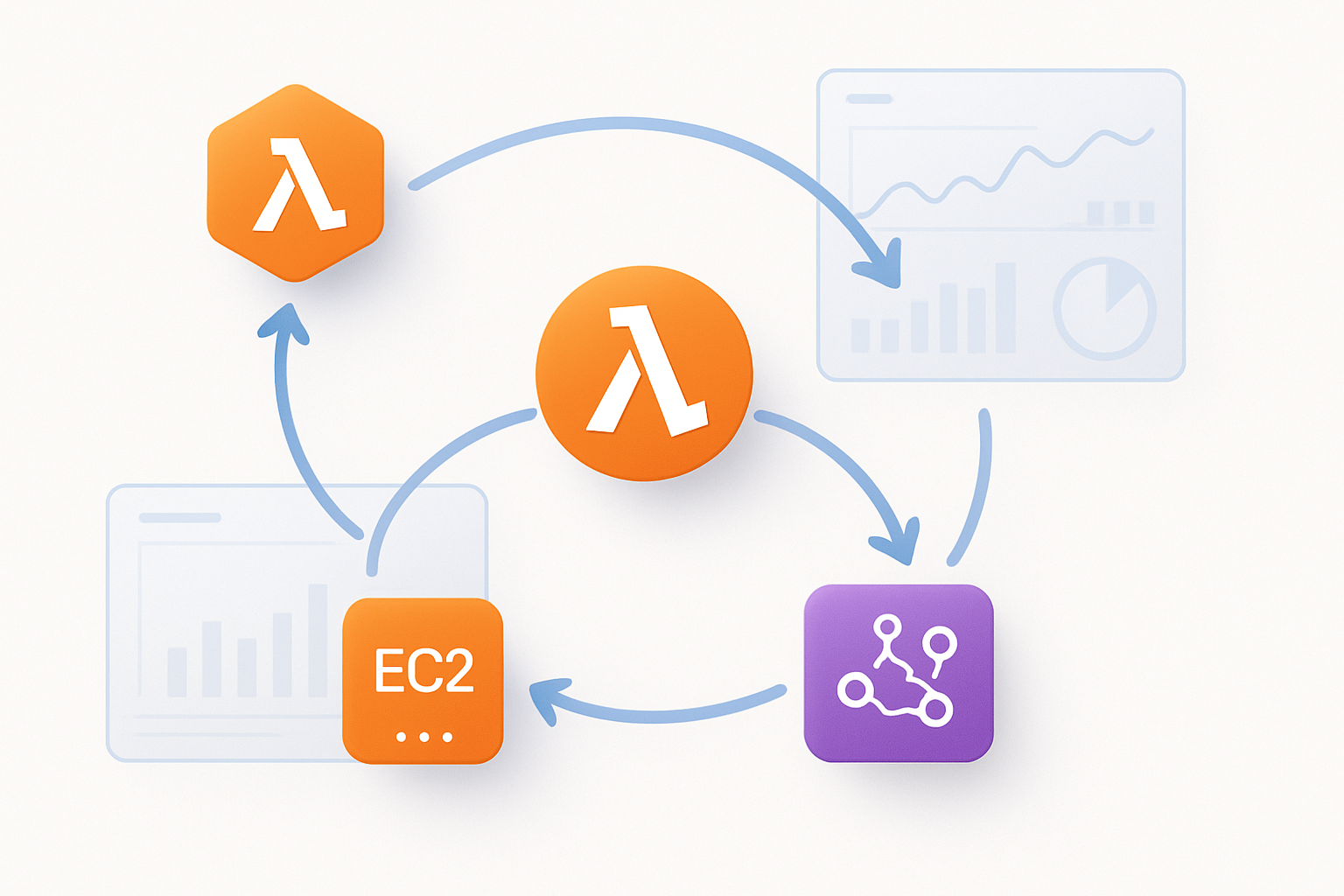
AWS Bedrock transforms traditional reactive monitoring into proactive EC2 performance management through advanced machine learning capabilities. The service analyzes CPU usage patterns, system logs, and historical performance data to determine optimal remediation strategies. When integrated with CloudWatch metrics, Bedrock can distinguish between normal traffic spikes and genuine performance issues, preventing unnecessary interventions while ensuring legitimate problems receive immediate attention.
Lambda functions for serverless automation execution
Lambda functions serve as the execution engine for automated EC2 high CPU resolution workflows. These serverless functions can restart services, scale resources, or terminate problematic processes based on Bedrock’s intelligent recommendations. The event-driven architecture ensures rapid response times, typically executing remediation actions within seconds of alarm triggers while maintaining cost-effectiveness through pay-per-execution pricing.
EventBridge for seamless service orchestration
EventBridge acts as the central nervous system connecting CloudWatch alarms, Bedrock analysis, and Lambda execution into a cohesive automation pipeline. Custom event rules route CPU performance alerts to appropriate Lambda functions while maintaining detailed audit trails. The service enables complex workflows where multiple remediation steps can be orchestrated sequentially, such as attempting service restart before scaling resources.
CloudWatch integration for performance monitoring
CloudWatch provides the foundational monitoring layer that triggers the entire AWS serverless monitoring architecture. Custom metrics and composite alarms can detect CPU threshold breaches while filtering out false positives through sophisticated alarm configurations. Integration with EventBridge ensures that performance anomalies immediately initiate the Bedrock analysis and Lambda automation sequence, creating a seamless end-to-end solution for EC2 performance issue automation.
Setting Up CloudWatch Alarms for CPU Monitoring
Configuring CPU Utilization Thresholds and Metrics
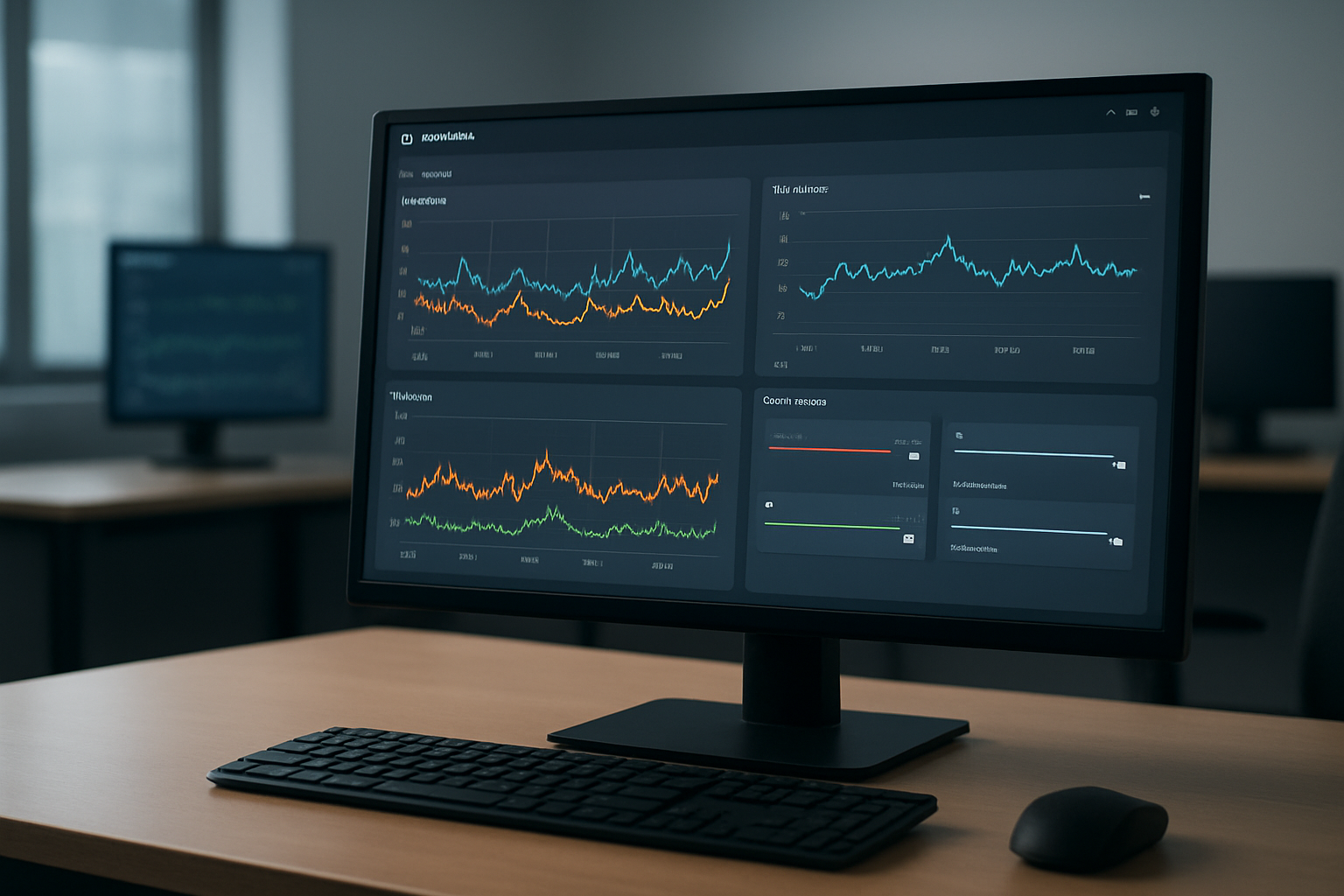
CloudWatch alarms form the foundation of your EC2 high CPU automated resolution system by monitoring critical performance metrics. Set CPU utilization thresholds between 80-90% for most workloads, adjusting based on application requirements. Configure evaluation periods of 2-3 data points over 5-minute intervals to avoid false positives while maintaining responsiveness.
Target specific metrics like CPUUtilization, CPUCreditUsage for burstable instances, and StatusCheckFailed_Instance for comprehensive monitoring. These CloudWatch alarms CPU monitoring configurations trigger your automated workflow when sustained high CPU usage occurs.
Creating Custom Alarm Triggers for Different Instance Types
- General Purpose (t3, m5): 85% threshold with 3 evaluation periods
- Compute Optimized (c5, c6i): 90% threshold with 2 evaluation periods
- Memory Optimized (r5, x1e): 80% threshold with burst credit monitoring
- Burstable Performance: Include
CPUCreditBalancebelow 20% as secondary trigger
Each instance family requires tailored alarm configurations based on performance characteristics and workload patterns. Burstable instances need additional credit balance monitoring to prevent performance degradation.
Establishing Alarm States and Notification Protocols
Configure three alarm states: OK, ALARM, and INSUFFICIENT_DATA with specific actions for each transition. ALARM state triggers EventBridge rules that initiate your Lambda functions automated responses workflow. Set up SNS topics for immediate notifications to operations teams while automated remediation runs.
Define escalation paths where persistent alarms after automated attempts trigger human intervention. This AWS serverless monitoring architecture approach ensures reliable detection and response to EC2 performance issues.
Building Lambda Functions for Automated Responses
Writing Python code for instance management actions
Building Lambda functions automated responses starts with creating robust Python scripts that handle EC2 instance management tasks. Your Lambda function should include modules for restarting instances, stopping unnecessary processes, and scaling resources based on CPU thresholds. The code needs to interact with AWS EC2 APIs using boto3, implementing actions like instance reboot, process termination, and memory cleanup to address high CPU scenarios effectively.
Implementing scaling decisions and resource optimization
Smart scaling logic within your AWS serverless monitoring architecture requires decision trees that evaluate CPU patterns, instance types, and application requirements. The Lambda function should analyze CloudWatch metrics to determine whether to scale vertically by upgrading instance types or horizontally by launching additional instances. Resource optimization includes identifying idle processes, adjusting instance scheduling, and implementing cost-effective scaling strategies that balance performance with budget constraints.
Creating error handling and rollback mechanisms
Robust error handling ensures your EC2 high CPU automated resolution system maintains stability during unexpected scenarios. Implement try-catch blocks around critical operations, create detailed CloudWatch logs for troubleshooting, and build rollback capabilities that restore previous configurations if automated actions fail. The rollback mechanism should include snapshots of original settings, timeout controls for scaling operations, and notification systems that alert administrators when manual intervention becomes necessary.
Setting up proper IAM permissions and security policies
Security configuration for your Lambda functions automated responses requires carefully crafted IAM roles with least-privilege access principles. Create specific policies that grant EC2 management permissions, CloudWatch read access, and EventBridge integration capabilities while restricting unnecessary privileges. The IAM setup should include resource-specific permissions, condition-based access controls, and cross-account role assumptions if your infrastructure spans multiple AWS accounts, ensuring your automation remains secure and compliant.
Integrating AWS Bedrock for Intelligent Problem Analysis

Leveraging AI Models for Root Cause Identification
AWS Bedrock transforms traditional EC2 monitoring by applying machine learning models to analyze CPU performance data beyond simple threshold alerts. The service examines system metrics, application logs, and historical patterns to pinpoint specific processes, memory leaks, or resource conflicts causing performance degradation.
Training the System to Recognize Patterns in CPU Usage
Bedrock’s foundation models learn from your EC2 environment’s unique workload characteristics, identifying normal versus anomalous CPU behavior patterns. The system correlates metrics like network I/O, disk usage, and memory consumption with CPU spikes to build comprehensive performance profiles for accurate anomaly detection.
Generating Automated Recommendations for Resolution Strategies
The AI-powered analysis produces actionable remediation strategies tailored to specific CPU issues:
- Process optimization: Recommends killing resource-intensive processes or adjusting application configurations
- Infrastructure scaling: Suggests vertical or horizontal scaling based on workload patterns
- Resource reallocation: Proposes memory or storage adjustments to reduce CPU bottlenecks
- Maintenance scheduling: Identifies optimal times for system updates or restarts based on usage patterns
Bedrock integrates seamlessly with Lambda functions to execute these recommendations automatically, creating an intelligent feedback loop that improves resolution accuracy over time.
Configuring EventBridge Rules for Workflow Orchestration

Setting up event patterns to trigger automation workflows
EventBridge event patterns serve as the foundation for your AWS Bedrock Lambda EventBridge automation system. Configure patterns to capture CloudWatch alarm state changes, EC2 instance status modifications, and custom application events. Define specific source filtering using "source": ["aws.cloudwatch"] and detail-type matching for alarm notifications. Create patterns that target CPU utilization thresholds, instance state transitions, and performance metrics to ensure your EventBridge workflow orchestration responds precisely to high CPU conditions.
Creating rule targets for multi-service coordination
Rule targets enable seamless coordination between Lambda functions, Bedrock models, and downstream services in your serverless EC2 monitoring system. Configure multiple targets per rule, including Lambda function invocations for immediate response, SQS queues for reliable message delivery, and SNS topics for notification broadcasts. Set up target-specific input transformers to customize payload formats, ensuring each service receives properly structured data for optimal AWS cloud automation solutions performance.
Implementing event filtering for precise response triggers
Advanced filtering prevents unnecessary executions and reduces costs in your EC2 high CPU automated resolution system. Apply content-based filtering using JSON path expressions to match specific alarm names, instance types, and severity levels. Create filter conditions that distinguish between temporary CPU spikes and persistent performance issues, ensuring your automation responds only to genuine problems requiring intervention.
Managing event routing between services
Event routing orchestrates complex workflows spanning multiple AWS services in your monitoring architecture. Design routing logic that directs events to appropriate Lambda functions based on instance characteristics, alarm severity, and historical performance data. Implement conditional routing using EventBridge rule conditions to channel events through different processing paths, enabling sophisticated AWS serverless monitoring architecture patterns that adapt to varying operational scenarios.
Testing and Validating the Automated Solution

Simulating High CPU Scenarios for System Verification
Creating realistic test conditions requires careful planning to avoid disrupting production workloads. Deploy dedicated test EC2 instances and use stress-testing tools like stress-ng or custom CPU-intensive scripts to trigger your CloudWatch alarms. Configure these tests to gradually increase CPU usage from 70% to 95%, allowing you to observe how your AWS Bedrock Lambda EventBridge automation responds at different threshold levels.
Run multiple test scenarios including sustained high CPU loads, intermittent spikes, and memory pressure combinations. Document response times from alarm trigger to automated resolution, ensuring your Lambda functions execute within expected timeframes and EventBridge rules properly orchestrate the workflow.
Monitoring Automation Performance and Response Times
Track key metrics like alarm-to-action latency, Lambda function execution duration, and overall resolution effectiveness through CloudWatch dashboards. Set up custom metrics to measure how quickly your serverless EC2 monitoring system identifies and resolves performance bottlenecks. Monitor AWS Bedrock intelligent analysis accuracy by comparing automated recommendations against manual troubleshooting outcomes.
Create alerts for automation failures and establish rollback procedures when automated responses don’t achieve desired results. Regular performance reviews help identify patterns in your EC2 performance issue automation and highlight areas needing optimization.
Fine-tuning Thresholds and Response Parameters
Adjust CPU percentage thresholds based on your application’s normal operating patterns to reduce false positives while maintaining quick response to genuine issues. Fine-tune evaluation periods and datapoints-to-alarm ratios in your CloudWatch alarms CPU monitoring setup, balancing sensitivity with stability to prevent unnecessary automated interventions during brief CPU spikes.
Test different scaling policies and instance modification parameters through your AWS cloud automation solutions. Continuously refine your EventBridge workflow orchestration rules based on real-world performance data, ensuring your automated responses match the severity and duration of detected issues while minimizing operational disruptions.
High CPU issues on EC2 instances can quickly turn into costly downtime if left unchecked. By combining CloudWatch alarms, Lambda functions, EventBridge orchestration, and AWS Bedrock’s AI capabilities, you can build a smart system that detects problems early and takes action automatically. This approach doesn’t just save time – it helps your applications stay healthy and your users happy.
The setup might seem complex at first, but each component plays a specific role in creating a robust monitoring and response system. Start small by implementing basic CPU monitoring and automated scaling responses, then gradually add Bedrock’s intelligent analysis features as you become more comfortable with the architecture. Your future self will thank you when the system catches and resolves issues before they impact your business.