Your personal cloud setup doesn’t have to be a hobby project that crashes at the worst possible moment. Home lab infrastructure can run as reliably as enterprise systems when you treat it like one from day one.
This guide is for home lab enthusiasts, self-hosters, and IT professionals who want their self-hosted cloud deployment to deliver enterprise-grade reliability without the enterprise budget. You’ve probably experienced the frustration of a DIY cloud going down during an important backup or family photo sync.
We’ll walk through building bulletproof personal cloud infrastructure that actually works when you need it. You’ll learn how to set up professional monitoring systems that catch problems before they break your services, and discover security hardening techniques that protect your personal data center without making it impossible to manage.
We’ll also cover automated backup and disaster recovery strategies that ensure your data survives hardware failures, plus configuration management approaches that let you rebuild your entire setup from scratch in hours instead of weeks. By the end, your home cloud monitoring will rival what you’d find in corporate data centers.
Essential Infrastructure Planning for Personal Cloud Deployment
Hardware Selection and Capacity Planning Strategies
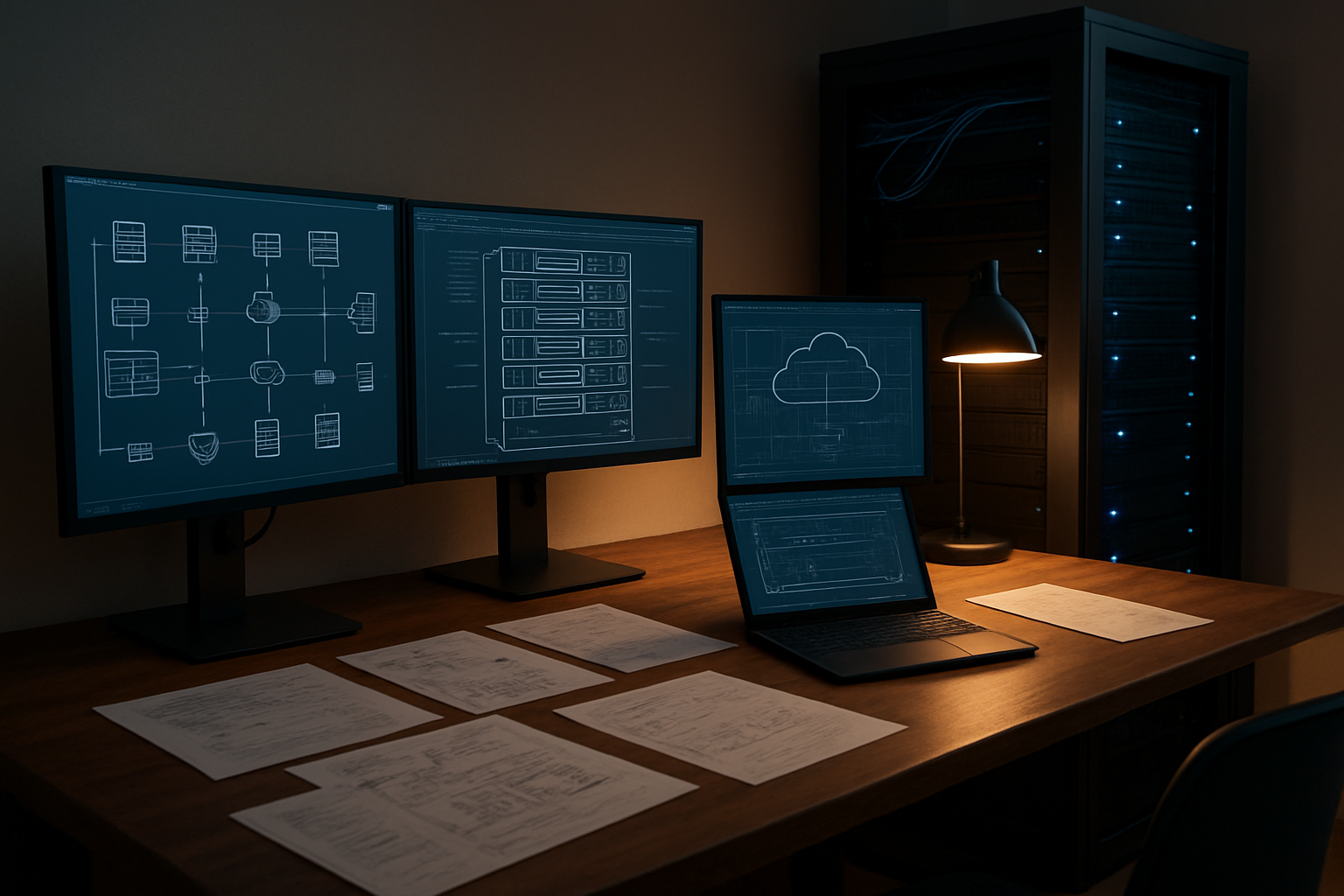
Building a robust personal cloud infrastructure starts with smart hardware choices that balance performance, reliability, and cost. Your server hardware forms the backbone of your entire self-hosted cloud deployment, so getting this foundation right saves countless headaches down the road.
For CPU selection, modern multi-core processors with virtualization support are essential. AMD Ryzen and Intel Core processors offer excellent performance per dollar, while enterprise-grade Xeon chips provide ECC memory support for mission-critical applications. Plan for at least 20% headroom above your current CPU requirements to accommodate future growth.
RAM capacity deserves special attention in personal cloud setups. Start with a minimum of 32GB for basic services, but 64GB or more allows comfortable virtualization of multiple services. ECC memory adds reliability for 24/7 operations, though it comes at a premium. Calculate roughly 4-8GB per virtual machine plus base hypervisor overhead.
Storage planning requires careful consideration of performance tiers. NVMe SSDs handle your operating system and frequently accessed data, while larger SATA drives provide bulk storage. Consider your IOPS requirements – database workloads need faster storage than file archives.
Don’t overlook expansion capabilities. Choose motherboards with multiple PCIe slots, extra RAM slots, and sufficient SATA ports. This flexibility lets your home lab infrastructure grow organically without major rebuilds.
Network Architecture Design for Optimal Performance
Network design significantly impacts your personal cloud setup performance and security posture. A well-planned network topology separates traffic types, reduces bottlenecks, and simplifies troubleshooting.
Start with a dedicated gigabit switch for your server infrastructure, separate from your general home network. This isolation prevents family streaming or gaming from affecting your cloud services. Managed switches offer VLAN capabilities to further segment traffic – create separate VLANs for management interfaces, production services, and backup traffic.
Consider your internet bandwidth requirements carefully. Upload speeds matter most for personal cloud access, as you’ll frequently pull data from remote locations. Asymmetric connections with limited upload bandwidth can create frustrating bottlenecks when accessing your self-hosted services remotely.
Implement link aggregation where possible to increase bandwidth and provide redundancy. Many enterprise switches and server network cards support LACP bonding, effectively doubling your network capacity while maintaining uptime if one link fails.
Plan your IP addressing scheme thoughtfully. Use private subnets like 10.0.0.0/8 for management networks and separate ranges for different service types. Document everything – proper network documentation becomes invaluable during troubleshooting sessions at 2 AM.
Quality of Service (QoS) configuration helps prioritize critical traffic. Set up rules that prioritize management traffic and real-time services over bulk data transfers like backups.
Storage Redundancy and Backup System Implementation
Data protection represents the most critical aspect of any personal data center. Your storage strategy must account for hardware failures, human errors, and disaster scenarios while maintaining reasonable performance and cost.
RAID arrays provide the first line of defense against drive failures. RAID 1 mirrors offer simplicity and fast rebuild times for smaller deployments. RAID 5 or 6 arrays balance capacity and redundancy for larger storage pools, though rebuild times can stretch for hours with modern high-capacity drives. ZFS and Btrfs filesystems add advanced features like checksums, snapshots, and self-healing capabilities.
Implement the 3-2-1 backup rule religiously: three copies of important data, on two different media types, with one copy stored off-site. Your primary storage holds the working copy, local backups provide quick recovery, and off-site backups protect against site-wide disasters.
Local backup strategies might include scheduled snapshots to separate storage pools, automated rsync jobs to dedicated backup drives, or full system imaging. Test your backup procedures regularly – untested backups are merely hopes dressed up as plans.
Off-site options range from cloud storage services to rotating drives stored at another location. Encrypted cloud backups balance convenience with cost, while physical drive rotation provides complete control over your data.
Power Management and Uninterruptible Power Supply Setup
Reliable power delivery keeps your personal cloud infrastructure running smoothly and prevents data corruption during outages. Power planning goes beyond simply plugging everything into the wall.
Size your UPS capacity based on actual power consumption measurements, not nameplate ratings. Use a kill-a-watt meter or similar device to measure real-world power draw under typical loads. Your UPS should handle the total load for at least 10-15 minutes, providing time for graceful shutdowns or generator startup.
Pure sine wave UPS units work better with modern power supplies and reduce potential compatibility issues. Online UPS systems provide the cleanest power but generate more heat and cost significantly more than line-interactive models.
Configure automated shutdown procedures that trigger when battery levels drop to critical levels. Most modern UPS units connect via USB and integrate with Linux shutdown scripts or Windows services. This prevents filesystem corruption and extends battery life by avoiding deep discharge cycles.
Consider power distribution units (PDUs) with individual outlet switching for remote power cycling of stuck equipment. Intelligent PDUs provide per-outlet power monitoring and remote switching capabilities, essential features when you’re troubleshooting issues remotely.
Plan for cooling requirements as power consumption increases. Every watt of power consumption generates heat that must be removed. Factor in seasonal variations and ensure adequate ventilation or air conditioning capacity for summer months.
Professional Monitoring and Alerting Systems
Real-time system health monitoring tools
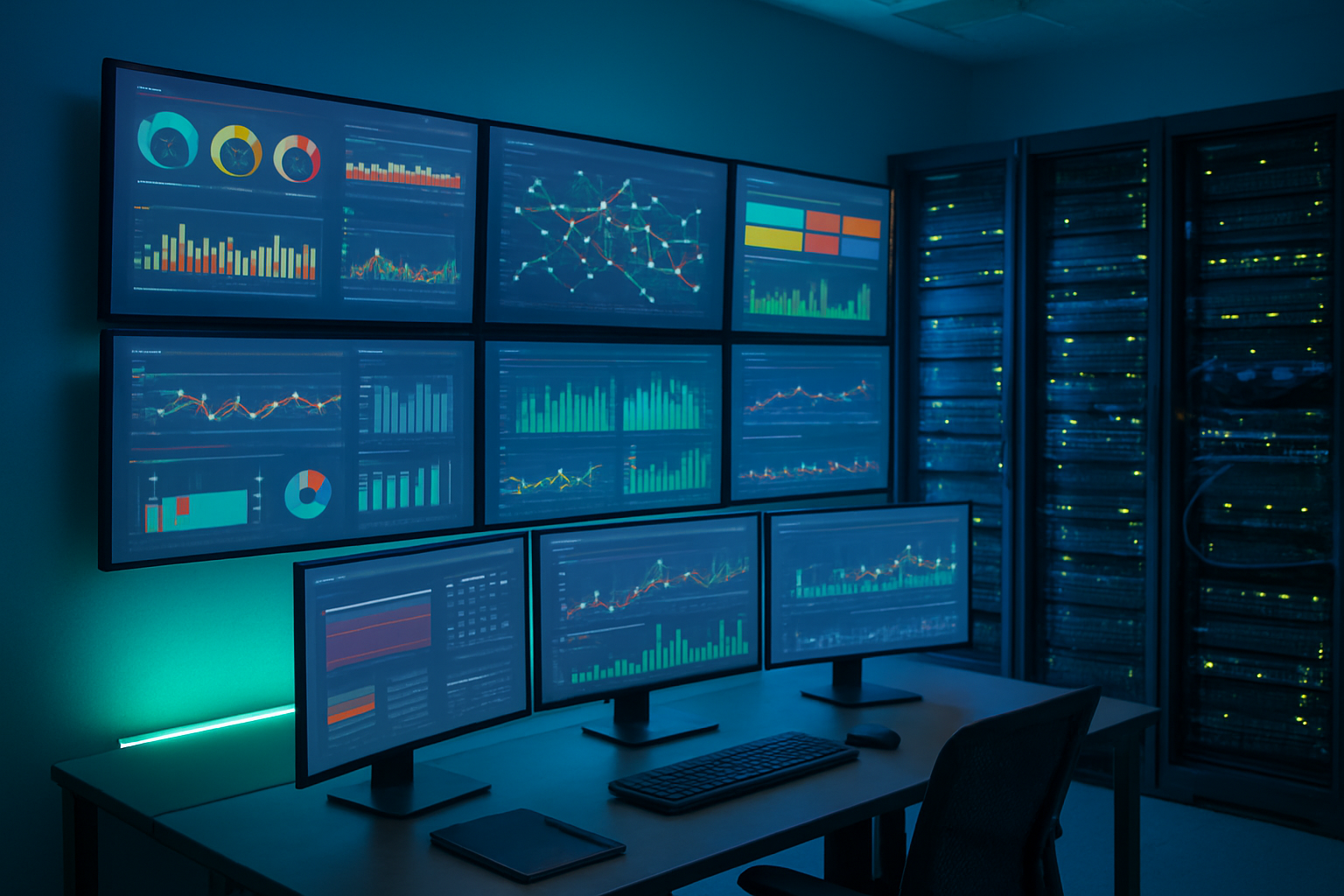
Professional home lab infrastructure demands robust monitoring solutions that match enterprise standards. Prometheus paired with Grafana creates a powerful open-source monitoring stack that transforms raw metrics into actionable insights. Prometheus excels at collecting time-series data from various sources, while Grafana provides stunning visualizations that make system health trends immediately apparent.
Zabbix offers another compelling option for personal cloud monitoring, providing comprehensive network discovery, agent-based monitoring, and sophisticated alerting capabilities. Its web-based interface simplifies the management of complex monitoring scenarios across multiple servers and services.
For lighter implementations, Netdata delivers real-time performance monitoring with minimal resource overhead. Its beautiful dashboard updates every second, making it perfect for monitoring resource-constrained home servers while maintaining professional-grade visibility into system performance.
PRTG and LibreNMS round out the monitoring landscape, offering network-focused monitoring capabilities that track bandwidth utilization, device uptime, and infrastructure health across your personal data center environment.
Automated alert configuration for critical failures
Smart alerting prevents minor issues from becoming catastrophic failures in your home cloud monitoring setup. PagerDuty integration transforms your personal cloud into a professionally managed environment, sending escalating alerts through multiple channels including SMS, email, and mobile push notifications.
Configure alert thresholds based on service criticality rather than arbitrary values. Critical services like DNS, DHCP, and authentication systems warrant immediate alerts, while less critical services can tolerate brief delays. Implement alert fatigue prevention by setting intelligent thresholds – a single failed ping doesn’t require immediate attention, but consecutive failures over five minutes definitely do.
Slack and Discord webhooks provide instant team communication for collaborative home lab environments. These platforms allow family members or lab partners to stay informed about system status without overwhelming primary administrators with every minor fluctuation.
Dead man’s switches ensure your monitoring system itself remains operational. Configure external services to expect regular heartbeats from your monitoring infrastructure – if these signals stop, you’ll know your monitoring system has failed before discovering it during an actual emergency.
Performance metrics tracking and analysis
Effective performance analysis goes beyond basic CPU and memory graphs. Track IOPS (Input/Output Operations Per Second) across storage devices to identify bottlenecks before they impact user experience. Modern SSDs can handle thousands of IOPS, but traditional spinning drives quickly become overwhelmed under heavy loads.
Network throughput monitoring reveals bandwidth consumption patterns across your personal cloud infrastructure. Track ingress and egress traffic to identify unexpected data transfers, potential security breaches, or simply understand which services consume the most bandwidth during peak usage periods.
Temperature monitoring prevents hardware failures in home server management environments. Consumer-grade hardware often lacks the robust cooling systems found in data centers, making thermal monitoring critical for long-term reliability. Configure alerts when CPU temperatures exceed 70°C or when case temperatures climb above ambient room temperature by more than 20°C.
Database performance metrics deserve special attention in self-hosted cloud deployment scenarios. Monitor query execution times, connection pool utilization, and index efficiency to maintain responsive applications. Slow database queries often cascade into broader system performance issues that affect the entire user experience.
Log aggregation and centralized logging solutions
ELK Stack (Elasticsearch, Logstash, and Kibana) provides enterprise-grade log management for personal cloud environments. Logstash ingests logs from multiple sources, Elasticsearch indexes and stores the data efficiently, while Kibana creates searchable dashboards that make troubleshooting intuitive and fast.
Graylog offers a lighter alternative that excels in resource-constrained environments while maintaining powerful search capabilities. Its web interface simplifies log analysis, and its alerting system can trigger notifications based on specific log patterns or error frequencies.
Structured logging practices dramatically improve troubleshooting efficiency. Configure applications to output JSON-formatted logs with consistent field names, timestamps, and severity levels. This standardization allows automated log parsing and creates meaningful correlations between events across different services.
Syslog-ng centralizes traditional system logs from multiple servers into a single location. Configure remote logging to ensure log data survives server failures, and implement log rotation policies that balance storage requirements with retention needs for your home lab infrastructure.
Implement log sampling for high-volume applications to prevent log storage from overwhelming your personal data center resources while maintaining visibility into application behavior and performance trends.
Security Hardening and Access Control Implementation

Multi-factor authentication setup and management
Your personal cloud security starts with bulletproof authentication. Setting up MFA goes beyond just enabling two-factor authentication on your admin accounts – you need a comprehensive identity management system that scales with your infrastructure. Start with hardware security keys like YubiKeys for your primary accounts, and implement TOTP-based authentication for secondary access points.
For personal cloud security, consider deploying an identity provider like Authentik or Keycloak. These solutions centralize authentication across your self-hosted services and provide granular access controls. Configure role-based access control (RBAC) to ensure family members or trusted users only access what they need. Set up backup authentication methods, including recovery codes stored securely offline, because losing access to your own cloud infrastructure is both embarrassing and problematic.
Network segmentation and firewall configuration
Network segmentation transforms your home lab infrastructure from a flat network into a professional-grade security architecture. Create separate VLANs for different service categories: one for your personal cloud services, another for IoT devices, and a management network for infrastructure access. This approach contains potential security breaches and prevents lateral movement across your network.
Configure your firewall with a default-deny policy, opening only necessary ports for specific services. Use pfSense or OPNsense for enterprise-level firewall capabilities in your home environment. Implement strict ingress and egress filtering – your personal cloud setup shouldn’t communicate with suspicious external networks or allow unnecessary outbound connections.
Consider implementing a DMZ for internet-facing services, keeping your internal personal data center isolated from direct internet exposure. Use reverse proxies like Traefik or nginx to handle external requests and terminate SSL connections before reaching your backend services.
Regular security updates and patch management
Automated patch management prevents your personal cloud from becoming a security liability. Set up unattended upgrades for critical security patches on Ubuntu/Debian systems, but configure them to avoid breaking changes during business hours. Create maintenance windows for your home server management activities, just like production environments do.
Track CVEs relevant to your software stack using tools like Trivy or OpenVAS. Subscribe to security mailing lists for the applications you’re running – whether it’s Nextcloud, Plex, or custom applications. Your self-hosted cloud deployment needs the same attention to security updates as any corporate infrastructure.
Implement a testing pipeline for updates. Spin up a staging environment that mirrors your production setup, test patches there first, then deploy to production during scheduled maintenance windows. Yes, this seems like overkill for a home setup, but treating your personal cloud with production-level discipline pays dividends.
Intrusion detection and prevention systems
Deploy Suricata or Snort as your network-based IDS to monitor traffic patterns and detect suspicious activity. Configure these systems to alert you about reconnaissance attempts, unusual data transfers, or connection patterns that suggest compromise. Your personal cloud infrastructure deserves active monitoring, not just passive logging.
Install OSSEC or Wazuh for host-based intrusion detection. These tools monitor file integrity, log analysis, and system behavior across your infrastructure. Configure rules specific to your services – unusual database queries, failed authentication attempts, or unexpected file modifications should trigger immediate alerts.
Set up fail2ban to automatically block IP addresses showing malicious behavior. Configure it beyond just SSH – protect your web services, email servers, and any other internet-facing applications. Create custom filters for your specific applications and services.
SSL certificate management and encryption protocols
Automate SSL certificate management using Let’s Encrypt and tools like certbot or acme.sh. Your self-hosted backup solutions and all web interfaces should use valid certificates, not self-signed ones that train users to ignore certificate warnings. Set up automatic renewal processes and monitoring to catch renewal failures before certificates expire.
Configure your services to use modern encryption protocols. Disable older TLS versions (1.0 and 1.1) and weak cipher suites. Use tools like SSL Labs’ server test to verify your configurations meet current security standards. Your personal cloud should achieve an A+ rating on SSL testing tools.
For internal communications, implement mutual TLS authentication where possible. Services communicating within your infrastructure should verify each other’s identity using certificates, creating defense in depth even if perimeter security fails. Store private keys securely, preferably in hardware security modules or encrypted key stores with proper access controls.
Automated Backup and Disaster Recovery Strategies

Scheduled Backup Automation and Verification
Setting up automated backups for your personal cloud setup requires more than just scheduling scripts to run at 3 AM. You need bulletproof verification systems that ensure your data actually gets backed up correctly every single time. Start with tools like Restic or Borg, which offer deduplication and encryption by default. These aren’t just fancy features – they’re essential for maintaining efficient storage and protecting your home lab infrastructure from prying eyes.
Create multiple backup schedules for different data types. Your family photos might need daily backups, while system configurations could be backed up weekly. Use cron jobs or systemd timers to schedule these operations, but always include verification steps. After each backup completes, run integrity checks and test file restoration on a sample dataset.
Set up email or Slack notifications for backup status reports. Silent failures are the enemy of reliable self-hosted cloud deployment. Your backup scripts should log detailed information about what was backed up, how long it took, and any errors encountered. Store these logs separately from your main system – if your server crashes, you’ll want access to backup history from another location.
Consider implementing a three-tier backup rotation: daily, weekly, and monthly archives. This approach gives you multiple recovery points without consuming excessive storage space. Your personal cloud automation should handle cleanup of old backups automatically, but always keep manual override capabilities for special circumstances.
Off-site Backup Storage and Cloud Integration
Your home server management strategy becomes worthless if fire, flood, or theft takes out your entire setup. Off-site backup storage isn’t paranoia – it’s common sense wrapped in good planning. Cloud storage services like Wasabi, Backblaze B2, or even Amazon S3 Glacier provide cost-effective options for storing encrypted backup archives.
Encrypt everything before it leaves your network. Your personal data center might be secure, but you have zero control over cloud provider security practices. Use client-side encryption with tools like rclone or duplicity. Never trust cloud providers with unencrypted data, regardless of their security promises.
Bandwidth considerations matter more than you think. Calculate how long it takes to upload your initial backup set, then plan accordingly. A 2TB backup over a 50 Mbps connection takes roughly 90 hours under perfect conditions. Real-world transfers take longer due to network fluctuations and rate limiting. Start your initial sync during a long weekend or vacation.
Implement bandwidth throttling during business hours to avoid impacting your daily internet usage. Most backup tools allow you to set transfer rate limits or schedule uploads during specific time windows. Your family won’t appreciate sluggish internet because your personal cloud security backups are consuming all available bandwidth.
Set up monitoring for cloud storage costs. Those “cheap” storage services can become expensive quickly if you’re not watching usage patterns. Implement lifecycle policies that automatically move older backups to cheaper storage tiers or delete them entirely based on your retention requirements.
Recovery Time Objective Planning and Testing
Planning recovery time objectives means deciding how quickly you need different services back online after a disaster. Your media server might be okay being down for a day, but losing access to family documents or photos for more than a few hours could cause real problems. Document these priorities clearly and design your recovery procedures accordingly.
Test your backups regularly – monthly at minimum. Create a separate test environment or virtual machine where you can practice full system restoration. This isn’t busy work; it’s insurance against the day when you desperately need those backups to actually work. Keep detailed notes about restore procedures, including any gotchas or special steps required.
Build recovery runbooks that your future panicked self can follow. Include step-by-step instructions for restoring different types of data, along with estimated timeframes for each operation. Test these procedures under stress – try following your own instructions when you’re tired or distracted to identify unclear steps.
Consider partial recovery scenarios, not just complete system failures. Sometimes you need to restore a single file or database, not rebuild everything from scratch. Your self-hosted backup solutions should support granular recovery options. Practice restoring individual files, folders, and application data to different locations.
Document dependencies between services in your home cloud monitoring setup. If your authentication system depends on a specific database, you’ll need to restore that database before users can log in. Create restoration priority lists that account for these interdependencies. Your containerized services might start quickly, but they’re useless if underlying data isn’t available.
Keep offline copies of critical restoration tools and documentation. If your network is completely down, you’ll need local access to backup software, encryption keys, and recovery procedures. Store these on USB drives or external hard drives that live in a different location from your main infrastructure.
Configuration Management and Version Control
Infrastructure as code implementation
Your personal cloud setup deserves the same level of precision that enterprise environments demand. Infrastructure as code (IaC) transforms your home lab infrastructure from a collection of manual configurations into a repeatable, version-controlled system. Tools like Terraform, Ansible, or Docker Compose become your best friends when managing multiple services across your self-hosted cloud deployment.
Start with containerization using Docker Compose files that define your entire service stack. Each service gets its own YAML file specifying volumes, networks, environment variables, and dependencies. This approach makes spinning up new instances or recreating your environment painless. For VM-based deployments, Vagrant combined with provisioning scripts creates consistent, reproducible virtual machines.
Terraform excels at managing cloud resources if you’re mixing local hardware with cloud providers for hybrid setups. Define your infrastructure components – networks, storage, compute resources – as code that can be versioned, tested, and deployed automatically. Your personal data center becomes predictable and manageable.
Document everything in configuration files stored in Git repositories. This practice ensures you never lose track of how services are configured and makes troubleshooting significantly easier. When something breaks at 2 AM, you’ll thank yourself for having every configuration parameter documented and version-controlled.
Automated deployment and rollback procedures
Manual deployments create inconsistencies and increase the chance of human error in your home server management workflow. Automated deployment pipelines eliminate these risks while making updates faster and more reliable. GitHub Actions, GitLab CI/CD, or Jenkins can orchestrate your deployment process from code commits to running services.
Create deployment scripts that handle service updates, database migrations, and configuration changes automatically. These scripts should include health checks that verify services are running correctly after deployment. If health checks fail, your automation should trigger immediate rollbacks to the previous working state.
Implement blue-green deployments for critical services where downtime isn’t acceptable. Run two identical environments – one serving traffic while the other receives updates. Switch traffic between environments only after confirming the new deployment works correctly. This strategy provides instant rollback capabilities and zero-downtime updates.
Version your deployments using semantic versioning or timestamp-based tags. Store deployment artifacts in container registries or artifact repositories. This approach enables quick rollbacks to any previous version when issues arise. Your personal cloud automation becomes as reliable as production systems.
Change tracking and documentation standards
Every change in your personal cloud setup needs proper documentation and tracking. This practice prevents configuration drift and makes troubleshooting much more straightforward. Implement a change log system that records what changed, when it changed, and why the change was necessary.
Use Git commit messages as your primary change documentation. Write clear, descriptive messages that explain the purpose behind each modification. Include ticket numbers or issue references when changes address specific problems. This creates an audit trail showing the evolution of your infrastructure over time.
Maintain a central documentation repository using tools like GitBook, Notion, or simple Markdown files in Git. Document service configurations, network topology, backup procedures, and troubleshooting steps. Include diagrams showing service dependencies and data flow between components.
Tag important milestones in your Git repositories. Before major upgrades or architectural changes, create tags that mark stable configurations. This practice provides clear rollback points and helps track the impact of significant changes on system stability.
Environment consistency across development and production
Running separate development and production environments in your home lab prevents testing mistakes from affecting live services. Container orchestration platforms like Docker Swarm or Kubernetes help maintain consistency between environments while isolating them completely.
Use environment-specific configuration files that override base configurations. Development environments might use different database credentials, enable debug logging, or connect to test APIs instead of production services. Keep these differences minimal to ensure testing accurately reflects production behavior.
Implement infrastructure templates that create identical environments with different resource allocations. Development might run with less RAM and CPU while production gets full resources. The application stack remains identical, ensuring compatibility and reducing deployment surprises.
Test your deployment procedures in development before applying them to production. This includes testing backup restoration, security updates, and service migrations. Your development environment becomes a proving ground for operational procedures, increasing confidence in production changes while maintaining your personal cloud security standards.
Performance Optimization and Scalability Planning
Resource utilization monitoring and optimization
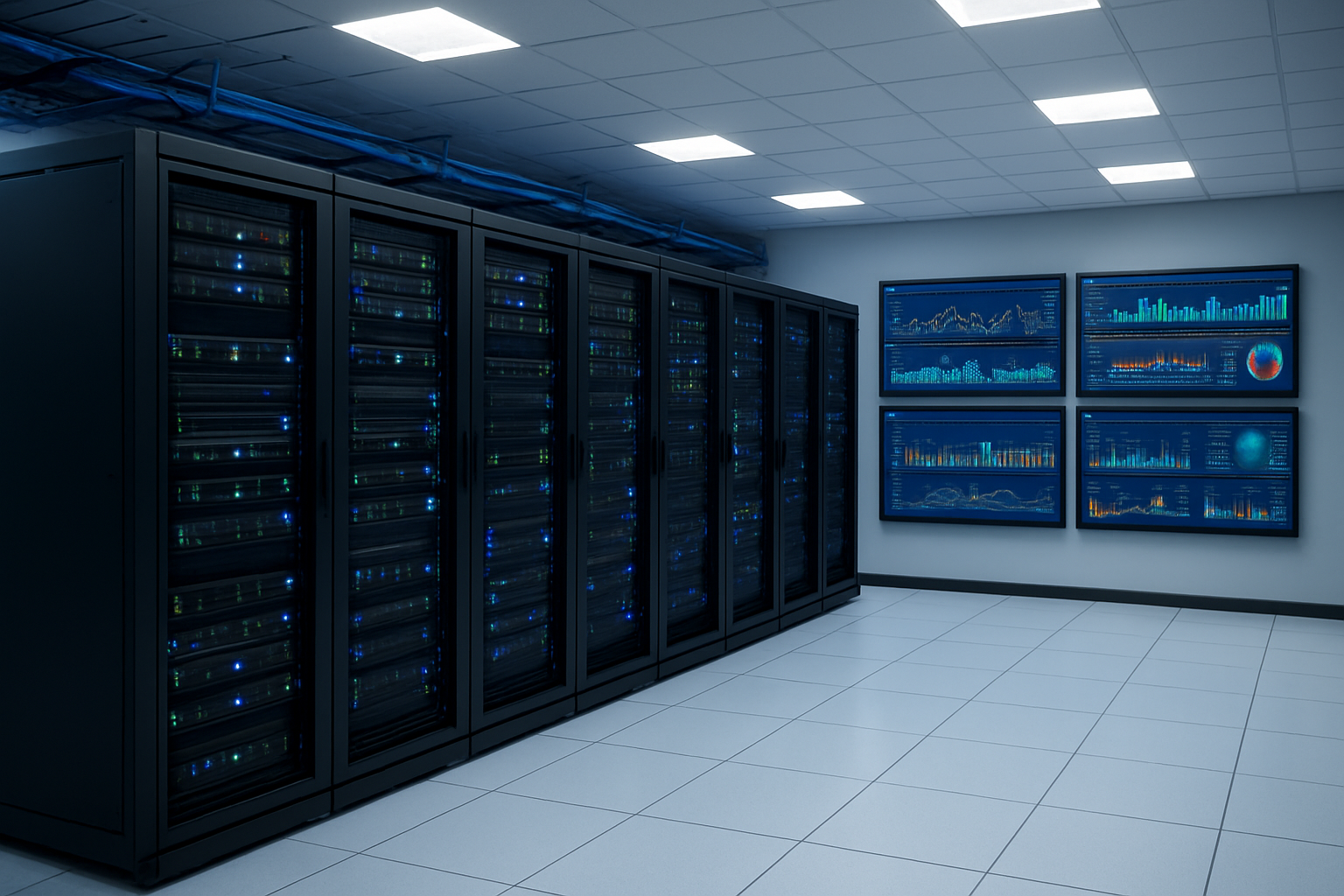
Keeping tabs on your personal cloud infrastructure requires the same vigilance you’d see in enterprise environments. CPU, memory, disk I/O, and network metrics tell the complete story of your system’s health. Set up monitoring tools like Prometheus with Grafana or lightweight alternatives like Netdata to track these metrics continuously.
Resource bottlenecks often hide in plain sight. Your self-hosted cloud deployment might run smoothly until that weekly backup kicks in, suddenly maxing out disk I/O and bringing everything to a crawl. Identify these patterns by analyzing historical data and setting up alerts for resource thresholds.
Memory management becomes critical when running multiple services on home lab infrastructure. Container orchestration platforms like Docker Swarm or Kubernetes help enforce resource limits, preventing one service from consuming all available memory. For traditional setups, configure proper swap files and monitor memory usage patterns to prevent system crashes.
Storage optimization goes beyond just having enough space. Implement proper filesystem choices – XFS for large files, ext4 for general purpose, or ZFS for advanced features. Regular disk cleanup, log rotation, and temporary file management prevent storage bloat that can impact performance.
Load balancing and traffic distribution
Personal cloud setups benefit enormously from proper traffic distribution, even with modest hardware. A reverse proxy like Nginx or HAProxy sits between users and your services, directing requests intelligently across multiple instances or servers.
Start simple with round-robin distribution for services that can handle it. Web applications, file servers, and API endpoints work well with this approach. For stateful applications, implement session affinity to ensure users consistently reach the same backend server.
Health checks prevent traffic from hitting failed services. Configure your load balancer to monitor service endpoints and automatically remove unhealthy instances from rotation. This creates a self-healing infrastructure that maintains availability during service failures.
Geographic or network-based routing becomes relevant for home cloud monitoring when family members access services from different locations. Priority routing can direct local traffic to faster local instances while remote access goes through optimized paths.
Database performance tuning and indexing
Database performance makes or breaks personal data center operations. Start with proper indexing strategies for your most common queries. Every database search, user lookup, and data retrieval benefits from well-designed indexes.
Query optimization often reveals surprising bottlenecks. Enable query logging to identify slow operations, then analyze execution plans to understand why they’re slow. Sometimes a simple index addition transforms a 10-second query into millisecond response times.
Connection pooling prevents your database from becoming overwhelmed when multiple services need data access. Tools like PgBouncer for PostgreSQL or connection pool settings in MySQL help manage concurrent connections efficiently without exhausting server resources.
Regular maintenance tasks like table optimization, statistics updates, and index rebuilding keep databases running smoothly. Schedule these during low-usage periods to minimize impact on your home server management routine.
Caching strategies for improved response times
Smart caching transforms sluggish personal cloud infrastructure into responsive systems that rival commercial services. Implement multiple caching layers – browser caching for static assets, application-level caching for computed results, and database query caching for frequently accessed data.
Redis or Memcached serve as excellent in-memory caches for your self-hosted cloud deployment. Cache database query results, user session data, and API responses to reduce backend load. Set appropriate expiration times based on how often data changes.
Content Delivery Network principles apply to personal setups too. Serve static files directly from fast storage or memory, bypassing application processing entirely. Nginx excels at serving static content while passing dynamic requests to application servers.
Application-specific caching strategies vary by service type. Web applications benefit from page caching, while file servers improve with metadata caching. Document management systems speed up with thumbnail and preview caching, reducing CPU load during file browsing.
Browser caching headers help reduce bandwidth usage and improve user experience. Configure appropriate cache control headers for different content types – longer periods for images and stylesheets, shorter for dynamic content that changes frequently.
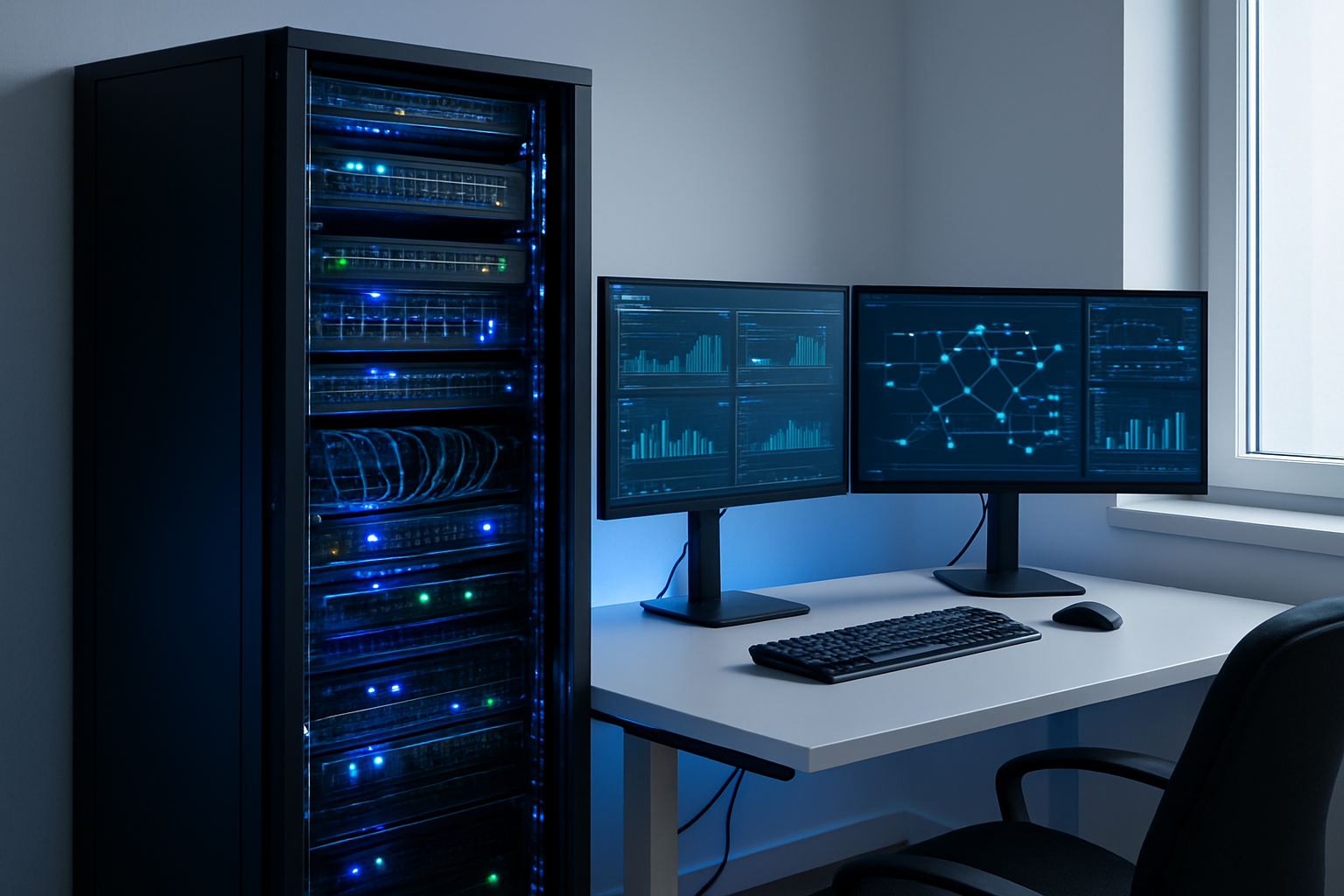
Setting up your personal cloud with production-level practices might seem like overkill, but the benefits speak for themselves. You’ll sleep better knowing your data is secure, properly backed up, and monitored around the clock. The time you invest in proper infrastructure planning, security hardening, and automated systems will pay off when your setup runs smoothly for years without major issues.
Start with one area that matters most to you – maybe it’s getting your backups automated or setting up basic monitoring alerts. You don’t need to implement everything at once, but having a plan and gradually building these professional practices into your personal cloud will transform it from a hobby project into a reliable, enterprise-grade system you can truly depend on.