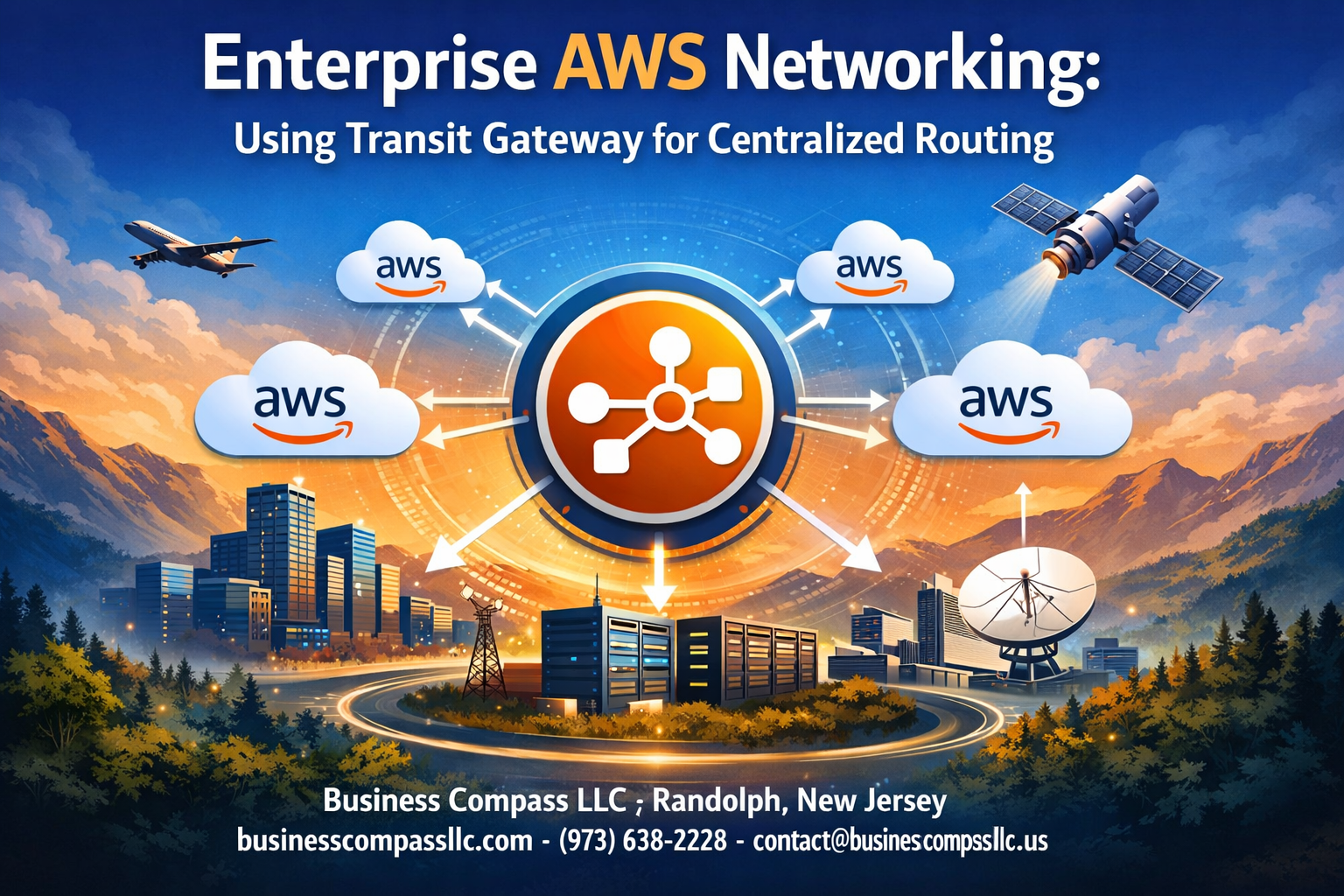
Managing multiple VPCs across your AWS environment can quickly become a networking nightmare without the right strategy. AWS Transit Gateway offers enterprise organizations a powerful solution for centralized routing that simplifies network architecture while boosting performance and security.
This guide is designed for cloud architects, network engineers, and DevOps professionals who need to connect multiple VPCs, on-premises networks, and AWS services through a single, manageable hub. Whether you’re scaling beyond basic VPC peering or looking to streamline your existing multi-VPC connectivity setup, Transit Gateway provides the centralized network management capabilities your enterprise needs.
We’ll walk through the essential Transit Gateway architecture concepts that form the backbone of modern AWS network topology. You’ll also learn proven strategies for planning your centralized routing approach, including best practices that help you avoid common pitfalls and optimize costs from day one. Finally, we’ll cover the practical configuration steps needed to implement Transit Gateway as your AWS network hub, transforming complex point-to-point connections into a clean, scalable solution.
Understanding AWS Transit Gateway Architecture

Core Components and Functionality Overview
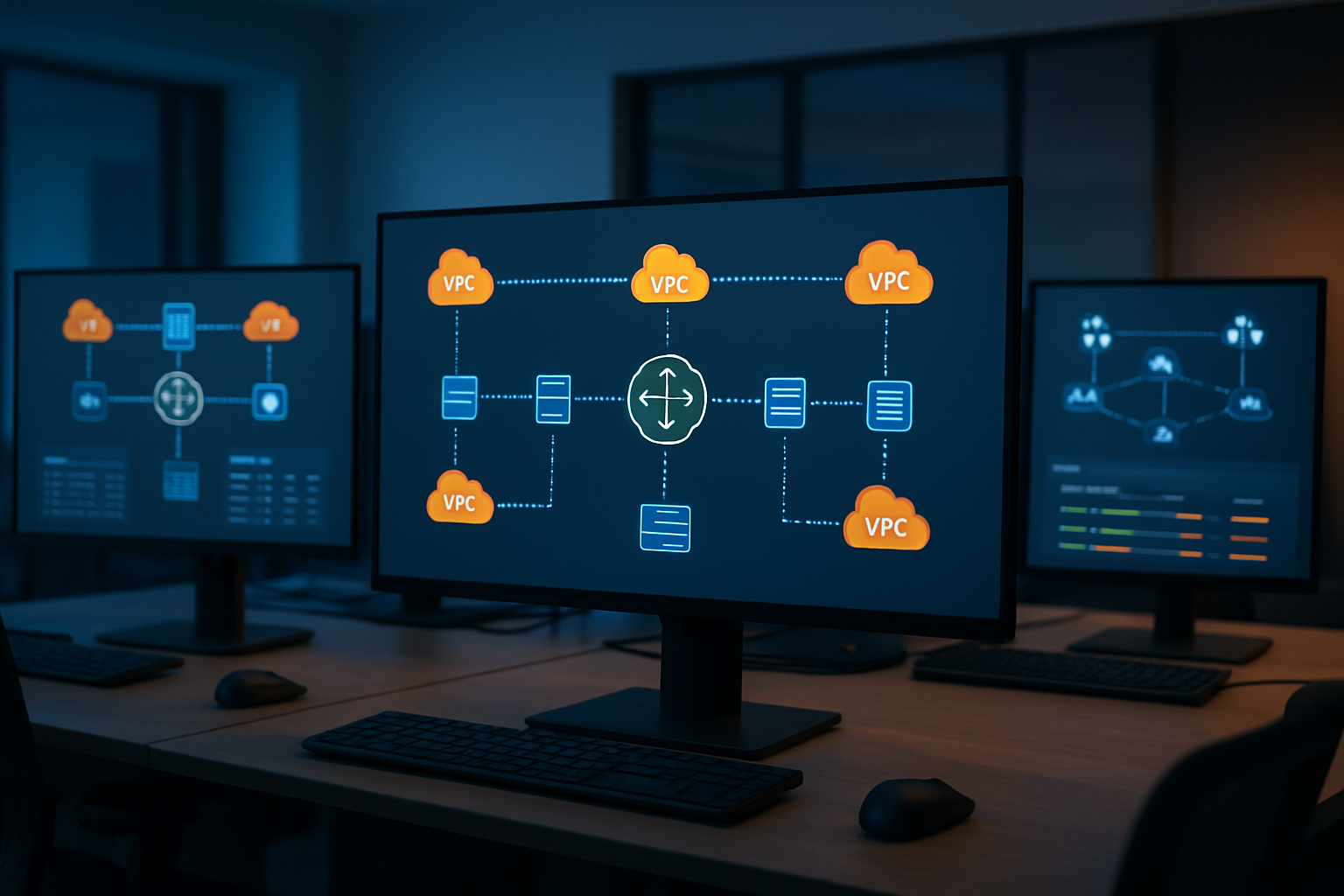
AWS Transit Gateway operates as a centralized network hub that connects your VPCs, on-premises networks, and other AWS services through a single managed service. Think of it as a virtual router that sits in the cloud, handling all the routing decisions for your network topology.
The primary components include the Transit Gateway itself, route tables that control traffic flow, and attachments that connect various network resources. Each Transit Gateway can support up to 5,000 attachments, including VPC attachments, VPN connections, AWS Direct Connect gateways, and Transit Gateway peering connections. Route tables act as the brain of the operation, determining where traffic goes based on destination IP addresses and routing policies you define.
Network segmentation happens through route table associations and propagations. You can create multiple route tables within a single Transit Gateway, allowing you to isolate different environments like production, staging, and development while maintaining centralized management. This architecture supports both IPv4 and IPv6 traffic, with automatic route propagation capabilities that reduce manual configuration overhead.
The service integrates seamlessly with AWS networking features like Security Groups, NACLs, and AWS Network Manager, providing comprehensive visibility and control over your network infrastructure. Transit Gateway also supports multicast traffic distribution, enabling efficient one-to-many communication patterns essential for enterprise applications.
How Transit Gateway Simplifies Network Connectivity
Traditional enterprise AWS networking often resembles a spider web of individual connections between VPCs, creating management complexity that grows exponentially with scale. Transit Gateway transforms this mesh topology into a simple hub-and-spoke model where everything connects to one central point.
Instead of managing dozens of VPC peering connections, you maintain a single Transit Gateway with multiple attachments. This centralized approach dramatically reduces the number of network connections you need to configure and monitor. Adding a new VPC to your network becomes as simple as creating an attachment and updating route tables, rather than establishing multiple peering relationships.
The service handles cross-Availability Zone traffic automatically, eliminating the need to manually configure redundancy across AZs. When you attach a VPC to Transit Gateway, it creates Elastic Network Interfaces in each AZ where the VPC has subnets, ensuring high availability without additional configuration on your part.
Route management becomes significantly more straightforward with centralized routing tables. You can implement complex routing policies, traffic segmentation, and network isolation through a single interface rather than managing routing rules across multiple VPC route tables. This centralization also enables easier troubleshooting since all routing decisions happen in one place.
Multi-account connectivity no longer requires complex cross-account peering arrangements. Transit Gateway supports resource sharing through AWS Resource Access Manager, allowing you to share a single Transit Gateway across multiple AWS accounts while maintaining security boundaries.
Comparison with Traditional VPC Peering Approaches
VPC peering creates direct network connections between VPCs, but this approach quickly becomes unwieldy as your network grows. Each VPC can peer with up to 125 other VPCs, but managing these connections individually creates operational overhead that doesn’t scale well.
Peering connections are not transitive, meaning VPC A cannot reach VPC C through VPC B even if both peering connections exist. This limitation forces you to create direct peering connections between every VPC pair that needs to communicate, resulting in a mesh topology that becomes increasingly complex to manage.
Transit Gateway eliminates these transitivity limitations by acting as a central router. VPCs attached to the same Transit Gateway can communicate with each other through the hub, reducing the total number of connections needed from O(n²) to O(n) as you scale.
Bandwidth limitations also favor Transit Gateway for enterprise deployments. While VPC peering connections support up to 10 Gbps between VPCs in the same region, Transit Gateway can handle up to 50 Gbps per VPC attachment with burst capabilities up to 100 Gbps. This higher bandwidth capacity better supports data-intensive enterprise workloads.
Route table management becomes exponentially more complex with VPC peering as you scale. Each VPC maintains its own route table with entries for every peered VPC, creating hundreds or thousands of route entries to manage. Transit Gateway centralizes this routing logic, reducing complexity and improving visibility into traffic patterns.
Cost considerations also differ significantly between approaches. While VPC peering has no hourly charges, Transit Gateway includes both hourly attachment fees and data processing charges. However, the operational savings from reduced complexity often offset these costs in large-scale deployments.
Key Benefits for Enterprise-Scale Deployments
Enterprise organizations gain significant advantages from Transit Gateway’s centralized network management approach. The ability to implement consistent security policies across your entire network infrastructure through centralized route tables and security group management reduces the risk of configuration drift and security gaps.
Network segmentation capabilities enable sophisticated zero-trust architectures where different business units, environments, or applications can be isolated while maintaining centralized management. You can create dedicated route tables for production, development, and shared services, ensuring traffic flows only where intended while simplifying compliance auditing.
Hybrid connectivity becomes much more manageable with Transit Gateway acting as the central connection point for on-premises networks. Instead of terminating VPN or Direct Connect circuits at individual VPCs, you connect them once to Transit Gateway and distribute access across all attached VPCs through routing policies.
Multi-region connectivity through Transit Gateway peering enables global network architectures that span AWS regions while maintaining centralized control. This capability supports disaster recovery strategies, global application deployment, and compliance requirements that mandate data residency in specific regions.
Operational efficiency improves dramatically through reduced configuration complexity and enhanced monitoring capabilities. AWS Network Manager provides comprehensive visibility into Transit Gateway performance, utilization, and health metrics, enabling proactive network management and faster troubleshooting of connectivity issues.
The service’s integration with AWS Organizations and Control Tower enables enterprise-wide network governance through centralized policies and automated compliance checks. This integration ensures that network configurations align with corporate standards and regulatory requirements across all AWS accounts and regions.
Planning Your Centralized Routing Strategy

Assessing Current Network Topology and Requirements
Before diving into AWS Transit Gateway implementation, you need to map out your existing network landscape and identify specific connectivity needs. Start by documenting all your VPCs, their CIDR blocks, and current interconnection methods. Many organizations discover they’re using a patchwork of VPC peering connections, which can quickly become unwieldy as the network grows.
Create an inventory of your workloads and their communication patterns. Identify which applications need to talk to each other across VPCs and what bandwidth requirements exist. Pay special attention to latency-sensitive applications and compliance requirements that might affect routing decisions.
Consider your hybrid connectivity needs as well. If you have on-premises data centers connected through Direct Connect or VPN connections, Transit Gateway can serve as your centralized network hub for both cloud-to-cloud and cloud-to-on-premises traffic.
Document your current security posture and network segmentation requirements. Some workloads might need complete isolation, while others require selective connectivity based on specific business rules.
Designing Route Table Hierarchies for Optimal Traffic Flow
Route table design forms the backbone of your centralized routing AWS strategy. Transit Gateway uses route tables differently than traditional VPC route tables, offering more granular control over traffic flow between attached networks.
Create a hierarchical approach with different route table tiers:
- Production Route Table: Handles all production VPC traffic with strict routing policies
- Development Route Table: Manages dev/test environments with more permissive routing
- Shared Services Route Table: Routes traffic for common services like DNS, monitoring, and logging
- Security Route Table: Manages traffic inspection and security appliance routing
Design your route propagation strategy carefully. You can choose to propagate routes automatically or define them statically for tighter control. Automatic propagation works well for dynamic environments, while static routes provide predictable traffic patterns for mission-critical applications.
Plan for route table associations based on your network topology. Each VPC attachment associates with exactly one route table, which determines where traffic from that VPC can go. This association model gives you powerful traffic steering capabilities.
Consider implementing route table segmentation to prevent east-west traffic between certain network segments. For example, you might want development VPCs to access shared services but not communicate directly with production workloads.
Implementing Security Segmentation Through Routing Policies
Security segmentation through Transit Gateway routing policies creates multiple layers of network-level protection. Unlike traditional network ACLs or security groups that filter traffic, routing policies control whether traffic can even reach its destination.
Implement a zero-trust routing model where connections are explicitly allowed rather than implicitly permitted. Start with deny-all policies and selectively enable connectivity based on business requirements. This approach significantly reduces your attack surface.
Create security zones using dedicated route tables:
- DMZ Zone: For public-facing applications with limited internal access
- Internal Zone: For private applications with controlled inter-service communication
- Management Zone: For administrative tools and monitoring systems
- Data Zone: For databases and storage systems with restricted access patterns
Use route table associations to enforce network boundaries. A database VPC in your data zone might only have routes to application VPCs and management tools, preventing direct access from development or DMZ environments.
Consider implementing inspection VPCs for traffic that requires deep packet inspection or advanced threat detection. Route suspicious or high-risk traffic through security appliances before allowing it to reach its destination.
Plan for compliance requirements by creating audit trails of routing decisions. Transit Gateway provides detailed flow logs that help demonstrate network segmentation for regulatory compliance.
Remember that routing policies work in conjunction with security groups and NACLs, creating defense in depth. While routing policies control reachability, security groups and NACLs provide additional filtering at the instance and subnet levels.
Setting Up Transit Gateway for Multi-VPC Connectivity
Creating and configuring your first Transit Gateway
Setting up your first AWS Transit Gateway is straightforward once you understand the core components. Start by navigating to the VPC console and selecting Transit Gateways from the left navigation pane. Click “Create Transit Gateway” and you’ll be presented with essential configuration options.
Choose a descriptive name that reflects your organization’s naming convention – something like “prod-central-tgw” works well. The default ASN (Amazon Side ASN) of 64512 typically works for most enterprise AWS networking scenarios, but you can customize this if you have specific BGP requirements.
Pay attention to the route table settings during creation. Enable “Default route table association” and “Default route table propagation” for simplified initial setup – you can always create custom route tables later for more granular control. The DNS support option should remain enabled to ensure proper hostname resolution across your multi-VPC connectivity setup.
Auto-accept shared attachments can save time in single-account deployments, but disable this feature if you’re planning cross-account Transit Gateway sharing for security reasons. The Equal Cost Multipath (ECMP) setting deserves consideration if you expect high-traffic workloads requiring load balancing across multiple paths.
Once created, your Transit Gateway enters a “pending” state before becoming “available” – this typically takes 5-10 minutes. During this time, you can begin planning your VPC attachments and routing strategy.
Attaching VPCs and configuring route propagation
VPC attachment represents the foundation of your centralized routing AWS infrastructure. Each VPC attachment creates a logical connection between your Transit Gateway and the target VPC, enabling traffic flow between previously isolated networks.
When creating VPC attachments, select one subnet from each Availability Zone where you want connectivity. These subnets become the Transit Gateway endpoints within each VPC. Choose subnets with sufficient IP address space – Transit Gateway consumes one IP address per subnet attachment.
Route propagation configuration determines how routes are automatically learned and distributed. Enable route propagation on your Transit Gateway route table to automatically receive VPC CIDR blocks from attached VPCs. This dynamic approach reduces manual route management overhead and minimizes configuration errors.
However, not all scenarios benefit from automatic propagation. Consider disabling propagation when:
- You need granular control over specific routes
- Security policies require explicit route approval
- Overlapping CIDR blocks exist across VPCs
- Complex routing policies demand custom route priorities
Route table association links each VPC attachment to a specific Transit Gateway route table. The default route table works well for simple hub-and-spoke topologies, but enterprise environments often require multiple route tables for network segmentation.
Security groups and NACLs continue operating normally with Transit Gateway attachments. Update your security group rules to allow traffic from the CIDR blocks of newly connected VPCs. Remember that Transit Gateway doesn’t modify or inspect traffic – it simply routes packets based on destination IP addresses.
Establishing cross-region connectivity options
Cross-region connectivity through Transit Gateway creates truly global AWS network topology options. Transit Gateway peering enables direct, encrypted connections between Transit Gateways in different AWS regions without requiring internet gateway routing or complex VPN configurations.
Initiate peering by creating a peering attachment from your source Transit Gateway to a target Transit Gateway in another region. The target region’s Transit Gateway owner must accept the peering request, making this a secure, controlled process. Peering attachments support the same route table associations as VPC attachments, providing consistent management experiences.
Inter-region traffic flows over AWS’s private backbone network, offering better performance and security compared to internet-based alternatives. Bandwidth scales automatically based on demand, though AWS charges for cross-region data transfer at standard rates.
Route configuration for cross-region connectivity requires careful planning. Create specific routes pointing to the peering attachment for destination CIDR blocks in the remote region. Avoid overly broad route advertisements that might create routing loops or security vulnerabilities.
Consider the latency implications of cross-region routing. Applications requiring low-latency communication might perform better with regional resource deployment rather than cross-region Transit Gateway routing. Monitor CloudWatch metrics to understand actual performance impacts on your workloads.
BGP routing policies become more complex with multiple regions. Document your routing decisions clearly, especially when implementing asymmetric routing patterns or region-specific traffic policies.
Integrating on-premises networks via VPN and Direct Connect
Hybrid connectivity transforms Transit Gateway into a comprehensive enterprise cloud networking hub. Both VPN and Direct Connect attachments integrate seamlessly with your existing Transit Gateway infrastructure, extending centralized routing capabilities to on-premises networks.
VPN attachments provide encrypted connectivity over internet connections. Create a Customer Gateway representing your on-premises VPN device, then establish a Site-to-Site VPN connection attached to your Transit Gateway. This approach works well for branch offices, disaster recovery sites, or environments requiring rapid deployment.
Configure your on-premises BGP settings to advertise local network routes to Transit Gateway. Enable route propagation on your Transit Gateway route table to automatically learn these routes. Static routing remains an option for simpler deployments, though BGP provides better scalability and automatic failover capabilities.
Direct Connect attachments offer dedicated, high-bandwidth connections with predictable performance characteristics. Create a Direct Connect Gateway first, then attach it to your Transit Gateway. This two-step process enables sharing a single Direct Connect connection across multiple VPCs through the Transit Gateway hub.
Virtual interfaces (VIFs) on Direct Connect require careful VLAN and BGP configuration. Coordinate with your network team to ensure proper VLAN assignments and BGP AS number configuration. Direct Connect provides better bandwidth guarantees and lower latency compared to VPN connections, making it ideal for production workloads requiring consistent performance.
Both VPN and Direct Connect attachments support the same route table association and propagation features as VPC attachments. This consistency simplifies management while providing flexible routing policy options across your hybrid infrastructure.
Advanced Routing Configuration and Management

Implementing Custom Route Tables for Traffic Segmentation
Custom route tables in AWS Transit Gateway give you granular control over traffic flow between connected networks. Each route table acts as a routing decision point, determining which attachments can communicate with each other based on your enterprise AWS networking requirements.
Creating dedicated route tables for different business units or application tiers helps maintain security boundaries while centralizing network management. For instance, you might establish separate route tables for production, staging, and development environments, ensuring that test traffic never accidentally reaches production systems.
The association and propagation model works by associating VPC attachments with specific route tables and controlling route propagation selectively. When you associate a VPC with a route table, all traffic from that VPC uses that table’s routes. Route propagation determines which attachment routes appear in each table automatically.
Traffic segmentation becomes powerful when combined with security groups and NACLs. You can create microsegmented network zones where only authorized traffic flows between specific subnets or VPCs, dramatically reducing your attack surface while maintaining the benefits of centralized routing AWS architecture.
Consider implementing a hub-and-spoke model where shared services like DNS, monitoring, or authentication systems reside in a central hub VPC with routes propagated to multiple spoke route tables, while preventing direct spoke-to-spoke communication.
Managing Route Priorities and Conflict Resolution
Route conflict resolution in Transit Gateway follows a predictable hierarchy that network administrators must understand for reliable multi-VPC connectivity. When multiple routes exist for the same destination, Transit Gateway selects routes based on specificity first, then route type priority.
The most specific route always wins – a /24 subnet route takes precedence over a /16 route, regardless of route source. This principle allows you to create more granular routing policies that override broader routing rules when needed for specific traffic flows.
Static routes configured directly in route tables have the highest priority among routes of equal specificity. These manual routes override any propagated routes from attached VPCs or VPN connections, giving you ultimate control over critical traffic paths.
VPC attachment routes come next in the priority order, followed by VPN attachment routes. Direct Connect gateway routes have the lowest priority, making them suitable for default or backup connectivity scenarios.
Route conflicts often occur during network migrations or when overlapping CIDR blocks exist across different environments. Planning your IP addressing scheme carefully prevents most conflicts, but when they do occur, you can resolve them by:
- Adjusting CIDR block sizes to eliminate overlaps
- Using static routes to override unwanted propagated routes
- Implementing more specific route entries to redirect traffic
- Leveraging multiple route tables to isolate conflicting routes
Configuring Inter-Region Peering for Global Connectivity
Inter-region peering extends your centralized network management capabilities across AWS regions, creating a truly global network topology. Transit Gateway peering connections enable you to connect Transit Gateways in different regions using AWS’s private backbone network.
Setting up cross-region connectivity starts with creating a peering attachment between Transit Gateways in different regions. The process requires accepting the peering connection from both regions and updating route tables to include cross-region routes.
Bandwidth considerations play a crucial role in inter-region design. Each peering connection supports up to 5 Gbps of bandwidth, which might require multiple peering connections for high-throughput applications. Planning your data flows and understanding peak usage patterns helps determine the right number of connections.
Latency optimization becomes critical for global deployments. While Transit Gateway peering uses AWS’s optimized network paths, geographical distance still impacts performance. Consider placing frequently accessed resources in regions closer to end users and using cross-region connections primarily for backup, disaster recovery, or occasional data synchronization.
Route table management across regions requires careful planning to prevent routing loops and ensure traffic follows optimal paths. Cross-region routes should typically be more specific than local routes to avoid unintended traffic routing through distant regions.
Security groups and NACLs continue to function normally across peered regions, but you’ll need to reference the appropriate CIDR blocks for cross-region access rules. This adds complexity to security management but maintains consistent security policies across your global infrastructure.
Automating Route Management with Infrastructure as Code
Infrastructure as Code transforms Transit Gateway route management from a manual, error-prone process into a repeatable, version-controlled system. Tools like Terraform, CloudFormation, and CDK enable you to define your entire AWS network hub configuration as code.
Terraform providers offer comprehensive Transit Gateway resource coverage, allowing you to define gateways, attachments, route tables, and routes declaratively. This approach ensures consistent deployments across environments and makes network changes reviewable through standard code review processes.
CloudFormation templates provide native AWS integration with built-in drift detection and rollback capabilities. You can create nested stacks that separate different aspects of your network configuration, making updates safer and more manageable.
Automated route discovery and management become possible through custom Lambda functions that monitor VPC changes and update Transit Gateway routes accordingly. These functions can respond to CloudWatch events when new VPCs are created or when IP addressing changes occur.
GitOps workflows for network management bring software development best practices to infrastructure operations. Changes to routing configuration go through pull requests, automated testing, and staged deployments, reducing the risk of network outages from configuration errors.
Dynamic route management scripts can integrate with your CMDB or asset management systems to automatically maintain accurate routing tables as your infrastructure evolves. These integrations ensure that route tables reflect current network topology without manual intervention.
Validation and testing automation should include connectivity tests, route table verification, and security policy compliance checks. Automated testing catches configuration drift and validates that your centralized routing AWS implementation continues to meet requirements as it scales.
Monitoring and Troubleshooting Transit Gateway Performance
Setting up CloudWatch metrics and alarms for network health
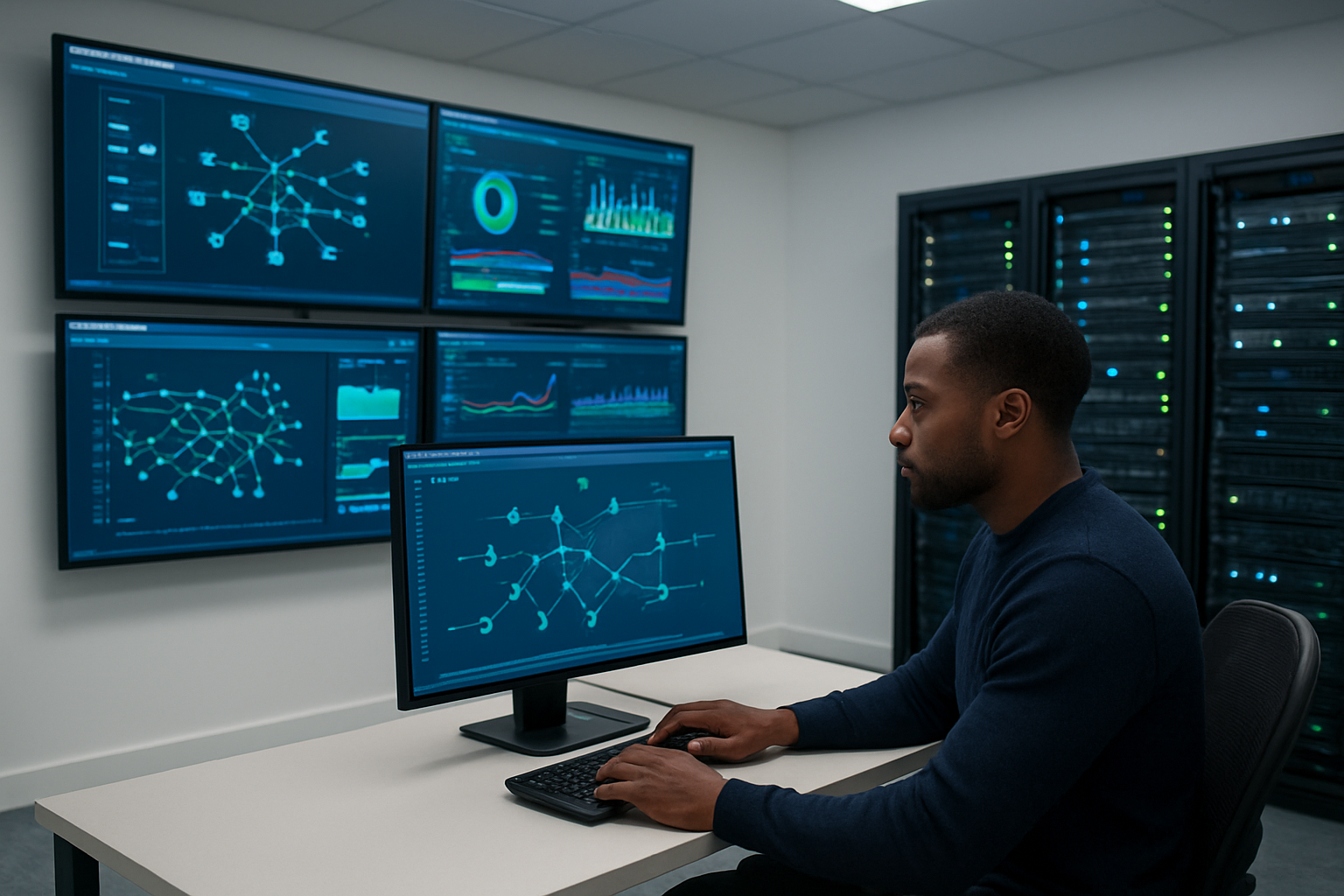
CloudWatch provides comprehensive visibility into your AWS Transit Gateway performance through built-in metrics that track data processing, packet drops, and connection states. Start by enabling VPC Flow Logs on your Transit Gateway to capture detailed traffic information – this creates the foundation for effective centralized network management.
Key metrics to monitor include:
- BytesIn/BytesOut: Track data volume flowing through your Transit Gateway
- PacketDropCount: Identify potential routing or capacity issues
- ActiveConnectionCount: Monitor concurrent connections across your network topology
- RouteTablePropagationFailures: Catch routing configuration problems early
Set up CloudWatch alarms with appropriate thresholds for each metric. For packet drops, configure alerts when the count exceeds 100 per minute. Data transfer alarms should trigger when traffic patterns deviate significantly from baseline – typically 20% above normal volumes during peak hours.
Create custom dashboards that visualize your enterprise AWS networking health at a glance. Include widgets showing traffic distribution across VPCs, top talkers by data volume, and routing table propagation status. This gives your team immediate insight into network performance without digging through logs.
Consider implementing automated responses to common issues. Lambda functions can restart failed route propagations or send detailed notifications to your network operations team when critical thresholds are breached.
Analyzing traffic flows and identifying bottlenecks
Transit Gateway architecture visibility starts with understanding your traffic patterns. VPC Flow Logs combined with AWS CloudTrail provide detailed insights into which resources communicate most frequently and consume the most bandwidth.
Use CloudWatch Insights to query flow log data and identify your heaviest traffic paths:
fields @timestamp, srcaddr, dstaddr, bytes
| filter bytes > 1000000
| stats sum(bytes) by srcaddr, dstaddr
| sort bytes desc
Traffic analysis reveals common bottleneck patterns in multi-VPC connectivity environments:
- Cross-AZ data transfer: Traffic routing through multiple availability zones unnecessarily
- Subnet-level congestion: Specific subnets generating disproportionate traffic volumes
- Route table inefficiencies: Suboptimal routing paths causing performance degradation
- Security group bottlenecks: Overly restrictive rules forcing traffic through narrow pathways
Network topology visualization tools help identify these issues quickly. Third-party solutions like VPC Reachability Analyzer can map your entire network and highlight potential chokepoints before they impact performance.
Pay special attention to asymmetric routing patterns – these often indicate configuration issues that can cause intermittent connectivity problems. Look for traffic flowing outbound through one path but returning via a different route, which can trigger security group or NACL blocks.
Regular traffic pattern analysis should become part of your AWS network optimization routine, helping you proactively adjust routing tables and capacity before users experience problems.
Resolving common connectivity and routing issues
Route table propagation failures rank among the most frequent Transit Gateway configuration problems. When routes don’t propagate correctly, entire VPC segments can become unreachable. Check the Transit Gateway route table propagation status regularly and verify that automatic propagation is enabled for all required attachments.
Common connectivity issues and their solutions include:
Route conflicts: Multiple routes with identical CIDR blocks create ambiguity. AWS chooses the most specific route, but overlapping ranges cause unpredictable behavior. Audit your route tables for conflicts and consolidate overlapping CIDRs where possible.
Security group misconfigurations: Traffic might reach the Transit Gateway but get blocked at the destination. Verify that security groups allow traffic on required ports and protocols. Remember that security groups are stateful – outbound rules don’t automatically allow return traffic.
NACL restrictions: Network ACLs operate at the subnet level and can block traffic even when security groups allow it. Unlike security groups, NACLs are stateless, requiring explicit inbound and outbound rules for bidirectional communication.
MTU size issues: Path MTU discovery problems can cause intermittent connectivity. Transit Gateway supports jumbo frames up to 8500 bytes, but ensure your entire network path supports the same MTU size to avoid fragmentation.
DNS resolution failures: Cross-VPC communication requires proper DNS configuration. Enable DNS resolution and DNS hostnames in VPC settings, and consider using Route 53 Resolver for hybrid environments.
When troubleshooting, use VPC Reachability Analyzer to test connectivity between specific resources. This tool simulates network traffic and identifies exactly where packets get dropped, saving hours of manual investigation. The analyzer checks routing tables, security groups, NACLs, and Transit Gateway configurations in a single analysis.
For persistent issues, enable VPC Flow Logs with detailed logging to capture rejected traffic. Filter logs for action=”REJECT” to see exactly where traffic gets blocked, then work backwards through your network configuration to identify the root cause.
Cost Optimization and Best Practices

Understanding Transit Gateway pricing models and cost drivers
AWS Transit Gateway pricing operates on three main components that directly impact your monthly bill. The first cost element is the hourly attachment fee for each connection, whether it’s a VPC, VPN, or Direct Connect gateway attachment. Each attachment runs approximately $0.05 per hour, which translates to about $36 monthly per connection.
Data processing charges represent the second major cost driver. AWS charges $0.02 per GB for data processed through the Transit Gateway, applying to both ingress and egress traffic. This means if you’re moving 100GB of data monthly through your Transit Gateway, you’ll pay an additional $2 for processing.
The third component involves cross-Availability Zone data transfer fees. When traffic flows between different AZs through Transit Gateway, standard AWS data transfer charges apply at $0.01 per GB. These costs can accumulate quickly in multi-AZ deployments with high traffic volumes.
Regional data transfer costs become significant when connecting VPCs across different AWS regions. Inter-region data transfer through Transit Gateway incurs the standard regional transfer pricing, which varies by region pair but typically ranges from $0.02 to $0.09 per GB.
Understanding these pricing tiers helps you make informed decisions about your network architecture. Organizations often underestimate the cumulative effect of processing fees across multiple attachments, making cost modeling essential before implementation.
Implementing resource sharing strategies across accounts
Cross-account resource sharing with Transit Gateway creates substantial cost savings opportunities through centralized network management. The Transit Gateway can be shared across multiple AWS accounts within an organization using AWS Resource Access Manager (RAM), eliminating the need for duplicate network infrastructure.
When implementing shared Transit Gateway architecture, designate a central networking account as the owner. This account manages the Transit Gateway and associated route tables while other accounts attach their VPCs as needed. This approach reduces the total number of Transit Gateways required and consolidates billing for easier cost tracking.
Route table sharing strategies play a crucial role in cost optimization. Instead of creating separate route tables for each account, design shared route tables based on traffic patterns and security requirements. Common patterns include separate route tables for production, development, and shared services environments.
Implement tag-based cost allocation to track expenses across different business units or projects. Tags applied to Transit Gateway attachments help identify which teams or applications generate the most network costs, enabling better budget planning and chargeback mechanisms.
Consider implementing approval workflows for new attachments through AWS Service Catalog or custom automation. This prevents unauthorized connections that could unexpectedly increase costs while maintaining the flexibility teams need for legitimate use cases.
Optimizing data transfer costs through intelligent routing
Strategic route design significantly impacts data transfer costs in Transit Gateway deployments. Direct routing between VPCs in the same Availability Zone minimizes cross-AZ transfer charges while maintaining the benefits of centralized routing management.
Traffic engineering through custom route tables helps minimize unnecessary data hops. Design your routing tables to ensure traffic takes the most direct path to its destination rather than routing through intermediate VPCs or regions. This reduces both processing fees and transfer costs.
Implement VPC endpoint strategies for AWS services to avoid unnecessary Transit Gateway processing. When VPCs need access to S3, DynamoDB, or other AWS services, VPC endpoints provide direct access without routing traffic through the Transit Gateway, eliminating processing charges for this traffic.
Regional proximity planning reduces inter-region transfer costs. Place frequently communicating resources in the same region when possible, and use Transit Gateway peering connections strategically to minimize cross-region data flow.
Monitor traffic patterns using VPC Flow Logs and AWS Cost Explorer to identify optimization opportunities. Regular analysis reveals which connections generate the highest costs and whether alternative architectures might provide better cost-performance ratios.
Consider implementing data compression and caching strategies at the application level to reduce overall data transfer volumes. While not directly related to Transit Gateway configuration, these techniques can significantly impact your total networking costs across the infrastructure.

AWS Transit Gateway transforms how enterprises handle their network architecture by creating a single hub that connects all your VPCs, on-premises networks, and remote connections. When you move from complex mesh networks to this centralized approach, you get better control over traffic flow, easier management, and clearer visibility into your entire network. The key is proper planning – understanding your routing needs, setting up the right configurations, and keeping an eye on performance metrics.
The investment in Transit Gateway pays off through simplified operations and reduced networking costs, especially as your infrastructure grows. Start by mapping out your current network connections, then gradually migrate to the centralized model while monitoring performance closely. With the right monitoring tools and cost optimization strategies in place, you’ll have a robust networking foundation that scales with your business needs and keeps your teams focused on what matters most.