Building a serverless expense tracker with AWS Lambda and S3 gives you a scalable, cost-effective way to manage your finances without worrying about server maintenance. This comprehensive AWS Lambda tutorial is perfect for developers who want hands-on experience with serverless application development and AWS serverless architecture.
You’ll learn to create a complete expense management system that automatically scales with your needs while keeping costs minimal. This serverless project tutorial walks you through real-world implementation, from setting up your development environment to deploying a fully functional cloud expense tracker.
We’ll cover how to design your serverless architecture using AWS best practices, ensuring your expense tracker can handle growth efficiently. You’ll master Lambda function creation by building multiple functions that work together seamlessly. Finally, we’ll dive deep into AWS S3 integration for reliable S3 data storage, showing you how to store and retrieve expense data securely in the cloud.
By the end of this guide, you’ll have a production-ready serverless expense tracker and solid understanding of AWS serverless development patterns you can apply to future projects.
Set Up Your AWS Environment for Serverless Development
Create and configure your AWS account with proper permissions
Your AWS account serves as the foundation for building a serverless expense tracker. Start by creating a free-tier AWS account if you don’t have one, then navigate to the AWS Management Console. Set up a root user with multi-factor authentication enabled for security. Create an IAM user specifically for development work rather than using the root account for daily tasks.
Configure billing alerts to monitor your AWS spending while developing your expense management system. Enable detailed billing reports and set up CloudWatch alarms to notify you when costs exceed your budget. This prevents unexpected charges during your serverless application development journey.
Install and configure AWS CLI for local development
Download and install the AWS Command Line Interface (CLI) on your local machine to interact with AWS services directly from your terminal. The CLI streamlines Lambda function deployment and S3 bucket management for your expense tracker project. Run aws configure to set up your access credentials, default region, and output format.
Test your CLI configuration by running aws sts get-caller-identity to verify your connection. Choose a region close to your users for optimal performance – popular options include us-east-1 or us-west-2. Store your AWS credentials securely using environment variables or the AWS credentials file rather than hardcoding them in your application code.
Set up IAM roles and policies for Lambda and S3 access
Create dedicated IAM roles for your Lambda functions with the principle of least privilege. Start with the basic Lambda execution role that includes CloudWatch Logs permissions for debugging your serverless functions. Add S3 permissions to allow your expense tracker to read and write data to your storage buckets.
Design custom policies that grant specific access to your S3 buckets rather than using broad permissions. Your Lambda functions need s3:GetObject, s3:PutObject, and s3:DeleteObject permissions for the expense data bucket. Attach these policies to your Lambda execution role and test the permissions using the AWS Policy Simulator before deploying your serverless architecture.
Design Your Expense Tracker Architecture

Plan the serverless application structure and data flow
Building a solid serverless expense tracker requires mapping out how data moves through your system. Your AWS Lambda functions will handle incoming requests, process expense data, and communicate with S3 data storage. The flow starts when users submit expenses through an API Gateway, triggering Lambda functions that validate, transform, and store data in S3 buckets.
Create a clear separation between different operations – one Lambda for adding expenses, another for retrieving reports, and a third for data processing. This serverless architecture ensures each function has a single responsibility, making your expense management system more maintainable and scalable.
Define expense data schema and storage requirements
Your expense data schema should capture essential information like transaction date, amount, category, description, and user ID. Design the structure as JSON objects that Lambda functions can easily manipulate and S3 can store efficiently. Consider fields like expense_id, timestamp, amount, currency, category, merchant, receipt_url, and user_id.
Storage requirements depend on your expected usage – calculate how much data each user might generate monthly and plan for growth. S3’s pay-as-you-use model makes it perfect for expense tracking apps that start small but need room to scale.
Map out Lambda functions for different operations
Your serverless application development needs distinct Lambda functions for core operations. Create separate functions for adding new expenses, retrieving expense lists, generating monthly reports, and processing receipt uploads. Each function should handle one specific task to keep your code clean and debugging simple.
Consider creating these key functions: addExpense for new entries, getExpenses for data retrieval, generateReport for analytics, uploadReceipt for file handling, and deleteExpense for removing entries. This modular approach makes your AWS serverless architecture easier to maintain and update.
Choose S3 bucket structure for expense data storage
Organize your S3 integration using a logical folder structure that supports efficient querying and data management. Create a hierarchy like /expenses/user_id/year/month/expense_data.json to enable quick filtering by user and date ranges. This structure helps Lambda functions locate specific data without scanning entire buckets.
Set up separate buckets or folders for different data types – one for expense records, another for receipt images, and a third for processed reports. Use S3’s versioning and lifecycle policies to manage storage costs while keeping your cloud expense tracker data safe and accessible.
Create Your First Lambda Function for Expense Management
Write the Lambda function code for adding new expenses
Your Lambda function forms the core of your serverless expense tracker, handling expense data processing with Python or Node.js. The function receives expense details through API Gateway events, validates input data, and prepares it for S3 storage. Structure your code with clear separation between data validation, business logic, and storage operations to maintain clean, testable serverless application development.
Configure function triggers and environment variables
Set up API Gateway as your primary trigger to enable HTTP requests for expense submissions. Configure environment variables for S3 bucket names, AWS regions, and any configuration parameters your AWS Lambda tutorial requires. This approach keeps sensitive data secure while making your function portable across different environments in your cloud expense tracker implementation.
Set up proper error handling and logging
Implement comprehensive error handling with try-catch blocks and meaningful error messages for debugging your expense management system. Use AWS CloudWatch logging to track function execution, errors, and performance metrics. Add structured logging with different severity levels to monitor your Lambda function creation process and troubleshoot issues during development and production phases.
Test your function using AWS console
Use the AWS Lambda console’s built-in test functionality to create sample expense data and verify your function behavior. Configure test events that mimic real API Gateway requests with various expense scenarios including edge cases and invalid inputs. Monitor execution duration, memory usage, and CloudWatch logs to ensure your AWS serverless architecture performs optimally before integrating with your complete expense tracker application.
Build S3 Integration for Data Storage

Create and configure S3 buckets for expense data
Setting up your S3 bucket correctly is crucial for your serverless expense tracker’s data storage. Create a dedicated bucket with versioning enabled to protect your expense data from accidental deletions. Configure the bucket policy to allow your Lambda functions read and write access while maintaining security. Use a logical naming convention like expense-tracker-data-{environment} and enable server-side encryption for sensitive financial information.
Implement data serialization and deserialization logic
Your Lambda functions need to convert expense objects into JSON format before storing them in S3. Create utility functions that serialize expense data with proper timestamp formatting, currency handling, and category validation. For retrieval, implement deserialization logic that reconstructs expense objects from stored JSON, handling data type conversions and potential schema changes gracefully.
Set up S3 event notifications for automated processing
Configure S3 event notifications to trigger Lambda functions automatically when new expense files are uploaded. Set up PUT and POST object events to fire Lambda functions for data processing, validation, and indexing. This AWS S3 integration enables real-time expense tracking without manual intervention, making your serverless expense tracker truly automated and efficient.
Implement Additional Lambda Functions for Full Functionality
Create Lambda function for retrieving expense records
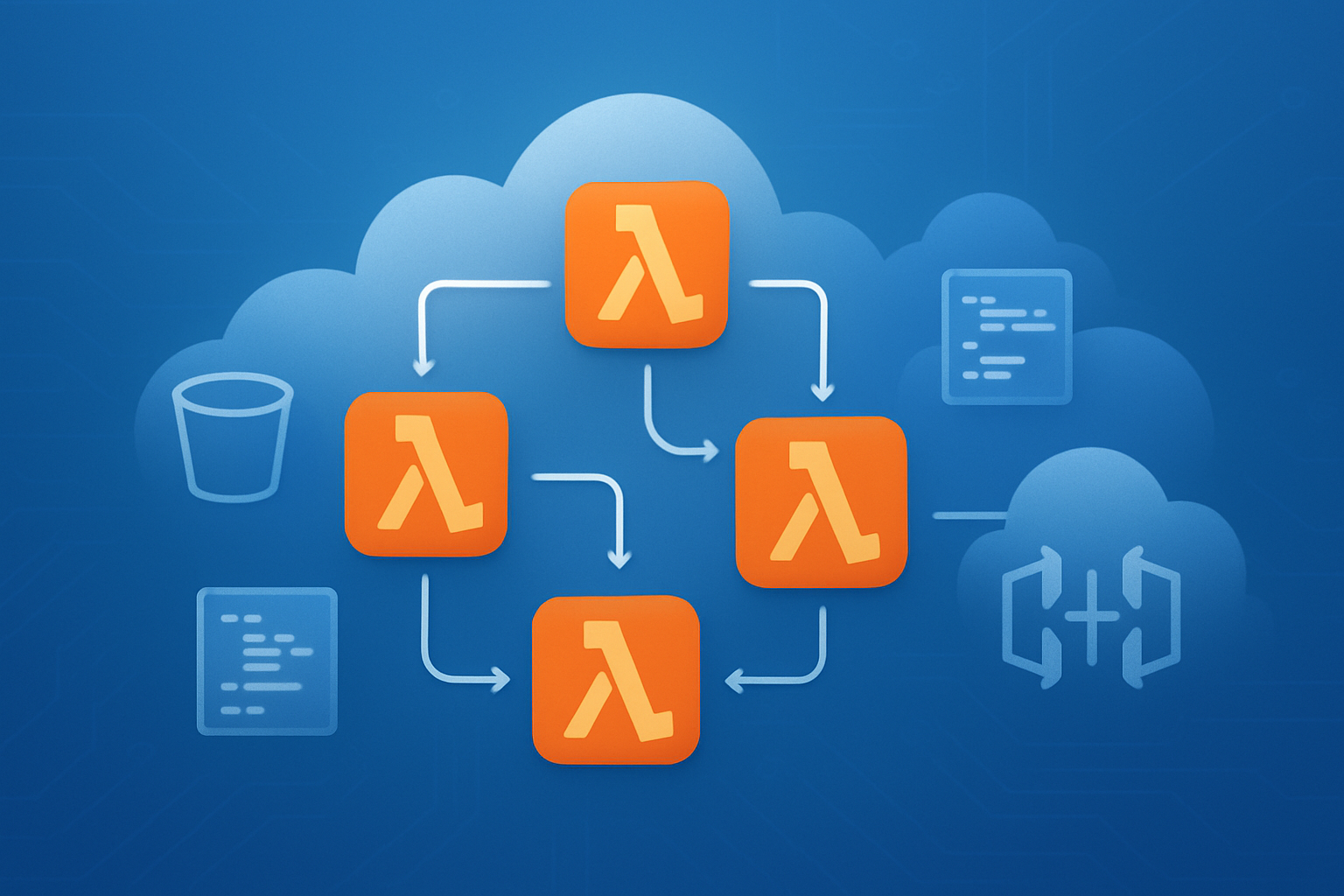
Building a retrieval function completes your serverless expense tracker CRUD operations. Create a new Lambda function that reads expense data from your S3 bucket using the AWS SDK. The function should accept query parameters like date ranges, categories, or user IDs to filter results. Parse the JSON objects stored in S3 and return formatted expense records as API responses.
Build function for updating existing expense entries
Your update function requires careful handling of S3 object modifications since S3 doesn’t support in-place edits. Retrieve the existing expense record, modify the necessary fields, and overwrite the S3 object with updated data. Implement proper error handling to manage cases where the expense record doesn’t exist or concurrent updates occur.
Develop Lambda function for deleting expenses
The deletion function removes expense records from S3 storage while maintaining data integrity. Use the S3 deleteObject API to remove specific expense entries based on their unique identifiers. Include validation to ensure only authorized users can delete their own expenses and implement soft delete functionality by moving records to an archive bucket instead of permanent deletion.
Add function for generating expense reports and summaries
Create an advanced Lambda function that aggregates expense data for reporting purposes. This function reads multiple S3 objects, processes expense categories, calculates totals, and generates monthly or yearly summaries. Implement caching mechanisms using DynamoDB or ElastiCache to improve performance for frequently requested reports. The function can output data in various formats like JSON for dashboards or CSV for spreadsheet integration.
Deploy and Test Your Complete Serverless Application

Package and deploy all Lambda functions to AWS
Creating deployment packages for your serverless expense tracker requires careful organization of your Lambda functions. Bundle each function with its dependencies using the AWS CLI or Serverless Framework, ensuring proper IAM roles are attached for S3 data storage access. Deploy using aws lambda create-function commands or automated deployment tools like AWS SAM for streamlined serverless application development.
Configure API Gateway for HTTP endpoints
Set up REST API endpoints through AWS API Gateway to expose your Lambda functions as HTTP services. Create resources for expense operations like POST /expenses, GET /expenses, and DELETE /expenses/{id}, linking each to corresponding Lambda functions. Enable CORS settings and configure request/response mappings to support your expense management system frontend integration.
Test end-to-end functionality with real expense data
Execute comprehensive testing by submitting actual expense records through your API endpoints using tools like Postman or curl commands. Validate that your AWS Lambda tutorial implementation correctly processes expense creation, retrieval, and deletion operations. Monitor CloudWatch logs to track function execution and identify any runtime errors during the testing phase.
Verify S3 data persistence and retrieval operations
Confirm your AWS S3 integration works properly by checking the S3 bucket after each expense transaction. Verify that JSON files are created with proper naming conventions and contain accurate expense data. Test data retrieval by calling your Lambda functions and ensuring they return the correct expense information from S3 storage.
Optimize Performance and Add Advanced Features

Implement caching strategies for faster data access
Your serverless expense tracker can dramatically improve performance by adding smart caching layers. DynamoDB DAX (DynamoDB Accelerator) provides microsecond response times for frequently accessed expense data, while CloudFront can cache API Gateway responses at edge locations worldwide. Lambda@Edge functions enable custom caching logic that keeps user-specific expense summaries readily available.
Add expense categorization and filtering capabilities
Transform your basic expense tracker into a powerful financial management tool by implementing category-based organization. Create Lambda functions that automatically categorize expenses using machine learning services like Amazon Comprehend or simple rule-based matching. Build API endpoints that support complex filtering by date ranges, amounts, categories, and custom tags. Store category mappings in DynamoDB with GSI indexes for lightning-fast queries across different expense dimensions.
Set up automated backup and data retention policies
Protect your expense data with automated S3 lifecycle policies that transition older expenses to cheaper storage classes like Glacier. Configure Lambda functions triggered by CloudWatch Events to create daily backups of your DynamoDB tables. Set up cross-region replication for critical data and implement automated deletion of temporary files older than specified retention periods.
Building a serverless expense tracker with AWS Lambda and S3 gives you a powerful, cost-effective solution that scales automatically with your needs. You’ve learned how to set up your AWS environment, design a solid architecture, create Lambda functions for expense management, integrate S3 for reliable data storage, and deploy a complete application. The step-by-step approach shows you can build enterprise-grade applications without managing servers or worrying about infrastructure overhead.
Start building your expense tracker today and experience the benefits of serverless computing firsthand. The combination of Lambda’s event-driven processing and S3’s durable storage creates a robust foundation that can handle everything from personal expense tracking to business-level financial applications. As you get comfortable with these core services, you can expand your application with additional AWS features like API Gateway for web interfaces or DynamoDB for more complex data relationships.