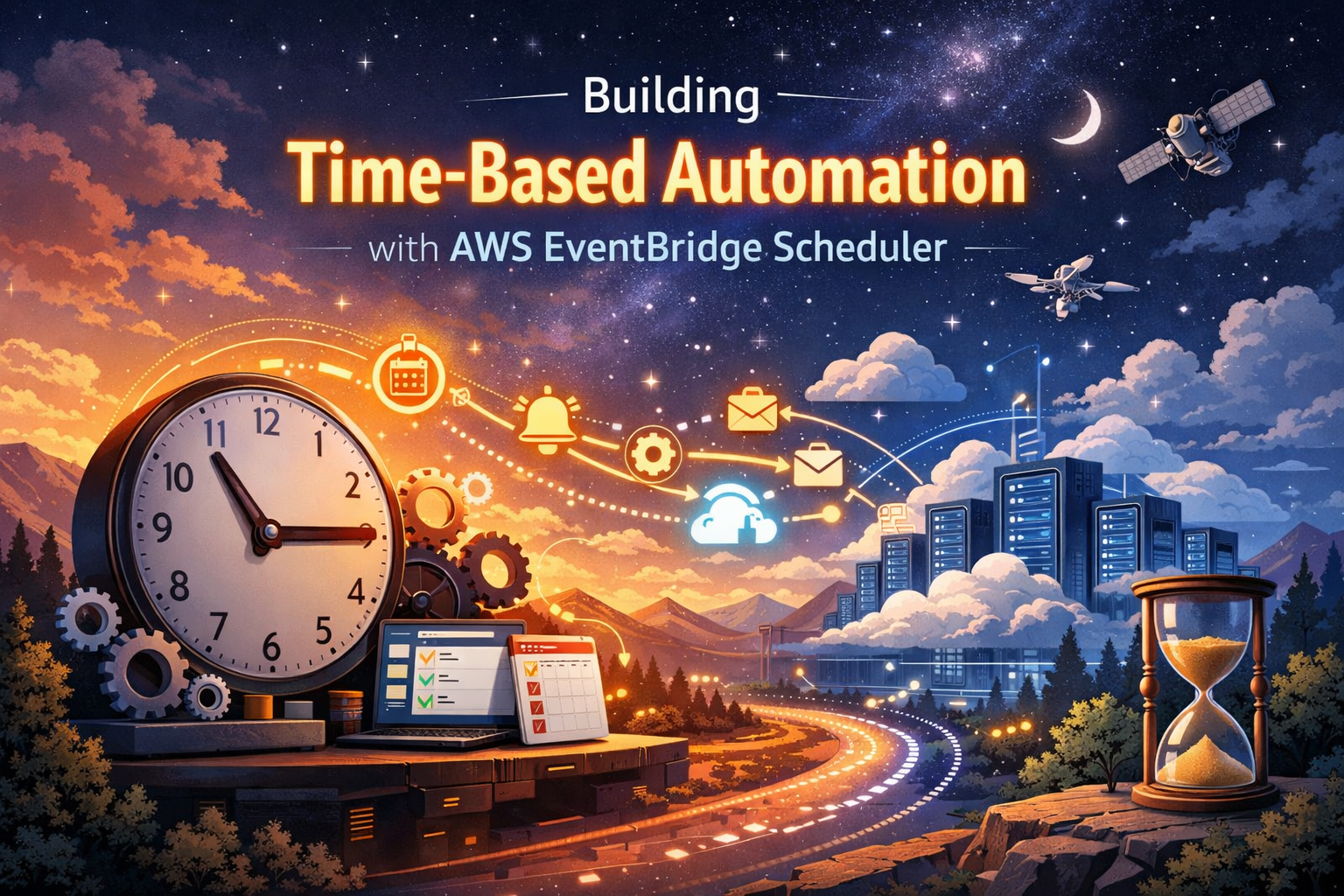
AWS EventBridge Scheduler transforms how you automate time-based tasks in the cloud, replacing traditional cron jobs with a serverless, scalable solution that integrates seamlessly with your existing AWS infrastructure.
This guide is designed for cloud engineers, DevOps professionals, and developers who want to move beyond basic scheduling and build robust, event-driven automation systems. Whether you’re managing routine database backups, triggering data processing workflows, or orchestrating complex multi-service operations, you’ll learn how to leverage EventBridge Scheduler’s full potential.
We’ll walk through setting up your first EventBridge Scheduler with practical examples that get you started quickly. Then we’ll explore advanced scheduling patterns and real-world use cases that show how to handle everything from simple recurring tasks to complex, conditional workflows that respond to your business needs.
You’ll also discover how to integrate EventBridge Scheduler with other AWS services like Lambda, SQS, and Step Functions to create powerful automation chains that scale automatically and handle errors gracefully.
Understanding AWS EventBridge Scheduler Fundamentals

Core components and architecture overview
AWS EventBridge Scheduler operates on three fundamental components: schedules, targets, and execution roles. Schedules define when tasks run using flexible expressions like rate-based or cron patterns. Targets specify which AWS services receive the scheduled events, ranging from Lambda functions to SQS queues. The service builds on EventBridge’s event-driven architecture, creating a serverless scheduling layer that automatically scales based on demand. Unlike traditional scheduling solutions, EventBridge Scheduler manages infrastructure complexity behind the scenes, allowing developers to focus on business logic rather than server maintenance.
Key differences from traditional cron jobs
Traditional cron jobs tie scheduling to specific servers, creating single points of failure and scaling bottlenecks. AWS EventBridge Scheduler eliminates these constraints by running on managed infrastructure that automatically handles high availability and fault tolerance. While cron requires manual server patching and monitoring, EventBridge Scheduler provides built-in observability through CloudWatch metrics and logs. The service supports more sophisticated scheduling patterns, including one-time schedules and flexible time windows that cron can’t handle natively. Dead letter queues and retry policies come standard, replacing custom error handling scripts that cron jobs typically require.
Integration capabilities with AWS services
EventBridge Scheduler connects seamlessly with over 270 AWS services through direct integrations and API destinations. Popular targets include Lambda functions for serverless computing, Step Functions for complex workflows, and ECS tasks for containerized applications. The service supports cross-account scheduling, enabling centralized automation across multiple AWS accounts. API destinations extend reach beyond AWS, allowing scheduled calls to external HTTP endpoints with built-in authentication. SQS and SNS integrations enable decoupled messaging patterns, while direct database connections to RDS and DynamoDB support data maintenance tasks without additional infrastructure.
Pricing model and cost optimization benefits
EventBridge Scheduler uses a simple pay-per-schedule pricing model starting at $1.00 per million schedule invocations. This eliminates the fixed costs of running dedicated scheduling servers or maintaining EC2 instances for basic cron functionality. The service includes a generous free tier of 14 million invocations monthly, covering most small to medium workloads. Cost optimization comes through reduced operational overhead – no server patching, monitoring, or scaling activities required. Compared to running equivalent scheduling infrastructure on EC2, most organizations see 60-80% cost reductions while gaining enterprise-grade reliability and security features.
Setting Up Your First EventBridge Scheduler
Prerequisites and IAM permissions configuration
Before diving into EventBridge Scheduler setup, you’ll need an AWS account with appropriate permissions. Create an IAM role with EventBridge Scheduler permissions including scheduler:CreateSchedule, scheduler:GetSchedule, and iam:PassRole. Your role also needs permission to invoke target services like Lambda functions or send messages to SQS queues. The scheduler service requires a service-linked role that AWS automatically creates during your first schedule creation. Make sure your AWS CLI is configured with credentials that have these scheduler permissions, or use an IAM user with the necessary policies attached for console access.
Creating schedules through AWS Console
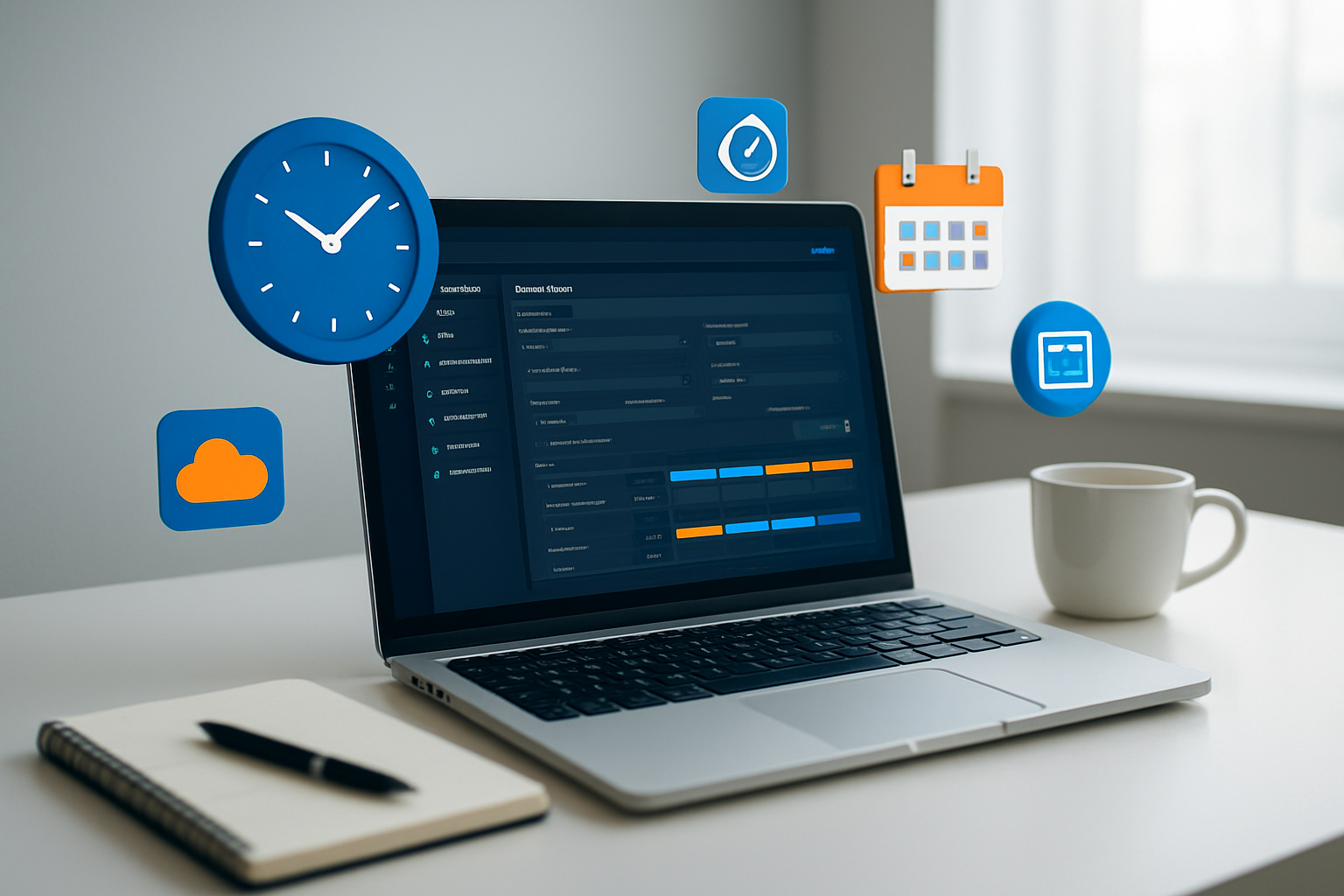
Navigate to the EventBridge console and select “Scheduler” from the left menu to access the AWS EventBridge Scheduler interface. Click “Create schedule” to start your time-based automation setup. Choose between one-time execution or recurring patterns using rate expressions like rate(5 minutes) or cron expressions such as cron(0 9 * * MON-FRI *) for business days. The console provides a helpful expression builder that translates your selections into proper syntax. Name your schedule descriptively and add tags for better organization. You can set flexible time windows, configure retry policies, and define dead letter queues directly through the intuitive interface without writing complex code.
Defining target actions and destinations
EventBridge Scheduler supports multiple target destinations for your automated tasks. Select from AWS services like Lambda functions, Step Functions state machines, SQS queues, SNS topics, or even HTTP endpoints for external integrations. Configure your target by specifying the resource ARN and any required input parameters. For Lambda targets, you can pass custom JSON payloads that your function will receive as event data. When targeting Step Functions, define input transformations to shape data for your workflow. Set up proper input templates using EventBridge’s input transformer feature to customize the payload structure that reaches your destination service for optimal processing.
Testing and validating schedule execution
After creating your EventBridge scheduling setup, use CloudWatch Events to monitor execution history and verify your automation works correctly. Check the “Executions” tab in the scheduler console to view successful runs, failures, and retry attempts. Enable CloudWatch Logs for detailed debugging information when schedules don’t behave as expected. Create test schedules with shorter intervals during development to quickly validate your configuration. Use CloudWatch metrics to track schedule invocations, success rates, and error patterns. Set up CloudWatch alarms to notify you when schedules fail repeatedly, ensuring your time-based automation remains reliable and performs according to your business requirements.
Advanced Scheduling Patterns and Use Cases
Complex cron expressions for precise timing
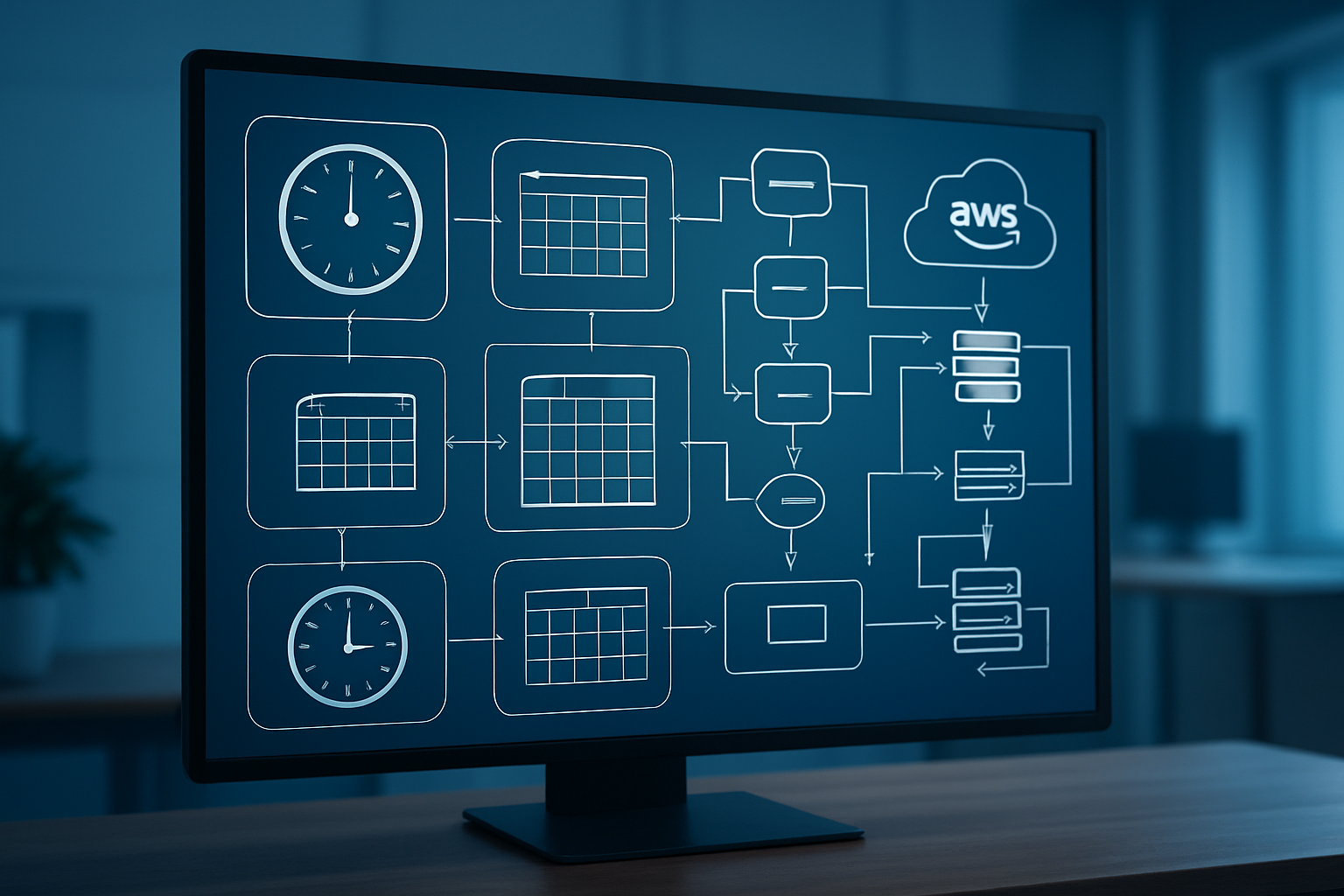
AWS EventBridge Scheduler supports sophisticated cron expressions that go beyond basic scheduling. You can create expressions like 0 9-17/2 ? * MON-FRI * to trigger events every two hours during business hours on weekdays. The service handles advanced patterns including last day of month (L), weekday calculations (1#2 for first Monday), and complex time zones. These powerful expressions enable precise automation for scenarios like quarterly reports, monthly billing cycles, or maintenance windows that need specific timing constraints across different regions.
One-time vs recurring schedule strategies
Choosing between one-time and recurring schedules depends on your automation needs and cost optimization goals. One-time schedules work perfectly for deployment rollouts, data migrations, or event-specific notifications where you need precise execution without repetition. Recurring schedules shine for operational tasks like backup jobs, health checks, or batch processing. Consider using one-time schedules for temporary campaigns or testing scenarios, while recurring patterns handle ongoing operational workflows. Smart scheduling strategies often combine both approaches – using recurring schedules for regular operations and one-time schedules for exception handling.
Holiday and business day exclusion handling
EventBridge Scheduler doesn’t natively support holiday exclusions, but you can build robust solutions using Lambda functions as targets. Create a validation layer that checks against holiday APIs or maintains custom business calendar logic before proceeding with scheduled actions. Implement date-checking functions that evaluate whether the current date falls on weekends, company holidays, or maintenance blackout periods. You can also use Step Functions to create conditional workflows that skip execution during excluded periods, ensuring your automation respects business requirements and avoids processing during inappropriate times.
Integrating with AWS Services for Maximum Impact
Lambda function automation workflows
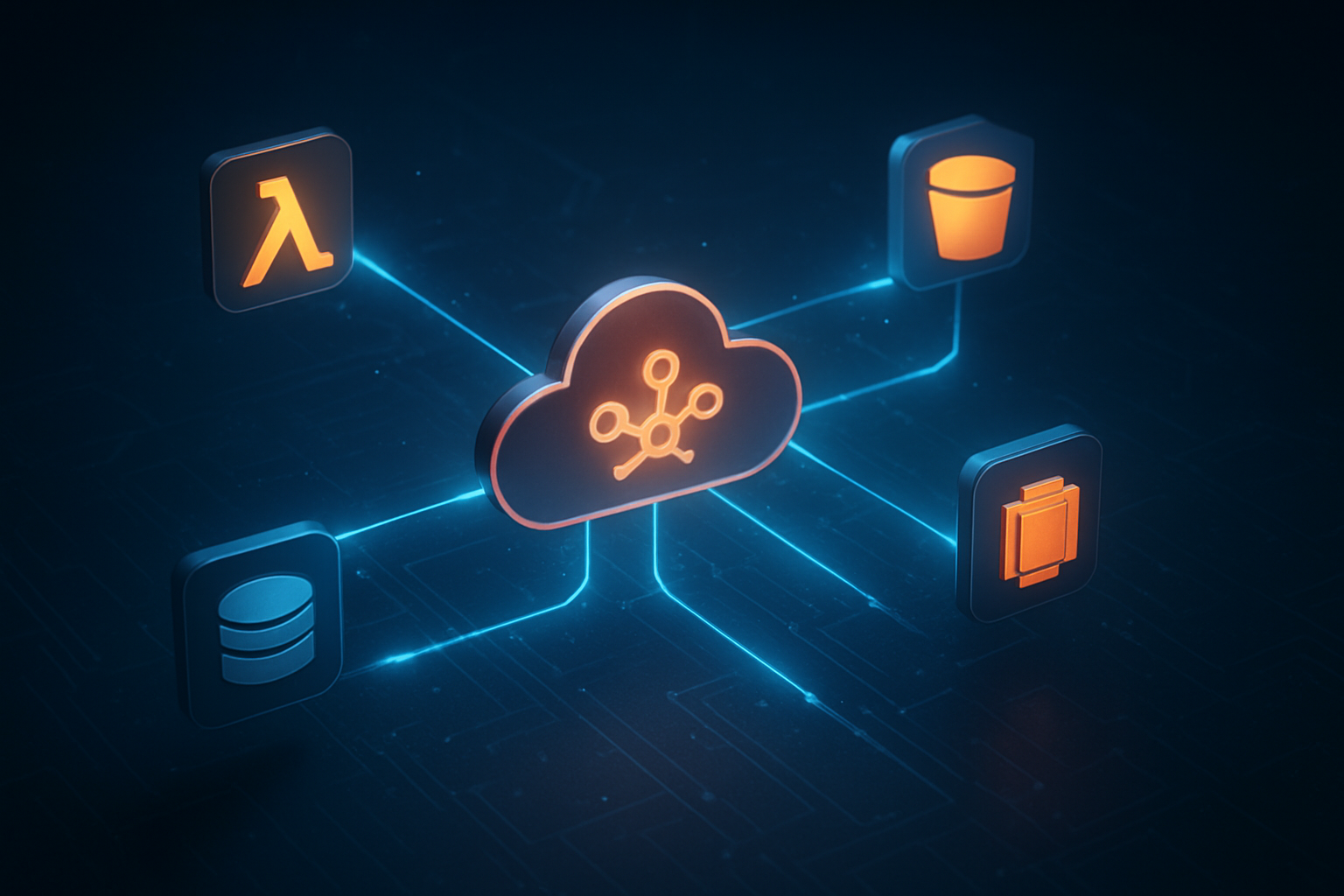
AWS EventBridge Scheduler transforms Lambda function automation by providing precise timing control beyond basic cron expressions. You can trigger Lambda functions with flexible scheduling patterns, passing custom payloads and managing retry policies seamlessly. This serverless automation AWS approach eliminates the need for maintaining dedicated scheduling infrastructure while enabling complex workflow orchestration across your applications.
SQS and SNS messaging automation
EventBridge Scheduler excels at automating message delivery through SQS queues and SNS topics with millisecond precision. Schedule batch processing jobs by sending messages to SQS at specific intervals, or trigger SNS notifications for time-sensitive alerts and reminders. The integration supports custom message attributes, dead letter queue configurations, and automatic scaling based on your scheduling requirements, making it perfect for event-driven architecture AWS implementations.
Step Functions orchestration triggers
Combine EventBridge Scheduler with AWS Step Functions to create powerful workflow orchestration systems. Schedule complex multi-step processes, data pipeline executions, and business logic flows with precise timing controls. This AWS EventBridge Scheduler integration enables you to build sophisticated automation that handles error recovery, parallel processing, and conditional branching while maintaining complete visibility into execution states and performance metrics.
CloudWatch Events migration strategies
Migrating from CloudWatch Events to EventBridge Scheduler requires careful planning to maintain existing automation workflows. Start by inventorying current rules and identifying time-based patterns that benefit from enhanced scheduling capabilities. Use EventBridge’s backward compatibility features during transition periods, then gradually migrate to native scheduler syntax for improved flexibility. This AWS event scheduling patterns approach ensures zero downtime while unlocking advanced scheduling features.
Cross-region schedule management
EventBridge Scheduler supports cross-region automation through strategic deployment patterns and resource replication. Design your time-based automation AWS architecture to handle regional failures by deploying schedulers across multiple AWS regions with synchronized configurations. Use CloudFormation templates or CDK to maintain consistency across regions, and implement monitoring to track schedule execution across your distributed infrastructure for maximum reliability and disaster recovery capabilities.
Error Handling and Monitoring Best Practices

Dead Letter Queue Configuration
Setting up dead letter queues (DLQs) for your AWS EventBridge Scheduler creates a safety net when scheduled events fail repeatedly. Configure DLQs on your target services like Lambda functions or SQS queues to capture failed executions. This prevents lost events and provides visibility into failures. Set appropriate message retention periods and ensure your DLQ has sufficient capacity to handle failure spikes during outages or configuration issues.
Retry Policies and Failure Management
EventBridge Scheduler automatically retries failed invocations based on your configured retry policy. Define maximum retry attempts (up to 185 times) and retry intervals to balance between quick recovery and avoiding resource exhaustion. Different failure types require different strategies – transient network issues benefit from shorter intervals, while configuration errors need immediate attention. Set exponential backoff patterns to prevent overwhelming downstream services during recovery periods.
CloudWatch Metrics and Alerting Setup
Monitor your EventBridge scheduler best practices through CloudWatch metrics like InvocationAttempts, FailedInvocations, and TargetExecutionTime. Create custom dashboards displaying schedule execution patterns, failure rates, and performance trends. Set up CloudWatch alarms for critical thresholds – high failure rates, missed executions, or unusual latency spikes. Configure SNS notifications to alert your team when scheduled automation fails, ensuring rapid incident response.
Logging and Troubleshooting Techniques
Enable CloudTrail logging to capture all EventBridge Scheduler API calls and configuration changes. Use structured logging in your target applications to correlate scheduled events with business outcomes. CloudWatch Logs Insights helps query execution patterns and identify failure root causes. Create log groups with appropriate retention policies and implement centralized logging strategies. Tag your schedules consistently to simplify troubleshooting across environments and track related automation workflows effectively.
Security and Compliance Considerations

Least Privilege Access Control Implementation
Implementing least privilege access for AWS EventBridge Scheduler means granting users and services only the minimum permissions needed. Create granular IAM policies that restrict access to specific schedule groups and target resources. Use resource-based policies to control who can invoke schedules and combine them with condition keys like aws:RequestedRegion for geographic restrictions.
Encryption and Data Protection Measures
EventBridge Scheduler automatically encrypts all schedule data at rest using AWS KMS keys. Configure customer-managed KMS keys for enhanced control over encryption and key rotation policies. Enable encryption in transit by ensuring all API calls use HTTPS endpoints. Protect sensitive payload data by encrypting it before passing to target services, especially when scheduling contains confidential information like database credentials or API keys.
Audit Trails and Compliance Tracking
CloudTrail captures all EventBridge Scheduler API calls, providing comprehensive audit logs for compliance reporting. Enable detailed event logging to track schedule creation, modification, and execution patterns. Use CloudWatch Logs to monitor schedule state changes and integrate with AWS Config for compliance rule evaluation. Set up alerting for unauthorized access attempts and schedule modifications to maintain security posture across your automated workflows.
AWS EventBridge Scheduler transforms how you handle time-based automation by offering flexible scheduling options, seamless service integrations, and robust error handling capabilities. From basic one-time tasks to complex recurring patterns, this service eliminates the need for custom cron solutions while providing enterprise-grade reliability and monitoring. The built-in security features and compliance controls make it suitable for production workloads across any industry.
Ready to streamline your automation workflows? Start small with a simple scheduled task, then gradually explore advanced patterns as your confidence grows. The combination of EventBridge Scheduler’s powerful features and AWS’s extensive service ecosystem opens up countless possibilities for automating your infrastructure and applications. Your future self will thank you for making the switch from traditional scheduling methods to this modern, scalable solution.