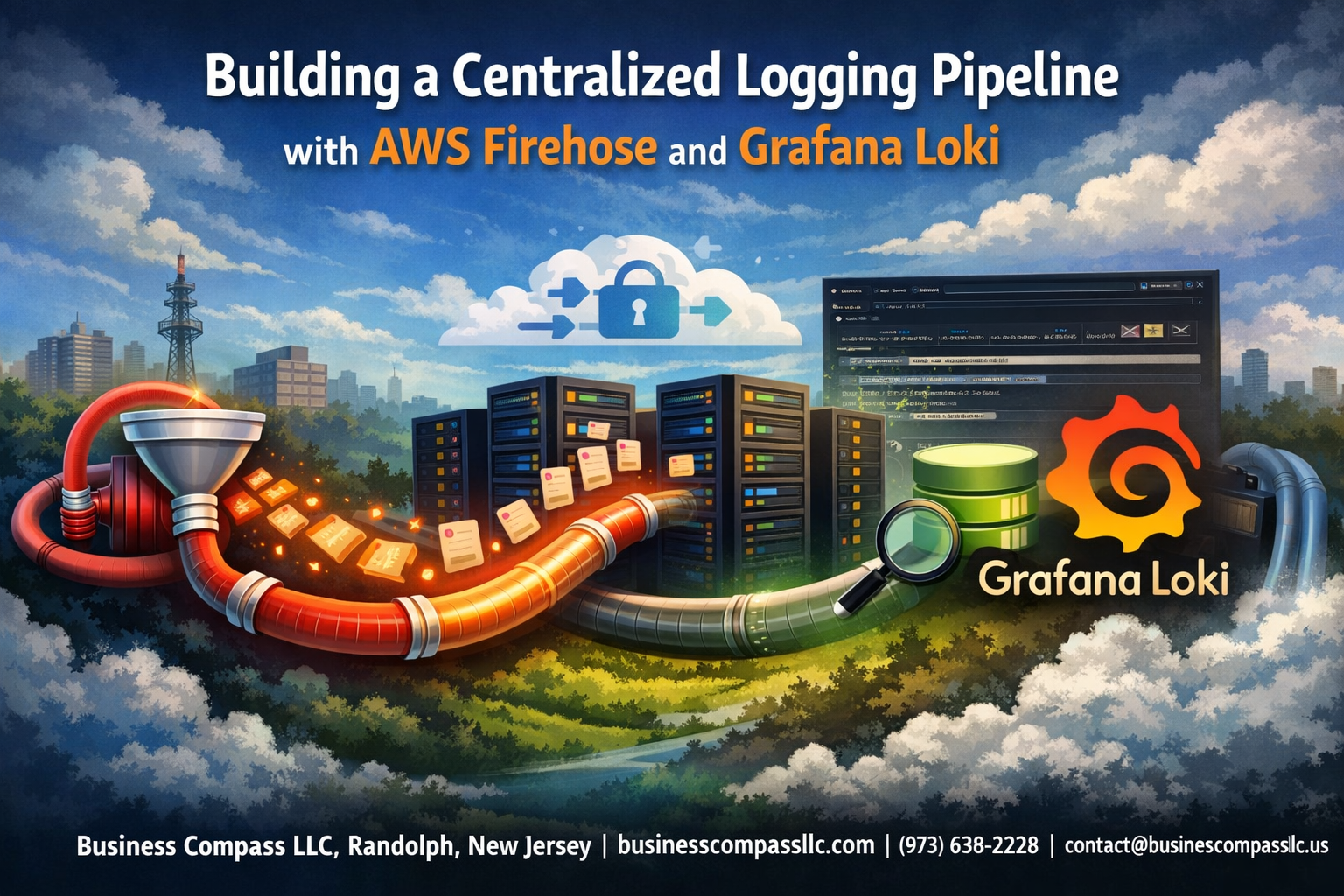
Managing logs across multiple applications and services becomes a nightmare without the right infrastructure. A centralized logging architecture with AWS Firehose and Grafana Loki transforms scattered log data into a streamlined, searchable system that actually helps you solve problems fast.
This guide targets DevOps engineers, platform teams, and developers who need to build a robust AWS Firehose logging pipeline for production environments. You’ll learn to create an observability pipeline that handles high-volume streaming logs AWS workloads while keeping costs reasonable.
We’ll walk through AWS Kinesis Data Firehose configuration to collect logs from your applications, then show you how to deploy Grafana Loki setup for efficient storage and querying. You’ll also discover how to optimize your cloud logging infrastructure for performance and implement smart monitoring to catch issues before they impact users.
Understanding the Core Components of Your Logging Infrastructure
Why AWS Firehose Streamlines Data Ingestion at Scale
AWS Kinesis Data Firehose transforms your AWS Firehose logging pipeline into a powerful data ingestion engine that handles massive log volumes without breaking a sweat. This fully managed service automatically scales to accommodate traffic spikes while delivering logs to your chosen destinations with minimal latency.
Key benefits include:
- Real-time delivery: Streams logs directly to storage destinations
- Automatic compression and encryption: Reduces storage costs and secures data in transit
- Zero infrastructure management: No servers to provision or maintain
- Built-in error handling: Automatically retries failed deliveries
How Grafana Loki Optimizes Log Storage and Retrieval
Grafana Loki setup revolutionizes log storage by indexing only metadata rather than full log content, dramatically reducing storage requirements and query costs. Unlike traditional log aggregation systems, Loki stores logs as compressed chunks while maintaining lightning-fast search capabilities.
This approach delivers several advantages for your centralized logging architecture:
- Cost-effective storage: Uses object storage backends like S3
- Label-based indexing: Enables precise log filtering and correlation
- Native Grafana integration: Seamless visualization and alerting workflows
- Horizontal scalability: Grows with your infrastructure demands
Key Advantages of Combining Both Technologies
Integrating Loki Firehose integration creates a robust observability pipeline that leverages the strengths of both platforms. Firehose handles the heavy lifting of data ingestion and delivery, while Loki provides efficient storage and powerful querying capabilities for your log monitoring Grafana workflows.
This combination offers compelling benefits:
- Simplified architecture: Reduces operational complexity
- Enhanced reliability: Multiple failure recovery mechanisms
- Cost optimization: Pay-as-you-use pricing models
- Vendor flexibility: Avoid lock-in with open-source components
Essential Prerequisites for Implementation
Before building your cloud logging infrastructure, ensure you have the necessary AWS permissions for Kinesis Data Firehose, S3, and IAM role management. Your team should understand basic Kubernetes concepts and have access to a cluster for Loki deployment.
Technical requirements include:
- AWS CLI configured with appropriate credentials
- kubectl access to your target Kubernetes cluster
- Helm package manager installed for Loki deployment
- Basic understanding of AWS Kinesis Data Firehose configuration
Setting Up AWS Kinesis Data Firehose for Log Collection
Configuring Firehose Delivery Streams for Multiple Data Sources
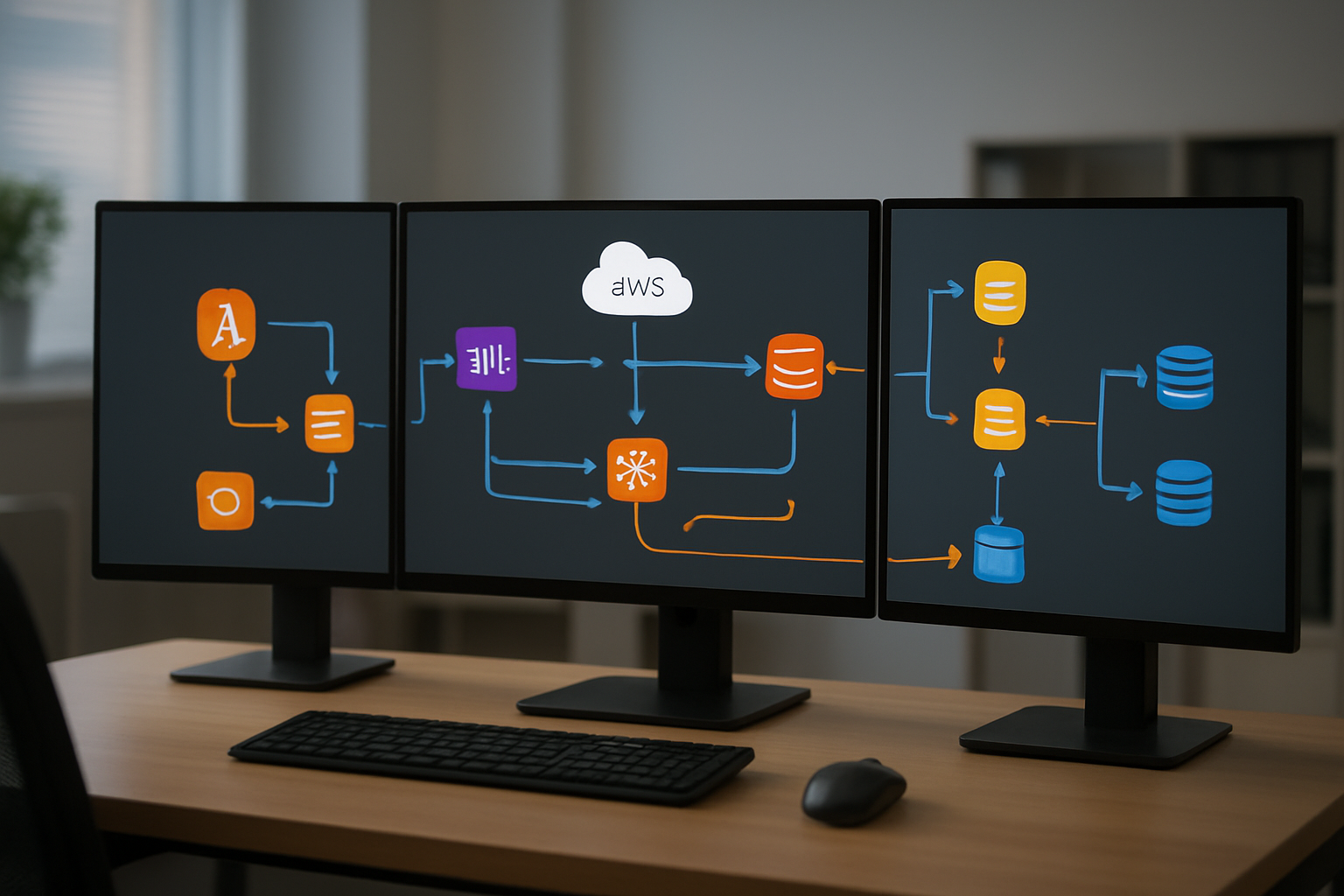
AWS Kinesis Data Firehose delivery streams act as the backbone of your centralized logging architecture, accepting logs from various sources like application servers, Lambda functions, and CloudWatch. Setting up multiple delivery streams allows you to segregate different log types while maintaining a unified AWS Firehose logging pipeline. Configure each stream with specific naming conventions and destination buckets to ensure proper data organization and retrieval downstream.
Optimizing Buffering and Compression Settings for Cost Efficiency
Fine-tuning buffer size and interval settings directly impacts your AWS costs and data delivery latency. Set buffer sizes between 1-5 MB and intervals of 60-300 seconds based on your log volume patterns. Enable GZIP compression to reduce storage costs by up to 70% while maintaining fast query performance in your log aggregation AWS infrastructure.
Implementing Error Handling and Retry Mechanisms
Robust error handling prevents data loss during network failures or destination unavailability in your streaming logs AWS setup. Configure dead letter queues for failed records and set retry attempts to 3-5 times with exponential backoff. Enable CloudWatch logging for delivery stream metrics to monitor success rates and quickly identify issues in your observability pipeline.
Deploying and Configuring Grafana Loki
Installing Loki in Your Target Environment
Deploy Loki using Docker Compose or Kubernetes for production environments. Docker offers simplicity for development setups, while Kubernetes provides better scalability and orchestration capabilities for your centralized logging architecture. Configure resource limits and network policies to ensure optimal performance within your AWS infrastructure.
Configuring Storage Backend for High Availability
Choose between local storage, AWS S3, or distributed object stores for your Loki deployment. S3 integration works seamlessly with AWS Firehose logging pipeline, providing durability and cost-effective long-term retention. Configure chunk and index stores separately to optimize read/write performance across your observability pipeline.
Setting Up Retention Policies for Log Management
Define retention periods based on log criticality and compliance requirements. Configure automatic deletion policies to manage storage costs while maintaining audit trails. Set different retention windows for various log streams – keep error logs longer than debug information to balance storage efficiency with troubleshooting needs.
Optimizing Query Performance with Proper Indexing
Create strategic label indices focusing on frequently queried dimensions like service names, environments, and error levels. Avoid high-cardinality labels that can degrade performance. Structure your Grafana Loki setup with time-based sharding and parallel query execution to handle large-scale log aggregation AWS workloads efficiently across your streaming logs AWS infrastructure.
Creating Seamless Data Flow Between Firehose and Loki
Establishing Secure Connection Protocols
Setting up secure connections between AWS Firehose and Grafana Loki requires implementing proper authentication and network security measures. Configure IAM roles with minimal required permissions for Firehose to deliver logs, and establish VPC endpoints to keep traffic within your private network. Enable TLS encryption for all data transmissions and implement API authentication using service accounts or token-based access controls.
Network security groups should restrict access to only necessary ports and IP ranges. Consider using AWS PrivateLink for enhanced security when connecting cloud resources, and regularly rotate authentication credentials to maintain a strong security posture throughout your logging infrastructure.
Configuring Data Transformation Rules for Log Formatting
Your AWS Firehose logging pipeline needs proper data transformation to ensure logs arrive in Loki-compatible format. Configure Firehose’s built-in data transformation feature using Lambda functions to parse, filter, and restructure log entries before delivery. Set up JSON formatting rules that match Loki’s expected schema, including proper timestamp formatting and label extraction.
- Parse application logs into structured JSON format
- Extract relevant labels for efficient querying in Loki
- Remove sensitive data or apply field masking
- Normalize timestamp formats across different log sources
Implementing Real-time Data Streaming
Real-time streaming requires careful buffer configuration in your Firehose setup to balance latency and throughput. Set buffer size to 1MB and buffer interval to 60 seconds for optimal performance in most scenarios. Configure error handling to redirect failed records to S3 for later analysis and recovery.
Monitor stream metrics to identify bottlenecks and adjust buffer settings based on your log volume patterns. Enable compression to reduce network overhead and storage costs while maintaining streaming performance for your centralized logging architecture.
Setting Up Monitoring for Pipeline Health
Pipeline monitoring involves tracking key metrics across both Firehose and Loki components to ensure reliable log delivery. Set up CloudWatch alarms for Firehose delivery errors, buffer utilization, and throughput metrics. Create Grafana dashboards to visualize Loki ingestion rates, storage usage, and query performance.
- Monitor Firehose delivery success rates and error counts
- Track Loki ingestion lag and storage consumption
- Set up alerts for pipeline failures or performance degradation
- Implement health checks for end-to-end log flow validation
Configure automated responses to common failure scenarios, such as scaling Loki instances during high-volume periods or triggering investigation workflows when delivery success rates drop below acceptable thresholds.
Advanced Pipeline Optimization and Monitoring
Implementing Auto-scaling for Variable Log Volumes
Auto-scaling your AWS Firehose logging pipeline prevents bottlenecks during traffic spikes and reduces costs during low-activity periods. Configure CloudWatch metrics to monitor delivery stream throughput and buffer utilization rates. Set up auto-scaling policies that adjust Loki’s ingestion capacity based on incoming log volume patterns.
Setting Up Alerting for Pipeline Failures and Anomalies
Pipeline monitoring requires proactive alerting to catch issues before they impact your centralized logging architecture. Create CloudWatch alarms for Firehose delivery failures, transformation errors, and S3 backup events. Deploy Grafana alerts that track Loki ingestion rates, query performance, and storage utilization to maintain optimal observability pipeline health.
Cost Optimization Strategies for Long-term Operations
Optimize your log aggregation AWS costs by implementing intelligent data lifecycle policies and compression strategies. Configure Firehose to compress logs before delivery and set up S3 storage class transitions for older data. Use Loki’s retention policies to automatically purge aged logs while maintaining cost-effective long-term storage for compliance requirements.
A centralized logging pipeline brings together AWS Kinesis Data Firehose’s reliable data streaming with Grafana Loki’s powerful log aggregation capabilities. This combination gives you a robust foundation for collecting, processing, and analyzing logs from across your entire infrastructure. The setup process involves configuring Firehose to handle your log data streams, deploying Loki to manage storage and queries, and establishing smooth data flow between these components.
Optimizing and monitoring your logging pipeline ensures it can scale with your growing needs while maintaining performance. Regular monitoring helps you catch issues early and fine-tune your configuration for better efficiency. Start building your centralized logging solution today by setting up the core components and gradually expanding the pipeline as your logging requirements evolve. Your future self will thank you when troubleshooting becomes faster and your system observability reaches new heights.