Debugging AWS Lambda functions in production can turn into a real nightmare when issues pop up unexpectedly. Unlike traditional server environments where you can SSH in and poke around, serverless debugging requires a completely different approach and specialized tools.
This guide is for DevOps engineers, backend developers, and cloud architects who need to troubleshoot Lambda functions running in production environments. You’ll learn practical strategies to catch bugs faster, reduce downtime, and keep your serverless applications running smoothly.
We’ll walk through AWS native tools like CloudWatch logs and X-Ray tracing that give you deep visibility into your Lambda execution environment. You’ll also discover how to set up effective logging strategies that actually help when things go wrong, plus performance monitoring techniques that catch issues before your users do. Finally, we’ll cover error tracking and alerting systems that notify your team the moment something breaks, so you can fix problems quickly instead of finding out about them from angry customers.
Understanding AWS Lambda Production Debugging Challenges

Common issues that arise in production environments
AWS Lambda debugging becomes particularly challenging when functions run in production environments where you can’t simply attach a debugger or step through code line by line. Cold starts represent one of the most frustrating production issues, causing unpredictable latency spikes that can affect user experience. These delays often occur when Lambda provisions new execution environments, and they’re notoriously difficult to reproduce in development settings.
Memory and timeout errors frequently catch developers off guard in production. A function that works perfectly with test data might struggle with real-world payloads, especially when processing large files or handling complex data transformations. Lambda’s 15-minute execution limit can become a bottleneck for functions that need to process extensive datasets or make multiple external API calls.
Concurrency throttling creates another layer of complexity. When your Lambda functions hit AWS account limits or reserved concurrency thresholds, requests start getting rejected with throttling errors. This issue often surfaces during traffic spikes or when multiple functions compete for the same concurrency pool.
Integration failures with other AWS services like DynamoDB, S3, or external APIs become more pronounced in production environments. Network latency, service limits, and intermittent connectivity issues that rarely appear during development can cause cascading failures across your serverless architecture.
Why traditional debugging methods fall short with serverless functions
Traditional debugging approaches that work well for long-running applications simply don’t translate to the serverless world. You can’t SSH into a Lambda execution environment to examine running processes or inspect memory usage in real-time. The ephemeral nature of Lambda functions means that by the time you notice an issue, the execution environment that caused the problem has already been destroyed.
Local debugging tools lose their effectiveness when dealing with AWS Lambda production debugging challenges. Your local development environment lacks the exact configuration, network conditions, and resource constraints that exist in AWS. Event triggers, IAM permissions, and VPC configurations all behave differently in production, making it nearly impossible to replicate production issues locally.
Setting breakpoints and stepping through code becomes irrelevant when your function might be processing thousands of concurrent requests. The distributed nature of serverless architectures means that issues often span multiple functions, making it difficult to trace problems back to their root cause using conventional debugging techniques.
The stateless nature of Lambda functions eliminates the ability to maintain debugging sessions or inspect application state between invocations. Each function execution starts fresh, making it challenging to understand how previous executions might have influenced the current error state.
The importance of proactive monitoring and observability
Effective Lambda production debugging requires a shift from reactive debugging to proactive monitoring and observability. Without the ability to debug issues in real-time, you need comprehensive visibility into your function’s behavior before problems escalate into production incidents.
AWS CloudWatch logs become your primary window into function execution, but raw logs alone aren’t enough. You need structured logging that captures key metrics, request contexts, and business logic checkpoints. This approach helps you understand not just what went wrong, but also the conditions that led to the failure.
Distributed tracing through AWS X-Ray tracing provides crucial insights into how requests flow through your serverless architecture. When a user request triggers multiple Lambda functions and interacts with various AWS services, X-Ray helps you identify bottlenecks and failure points across the entire request lifecycle.
Real-time alerting systems prevent small issues from becoming major outages. By setting up CloudWatch alarms on key metrics like error rates, duration, and throttles, you can detect anomalies before they impact users. Custom metrics that track business logic failures or external service timeouts add another layer of protection.
Performance baselines become essential for identifying when your functions deviate from normal behavior. Understanding typical execution patterns helps you spot gradual performance degradation or sudden spikes in resource consumption that might indicate emerging issues in your Lambda troubleshooting best practices.
Essential AWS Native Debugging Tools
CloudWatch Logs for Real-Time Function Monitoring
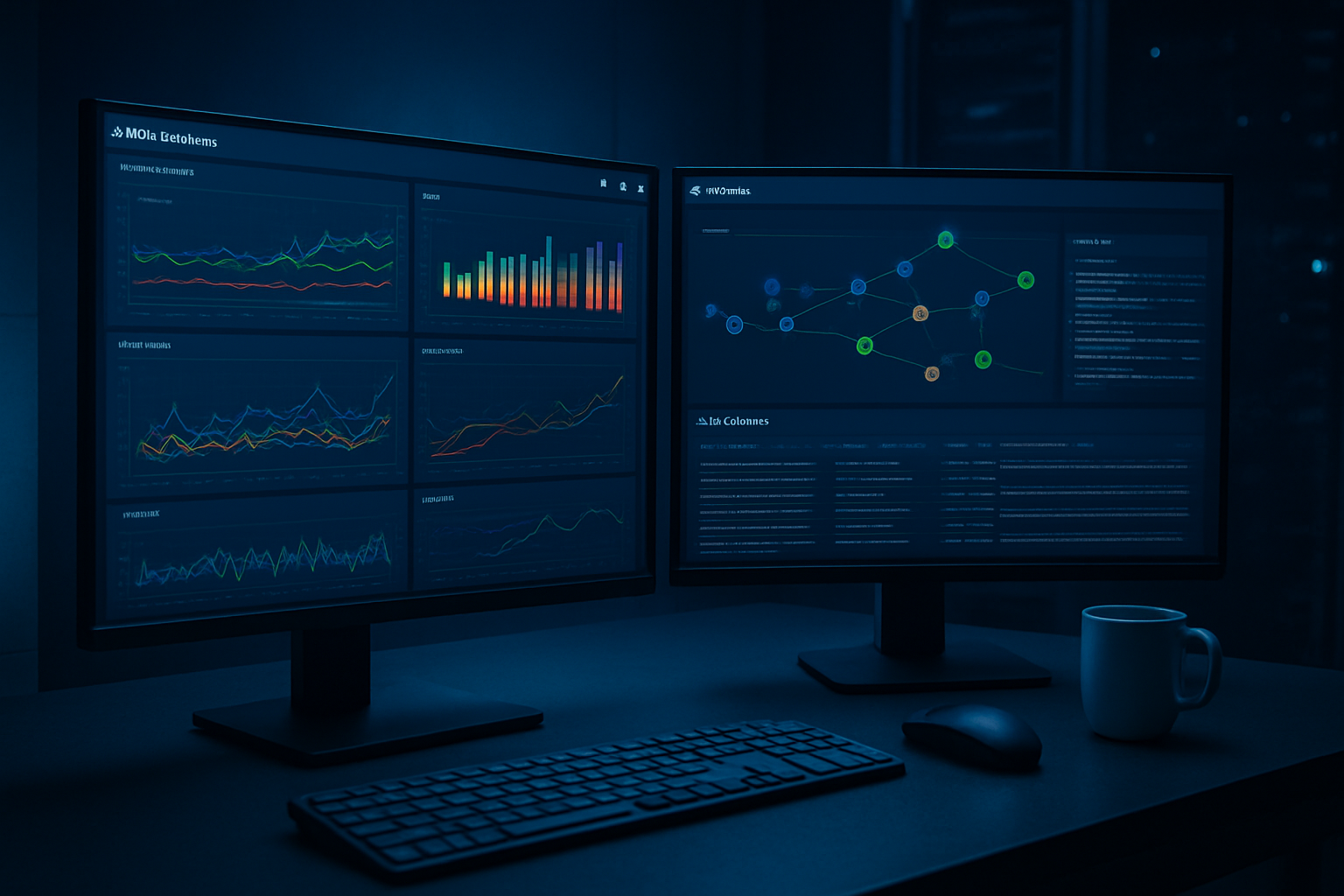
CloudWatch Logs serves as the primary destination for all your Lambda function output, making it essential for AWS Lambda debugging in production environments. Every print statement, console.log, or logging framework call automatically flows into CloudWatch, creating a centralized hub for troubleshooting.
The real power lies in creating structured log entries that include request IDs, user contexts, and error details. Instead of simple print statements, implement JSON-formatted logs with consistent field names. This approach transforms chaotic log streams into searchable, filterable data that accelerates debugging sessions.
CloudWatch Insights takes log analysis to the next level with SQL-like queries. You can quickly identify error patterns, track specific user journeys, or analyze performance trends across thousands of invocations. For example, searching for all errors containing specific error codes or tracking response times above certain thresholds becomes straightforward.
Setting up log retention policies prevents costs from spiraling while maintaining adequate debugging history. Most production environments benefit from 30-day retention for standard logs and longer periods for critical business functions.
X-Ray Distributed Tracing for Performance Insights
AWS X-Ray provides unparalleled visibility into your Lambda function’s execution path, especially valuable when debugging complex serverless applications with multiple service dependencies. Enabling X-Ray tracing reveals exactly where time gets spent during function execution, from initial handler invocation to external API calls.
The service map visualization shows how your Lambda functions interact with databases, other AWS services, and external APIs. When production issues arise, this visual representation quickly identifies bottlenecks or failing dependencies that might not be obvious from logs alone.
X-Ray’s subsegment feature allows custom instrumentation of specific code blocks. Wrapping database queries, external API calls, or complex business logic in subsegments provides granular timing information. This level of detail proves invaluable when optimizing Lambda performance optimization or troubleshooting timeout issues.
Trace sampling controls both costs and noise levels. Configure sampling rates based on your debugging needs – higher rates during incident investigation, lower rates during normal operations. The sampling configuration can be adjusted without code changes, providing flexibility during critical debugging sessions.
CloudWatch Metrics and Custom Metrics Implementation
Standard Lambda metrics provide essential baseline monitoring, including invocation count, duration, error rate, and throttle metrics. These built-in metrics offer immediate insight into function health, but custom metrics unlock deeper application-specific insights.
Creating custom metrics requires strategic thinking about what to measure. Track business-relevant metrics like successful order processing, user authentication attempts, or data processing volumes. These metrics bridge the gap between technical performance and business impact, making debugging sessions more focused and meaningful.
The CloudWatch SDK enables real-time metric publishing from within your Lambda functions. Implement metric publishing for critical code paths, error conditions, and performance milestones. Remember that custom metrics incur additional costs, so focus on high-value measurements rather than exhaustive instrumentation.
Metric filters convert log entries into metrics automatically, providing a cost-effective way to track specific events. Create filters for error patterns, performance thresholds, or business events without modifying existing code. This approach works particularly well for legacy functions where code changes carry higher risk.
AWS Config for Configuration Drift Detection
AWS Config monitors your Lambda function configurations, tracking changes that might impact production behavior. Configuration drift often causes mysterious production issues that don’t appear in development environments.
Config rules can automatically detect when Lambda functions deviate from established baselines. Set up rules to monitor environment variables, memory allocation, timeout settings, and runtime versions. These automated checks catch configuration changes that might slip through manual review processes.
The configuration timeline shows exactly when settings changed and who made the modifications. During production debugging sessions, this historical view helps correlate performance issues with recent configuration updates. Many production incidents trace back to seemingly minor configuration changes that had unexpected downstream effects.
Remediation actions can automatically correct configuration drift, though this requires careful consideration in production environments. Start with notification-only rules to understand change patterns before implementing automated corrections.
Advanced Third-Party Debugging Solutions
Datadog serverless monitoring capabilities
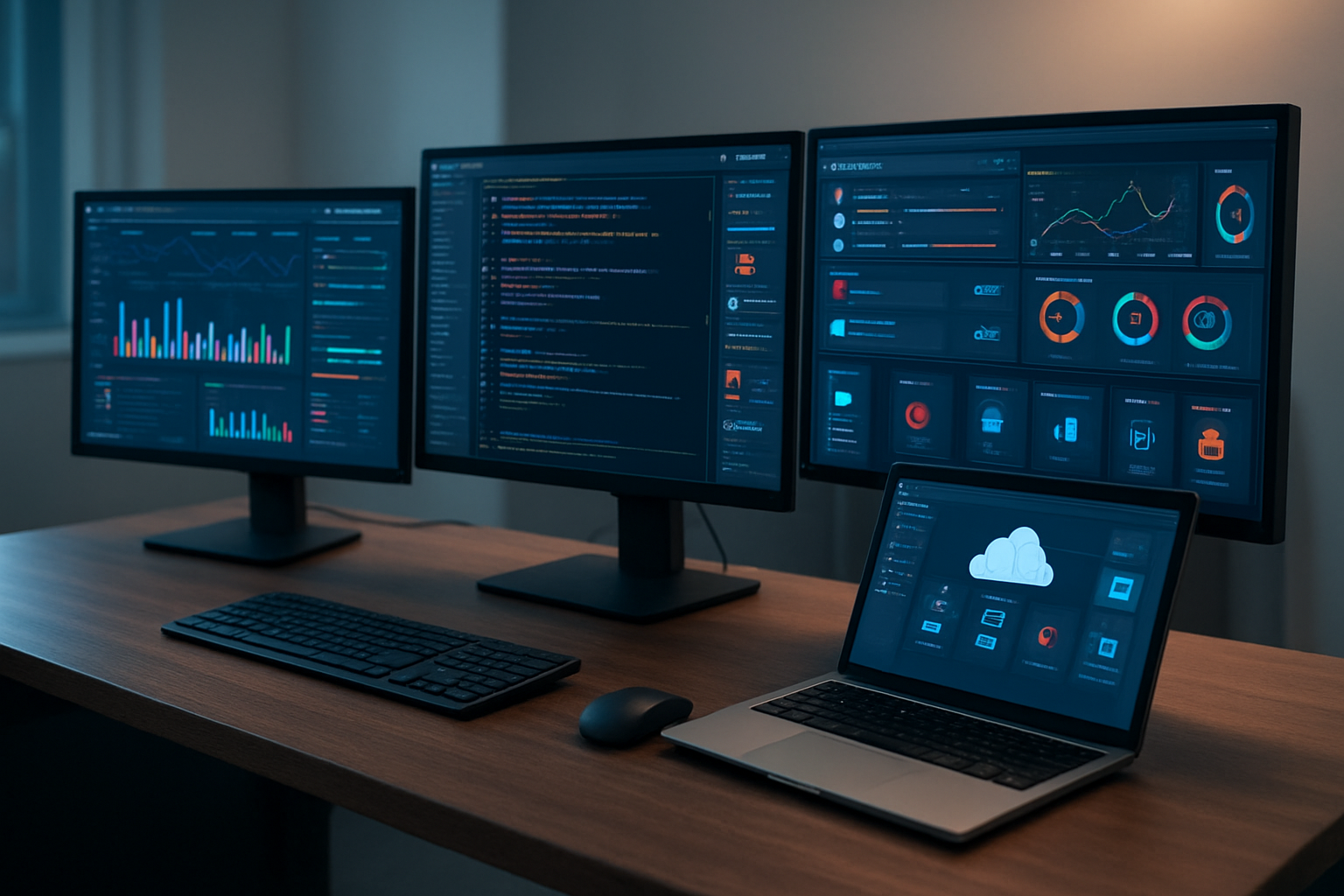
Datadog offers comprehensive AWS Lambda monitoring solutions that extend far beyond basic CloudWatch metrics. Their platform provides real-time visibility into your serverless functions with detailed performance tracking, distributed tracing, and custom metrics collection. The serverless monitoring dashboard shows cold start durations, memory usage patterns, and invocation frequencies across your entire Lambda fleet.
The platform excels at correlating Lambda performance with downstream services like databases and APIs. You can track how your functions interact with RDS instances, DynamoDB tables, and external APIs, making it easier to identify bottlenecks in complex serverless architectures. Datadog’s automatic instrumentation captures detailed traces without requiring code modifications, and their custom metrics API allows you to track business-specific KPIs alongside infrastructure metrics.
Their alerting system supports sophisticated rule combinations, letting you create alerts based on error rates, response times, or custom business logic. The log aggregation feature automatically correlates Lambda logs with traces and metrics, providing a unified view for Lambda troubleshooting best practices.
New Relic Lambda monitoring features
New Relic’s Lambda monitoring focuses on application performance insights and distributed tracing capabilities. Their solution provides deep visibility into function execution with detailed breakdowns of initialization time, runtime performance, and resource utilization patterns. The platform automatically instruments popular frameworks and libraries, capturing database queries, external API calls, and internal function logic.
The distributed tracing feature tracks requests as they flow through multiple Lambda functions and services, creating visual maps that help identify performance bottlenecks and errors. New Relic’s machine learning algorithms detect anomalies in function behavior, alerting you to unusual patterns before they impact users.
Their custom attributes feature allows you to add business context to telemetry data, making it easier to filter and analyze performance by customer segments, feature flags, or deployment versions. The platform integrates seamlessly with CI/CD pipelines, providing deployment markers that correlate performance changes with code releases.
Thundra real-time debugging platform
Thundra specializes in serverless debugging tools with unique real-time debugging capabilities that set it apart from traditional monitoring solutions. Their platform provides live debugging sessions where you can set breakpoints, inspect variables, and step through Lambda function execution without deploying debug versions or adding logging statements to your code.
The platform’s automatic instrumentation captures detailed execution traces, including function arguments, return values, and variable states at each step. This granular visibility makes it particularly valuable for AWS Lambda debugging complex business logic or intermittent issues that are difficult to reproduce locally.
Thundra’s security-first approach ensures that sensitive data remains protected during debugging sessions through configurable data masking and access controls. Their VS Code extension allows developers to debug production Lambda functions directly from their IDE, bridging the gap between local development and production Lambda issues.
The platform also provides architectural insights by visualizing service dependencies and data flow patterns across your serverless applications. This helps teams understand how changes in one function might impact the entire system, making it invaluable for serverless performance optimization efforts.
Implementing Effective Logging Strategies

Structured logging best practices for Lambda functions
Well-structured logs form the backbone of effective AWS Lambda debugging in production environments. JSON-formatted logs provide the most value when troubleshooting serverless functions because they’re machine-readable and easily searchable in AWS CloudWatch logs.
Start with a consistent log structure across all Lambda functions. Include essential metadata like request ID, function name, version, and timestamp in every log entry. This creates a standardized format that makes correlation between different function executions straightforward.
{
  "timestamp": "2023-12-01T10:30:00.000Z",
  "level": "INFO",
  "requestId": "abc123-def456-ghi789",
  "functionName": "user-registration",
  "version": "$LATEST",
  "message": "User registration completed successfully",
  "userId": "user_12345",
  "executionTime": 245
}
Context-rich logging captures business logic flow and technical metrics together. Log function entry and exit points with relevant parameters, but avoid logging entire request/response objects that might contain sensitive information. Instead, log key identifiers and status indicators that help trace execution paths.
Create custom logging utilities that automatically inject common fields. This prevents developers from forgetting critical context and ensures consistency across teams. The utility should handle error serialization, stack traces, and correlation IDs seamlessly.
Log level optimization for production environments
Production log levels require careful balance between visibility and cost management. AWS CloudWatch charges for log ingestion and storage, making verbose logging expensive at scale.
Configure different log levels based on function criticality and traffic volume. High-traffic Lambda functions should default to WARN or ERROR levels in production, while critical business functions might justify INFO level logging for better observability.
Recommended production log levels:
- ERROR: System failures, unhandled exceptions, external service timeouts
- WARN: Validation failures, retry attempts, deprecated API usage
- INFO: Key business events, function start/completion for critical flows
- DEBUG: Detailed execution flow (only for troubleshooting periods)
Implement dynamic log level configuration using environment variables or AWS Parameter Store. This allows temporary increases in log verbosity without code deployments when investigating production issues.
Use conditional logging to reduce noise while maintaining debugging capability. Log detailed information only when specific conditions are met, such as error states or when debugging flags are enabled.
Custom log formatting for improved searchability
AWS CloudWatch logs become significantly more powerful with properly formatted log messages. Design log formats that work well with CloudWatch Insights queries and third-party log aggregation tools.
Include searchable keywords and structured data that align with common debugging scenarios. For Lambda troubleshooting best practices, focus on fields that help identify performance bottlenecks, error patterns, and business impact.
Key searchable elements:
- Error codes and categories
- External service names and response times
- User segments or tenant identifiers
- Feature flags and experiment variants
- Resource identifiers (S3 buckets, DynamoDB tables, API endpoints)
Create log parsers that extract metrics from log messages. This enables automated alerting on patterns like increased error rates or performance degradation without additional monitoring infrastructure.
Use consistent naming conventions for log fields across all Lambda functions. This standardization makes cross-function analysis possible and reduces cognitive load when switching between different services during incident response.
Handling sensitive data in production logs
Production logging must balance debugging needs with security requirements. Accidentally logging sensitive information creates compliance risks and potential data breaches.
Implement automatic data sanitization in logging utilities. Create allowlists of safe fields rather than denylists of sensitive ones, as this approach prevents new sensitive fields from being accidentally logged.
Data to never log:
- Passwords, API keys, or authentication tokens
- Credit card numbers or payment information
- Personal identification numbers (SSN, passport numbers)
- Full email addresses or phone numbers (use hashed versions)
- Internal system credentials or connection strings
Use data masking techniques for partially logging sensitive information. Log enough context for debugging while protecting privacy – for example, show only the first and last characters of an email address or hash user identifiers consistently.
Configure log retention policies that align with compliance requirements. Set appropriate retention periods in CloudWatch and implement automated cleanup processes for logs containing potentially sensitive information.
Consider separate logging streams for different data sensitivity levels. Route high-sensitivity operations to more restricted log groups with stricter access controls and shorter retention periods.
Implement log access auditing to track who accesses production logs containing potentially sensitive information. This creates accountability and helps identify potential security issues in your AWS Lambda monitoring setup.
Performance Monitoring and Optimization Techniques

Cold Start Identification and Mitigation Strategies
Cold starts can kill your AWS Lambda performance faster than you can say “serverless.” These dreaded initialization delays happen when AWS needs to spin up a new container for your function, and they’re the biggest performance headache developers face in production.
Spotting cold starts in your metrics is pretty straightforward. Look for sudden spikes in initialization duration within CloudWatch metrics. The “Init Duration” metric will show you exactly when and how long these startup delays last. You’ll also notice irregular patterns in your response times – functions that normally respond in 100ms suddenly taking 2-3 seconds.
Proven mitigation strategies include:
- Provisioned concurrency: Reserve pre-warmed containers for your critical functions. This costs more but eliminates cold starts entirely for high-traffic endpoints
- Keep functions warm: Use CloudWatch Events to ping your functions every 5-10 minutes, preventing containers from going idle
- Optimize deployment packages: Smaller packages mean faster initialization. Remove unnecessary dependencies and use layers for shared code
- Choose the right runtime: Some runtimes start faster than others. Node.js typically has shorter cold start times compared to Java or .NET
- Connection pooling: Initialize database connections and external service clients outside your handler function to reuse them across invocations
Memory Usage Tracking and Optimization
Memory allocation directly impacts both performance and costs in Lambda. Too little memory slows down your function, while too much wastes money on unused resources.
CloudWatch automatically tracks memory utilization through the “Max Memory Used” metric. This shows you exactly how much memory your function consumes during each invocation. Compare this against your allocated memory to identify optimization opportunities.
Smart memory optimization approaches:
- Start with AWS Lambda Power Tuning: This open-source tool automatically tests different memory configurations and shows you the sweet spot for cost and performance
- Monitor memory patterns over time: Look for consistent usage patterns. If you’re consistently using 200MB out of 1GB allocated, you’re overpaying
- Account for traffic spikes: Don’t optimize for average usage alone. Make sure you have enough headroom for peak loads
- Test memory impact on CPU: Lambda allocates CPU power proportionally to memory. Sometimes increasing memory actually reduces execution time enough to lower overall costs
Function Timeout Analysis and Adjustment
Timeout configurations can make or break your serverless debugging efforts. Set them too low, and legitimate requests get killed mid-execution. Set them too high, and failed functions waste resources and money.
CloudWatch tracks timeout occurrences through “Duration” metrics and error logs. Look for functions consistently running close to their timeout limits or experiencing frequent timeout errors.
Timeout optimization strategies:
- Analyze historical execution times: Use CloudWatch Insights to query 99th percentile execution times over the past month
- Set realistic buffers: Add 20-30% buffer above your typical execution time to handle occasional slowdowns
- Implement graceful degradation: Design functions to return partial results before timeout rather than complete failure
- Break down long-running tasks: Split complex operations into smaller functions or use Step Functions for orchestration
- Monitor external dependencies: API calls and database queries often cause unexpected delays
Cost Monitoring Through Performance Metrics
AWS Lambda monitoring becomes critical when you’re dealing with production workloads where every millisecond and megabyte affects your bottom line. Cost optimization requires understanding the relationship between performance metrics and billing.
Duration and memory usage directly determine your Lambda costs. CloudWatch provides detailed billing insights through invocation counts, duration metrics, and memory utilization data. The key is connecting performance problems to actual dollar amounts.
Cost-effective monitoring practices:
- Track cost per invocation trends: Calculate average cost per function execution over time to spot efficiency degradation
- Monitor invocation patterns: Sudden spikes in invocation counts might indicate retry loops or inefficient architectures
- Correlate errors with costs: Failed functions still consume billable time. High error rates directly impact your AWS bill
- Use AWS Cost Explorer: Filter Lambda costs by function to identify your most expensive operations
- Set up billing alerts: Configure CloudWatch alarms when Lambda costs exceed expected thresholds
The relationship between performance and cost isn’t always linear. Sometimes a slightly more expensive configuration (higher memory) results in lower overall costs due to faster execution times. Regular performance reviews help you find these optimization opportunities before they impact your budget.
Error Tracking and Alerting Systems
Setting up intelligent error detection rules
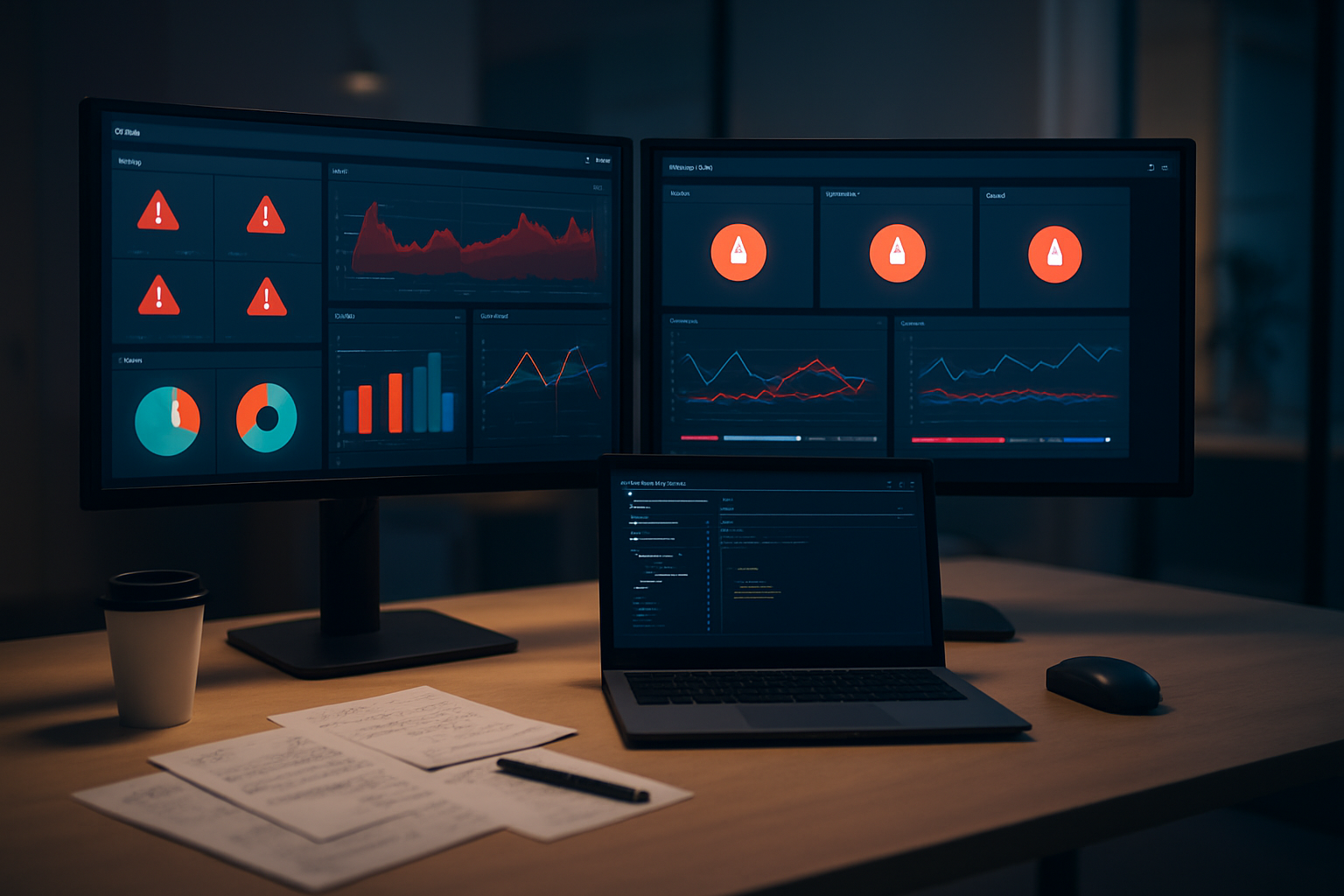
Effective Lambda error tracking begins with smart detection rules that catch problems before they escalate. AWS CloudWatch provides several built-in metrics like error rate, duration, and throttles that you can monitor, but the real power comes from creating custom rules tailored to your specific application patterns.
Start by establishing baseline error rates for each function during normal operations. Most production Lambda functions should maintain error rates below 1%, but this varies based on your use case. Create CloudWatch alarms that trigger when error rates exceed 2-3 times your baseline for more than 5-10 minutes.
Beyond basic error counting, implement composite alarms that consider multiple metrics simultaneously. For example, combine error rate spikes with increased duration and memory usage to identify functions under stress. This approach reduces false positives and focuses attention on genuinely problematic scenarios.
Custom metrics play a crucial role in intelligent detection. Use CloudWatch custom metrics to track business-logic errors, external service failures, and data quality issues that might not trigger standard AWS metrics. For instance, track failed payment processing attempts, database connection failures, or invalid input data patterns.
Configure different sensitivity levels for various environments and times. Weekend traffic patterns differ significantly from weekday peaks, so adjust your thresholds accordingly. Consider implementing dynamic thresholds that adapt to traffic patterns using CloudWatch anomaly detection models.
Creating actionable alert notifications
AWS Lambda debugging becomes much more efficient when alerts provide clear, actionable information rather than generic error messages. Structure your notifications to include immediate context that helps engineers quickly assess severity and next steps.
Your alert messages should contain:
- Function name and version/alias
- Specific error type and frequency
- Time window of the issue
- Direct links to relevant CloudWatch logs and X-Ray traces
- Suggested troubleshooting steps based on error patterns
Use Amazon SNS topics with multiple endpoints to ensure alerts reach the right people through their preferred channels. Configure email for detailed information, SMS for critical issues requiring immediate attention, and Slack or Microsoft Teams integrations for team coordination.
Implement alert aggregation to prevent notification fatigue. Instead of sending individual alerts for each error occurrence, batch similar errors within time windows. For example, group all timeout errors from the same function within a 5-minute period into a single notification.
Create different alert templates based on error severity and function criticality. Customer-facing APIs warrant immediate high-priority alerts, while internal batch processing functions might use lower-priority notifications with longer evaluation periods.
Consider implementing intelligent routing based on function ownership and expertise. Tag your Lambda functions with team or individual ownership information, then route alerts automatically to the appropriate responders.
Implementing escalation procedures for critical issues
Production Lambda issues require well-defined escalation paths that ensure critical problems receive appropriate attention without overwhelming your team. Design your escalation procedures around business impact rather than just technical severity.
Establish clear escalation timelines based on service level objectives (SLOs). For customer-facing functions, escalate unacknowledged alerts after 15 minutes during business hours and 30 minutes during off-hours. For internal services, extend these windows based on business impact.
Create escalation chains that automatically involve additional team members or management when initial responders don’t acknowledge alerts. Use PagerDuty, Opsgenie, or similar tools to manage complex escalation schedules that account for time zones, on-call rotations, and vacation schedules.
Implement automated escalation triggers based on error impact:
- Escalate immediately for functions with error rates above 50%
- Escalate after 10 minutes for sustained error rates above 10%
- Escalate after 30 minutes for any unresolved alerts affecting customer-facing services
Document escalation procedures clearly and make them easily accessible during incidents. Include contact information, escalation criteria, and step-by-step response procedures. Regular training sessions ensure team members understand their roles during different types of incidents.
Consider implementing “war room” procedures for major outages affecting multiple Lambda functions. Define clear roles for incident commander, technical leads, and communication coordinators to streamline response efforts and minimize recovery time.
Build post-incident review processes into your escalation procedures. After resolving critical issues, conduct blameless post-mortems to identify improvement opportunities in your serverless debugging tools and processes.

Production debugging for AWS Lambda functions doesn’t have to be a nightmare if you have the right tools and strategies in place. From AWS native solutions like CloudWatch and X-Ray to powerful third-party platforms, you now have a comprehensive toolkit to tackle any Lambda debugging challenge. The key is setting up proper logging from day one, monitoring performance metrics that actually matter, and building alert systems that notify you before your users even notice something’s wrong.
Start implementing these debugging practices today rather than waiting for your next production incident. Begin with structured logging and basic CloudWatch monitoring, then gradually add more sophisticated tools like distributed tracing and custom metrics as your Lambda applications grow. Remember, the time you invest in proper debugging infrastructure now will save you countless hours of frustration later when you’re trying to hunt down elusive bugs at 2 AM.