


Architecting Centralized Identity Management for the Cloud
Managing user identities across multiple cloud services can quickly become a nightmare for IT teams dealing with scattered logins, security gaps, and frustrated employees. Centralized identity architecture solves this chaos by creating a single, unified system that controls who can access what across your entire cloud infrastructure.
This guide is designed for IT architects, security professionals, and system administrators who need to build or improve their organization’s cloud identity management strategy. Whether you’re starting from scratch or upgrading existing systems, you’ll get practical insights to make smart decisions about your identity management platform.
We’ll walk through the essential building blocks of cloud IAM, including how to choose the right platform for your needs and the key implementation steps that prevent common pitfalls. You’ll also learn proven cloud security best practices for maintaining strong governance while keeping your users happy with seamless single sign-on experiences.
By the end, you’ll have a clear roadmap for creating centralized user management that scales with your business and keeps your cloud environment secure.
Understanding Cloud Identity Management Fundamentals

Define Centralized Identity Management and Its Core Components
Centralized identity management represents a unified approach where organizations manage all user identities, access permissions, and authentication processes through a single, integrated system. This cloud identity management strategy eliminates the scattered identity silos that plague traditional environments.
The core components include:
- Identity Provider (IdP): The central authority that stores and authenticates user credentials
- Directory Services: Repositories containing user profiles, groups, and organizational hierarchies
- Authentication Mechanisms: Multi-factor authentication, biometric verification, and adaptive security protocols
- Authorization Engine: Rules-based system determining what resources users can access
- Single Sign-On (SSO): Technology enabling users to access multiple applications with one set of credentials
- Identity Federation: Capability to trust and share identities across different organizations and systems
- Audit and Compliance Tools: Systems tracking access patterns and ensuring regulatory adherence
These components work together to create a comprehensive cloud IAM ecosystem that scales with organizational growth while maintaining security standards.
Explore the Differences Between Traditional and Cloud-Based Identity Systems
Traditional identity systems operate within rigid, on-premises infrastructures with several limitations:
Traditional Systems:
- Hardware-dependent infrastructure requiring significant capital investment
- Limited scalability constrained by physical server capacity
- Manual provisioning processes that slow user onboarding
- Siloed applications requiring separate login credentials
- Complex integration challenges when connecting disparate systems
- Higher maintenance overhead with dedicated IT staff requirements
Cloud-Based Identity Systems:
- Elastic infrastructure that scales automatically based on demand
- Software-as-a-Service delivery model reducing operational complexity
- Automated user provisioning and deprovisioning workflows
- Native integration capabilities with modern applications
- Built-in redundancy and disaster recovery mechanisms
- Regular security updates and feature enhancements without manual intervention
Cloud identity and access management platforms offer superior flexibility, enabling organizations to adapt quickly to changing business requirements while reducing total cost of ownership.
Identify Key Stakeholders and Their Requirements
Successful centralized identity architecture implementation requires understanding diverse stakeholder needs:
IT Security Teams:
- Zero-trust security models with continuous authentication
- Comprehensive audit trails for compliance reporting
- Advanced threat detection and response capabilities
- Granular access controls with least-privilege principles
System Administrators:
- Simplified user lifecycle management workflows
- Centralized policy configuration and enforcement
- Automated role-based access provisioning
- Streamlined integration with existing infrastructure
End Users:
- Seamless access to applications without password fatigue
- Consistent user experience across all platforms
- Quick resolution of access-related issues
- Mobile-friendly authentication methods
Business Leaders:
- Reduced operational costs through automation
- Improved productivity with faster application access
- Enhanced security posture protecting business assets
- Scalable solutions supporting organizational growth
Compliance Officers:
- Detailed access logs for regulatory audits
- Policy enforcement aligned with industry standards
- Risk assessment capabilities for access decisions
- Data residency controls for global operations
Assess Current Identity Landscape Challenges
Organizations face numerous obstacles when managing identities across distributed environments:
Security Vulnerabilities:
- Password-based attacks targeting weak or reused credentials
- Privilege escalation through unmanaged service accounts
- Shadow IT applications bypassing corporate security controls
- Insider threats from over-privileged user accounts
Operational Inefficiencies:
- Manual user provisioning creating delays and errors
- Multiple help desk tickets for password resets and access requests
- Inconsistent access policies across different applications
- Complex approval workflows slowing business processes
Compliance Risks:
- Incomplete audit trails making regulatory reporting difficult
- Orphaned accounts remaining active after employee departures
- Unclear data access patterns hindering privacy impact assessments
- Inconsistent policy enforcement across business units
Technology Constraints:
- Legacy systems lacking modern authentication protocols
- Limited integration capabilities between identity platforms
- Poor user experience driving adoption of unsecured alternatives
- Insufficient analytics for understanding access patterns and risks
Modern identity governance platforms address these challenges by providing unified visibility, automated workflows, and advanced security controls that adapt to evolving threat landscapes while supporting business agility.
Strategic Planning for Centralized Identity Architecture

Conduct comprehensive identity audit and gap analysis
Before diving into any centralized identity architecture project, you need to know exactly what you’re working with. A thorough identity audit reveals every user account, system connection, and access permission scattered across your organization. This discovery process often uncovers shadow IT applications, orphaned accounts, and inconsistent access controls that create security vulnerabilities.
Start by cataloging all identity stores currently in use – Active Directory, LDAP directories, cloud applications, and local databases. Document how users authenticate to each system and what permissions they hold. Pay special attention to service accounts and privileged users, as these often represent the highest risk if compromised.
The gap analysis comes next. Compare your current state against industry standards and your organization’s security requirements. Common gaps include inconsistent password policies, manual provisioning processes, and lack of centralized monitoring. Cloud identity management solutions can address these shortcomings, but only when you understand exactly what needs fixing.
Design scalable identity governance framework
Your identity governance framework serves as the foundation for all cloud IAM decisions. This framework must accommodate growth while maintaining security and compliance standards. Think beyond current user counts – plan for acquisitions, seasonal workforce changes, and new business units.
Design role-based access controls (RBAC) that reflect your organizational structure and business processes. Create clear hierarchies for approval workflows, ensuring that access requests flow to the right decision-makers. Your centralized identity architecture should support automated provisioning and deprovisioning based on HR system changes.
Key components of a robust framework include:
- Standardized user lifecycle management processes
- Automated role assignment based on job functions
- Regular access reviews and certification campaigns
- Exception handling procedures for temporary access needs
- Integration points for existing business applications
Establish security policies and compliance requirements
Security policies form the backbone of your centralized user management strategy. These policies must address password complexity, multi-factor authentication requirements, and session management across all connected systems. Cloud authentication policies should be stricter for privileged users and sensitive applications.
Compliance requirements vary by industry and geography. Healthcare organizations must consider HIPAA requirements, while financial services need SOX compliance. European organizations operating under GDPR face additional privacy constraints. Your identity management platform must support audit logging, data residency requirements, and user consent management.
Build policies around the principle of least privilege. Users should receive only the minimum access needed for their role. Implement time-based access controls for temporary projects and emergency access procedures that maintain security while enabling business continuity.
Create implementation roadmap and timeline
Successful cloud identity management implementations follow phased approaches rather than big-bang deployments. Start with low-risk applications and pilot groups to validate your architecture and refine processes before expanding to mission-critical systems.
Phase one typically includes single sign-on SSO deployment for popular cloud applications like Office 365 or Salesforce. This provides immediate value while building confidence in the new system. Phase two extends to on-premises applications through identity federation or application modernization efforts.
Your roadmap should account for:
- User training and change management activities
- Application assessment and migration priorities
- Technical dependencies between systems
- Resource allocation and budget constraints
- Risk mitigation strategies for each phase
Plan for 12-18 months for complete implementation in mid-size organizations. Larger enterprises may require 24-36 months depending on application complexity and organizational readiness. Build buffer time for unexpected challenges and user adoption curves.
Regular checkpoint reviews help maintain momentum and adjust timelines based on lessons learned. Success metrics should include user adoption rates, security incident reduction, and help desk ticket volumes related to password resets and access issues.
Selecting the Right Identity Management Platform
Evaluate Leading Cloud Identity Providers and Features
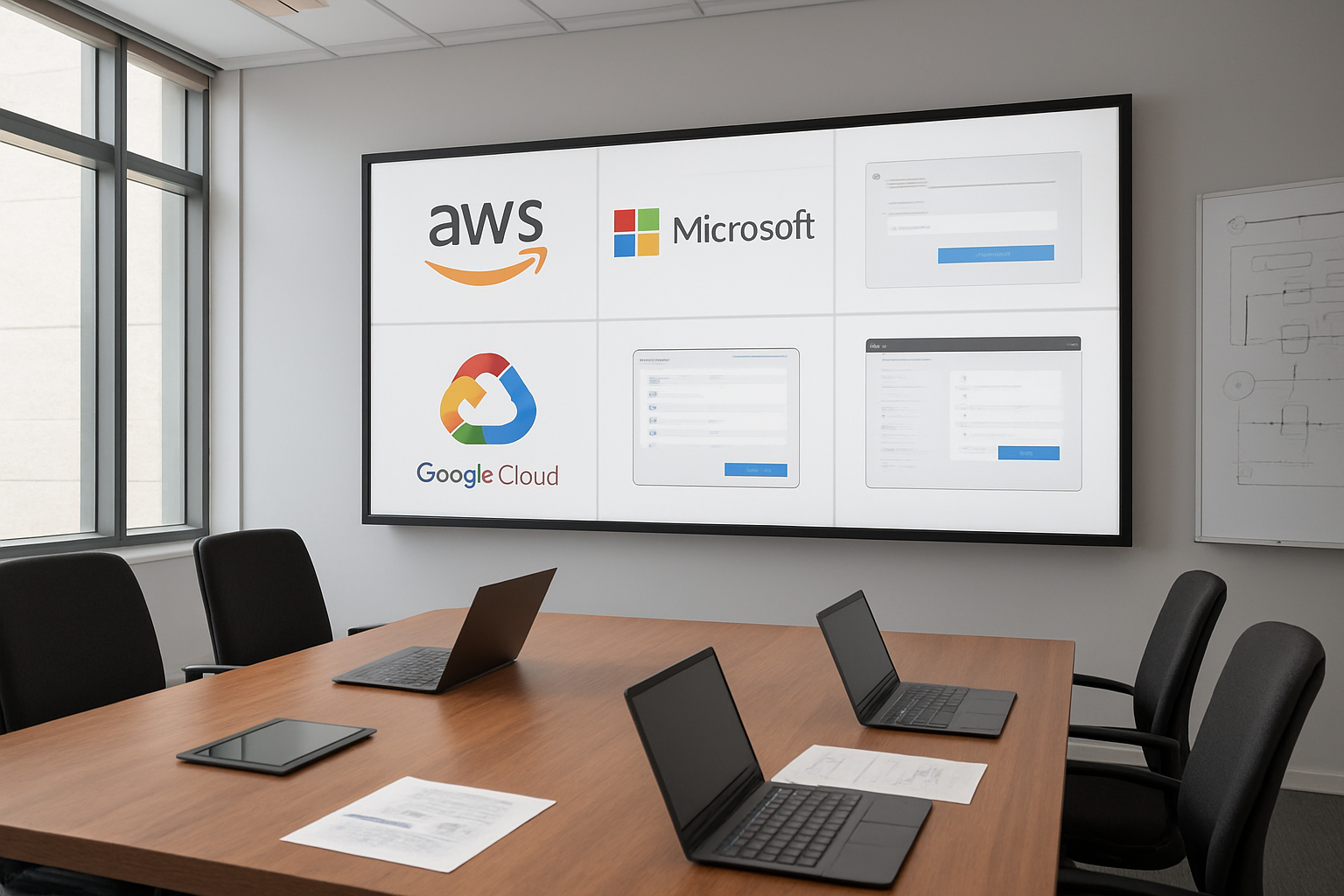
Major cloud identity management platforms each bring unique strengths to the table. Microsoft Azure Active Directory stands out for organizations already invested in the Microsoft ecosystem, offering deep integration with Office 365, Windows environments, and hybrid cloud scenarios. Amazon Web Services Identity and Access Management (IAM) excels in granular permission controls and programmatic access management, making it ideal for developer-centric environments.
Google Cloud Identity provides robust mobile device management capabilities and seamless integration with Google Workspace. For organizations prioritizing flexibility, Okta delivers extensive third-party application support with over 7,000 pre-built integrations. Auth0, now part of the Okta family, specializes in developer-friendly authentication services with customizable login experiences.
Key features to evaluate include:
- Multi-factor authentication options (SMS, authenticator apps, biometrics, hardware tokens)
- User provisioning and deprovisioning automation across connected applications
- Directory synchronization capabilities for hybrid environments
- API accessibility for custom integrations and automation
- Risk-based authentication using machine learning and behavioral analytics
- Privileged access management for administrative accounts
- Compliance reporting tools for audit requirements
Compare Single Sign-On Capabilities and Integration Options
Single sign-on implementation varies significantly across cloud identity management platforms. SAML 2.0 remains the gold standard for enterprise applications, while OAuth 2.0 and OpenID Connect dominate modern web and mobile applications. Some platforms excel in specific protocol support – for instance, Azure AD offers comprehensive SAML, OAuth, and WS-Federation support, making it versatile for legacy and modern applications alike.
Integration depth matters as much as breadth. Look for platforms that provide:
- Pre-configured connectors for popular business applications like Salesforce, Slack, and Jira
- Custom application integration capabilities through standards-based protocols
- API management features for controlling access to internal APIs and services
- Mobile app integration including SDK availability for custom applications
- On-premises connector support for bridging cloud and legacy systems
The quality of SSO user experience varies considerably. Some platforms offer seamless background authentication, while others require multiple redirects that frustrate users. Test the actual login flow across different scenarios – desktop browsers, mobile devices, and various application types – to understand real-world performance.
Analyze Cost-benefit Considerations for Different Solutions
Pricing models for identity management platforms can be deceivingly complex. Most providers use per-user-per-month pricing, but the devil lives in the details. Microsoft Azure AD charges differently for basic authentication versus premium features like conditional access and identity protection. AWS IAM bills for API calls and advanced features separately from basic user management.
Budget considerations include:
- Base licensing costs per user or per application
- Premium feature tiers for advanced security and compliance capabilities
- Integration and setup expenses including professional services
- Ongoing maintenance costs for custom configurations and updates
- Training expenses for IT staff and end users
- Hidden costs like data egress fees or third-party connector charges
Calculate total cost of ownership over three to five years, not just initial implementation costs. Factor in potential cost savings from reduced helpdesk tickets, faster user onboarding, and improved security posture. Organizations often find that investing in comprehensive centralized user management solutions pays for itself through operational efficiency gains and reduced security incidents.
Consider the cost of not implementing proper cloud IAM – data breaches, compliance violations, and productivity losses from password-related issues can far exceed platform licensing costs.
Implementation Best Practices for Cloud Identity Systems

Configure Multi-Factor Authentication and Security Protocols
Setting up robust cloud authentication starts with implementing multi-factor authentication (MFA) across your entire cloud identity management system. Choose adaptive MFA solutions that adjust security requirements based on user behavior, device trust levels, and access patterns. Risk-based authentication adds an extra layer of intelligence by analyzing login attempts and flagging suspicious activities.
Configure security protocols like SAML 2.0, OAuth 2.0, and OpenID Connect to ensure secure communication between your identity provider and connected applications. These protocols create encrypted channels that protect user credentials and session data from interception. Enable certificate-based authentication for high-privilege accounts and implement passwordless authentication options like biometrics or hardware tokens where possible.
Strong password policies should enforce complexity requirements, regular rotations, and prevent password reuse. Consider implementing zero-trust principles that verify every access request regardless of the user’s location or previous authentication status.
Integrate Existing Applications and Legacy Systems
Modern cloud IAM platforms need to work seamlessly with your existing technology stack. Start by cataloging all applications, databases, and systems that require identity integration. Legacy systems often lack modern authentication protocols, so you’ll need identity bridges or connectors to enable single sign-on SSO functionality.
Use LDAP connectors for older directory services and database authentication modules for applications that authenticate directly against databases. Web application firewalls can inject authentication headers for applications that can’t be directly modified. APIs play a crucial role in connecting cloud-native applications to your centralized identity architecture.
Plan your integration rollout carefully, prioritizing business-critical applications first. Test each integration thoroughly in staging environments before moving to production. Document connection parameters, authentication flows, and troubleshooting procedures for each integrated system.
Establish User Provisioning and Deprovisioning Workflows
Automated user provisioning eliminates manual account creation errors and speeds up employee onboarding. Design workflows that trigger account creation based on HR system events like new hires, role changes, or departmental transfers. Your identity management platform should automatically assign appropriate group memberships, application access, and resource permissions based on job roles and organizational hierarchy.
Create approval workflows for sensitive access requests that route through appropriate managers or security teams. Self-service portals let users request additional access while maintaining proper oversight and audit trails.
Deprovisioning workflows are equally important for security. Automated account disabling should trigger immediately when employees leave or change roles. Schedule periodic access reviews to identify and remove unnecessary permissions. Implement just-in-time access for temporary needs and privileged operations.
Implement Role-Based Access Control Mechanisms
Design your role-based access control (RBAC) system around your organization’s actual job functions rather than copying existing permissions. Start with broad role categories and refine them based on real usage patterns. Avoid role explosion by creating composite roles that combine multiple permission sets logically.
Principle of least privilege should guide every access decision. Users receive only the minimum permissions needed for their current responsibilities. Regular access audits help identify permission creep and outdated assignments. Implement separation of duties controls for sensitive operations like financial transactions or system administration.
Dynamic groups can automatically assign roles based on user attributes like department, location, or security clearance level. This approach reduces administrative overhead while maintaining consistent access policies across your organization.
Set Up Automated Identity Lifecycle Management
Complete identity governance requires automated processes that manage user accounts from creation to deletion. Configure your system to sync with HR databases, Active Directory, or other authoritative sources to maintain accurate user information. Automated workflows should handle common scenarios like promotions, transfers, leaves of absence, and terminations.
Implement regular certification campaigns where managers review and approve their team members’ access rights. Automated notifications remind approvers of pending reviews and escalate overdue certifications. Analytics dashboards provide visibility into access patterns, helping identify unused accounts or excessive permissions.
Set up monitoring and alerting for identity-related events like failed login attempts, privilege escalations, or unusual access patterns. Integration with security information and event management (SIEM) systems creates comprehensive audit trails for compliance reporting and security investigations.
Ensuring Security and Compliance in Identity Management

Strengthen Authentication Methods and Password Policies
Multi-factor authentication (MFA) stands as your first line of defense in cloud identity management. Deploy adaptive authentication that evaluates risk factors like device fingerprinting, geolocation, and behavioral patterns. This approach allows you to require additional verification steps only when suspicious activity occurs, maintaining security without frustrating legitimate users.
Password policies need to balance security with usability. Implement passwordless authentication options like biometrics, hardware tokens, or push notifications through mobile apps. For organizations still using passwords, enforce minimum complexity requirements while avoiding overly restrictive rules that lead to password fatigue. Consider using passphrases instead of complex character combinations – they’re easier to remember and often more secure.
Monitor User Access Patterns and Detect Anomalies
Real-time monitoring of user behavior creates a security baseline that helps identify potential threats. Deploy User and Entity Behavior Analytics (UEBA) tools that learn normal access patterns for each user and flag deviations. Look for anomalies like:
- Unusual login times or locations
- Excessive file downloads or access attempts
- Privilege escalation attempts
- Multiple failed authentication attempts
Machine learning algorithms can detect subtle changes in user behavior that traditional rule-based systems might miss. Automated response mechanisms can temporarily restrict access or require additional authentication when suspicious activity occurs, providing immediate threat mitigation.
Maintain Regulatory Compliance Across Multiple Jurisdictions
Cloud identity management platforms must accommodate various compliance frameworks simultaneously. GDPR, SOX, HIPAA, and industry-specific regulations each impose unique requirements for data handling, access controls, and audit trails.
Implement data residency controls to ensure sensitive information remains within required geographic boundaries. Your centralized identity architecture should maintain detailed audit logs that capture:
- User access events and timestamps
- Permission changes and approval workflows
- Data access and modification records
- Administrative actions and configuration changes
Regular compliance assessments help identify gaps before they become violations. Automated compliance reporting reduces the administrative burden while ensuring consistent documentation for auditors.
Implement Zero-Trust Security Principles
Zero-trust identity management assumes no user or device is inherently trustworthy, regardless of location or credentials. Every access request requires verification through multiple factors, creating granular security controls that protect against both external threats and insider risks.
Apply the principle of least privilege by granting users only the minimum access needed for their roles. Regular access reviews ensure permissions remain appropriate as job responsibilities change. Just-in-time (JIT) access provides temporary elevated privileges only when needed, automatically revoking them after completion.
Network segmentation works hand-in-hand with identity controls, preventing lateral movement even if credentials are compromised. Micro-segmentation creates secure zones around critical resources, with identity-based access policies governing transitions between segments.
Optimizing Performance and User Experience

Streamline Single Sign-On Processes for Improved Productivity
Single sign-on SSO transforms how employees access their daily tools, eliminating the time-consuming dance of logging into multiple systems. When properly implemented, cloud IAM solutions can reduce authentication time from minutes to seconds across dozens of applications. Modern SSO platforms integrate seamlessly with popular business applications, allowing users to jump between Salesforce, Microsoft 365, and Slack without breaking stride.
The key lies in creating intelligent routing systems that automatically detect user context and application requirements. Smart session management keeps users authenticated across their entire work session while maintaining security boundaries. Advanced SSO implementations include adaptive authentication that learns user patterns, reducing unnecessary authentication challenges for routine activities.
Organizations report productivity gains of 15-30% when employees no longer waste time on repetitive login processes. The ripple effect extends beyond individual efficiency – IT support tickets related to password resets drop dramatically, freeing up technical resources for strategic initiatives.
Reduce Password Fatigue Through Modern Authentication Methods
Traditional password requirements create cognitive overload that actually weakens security. Users resort to writing passwords down, reusing credentials, or choosing predictable patterns when faced with dozens of complex password requirements. Modern cloud identity management addresses this challenge through passwordless authentication methods that improve both security and user experience.
Biometric authentication, push notifications, and hardware tokens provide stronger security than passwords while eliminating memory burden. Windows Hello, Touch ID, and similar biometric systems offer sub-second authentication that users actually prefer over typing passwords. Smart cards and FIDO2 security keys provide enterprise-grade security without requiring users to remember anything at all.
Multi-factor authentication becomes less intrusive when implemented thoughtfully. Risk-based authentication systems only prompt for additional factors when unusual activity is detected, keeping routine access smooth while maintaining security standards. Mobile authenticator apps with push notifications create a seamless experience that’s far more secure than SMS-based codes.
Minimize Login Friction While Maintaining Security Standards
The best security is invisible security. Users should experience seamless access to authorized resources while unauthorized access attempts face multiple barriers. Cloud authentication systems can achieve this balance through intelligent context awareness and adaptive security policies.
Location-based authentication policies recognize when users access systems from familiar environments, reducing authentication requirements for office-based access while requiring additional verification for remote connections. Device fingerprinting allows systems to recognize trusted devices, creating a smoother experience for users while flagging suspicious access attempts.
Session management plays a crucial role in balancing security with user experience. Intelligent session timeouts consider user activity patterns rather than arbitrary time limits. Active users working on important projects don’t face unexpected logouts, while idle sessions automatically secure themselves.
Centralized user management enables consistent policy enforcement across all applications while providing users with predictable access patterns. Users learn to expect certain security measures in specific contexts, reducing confusion and resistance to necessary security protocols. The result is a security posture that users cooperate with rather than circumvent.

Cloud identity management doesn’t have to be overwhelming when you break it down into manageable steps. By focusing on the fundamentals first, then moving through strategic planning and platform selection, you’re setting yourself up for success. The key is remembering that implementation is just the beginning – ongoing attention to security, compliance, performance, and user experience will make or break your system’s long-term value.
Start small, think big, and don’t try to solve everything at once. Choose a platform that grows with your needs, prioritize security from day one, and never forget that your users are the ones who will ultimately determine if your identity management system succeeds. Take the time to plan properly, involve your security team early, and remember that the best identity management system is the one that works seamlessly for everyone who needs to use it.









