


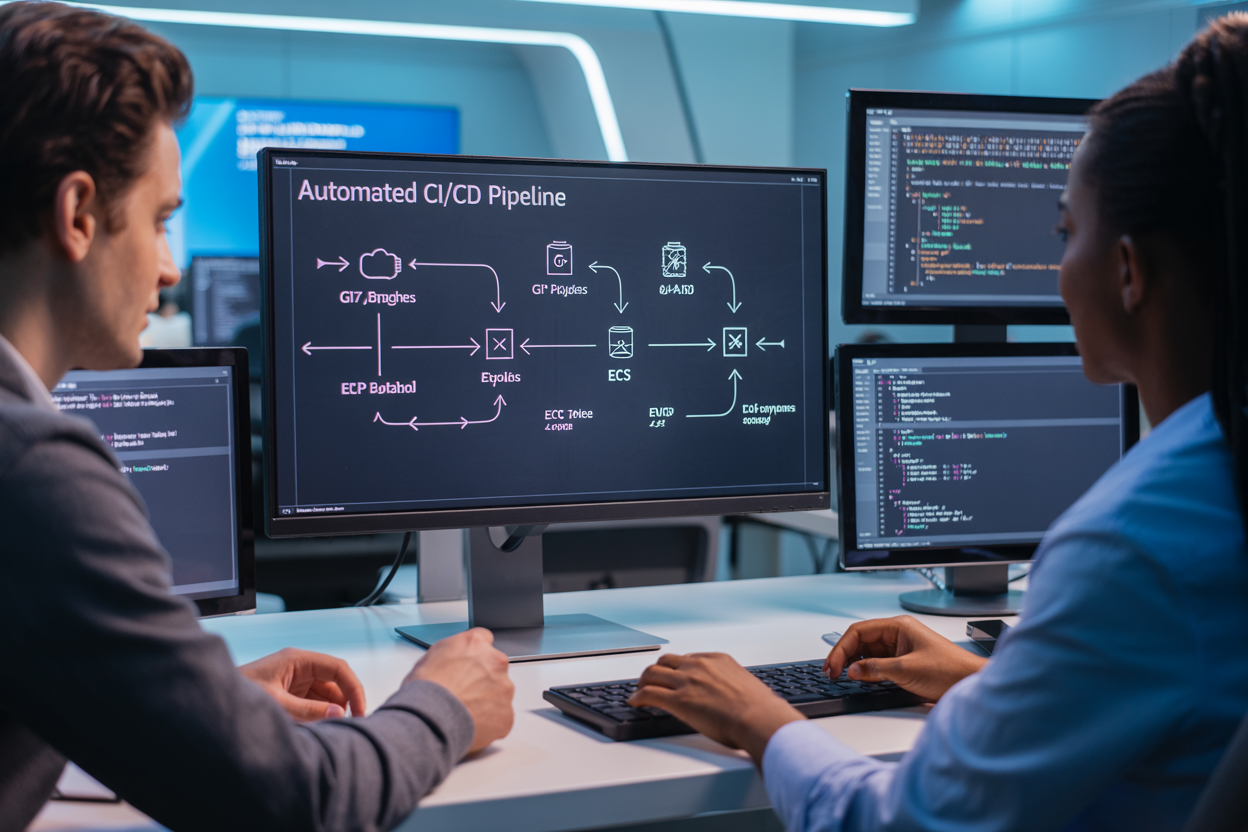
Building a rock-solid automated CI/CD pipeline that seamlessly connects Git branching strategies with AWS ECR and AWS ECS deployment can make or break your development team’s productivity. This guide targets DevOps engineers, development team leads, and software architects who need to set up bulletproof automated deployment pipelines for multi-developer teams working with containerized applications.
When multiple developers push code simultaneously, chaos often follows without proper CI/CD pipeline automation and smart Git workflow automation in place. The wrong approach leads to deployment conflicts, broken builds, and frustrated team members stepping on each other’s work.
We’ll walk through three critical areas that separate successful teams from struggling ones. First, you’ll learn essential Git branching strategies for team collaboration that prevent merge conflicts and keep your codebase stable. Second, we’ll cover AWS ECR container registry setup and AWS ECS cluster configuration that scales with your team’s needs. Finally, we’ll show you how to design CI/CD pipeline architecture that automatically handles container image management AWS while keeping your multi-developer team workflows smooth and secure.
By the end, you’ll have a complete automated Docker deployment system that lets your team ship code confidently without the usual deployment headaches.
Essential Git Branching Strategies for Team Collaboration

Feature Branch Workflow Implementation
Creating feature branches forms the backbone of any effective Git branching strategies implementation for multi-developer team workflows. Each new feature or bug fix should live in its own dedicated branch, keeping the main codebase stable while developers work on different pieces simultaneously.
Start by establishing a clear naming convention for feature branches. Use descriptive names like feature/user-authentication or bugfix/payment-gateway-timeout rather than generic labels. This makes it easier for team members to understand what each branch contains at a glance.
When implementing this workflow in your DevOps CI/CD best practices, developers should create feature branches from the latest develop branch. This ensures they’re working with the most recent stable code base. Here’s the typical workflow:
- Pull the latest changes from
develop - Create a new feature branch
- Make commits with clear, descriptive messages
- Push the branch to the remote repository
- Open a pull request when ready for review
The key advantage of this approach is isolation. Each developer can work independently without worrying about breaking someone else’s code. When integrated with CI/CD pipeline automation, feature branches can trigger automated builds and tests, catching issues early in the development process.
Develop and Master Branch Protection Rules
Branch protection rules act as gatekeepers for your critical branches, preventing direct pushes and ensuring code quality standards. Configure your master and develop branches to require pull request reviews before any code gets merged.
Set up these essential protection rules for your main branches:
| Protection Rule | Master Branch | Develop Branch | Purpose |
|---|---|---|---|
| Require pull request reviews | ✓ | ✓ | Code quality assurance |
| Dismiss stale reviews | ✓ | ✓ | Keep reviews current |
| Require status checks | ✓ | ✓ | Automated testing |
| Require up-to-date branches | ✓ | ✓ | Prevent merge conflicts |
| Restrict pushes | ✓ | ✓ | Force PR workflow |
Configure status checks to include your automated deployment pipeline tests, linting, and security scans. This creates a safety net that prevents broken code from entering your main branches. When working with AWS ECR container registry integration, include container image build validation as part of these checks.
Administrator overrides should be used sparingly and only in emergency situations. Document any bypass procedures and ensure they include post-merge verification steps to maintain code integrity.
Pull Request and Code Review Best Practices
Effective pull requests drive code quality and knowledge sharing across your development team. Structure your PRs to be reviewable, focusing on single features or logical groupings of changes rather than massive code dumps.
Write clear PR descriptions that explain what the change does, why it’s needed, and how to test it. Include screenshots for UI changes and mention any breaking changes or migration steps required. Link related issues or tickets to provide context for reviewers.
Establish review requirements based on change complexity:
- Minor changes: One reviewer approval
- Major features: Two reviewer approvals
- Critical system changes: Senior developer + architect approval
- Security-related changes: Security team review required
Review code for functionality, readability, and adherence to team standards. Look beyond syntax errors to consider performance implications, security vulnerabilities, and maintainability. When reviewing container image management changes, verify Dockerfile best practices and image size optimization.
Set realistic review timeframes. Simple bug fixes might need review within a few hours, while complex features could require 1-2 business days. Use draft PRs for work-in-progress changes that need early feedback but aren’t ready for final review.
Merge Conflict Resolution Protocols
Merge conflicts happen when multiple developers modify the same code sections. Establish clear protocols to handle these situations efficiently and maintain code integrity throughout your Git workflow automation.
Assign conflict resolution responsibility to the developer opening the pull request. They understand their changes best and can make informed decisions about how to integrate conflicting modifications. This approach keeps the review process moving and prevents bottlenecks.
Follow this conflict resolution process:
- Identify conflicts early: Use automated tools to detect potential conflicts before they become blocking issues
- Communicate with stakeholders: Reach out to developers who made conflicting changes to understand their intent
- Test thoroughly: After resolving conflicts, run the full test suite to ensure functionality remains intact
- Document resolution decisions: Add comments explaining complex conflict resolutions for future reference
For complex conflicts involving multiple files or significant architectural changes, consider scheduling a quick team discussion. Sometimes a brief conversation can prevent hours of back-and-forth in code comments.
When working with continuous integration continuous deployment pipelines, conflicts in configuration files require extra attention. Merge errors in CI/CD configurations can break the entire deployment process, so double-check pipeline definitions and deployment scripts after conflict resolution.
Implement automated conflict detection tools that alert teams when branches diverge significantly. This proactive approach helps developers address conflicts while the context is still fresh in their minds, rather than discovering issues during the merge process.
Setting Up AWS ECR for Container Image Management
Creating and Configuring ECR Repositories
AWS ECR container registry serves as the foundation for your CI/CD pipeline automation by providing a secure, scalable location to store Docker images. Start by creating individual repositories for each microservice or application component your team develops. Navigate to the ECR console and click “Create repository,” choosing between public and private options based on your security requirements.
When naming repositories, establish a consistent convention that reflects your project structure. Use formats like project-name/service-name or team-name/application-name to maintain organization across multiple development teams. Enable image tag immutability to prevent accidental overwrites of existing tags, ensuring deployment consistency.
Configure repository permissions through IAM policies, granting specific access levels to different team members. Developers need push permissions for their assigned repositories, while CI/CD systems require broader access for automated builds. Create dedicated IAM roles for your build systems rather than using personal credentials, improving security and audit trails.
Set up cross-region replication if your deployment strategy spans multiple AWS regions. This ensures faster image pulls and redundancy for critical applications. Configure the replication rules to automatically copy images with specific tags, such as production or stable, to your target regions.
Implementing Image Scanning and Security Policies
Enable automatic image scanning on push to identify vulnerabilities before images reach production environments. ECR integrates with Amazon Inspector to scan for known security issues, providing detailed reports about CVE findings and severity levels. Configure scan-on-push for all repositories to catch security issues early in your automated deployment pipeline.
Create lifecycle policies that automatically remove images with critical vulnerabilities after a specified period. This prevents teams from accidentally deploying insecure images while maintaining a clean registry. Set up CloudWatch alarms to notify security teams when high-severity vulnerabilities appear in scanned images.
Implement image signing using AWS Signer or third-party tools to verify image authenticity. This adds an extra security layer to your container image management workflow, ensuring only trusted images enter your deployment pipeline. Configure your ECS services to only accept signed images, preventing unauthorized deployments.
Establish security scanning thresholds that block deployments when vulnerability counts exceed acceptable limits. Integrate these checks into your CI/CD pipeline architecture, automatically failing builds that don’t meet security standards. Create exception processes for urgent deployments while maintaining audit trails.
Managing Image Lifecycle and Retention Rules
Design comprehensive lifecycle policies that balance storage costs with operational needs. Create rules based on image age, tag patterns, and total image count per repository. For example, keep the latest 10 production images while removing development images older than 30 days.
Configure tag-based retention rules that preserve critical images while cleaning up temporary builds. Keep images tagged with production, staging, or semantic version numbers indefinitely, while removing feature branch builds after successful merges. This approach supports both automated Docker deployment needs and cost optimization.
Set up automated cleanup processes for unused images using ECR lifecycle policies combined with CloudWatch Events. Track image pull metrics to identify truly unused images versus those simply awaiting deployment. Create policies that account for seasonal usage patterns or scheduled deployments that might access older images.
| Lifecycle Rule Type | Retention Period | Tag Pattern | Purpose |
|---|---|---|---|
| Production Images | Indefinite | prod-*, v*.*.* |
Long-term stability |
| Staging Images | 90 days | stage-*, rc-* |
Testing and validation |
| Development Images | 30 days | dev-*, feature-* |
Active development |
| CI/CD Build Images | 7 days | build-*, temp-* |
Temporary artifacts |
Monitor storage usage and costs regularly, adjusting policies based on actual usage patterns. Use ECR metrics to track repository growth and identify repositories that need policy adjustments. Implement automated reporting that shows storage trends and cost impacts across all repositories, helping teams make informed decisions about image retention strategies.
Designing Your CI/CD Pipeline Architecture

Choosing the Right CI/CD Platform and Tools
Your CI/CD platform decision shapes everything that follows. GitHub Actions dominates the space for teams already using GitHub repositories, offering seamless Git workflow automation with zero setup friction. GitLab CI provides an all-in-one solution with robust container image management capabilities that integrate naturally with AWS ECR. Jenkins remains the powerhouse for complex enterprise environments requiring maximum customization and plugin flexibility.
AWS CodePipeline deserves serious consideration when your entire stack lives on AWS. It connects directly with ECR and ECS, eliminating authentication headaches and reducing configuration complexity. Teams running hybrid cloud setups often prefer Azure DevOps or CircleCI for their vendor-neutral approach and superior multi-cloud support.
Docker plays a central role regardless of your platform choice. Your pipeline needs robust container building capabilities, ideally with multi-stage builds for optimized image sizes. BuildKit acceleration becomes essential for large applications where build times impact developer productivity.
Pipeline Stages and Automated Testing Integration
Effective CI/CD pipeline architecture requires carefully orchestrated stages that catch issues early while maintaining deployment speed. Start with source code analysis using tools like SonarQube or CodeQL to identify security vulnerabilities and code quality issues before building containers.
Your build stage should compile applications, run unit tests, and create Docker images with proper tagging strategies. Tag images with both commit SHA and semantic versioning to enable precise rollback capabilities. Push successful builds to your AWS ECR container registry with vulnerability scanning enabled.
Integration testing demands dedicated environments that mirror production configurations. Spin up temporary ECS services or use tools like Testcontainers to validate application behavior with real dependencies. Load testing with tools like Artillery or JMeter should run against staging environments that match production resource allocations.
Security scanning must happen at multiple stages. Scan base images during builds, check for dependency vulnerabilities, and run dynamic application security testing (DAST) against deployed services. Tools like Twistlock or Aqua Security integrate seamlessly with ECS deployments for runtime protection.
Environment-Specific Deployment Configurations
Different environments require distinct configuration strategies that balance security with operational efficiency. Development environments need rapid deployment cycles with relaxed security controls, while production demands strict change management and comprehensive monitoring.
Environment-specific configuration files work well for simple applications, but complex microservice architectures benefit from centralized configuration management. AWS Systems Manager Parameter Store or Secrets Manager provide secure, scalable solutions for managing environment variables, database connections, and API keys across multiple ECS services.
Infrastructure as Code (IaC) tools like Terraform or AWS CloudFormation ensure consistent environment provisioning. Create modular templates that accept environment-specific parameters for instance types, auto-scaling policies, and network configurations. This approach eliminates configuration drift and enables reliable disaster recovery.
Blue-green deployment strategies shine for production environments where downtime isn’t acceptable. Configure your ECS services with multiple target groups behind an Application Load Balancer. Deploy new versions to the inactive environment, run comprehensive tests, then switch traffic atomically. This pattern provides instant rollback capabilities with zero downtime.
Rollback and Recovery Mechanisms
Automated rollback mechanisms save teams from late-night firefighting sessions. ECS service deployments support automatic rollback when health checks fail or CloudWatch alarms trigger. Configure deployment circuit breakers that stop failed deployments before they impact all running tasks.
Version tagging strategies directly impact rollback effectiveness. Maintain a registry of known-good image versions with comprehensive metadata including build timestamps, Git commit references, and test results. Automated deployment pipeline should preserve at least the last five successful versions for each service.
Database migration rollbacks require special attention in container environments. Use migration tools that support both forward and backward migrations, and test rollback procedures regularly in staging environments. Consider blue-green deployment patterns for database-heavy applications where schema changes might break backward compatibility.
Monitoring integration enables proactive rollback decisions. Set up CloudWatch alarms for key metrics like error rates, response times, and resource utilization. Configure automatic rollback triggers when metrics exceed defined thresholds. Tools like AWS X-Ray provide distributed tracing that helps identify which services need rollback when complex microservice deployments fail.
Document your rollback procedures and practice them regularly during low-traffic periods. The best rollback mechanism fails if your team doesn’t know how to execute it under pressure.
AWS ECS Cluster Configuration and Service Setup
ECS Cluster Creation and Resource Allocation
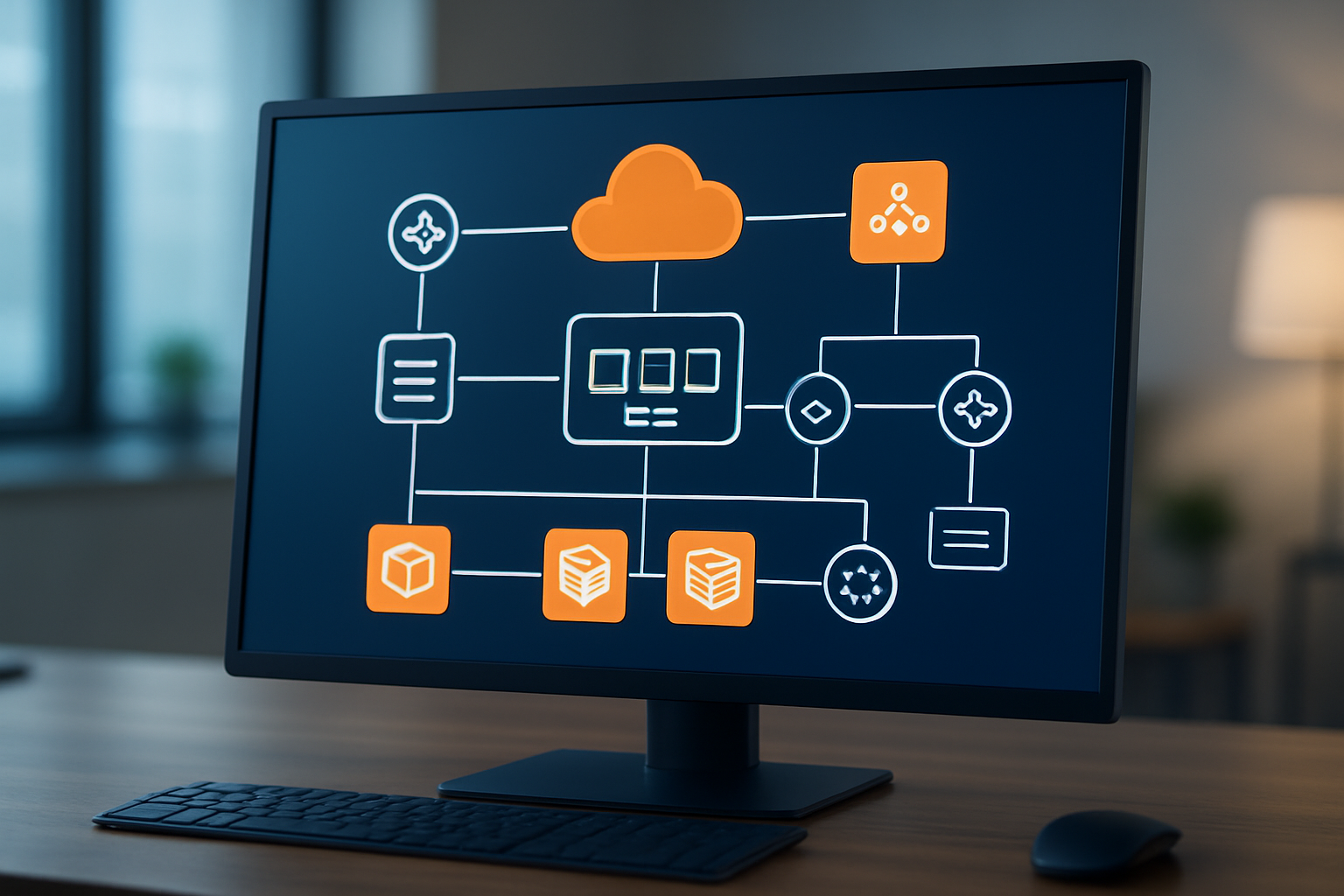
Creating an AWS ECS cluster starts with choosing the right launch type for your CI/CD pipeline automation needs. You’ll typically work with either EC2 or Fargate, each offering distinct advantages. EC2 gives you full control over the underlying infrastructure, perfect for teams requiring specific instance configurations or cost optimization through reserved instances. Fargate removes server management complexity, ideal for multi-developer team workflows where infrastructure overhead should be minimal.
When setting up your cluster, consider your application’s resource requirements carefully. Start by analyzing your container’s CPU and memory needs during peak usage. A good rule of thumb is to provision 20-30% more capacity than your baseline requirements to handle traffic spikes. For production environments supporting automated deployment pipeline workflows, create separate clusters for staging and production to maintain environment isolation.
Resource allocation becomes critical when multiple developers are pushing code through your DevOps CI/CD best practices pipeline. Configure your cluster with enough capacity to handle concurrent deployments without resource contention. Auto Scaling Groups work well with EC2 launch types, automatically adding instances when cluster utilization exceeds your defined thresholds.
Network configuration plays a huge role in cluster performance. Place your ECS cluster in private subnets across multiple Availability Zones for high availability. This setup ensures your AWS ECS deployment remains resilient even if one AZ experiences issues.
Task Definitions and Container Specifications
Task definitions serve as blueprints for your containers, defining everything from resource requirements to environment variables. Think of them as recipes that tell ECS exactly how to run your containerized applications. When building task definitions for automated Docker deployment, specify resource limits that match your application’s actual needs rather than overprovisioning.
Memory allocation requires special attention in task definitions. Set both soft and hard memory limits to prevent container failures during high-traffic periods. Your container image management AWS strategy should include optimized images that startup quickly and consume minimal resources. Base images should be as lean as possible while including all necessary dependencies.
Environment variables in task definitions should reference AWS Systems Manager Parameter Store or Secrets Manager for sensitive data. This approach keeps credentials out of your container images and supports CI/CD pipeline architecture security best practices. Create separate task definition revisions for different environments, allowing your pipeline to deploy the same code with environment-specific configurations.
Container health checks are essential for reliable deployments. Define health check commands that accurately reflect your application’s readiness to serve traffic. ECS uses these health checks to determine when containers are ready to receive traffic from load balancers.
Task roles and execution roles serve different purposes in your ECS setup. Execution roles allow ECS to pull images from ECR and write logs to CloudWatch. Task roles provide permissions for your application code to access other AWS services. Keep these roles separate and grant only the minimum necessary permissions.
Load Balancer Integration and Traffic Management
Application Load Balancers (ALBs) provide sophisticated traffic routing capabilities essential for continuous integration continuous deployment workflows. When integrating ALBs with ECS services, configure target groups that perform health checks matching your application’s startup behavior. Set appropriate health check intervals and thresholds to balance quick failure detection with tolerance for temporary issues.
Blue-green deployments become straightforward with proper load balancer configuration. Create multiple target groups pointing to different ECS service versions, then use ALB listener rules to route traffic between them. This setup enables zero-downtime deployments crucial for Git workflow automation in production environments.
Path-based routing allows you to run multiple microservices behind a single load balancer. Configure ALB rules to route requests to different ECS services based on URL patterns. This approach reduces infrastructure costs while maintaining service isolation.
SSL termination at the load balancer level simplifies certificate management across your AWS ECS cluster setup. Upload certificates to AWS Certificate Manager and reference them in your ALB listeners. This configuration offloads SSL processing from your containers and centralizes certificate renewal.
Sticky sessions might be necessary for applications that maintain server-side state. However, design your applications to be stateless when possible, as this approach scales better and simplifies deployment processes in your CI/CD pipeline automation.
Auto Scaling Policies and Performance Monitoring
Service Auto Scaling in ECS responds to application demand automatically, essential for handling variable traffic loads in production environments. Configure scaling policies based on meaningful metrics like CPU utilization, memory usage, or custom CloudWatch metrics that reflect your application’s performance characteristics.
Target tracking scaling policies work well for most applications. Set target values for CPU or memory utilization that maintain good performance while controlling costs. For applications with predictable traffic patterns, scheduled scaling can pre-scale capacity before expected demand increases.
CloudWatch metrics provide deep insights into your ECS cluster and service performance. Monitor key metrics like CPU utilization, memory utilization, and task count across your cluster. Set up alarms that trigger when metrics exceed acceptable thresholds, enabling proactive intervention before performance degrades.
Custom metrics often provide better scaling signals than default CPU and memory metrics. Application-specific metrics like request queue length or response time give more accurate pictures of when scaling is needed. Create custom CloudWatch metrics from your application logs or through direct API calls.
Container Insights provides detailed monitoring for ECS clusters, collecting metrics at the cluster, service, and task levels. Enable Container Insights to get comprehensive visibility into your containerized applications’ performance and resource usage patterns.
Log aggregation through CloudWatch Logs or third-party tools like ELK stack helps troubleshoot issues across distributed applications. Configure your task definitions to send logs to centralized locations, making debugging easier when problems occur across multiple containers or services.
Integrating Git Workflows with Automated Deployments

Webhook Configuration for Automated Triggering
Setting up webhooks creates the backbone of your CI/CD pipeline automation. When developers push code to specific branches, webhooks instantly notify your pipeline to spring into action. GitHub, GitLab, and Bitbucket all support webhook configurations that can trigger AWS CodePipeline or third-party CI tools like Jenkins.
Start by creating a webhook endpoint in your Git repository settings. Point it to your pipeline trigger URL and configure it to fire on push events, pull request merges, or tag creation. The webhook payload contains valuable metadata including branch names, commit hashes, and author information that your pipeline can use for intelligent decision-making.
Security becomes crucial here. Always validate webhook signatures using secret tokens to prevent unauthorized pipeline triggers. AWS CodePipeline integrates seamlessly with GitHub webhooks through OAuth connections, while self-hosted solutions require careful firewall and authentication setup.
For multi-developer team workflows, configure different webhook endpoints for various repository events. This granular control lets you trigger different pipeline stages based on specific actions – like running quick tests on feature branches while reserving full deployments for main branch updates.
Branch-Based Environment Mapping
Smart environment mapping connects your Git branching strategies directly to deployment targets. This approach ensures code changes land in appropriate environments automatically, reducing manual errors and streamlining the development workflow.
Create a mapping strategy that aligns with your team structure:
| Branch Pattern | Target Environment | Pipeline Actions |
|---|---|---|
main |
Production | Full test suite, security scan, ECS deployment |
develop |
Staging | Integration tests, performance testing |
feature/* |
Development | Unit tests, code quality checks |
hotfix/* |
Production (fast-track) | Critical tests only, immediate deployment |
Configure your pipeline to read branch information from webhook payloads and route deployments accordingly. AWS ECS supports multiple clusters and services, making it perfect for this multi-environment approach. Use environment-specific task definitions and service configurations to maintain isolation between development, staging, and production deployments.
DevOps CI/CD best practices recommend using infrastructure as code (IaC) tools like Terraform or CloudFormation to maintain consistent environment configurations. This ensures your development environment mirrors production settings, catching environment-specific issues early.
Automated Build and Image Push Processes
The build process transforms your source code into deployable container images stored in AWS ECR container registry. Modern CI/CD pipeline architecture handles this entirely through automation, removing manual steps that slow down development cycles.
Configure your build pipeline to trigger on successful webhook validation. The build stage typically includes:
- Dependency Installation: Pull required packages and libraries
- Code Compilation: Build your application according to language-specific requirements
- Testing Execution: Run unit tests, integration tests, and security scans
- Docker Image Creation: Build container images with proper tagging strategies
- Image Scanning: Vulnerability assessment and compliance checks
Tag your images strategically using commit hashes, branch names, and timestamps. This creates a clear audit trail and enables easy rollbacks. For example: your-app:main-a1b2c3d4-20240115-142030.
The automated Docker deployment process pushes successfully built images to AWS ECR using IAM roles with appropriate permissions. Configure your pipeline to authenticate with ECR using temporary credentials rather than long-lived access keys for enhanced security.
Implement parallel processing where possible – run tests while building images, or scan images while preparing deployment manifests. This optimization significantly reduces pipeline execution time, keeping your continuous integration continuous deployment workflow responsive for busy development teams.
Set up build artifact management to store logs, test reports, and deployment manifests alongside your container images. This comprehensive approach to container image management AWS ensures complete traceability throughout your deployment pipeline.
Multi-Developer Team Coordination and Security

Role-Based Access Control Implementation
Setting up proper role-based access control (RBAC) becomes absolutely critical when multiple developers work on the same CI/CD pipeline automation system. AWS Identity and Access Management (IAM) provides the foundation for controlling who can access what resources in your deployment pipeline.
Start by creating distinct IAM roles for different team functions. Junior developers might only need read access to AWS ECR container registry repositories and the ability to push to development branches, while senior developers require broader permissions including production deployment capabilities. DevOps engineers should have full administrative access to AWS ECS cluster setup and pipeline configuration.
Create custom IAM policies that align with your Git branching strategies. For example, restrict production branch pushes to specific team members while allowing all developers to work on feature branches. Your automated deployment pipeline should enforce these permissions at every stage.
Here’s a practical permission matrix for different roles:
| Role | ECR Push/Pull | ECS Deploy Dev | ECS Deploy Prod | Pipeline Config |
|---|---|---|---|---|
| Junior Dev | Pull Only | No | No | No |
| Senior Dev | Push/Pull | Yes | No | Limited |
| Lead Dev | Push/Pull | Yes | Yes | Yes |
| DevOps | Full Access | Yes | Yes | Full |
Use AWS Organizations to manage permissions across multiple AWS accounts if your team works with separate environments. This prevents accidental cross-environment access while maintaining clear boundaries between development, staging, and production systems.
Environment Isolation and Staging Strategies
Environment isolation prevents the chaos that happens when development work interferes with production systems. Your DevOps CI/CD best practices should include complete separation between different deployment environments.
Create separate AWS ECS clusters for each environment – development, staging, and production. Each cluster should have its own dedicated resources, networking configurations, and container image management AWS repositories. This isolation ensures that experimental changes in development never impact live user traffic.
Implement a progressive deployment strategy where code moves through environments in a controlled manner. Development environments should mirror production as closely as possible while allowing for rapid iteration and testing. Staging environments serve as the final validation step before production deployment.
Your Git workflow automation should automatically trigger deployments to appropriate environments based on branch activity. Feature branches deploy to development environments, while merge requests to main branches trigger staging deployments. Production deployments should always require explicit approval and additional verification steps.
Consider using AWS CodeDeploy’s blue-green deployment strategy for production releases. This approach creates a parallel environment for new releases, allowing for instant rollbacks if issues arise. The CI/CD pipeline architecture should support this pattern with automated health checks and traffic shifting capabilities.
Use environment-specific configuration management to handle differences between environments. AWS Parameter Store or AWS Secrets Manager can store environment-specific values while keeping your application code environment-agnostic.
Secrets Management and Credential Security
Proper secrets management protects your automated deployment pipeline from security breaches while enabling smooth team collaboration DevOps workflows. Never store credentials, API keys, or sensitive configuration data in your Git repositories or container images.
AWS Secrets Manager provides enterprise-grade secret storage with automatic rotation capabilities. Store database passwords, third-party API keys, and other sensitive data in Secrets Manager, then configure your ECS tasks to retrieve these values at runtime. This approach keeps secrets encrypted and provides detailed audit logs of access patterns.
Implement least-privilege access for secrets. Each ECS service should only have access to the secrets it actually needs. Use IAM roles and policies to enforce these restrictions at the AWS level rather than relying on application-level controls alone.
Your CI/CD pipeline automation should handle secrets injection during the deployment process. Configure your pipeline to retrieve secrets from AWS Secrets Manager and pass them to ECS tasks as environment variables or mounted files. This keeps sensitive data out of your automated Docker deployment images while maintaining security.
Rotate secrets regularly using automated processes. AWS Secrets Manager can automatically rotate database credentials and API keys on a schedule you define. Your applications should be designed to handle credential rotation gracefully without requiring manual intervention.
Monitor secret access patterns using AWS CloudTrail and set up alerts for unusual access attempts. Regular security audits should review which services have access to which secrets and remove any unnecessary permissions.
Code Quality Gates and Deployment Approvals
Quality gates prevent problematic code from reaching production while maintaining development velocity. Your continuous integration continuous deployment pipeline should include automated checks at multiple stages before allowing deployments to proceed.
Implement automated testing at various levels – unit tests, integration tests, and end-to-end tests. Each test level should run in parallel where possible to minimize pipeline execution time. Failed tests should immediately halt the deployment process and provide clear feedback to developers.
Set up code quality checks using tools like SonarQube or CodeClimate integrated into your pipeline. These tools can detect security vulnerabilities, code smells, and maintainability issues before code reaches production. Configure quality thresholds that align with your team’s standards – for example, requiring minimum test coverage percentages or zero critical security vulnerabilities.
Create approval workflows for production deployments that require human oversight. AWS CodePipeline supports manual approval actions that can pause pipeline execution until an authorized team member reviews and approves the changes. This provides an essential safety net for critical production systems.
Implement automated rollback capabilities triggered by deployment failures or performance degradation. Your multi-developer team workflows should include clear escalation procedures when automated rollbacks occur, ensuring rapid response to production issues.
Use deployment windows and maintenance schedules to control when production deployments can occur. Some changes should only happen during low-traffic periods or scheduled maintenance windows. Your pipeline should respect these constraints while providing clear feedback about when deployments will actually execute.
Track deployment metrics and success rates to identify patterns in deployment failures. This data helps refine your quality gates and approval processes over time, creating a more reliable and efficient deployment pipeline for your entire development team.
Monitoring and Troubleshooting Your Pipeline

Pipeline Performance Metrics and Alerting
Tracking your CI/CD pipeline automation performance is like keeping an eye on your car’s dashboard while driving – you need real-time insights to catch problems before they become disasters. Set up CloudWatch metrics to monitor build times, deployment frequencies, and success rates. Create alerts for pipeline failures, unusual build durations, and deployment queue backlogs.
Key metrics to track include:
- Build Duration: Average and maximum time for each pipeline stage
- Deployment Frequency: How often code reaches production
- Failure Rate: Percentage of failed builds and deployments
- Lead Time: Time from commit to production deployment
- Queue Depth: Number of pending builds in your pipeline
Configure SNS notifications to send alerts to Slack or email when builds fail or exceed expected durations. Set up escalation policies so critical issues reach the right team members quickly. Use CloudWatch dashboards to visualize trends and identify bottlenecks in your automated deployment pipeline.
Container Health Monitoring and Logging
Your AWS ECS deployment needs constant health monitoring to catch container issues before they impact users. ECS provides built-in health checks, but you should enhance these with custom application-level monitoring. Configure CloudWatch Container Insights to collect metrics on CPU, memory, and network usage across your ECS cluster.
Implement structured logging in your applications using JSON format for better searchability. Ship logs to CloudWatch Logs or consider tools like ELK stack for advanced log analysis. Set up log retention policies to manage costs while keeping enough historical data for troubleshooting.
Monitor these critical container metrics:
| Metric | Threshold | Action |
|---|---|---|
| CPU Utilization | > 80% | Scale up tasks |
| Memory Usage | > 85% | Investigate memory leaks |
| Task Restart Count | > 3 per hour | Check application health |
| Service Response Time | > 2 seconds | Review performance |
Use ECS service discovery and Application Load Balancer health checks to automatically remove unhealthy containers from rotation. This ensures your multi-developer team workflows don’t get disrupted by failing instances.
Debugging Failed Deployments and Common Issues
When deployments fail, your debugging process should be systematic and fast. Start by checking the ECS service events and CloudWatch logs for error messages. Most deployment failures fall into predictable categories: image pull failures, resource constraints, configuration errors, or networking issues.
Common deployment problems and solutions:
Image Pull Failures: Check AWS ECR container registry permissions and image tags. Verify your ECS task execution role has the necessary ECR permissions. Double-check that your Git workflow automation is pushing images with correct tags.
Resource Constraints: Monitor cluster capacity and configure auto-scaling. If tasks fail to place due to insufficient resources, add more EC2 instances or adjust task resource requirements.
Configuration Issues: Validate environment variables, secrets, and service configurations before deployment. Use infrastructure-as-code tools like Terraform to maintain consistent environments across stages.
Health Check Failures: Review application startup time and health check endpoint response. Adjust health check grace periods if your application needs more time to initialize.
Create runbooks for common failure scenarios to help your team resolve issues quickly. Document the debugging steps and maintain a knowledge base of solutions. This approach supports DevOps CI/CD best practices and reduces mean time to recovery when problems occur.
Set up automated rollback mechanisms for critical services. If health checks fail after deployment, automatically revert to the previous stable version while your team investigates the issue.

A well-designed CI/CD pipeline transforms how multi-developer teams ship software. By combining smart Git branching strategies with AWS ECR and ECS, you create a system that handles everything from code commits to production deployments automatically. The key is getting your foundation right – setting up proper branch protection rules, configuring your container registry correctly, and establishing clear workflows that every team member can follow.
The real magic happens when everything works together seamlessly. Your developers can focus on writing great code while the pipeline handles testing, building, and deploying. Start small with a basic setup and gradually add more sophisticated features like automated testing and monitoring. Remember to keep security at the forefront and make sure your team has clear guidelines for handling different deployment scenarios. Once you’ve got this system running smoothly, you’ll wonder how you ever managed deployments manually.









