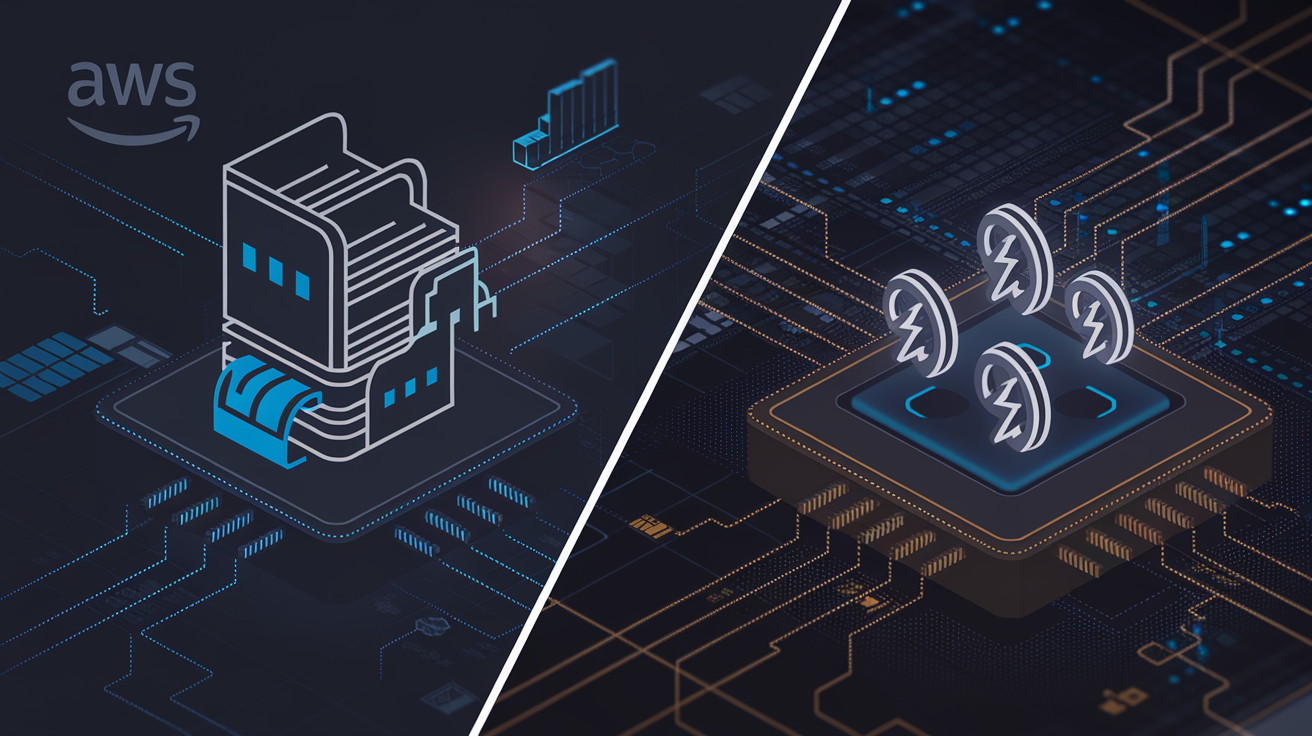
AWS Elastic Container Registry (ECR) makes container deployment on AWS simpler and more reliable. This guide is for developers, DevOps engineers, and cloud architects who want to build better container workflows and manage Docker images more effectively.
You’ll learn how to set up ECR repositories the right way from day one, avoiding common pitfalls that slow down teams later. We’ll walk through building container CI/CD pipelines that actually work in production, not just in demos. Finally, you’ll discover practical security best practices and performance tricks that keep your container workflow optimization on track without breaking the bank.
Stop wrestling with container deployment headaches. Let’s build AWS container workflows that scale with your team and deliver results fast.
Understanding AWS Elastic Container Registry Fundamentals
Core ECR features that streamline container management
AWS Elastic Container Registry serves as a fully managed Docker container registry that eliminates the complexity of running your own container infrastructure. ECR automatically encrypts images at rest and provides vulnerability scanning to identify security issues before deployment. The service handles image lifecycle management through automated policies that delete old or unused images, preventing storage bloat. Built-in integration with AWS Identity and Access Management (IAM) allows granular permission control over who can push, pull, or manage container images. ECR supports both public and private repositories, giving you flexibility in how you share container images across teams and organizations.
Cost advantages over traditional container storage solutions
Running your own container registry requires significant infrastructure investment, including servers, storage, backup systems, and ongoing maintenance costs. ECR operates on a pay-as-you-use model where you only pay for the storage space your images consume and data transfer costs. The service eliminates the need for dedicated DevOps resources to maintain registry infrastructure, reducing operational expenses. ECR’s automatic image compression and deduplication features minimize storage costs by identifying and removing redundant image layers. Free tier benefits include 500 MB of storage per month for private repositories, making it cost-effective for small to medium projects.
Integration benefits with existing AWS infrastructure
ECR integrates seamlessly with Amazon ECS, EKS, and AWS Fargate, creating smooth deployment workflows without complex configuration. The service works natively with AWS CodeBuild and CodePipeline, enabling automated container builds and deployments through your CI/CD pipeline. Cross-region replication ensures your container images are available in multiple AWS regions for improved performance and disaster recovery. ECR endpoints work within your VPC, keeping container image transfers secure and reducing data transfer costs. Integration with AWS CloudTrail provides complete audit logs of all registry activities, supporting compliance and security monitoring requirements.
Security features that protect your container images
ECR encrypts all container images using AWS Key Management Service (KMS), ensuring data protection both in transit and at rest. Built-in vulnerability scanning powered by Amazon Inspector automatically identifies known security vulnerabilities in your container images. Image signing capabilities allow you to verify the authenticity and integrity of container images before deployment. ECR supports immutable image tags, preventing accidental overwrites of production images that could introduce security risks. Resource-based policies and IAM integration provide fine-grained access control, allowing you to restrict registry access based on IP addresses, VPCs, or specific AWS accounts.
Setting Up Your ECR Repository for Maximum Efficiency
Creating repositories with optimal naming conventions
Start with a clear naming strategy for your AWS Elastic Container Registry repositories. Use lowercase letters, hyphens for separation, and include environment indicators like myapp-prod or api-service-dev. This approach makes repository management seamless across teams and prevents confusion during container deployment processes.
Configuring repository policies for team collaboration
Repository policies control who can push, pull, and manage your Docker images in ECR. Set up IAM-based policies that grant developers push access to staging repositories while restricting production access to senior engineers. Use resource-based policies to share images across AWS accounts and enable cross-team collaboration without compromising security boundaries.
Implementing lifecycle policies to reduce storage costs
ECR lifecycle policies automatically delete old container images based on rules you define. Configure policies to keep only the latest 10 images or delete images older than 30 days. Set different retention rules for production versus development repositories. These automated cleanup processes significantly reduce storage costs while maintaining the images your teams actually need for active deployments.
Streamlining Container Image Management
Best practices for tagging images strategically
Container image tagging in AWS Elastic Container Registry requires a structured approach that supports both development workflows and production deployments. Use semantic versioning (v1.2.3) combined with environment-specific tags like ‘production’ or ‘staging’ to maintain clear release tracking. Implement automated tagging strategies that include commit hashes, build timestamps, and branch names for complete traceability. Tag images with both mutable tags for easy reference and immutable tags for production stability. Consider using descriptive tags that indicate the application version, environment, and deployment date to simplify rollback procedures and debugging processes.
Automating image builds with AWS CodeBuild integration
AWS CodeBuild seamlessly integrates with ECR to create automated Docker image management workflows that eliminate manual intervention. Configure CodeBuild projects to trigger automatically on code repository changes, pulling source code, building container images, and pushing them directly to your ECR repositories. Set up build specifications that handle multi-stage builds, dependency caching, and parallel processing to reduce build times significantly. Use CodeBuild’s built-in Docker support to run builds in containerized environments, ensuring consistent build results across different development stages. Implement build notifications through SNS to keep teams informed of successful builds and failures in real-time.
Managing multi-architecture images for diverse deployments
Modern container deployments often require supporting multiple CPU architectures like ARM64 and x86_64 simultaneously. ECR supports multi-architecture images through Docker manifest lists, allowing you to push platform-specific images under a single tag. Build separate images for each target architecture using CodeBuild’s multiple build environments or Docker’s buildx functionality. Create manifest lists that reference all architecture variants, enabling automatic platform selection during deployment. This approach works perfectly with AWS services like EKS, Fargate, and Lambda that run on different underlying hardware architectures, ensuring optimal performance and cost efficiency across your entire infrastructure.
Implementing image scanning for vulnerability detection
ECR’s built-in vulnerability scanning capabilities provide automated security analysis for container images without requiring additional tools or configurations. Enable scan-on-push functionality to automatically scan every new image version for known security vulnerabilities using both basic and enhanced scanning modes. Enhanced scanning powered by Amazon Inspector provides continuous monitoring and real-time vulnerability detection with detailed remediation guidance. Configure scanning policies that block deployments of images with critical vulnerabilities and integrate scanning results into your CI/CD pipelines through AWS CLI or SDK calls. Set up CloudWatch alarms and SNS notifications to alert security teams when high-severity vulnerabilities are detected in your container images.
Optimizing CI/CD Pipelines with ECR
Integrating ECR with AWS CodePipeline for seamless deployments
AWS CodePipeline connects directly to your ECR repositories, creating automated container CI/CD pipelines that trigger builds when code changes hit your source control. Configure your pipeline stages to pull base images from ECR, build new containers, push updated images back to ECR, and deploy across ECS, EKS, or Fargate services. Use CodeBuild as your build stage to handle Docker image creation and ECR authentication automatically. Set up cross-region replication rules so your pipeline can deploy containers to multiple AWS regions without manual intervention. Pipeline artifacts flow seamlessly between stages, with ECR serving as both source and destination for your containerized applications.
Setting up automated testing workflows before image storage
Build comprehensive testing into your container workflow optimization by adding automated security scans and vulnerability assessments before images reach ECR. Configure CodeBuild projects that run unit tests, integration tests, and container security scans using tools like Trivy or Anchore before pushing to production repositories. Set up approval gates that block deployment if security thresholds aren’t met or if critical vulnerabilities get detected. Create separate ECR repositories for different environments – development images can skip certain checks while production images require full compliance validation. Use CodePipeline’s manual approval actions for final sign-offs on critical deployments, ensuring human oversight remains part of your automated process.
Creating rollback strategies for failed deployments
Design robust rollback mechanisms by maintaining multiple image tags in ECR and implementing blue-green deployment patterns across your AWS container services. Tag your images with semantic versioning and maintain a “latest-stable” tag that always points to your last known good deployment. Configure ECS services and EKS deployments to support quick rollbacks by keeping previous task definitions active and ready. Set up CloudWatch alarms that monitor application health metrics and automatically trigger rollbacks when error rates spike or response times degrade. Use AWS Lambda functions to orchestrate complex rollback scenarios that might involve rolling back databases, configuration changes, and multiple microservices simultaneously while maintaining data consistency.
Monitoring pipeline performance and identifying bottlenecks
Track your container CI/CD pipeline performance using CloudWatch metrics and X-Ray tracing to spot slowdowns in build times, ECR push/pull operations, and deployment phases. Monitor ECR API throttling, image scan durations, and cross-region replication lag that might slow down your AWS container deployment process. Set up custom metrics for build queue times, test execution duration, and deployment success rates across different environments. Use CodePipeline’s built-in metrics alongside ECR repository metrics to identify patterns in failed builds or slow image transfers. Create dashboards showing end-to-end pipeline performance, from code commit to production deployment, helping teams optimize their container workflows and reduce time-to-market for new features.
Deploying Containers Across AWS Services
Seamless ECS deployment strategies using ECR images
Amazon ECS offers the most straightforward path for AWS container deployment using ECR images. Deploy containers by creating task definitions that reference your ECR repository URIs directly. ECS automatically pulls images from your registry during service launches, supporting both EC2 and Fargate launch types. Blue-green deployments become effortless through ECS service updates, allowing zero-downtime rollouts. Configure auto-scaling policies based on CPU, memory, or custom CloudWatch metrics to handle traffic spikes. Service discovery integration enables microservices communication without hardcoded endpoints. Rolling updates ensure application availability during deployments, while health checks guarantee only healthy containers receive traffic.
Kubernetes integration with Amazon EKS
EKS clusters seamlessly integrate with ECR container workflows through built-in authentication mechanisms. Configure your Kubernetes deployment manifests to pull images from ECR repositories using standard image specifications. The AWS Load Balancer Controller automatically provisions Application Load Balancers for ingress resources, distributing traffic across pods. Horizontal Pod Autoscaler scales applications based on resource utilization, while Cluster Autoscaler manages worker node capacity. EKS add-ons like AWS VPC CNI provide native networking capabilities, enabling pods to receive VPC IP addresses directly. Implement GitOps workflows using tools like ArgoCD or Flux, automatically syncing ECR image updates with your Kubernetes manifests for continuous deployment.
Serverless deployments with AWS Lambda containers
AWS Lambda container support revolutionizes serverless architectures by accepting Docker image management AWS workflows. Package applications up to 10GB using standard Dockerfile practices, then push to ECR for Lambda consumption. Lambda automatically handles container lifecycle management, including cold starts and scaling decisions. Configure function memory and timeout settings to optimize performance for containerized workloads. Event-driven architectures become more powerful when combining Lambda containers with EventBridge, SQS, or API Gateway triggers. Container images enable using any runtime or system dependencies, breaking free from Lambda’s traditional runtime limitations. Deploy machine learning models, legacy applications, or complex dependencies that were previously incompatible with standard Lambda functions.
Advanced Security and Access Control
Implementing least-privilege access with IAM policies
Start by creating role-based IAM policies that grant users minimal permissions needed for their specific tasks. Developers should only push images to assigned repositories, while deployment services get read-only access to production registries. Use resource-based policies to control which repositories each team can access, and leverage condition keys like aws:RequestedRegion to restrict cross-region activities. Set up separate service roles for different environments, ensuring staging and production workloads operate with distinct permission boundaries.
Cross-account image sharing without compromising security
Configure ECR repository policies to share container images across AWS accounts while maintaining strict security controls. Grant specific accounts pull permissions using resource-based policies, and require external accounts to authenticate through assumed roles. Implement cross-account trust relationships that include condition statements verifying source account identity and requiring MFA authentication. Use AWS Organizations to manage sharing policies at scale, automatically applying security guardrails when new accounts join your organization.
Setting up VPC endpoints for private registry access
Deploy VPC endpoints for AWS ECR to keep container image traffic within your private network infrastructure. Create interface endpoints for both ECR API and Docker Registry API services, ensuring your container workloads never traverse the public internet. Configure endpoint policies to restrict which repositories can be accessed through each VPC endpoint, adding another layer of ECR security best practices. Place endpoints in multiple availability zones for high availability, and use security groups to control which resources can communicate with your private registry endpoints.
Monitoring and auditing container access patterns
Enable AWS CloudTrail logging to capture all ECR API calls, creating an audit trail of who pushed, pulled, or modified container images. Set up CloudWatch metrics and alarms to monitor unusual access patterns, such as excessive pulls from unexpected IP addresses or unauthorized push attempts. Use AWS Config rules to ensure ECR repositories maintain compliance with your security policies, automatically detecting configuration drift. Implement EventBridge rules to trigger automated responses when suspicious container access patterns are detected, integrating with your incident response workflows.
Performance Optimization and Cost Management
Reducing Image Pull Times with Strategic Repository Placement
Position your ECR repositories in the same AWS region as your deployment targets to minimize network latency. Cross-region image pulls can add significant overhead to container startup times. Consider using ECR replication to automatically sync images across multiple regions where your applications run, ensuring local availability without manual intervention.
Implementing Image Compression Techniques for Faster Deployments
Multi-stage Docker builds dramatically reduce final image sizes by excluding build dependencies from production images. Layer caching becomes more effective when you order Dockerfile instructions from least to most frequently changing. Use .dockerignore files to prevent unnecessary files from bloating your images. Alpine Linux base images offer smaller footprints compared to full distributions, leading to faster pull times across your container workflow optimization.
Monitoring Storage Costs and Optimizing Retention Policies
ECR charges based on data stored, making image lifecycle management crucial for cost control. Configure automatic deletion of untagged images after a specified period to prevent accumulation of orphaned layers. Implement tag-based retention rules that keep only the most recent versions of production images while aggressively pruning development builds. Monitor your repository size trends through CloudWatch metrics to identify storage growth patterns and adjust policies accordingly. Regular cleanup of unused images can reduce monthly ECR costs by 40-60% in active development environments.
AWS Elastic Container Registry transforms how you handle containerized applications by offering a secure, scalable solution for storing and managing your Docker images. From setting up efficient repositories to implementing robust security controls, ECR seamlessly integrates with your existing AWS infrastructure. The platform’s native compatibility with services like ECS, EKS, and Lambda makes deployment straightforward, while its built-in vulnerability scanning and fine-grained access controls keep your applications protected.
Getting the most out of ECR means embracing its automation capabilities and cost optimization features. Set up lifecycle policies to automatically clean up unused images, integrate ECR into your CI/CD pipelines for smooth deployments, and take advantage of image scanning to catch security issues early. Start by migrating one container workflow to ECR and experience firsthand how it simplifies your development process while reducing operational overhead. Your development team will appreciate the streamlined workflow, and your organization will benefit from the enhanced security and reduced infrastructure complexity.