


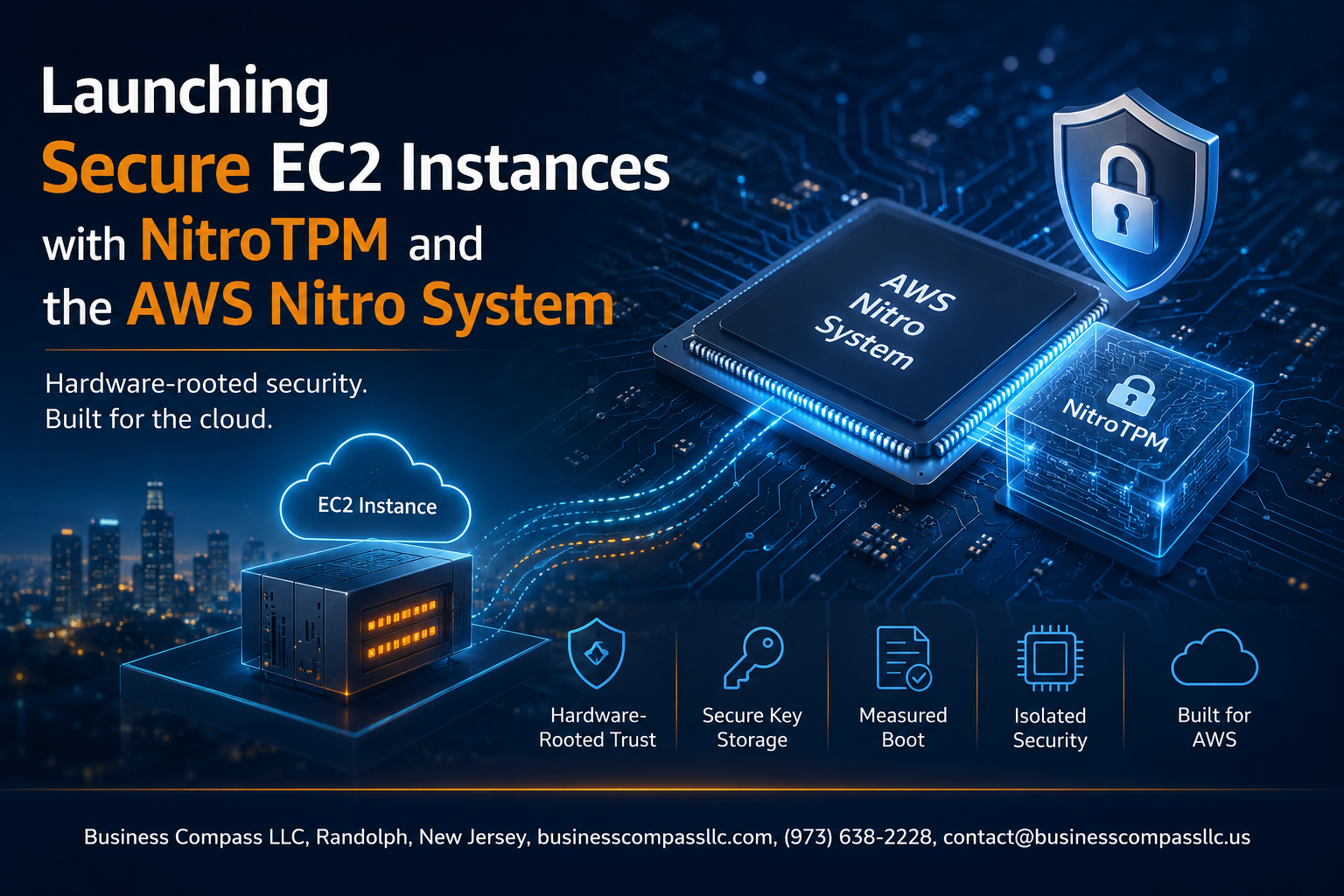
Launch Secure EC2 Instances with NitroTPM and the AWS Nitro System
If you’re running workloads on AWS that handle sensitive data, meet strict compliance requirements, or need hardware-level security guarantees, this guide is for you. Security engineers, cloud architects, and DevOps teams will find practical, hands-on guidance here for getting the most out of NitroTPM EC2 instances and the broader AWS Nitro System security stack.
We’ll walk through what NitroTPM actually is and how it fits into the AWS Nitro System, how to enable it when you launch secure EC2 instances, and how pairing it with AWS Secure Boot EC2 takes your instance hardening to the next level. Along the way, you’ll pick up NitroTPM best practices you can apply right away, plus real-world scenarios where the trusted platform module on AWS makes a genuine difference.
No fluff, no theory overload — just clear steps and context to help you confidently secure your EC2 environment.
Understanding the AWS Nitro System and Its Security Foundation

What Makes the Nitro System Different from Traditional Virtualization
Unlike old-school hypervisors, AWS Nitro offloads virtualization to dedicated hardware, freeing up host resources entirely for your workload.
Key Hardware and Software Components That Power Nitro
- Nitro Cards handle networking, storage, and security
- Nitro Security Chip enforces hardware-level protection
How Nitro Isolates Workloads to Protect Your Data
AWS Nitro System security relies on bare-metal performance with strict hardware isolation, making host access virtually impossible.
What Is NitroTPM and Why It Matters for EC2 Security

The Role of a Trusted Platform Module in Cloud Environments
NitroTPM brings hardware-level trust to EC2 by emulating TPM 2.0, enabling cryptographic key storage, platform attestation, and secure boot validation. It works across supported instance types like M6i, C6i, and R6i, running Amazon Linux 2, Ubuntu 20.04+, or Windows Server 2019+.
Enabling NitroTPM When Launching EC2 Instances
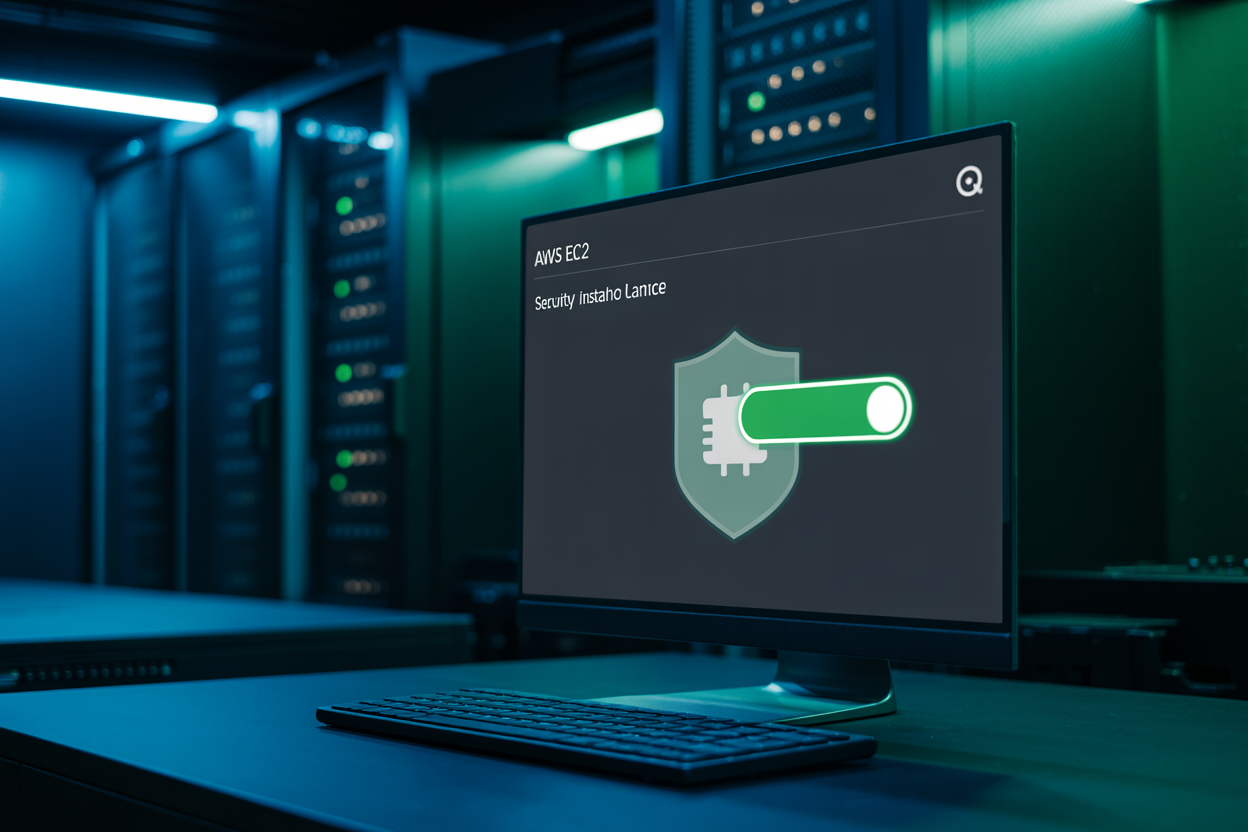
Prerequisites and Configuration Requirements to Get Started
To enable NitroTPM on EC2 instances, you need a supported instance type (M6i, C6i, R6i), a compatible AMI with TPM 2.0 support, and UEFI boot enabled. Check that your AWS account has access to Nitro-based instances before starting the setup process.
Strengthening Security Further with Secure Boot and NitroTPM

How Secure Boot and NitroTPM Work Together to Prevent Tampering
When AWS Secure Boot EC2 pairs with NitroTPM, only cryptographically signed bootloaders and kernels can run, blocking unauthorized code before it starts.
Protecting Against Rootkits and Unauthorized Firmware Changes
- TPM stores boot measurements
- Detects firmware drift instantly
- Flags compromised states automatically
Real-World Use Cases That Benefit from NitroTPM

Safeguarding Sensitive Workloads in Regulated Industries
Healthcare, finance, and government workloads need hardware-rooted trust. NitroTPM EC2 instances deliver exactly that.
Enabling Cryptographic Key Management and Attestation
Seal encryption keys to platform state, ensuring they only release on trusted boots.
Strengthening Zero Trust Security Architectures on AWS
- Verify instance integrity before granting access
- Combine with AWS Nitro Enclaves TPM for layered defense
Best Practices for Managing NitroTPM-Enabled EC2 Instances

Monitoring and Auditing Instance Integrity Over Time
Use AWS CloudTrail and Amazon GuardDuty to track NitroTPM-related events. Regular PCR log reviews catch unexpected firmware changes early.
Integrating NitroTPM with AWS Security Services
Pair NitroTPM EC2 instances with AWS Security Hub for centralized alerts.
Keeping AMIs Updated
Regularly patch AMIs to maintain your security posture.

The AWS Nitro System gives EC2 instances a rock-solid security foundation, and NitroTPM takes that a step further by adding hardware-based trust, cryptographic key storage, and platform integrity verification. From enabling NitroTPM during instance launch to pairing it with Secure Boot, the steps are straightforward and the security payoff is significant. Real-world workloads — from regulated industries to sensitive data environments — can genuinely benefit from the added layer of protection that NitroTPM brings to the table.
If you’re running EC2 instances where security is non-negotiable, now is a great time to start exploring NitroTPM. Review your current instance configurations, check compatibility with supported AMIs and instance types, and start applying the best practices covered here. Small changes to how you launch and manage your instances can make a big difference in keeping your cloud environment locked down and trustworthy.









