Production-Grade CI/CD Using Jenkins and Docker
Building a reliable Jenkins CI/CD pipeline with Docker container integration can transform how your team ships software. This guide targets DevOps engineers, software developers, and platform teams ready to move beyond basic automation into production-grade DevOps practices.
Who This Is For: Engineering teams managing multiple applications, DevOps professionals scaling CI/CD systems, and developers who need bulletproof automated testing pipelines that won’t break when things get busy.
We’ll walk through setting up rock-solid Jenkins environments that actually stay up when you need them most. You’ll learn how to master Docker containerization strategy for consistent deployments across environments. We’ll also cover implementing Jenkins Pipeline as Code with advanced CI/CD security best practices that protect your production systems without slowing down your team.
By the end, you’ll have a complete DevOps infrastructure scaling playbook for continuous integration Jenkins systems that handle real-world traffic and complexity.
Setting Up Your Jenkins Environment for Maximum Reliability

Installing Jenkins with proper system requirements and security configurations
Production-ready Jenkins deployments require careful attention to system resources and security hardening from day one. Start with at least 4GB RAM and 50GB disk space for basic operations, though enterprise environments typically need 8GB+ RAM and dedicated SSD storage. Enable HTTPS with valid SSL certificates, disable unnecessary protocols like CLI over remoting, and configure Jenkins behind a reverse proxy like Nginx for additional security layers.
Configuring essential plugins for Docker integration and pipeline management
The Docker Pipeline plugin and Docker Commons plugin form the foundation of your Jenkins Docker integration strategy. Install Blue Ocean for enhanced pipeline visualization, Pipeline Stage View for better monitoring, and Credentials Binding plugin for secure secret management. Add Role-based Authorization Strategy and Build Timeout plugins to maintain production-grade security and resource control across your CI/CD infrastructure.
Establishing proper user permissions and access controls
Matrix-based security provides granular control over Jenkins CI/CD pipeline access across development teams. Create role hierarchies that separate developers, operations staff, and administrators with appropriate permissions for project creation, build execution, and system configuration. Integrate with LDAP or Active Directory for centralized authentication, and implement approval workflows for sensitive production deployments.
Optimizing Jenkins for high-availability production workloads
Master-agent architecture distributes build loads across multiple nodes, preventing single points of failure in your DevOps infrastructure scaling strategy. Configure shared storage for job configurations and artifacts using NFS or cloud-based solutions. Set up Jenkins clustering with active-passive failover, implement regular automated backups of JENKINS_HOME, and monitor resource usage patterns to proactively scale your continuous integration Jenkins environment.
Mastering Docker Integration for Seamless Container Management

Connecting Jenkins to Docker daemon with secure authentication
Setting up secure communication between Jenkins and Docker requires careful configuration of authentication mechanisms. Configure Docker daemon to accept TLS connections by generating certificates and configuring Jenkins agents with proper Docker client credentials. Use Docker context commands to establish encrypted connections, and implement role-based access controls through Docker’s authorization plugins to restrict Jenkins operations to specific container registries and image repositories.
Creating reusable Docker images for consistent build environments
Build standardized Docker images containing all necessary build tools, dependencies, and runtime environments for your Jenkins CI/CD pipeline. Layer these images strategically—start with base OS images, add language runtimes, then application-specific dependencies. Tag images with semantic versioning and store them in private registries for consistent deployments across different pipeline stages.
Implementing Docker-in-Docker strategies for isolated pipeline execution
Docker-in-Docker enables complete isolation between pipeline executions while maintaining containerization benefits. Mount Docker socket or run privileged containers with Docker daemon inside, ensuring each pipeline job operates in its own containerized environment. Configure resource limits and implement cleanup strategies to prevent container sprawl and resource exhaustion during concurrent pipeline executions.
Building Robust CI/CD Pipelines with Jenkins Pipeline as Code
Writing declarative pipelines for maintainable automation workflows
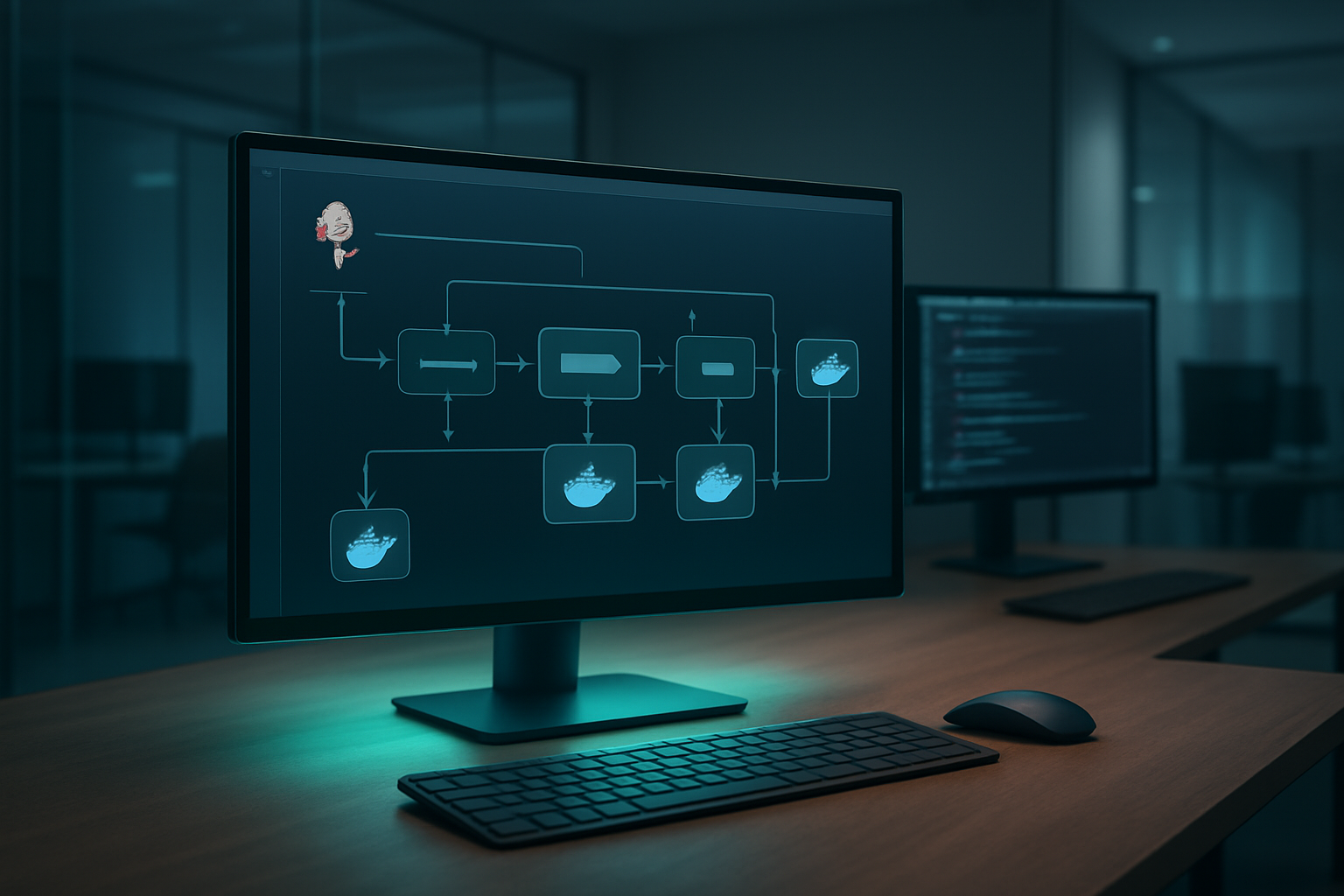
Declarative Jenkins CI/CD pipeline syntax transforms complex automation into readable, version-controlled code that your entire team can understand and modify. By defining your Jenkins Pipeline as Code structure using the pipeline block with clearly defined stages, you create maintainable workflows that scale with your development needs. The declarative approach enforces consistent patterns while providing built-in error handling and post-build actions that make troubleshooting straightforward.
Implementing parallel execution to reduce build times significantly
Parallel execution dramatically cuts deployment times by running independent tasks simultaneously across multiple agents or containers. Configure parallel stages using the parallel directive to execute unit tests, integration tests, and security scans concurrently while maintaining proper dependency management. This approach can reduce typical build times from 20-30 minutes to under 10 minutes for complex applications.
Creating dynamic pipeline stages based on branch and environment conditions
Dynamic stage creation adapts your CI/CD pipeline behavior based on Git branch names, environment variables, and deployment targets. Use conditional when blocks and environment-specific parameters to automatically trigger different testing suites for feature branches versus production deployments. This flexibility ensures appropriate validation levels while maintaining deployment efficiency across your Docker containerization strategy.
Establishing proper error handling and recovery mechanisms
Robust error handling prevents pipeline failures from blocking your entire development workflow while providing clear feedback for quick resolution. Implement try-catch blocks, timeout configurations, and automatic retry mechanisms for flaky network operations or temporary resource constraints. Configure proper notifications and rollback procedures to maintain system stability when automated testing pipelines encounter unexpected issues during Docker container integration phases.
Implementing Advanced Security and Quality Gates

Integrating automated security scanning within pipeline stages
Security scanning should happen early and often in your Jenkins CI/CD pipeline. Build security checks directly into your Docker containerization strategy by scanning base images, dependencies, and application code at every stage. Tools like Trivy, Anchore, and Snyk can automatically flag vulnerabilities before they reach production.
Configure your Jenkins Pipeline as Code to fail builds when critical security issues are detected. This prevents vulnerable containers from advancing through your deployment pipeline and maintains your production-grade DevOps standards.
Setting up code quality checks and test coverage requirements
Code quality gates protect your codebase from degradation and ensure consistent standards across development teams. Integrate SonarQube or similar tools into your automated testing pipelines to enforce coverage thresholds, code complexity limits, and security hotspot detection.
Your Jenkins CI/CD pipeline should reject commits that don’t meet predefined quality metrics. Set minimum test coverage requirements and configure quality gates that automatically block deployments when code smells or duplications exceed acceptable levels.
Implementing artifact signing and vulnerability assessments
Digital signatures verify the integrity and authenticity of your Docker images and deployment artifacts. Implement Notary or Docker Content Trust to sign containers before pushing them to registries. This creates an audit trail and prevents tampering during the build process.
Regular vulnerability assessments should scan both your infrastructure and application dependencies. Schedule automated scans using tools like OWASP Dependency Check and integrate results into your CI/CD security best practices workflow for continuous monitoring.
Establishing approval processes for production deployments
Production deployments require human oversight even in automated environments. Configure Jenkins to pause at critical checkpoints and require manual approval from designated team members before releasing to production systems.
Implement role-based access controls and approval workflows that match your organization’s change management policies. Use Jenkins’ built-in approval mechanisms or integrate with external tools to create audit trails for compliance and accountability.
Optimizing Performance and Scaling Your CI/CD Infrastructure

Implementing distributed builds across multiple Jenkins agents
Scaling your Jenkins CI/CD pipeline requires distributing workloads across multiple agents to handle increasing build demands. Configure master-agent architecture by setting up dedicated build nodes with specific labels and capabilities, allowing Jenkins to intelligently distribute jobs based on resource requirements. Use cloud-based agents that spin up on-demand through AWS, Azure, or Google Cloud integrations.
Dynamic agent provisioning reduces infrastructure costs while maintaining build performance. Jenkins Docker deployment becomes more efficient when agents automatically scale based on queue depth and resource availability.
Utilizing Docker container orchestration for dynamic scaling
Container orchestration platforms like Kubernetes transform how Jenkins handles scaling challenges. Deploy Jenkins agents as pods that automatically scale based on build queue metrics, ensuring optimal resource utilization. Docker containerization strategy enables consistent build environments across different infrastructure providers while maintaining production-grade DevOps standards.
Implement Kubernetes-based Jenkins deployments with Helm charts for streamlined management. This approach supports horizontal scaling of build capacity without manual intervention, making your DevOps infrastructure scaling truly automated.
Setting up efficient caching strategies to minimize build times
Build performance dramatically improves with strategic caching implementations across your Jenkins CI/CD pipeline. Configure Docker layer caching to reuse unchanged image layers between builds, reducing container build times by up to 80%. Implement shared volume caches for dependency downloads, Maven repositories, and NPM packages across multiple agents.
Use Jenkins workspace caching plugins combined with distributed cache solutions like Redis or dedicated build artifact repositories. These caching strategies significantly reduce network overhead and build execution time while supporting continuous integration Jenkins workflows at enterprise scale.
Monitoring and Maintaining Production CI/CD Systems

Implementing comprehensive logging and alerting mechanisms
Production Jenkins CI/CD pipeline requires robust logging infrastructure to track build execution, Docker container lifecycle events, and system performance metrics. Set up centralized logging using ELK stack or Splunk to aggregate Jenkins build logs, Docker daemon outputs, and application-specific traces. Configure real-time alerts for pipeline failures, resource exhaustion, and security anomalies using tools like PagerDuty or Slack integrations.
Setting up performance metrics and pipeline analytics
Monitor Jenkins pipeline execution times, Docker image build durations, and deployment success rates through comprehensive dashboards. Implement Prometheus and Grafana to visualize CI/CD metrics, tracking build queue lengths, agent utilization, and artifact storage consumption. Analyze pipeline bottlenecks by measuring test execution phases, Docker registry push/pull times, and deployment rollout speeds to optimize your DevOps infrastructure scaling strategies.
Establishing backup and disaster recovery procedures
Create automated backup strategies for Jenkins configuration, job definitions, and Docker registry artifacts to prevent data loss during system failures. Implement Infrastructure as Code using Terraform or Ansible to recreate entire CI/CD environments quickly. Store backup copies in geographically distributed locations and test restoration procedures monthly to validate recovery time objectives.
Creating maintenance schedules for system updates and security patches
Schedule regular Jenkins plugin updates, Docker engine patches, and host system maintenance windows during low-traffic periods. Automate security scanning for Docker base images and Jenkins plugins using tools like Clair or Twistlock. Establish rolling update procedures that maintain continuous integration capabilities while applying critical patches to your production-grade DevOps infrastructure.
Jenkins and Docker together create a powerful foundation for production-ready CI/CD systems that can handle real-world demands. Setting up a reliable Jenkins environment, integrating Docker containers seamlessly, and building pipelines with code gives your team the tools needed for consistent deployments. Adding security measures and quality gates protects your applications while automated monitoring keeps everything running smoothly.
The key to success lies in starting simple and growing your setup over time. Focus on getting your basic pipeline working first, then gradually add security checks, performance optimizations, and monitoring as your needs expand. Remember that maintaining these systems requires ongoing attention, but the investment pays off through faster releases, fewer production issues, and happier development teams. Take the first step by setting up your Jenkins environment and experimenting with a basic Docker integration – your future self will thank you for building these solid foundations today.