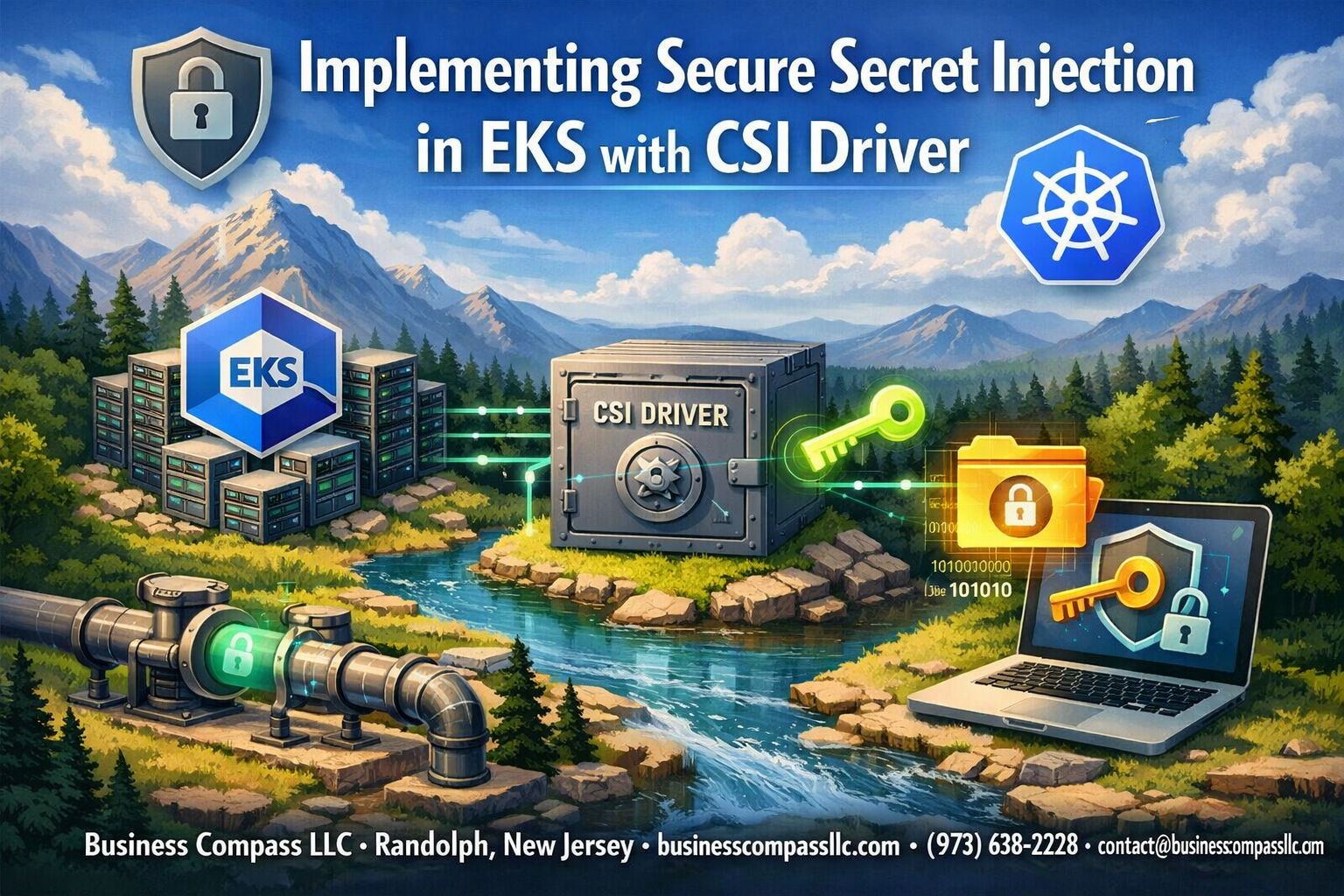
Managing secrets securely in Kubernetes clusters can feel like walking a tightrope—one wrong move and sensitive data gets exposed. This guide shows DevOps engineers, Kubernetes administrators, and security teams exactly how to implement secure secret injection in Amazon EKS using the CSI driver with AWS Secrets Manager integration.
Instead of hardcoding passwords and API keys directly into your pods (we’ve all been there), you’ll learn how to set up a robust EKS secrets management system that pulls sensitive data from AWS Secrets Manager on-demand. We’ll walk through the complete EKS CSI driver configuration process, from setting up proper RBAC permissions to deploying the secrets store CSI driver in your cluster.
You’ll discover how to configure service accounts that follow Kubernetes secret management best practices, ensuring your applications can access secrets without compromising security. We’ll also cover essential production considerations like monitoring and troubleshooting your EKS security implementation, so you can sleep better knowing your secrets are properly protected.
Understanding Secret Management Challenges in Kubernetes Environments

Common Security Vulnerabilities in Traditional Secret Storage
Traditional Kubernetes secret management approaches expose organizations to significant security risks. Storing secrets as plain text in ConfigMaps or environment variables creates attack vectors where malicious actors can easily extract sensitive data through container inspection or pod compromise. EKS secrets management becomes critical when secrets remain unencrypted at rest within etcd, making the entire cluster vulnerable if storage systems face security breaches.
Base64 encoding provides zero cryptographic protection, giving teams false security confidence. When secrets propagate across multiple nodes without proper encryption or access controls, the attack surface expands dramatically, compromising entire application ecosystems within your Kubernetes security implementation.
Risks of Hardcoded Secrets in Container Images
Embedding secrets directly into container images represents one of the most dangerous practices in modern DevOps workflows. These hardcoded credentials persist in image layers, remaining accessible even after deletion attempts through docker history commands or registry scanning tools. Secure secret injection practices become essential as images get pushed to registries where unauthorized users can extract embedded API keys, database passwords, and authentication tokens.
Container image sharing across development, staging, and production environments amplifies risk exposure. When images containing hardcoded secrets move through CI/CD pipelines, they create permanent audit trails of sensitive information that compliance teams cannot remediate without complete image rebuilds.
Compliance Requirements for Sensitive Data Handling
Regulatory frameworks like SOC 2, HIPAA, and GDPR mandate strict controls around sensitive data access, encryption, and audit logging. EKS security implementation must demonstrate proper secret rotation capabilities, access logging, and encryption both in transit and at rest. Organizations face significant penalties when compliance auditors discover inadequate secret management practices during security assessments.
AWS Secrets Manager integration provides built-in compliance features including automatic rotation, detailed access logs, and encryption key management. Meeting enterprise compliance standards requires implementing proper RBAC controls, monitoring secret access patterns, and maintaining detailed audit trails that demonstrate who accessed what secrets and when across your Kubernetes infrastructure.
Overview of AWS Secrets Manager and CSI Driver Integration
Benefits of Centralized Secret Management with AWS Secrets Manager
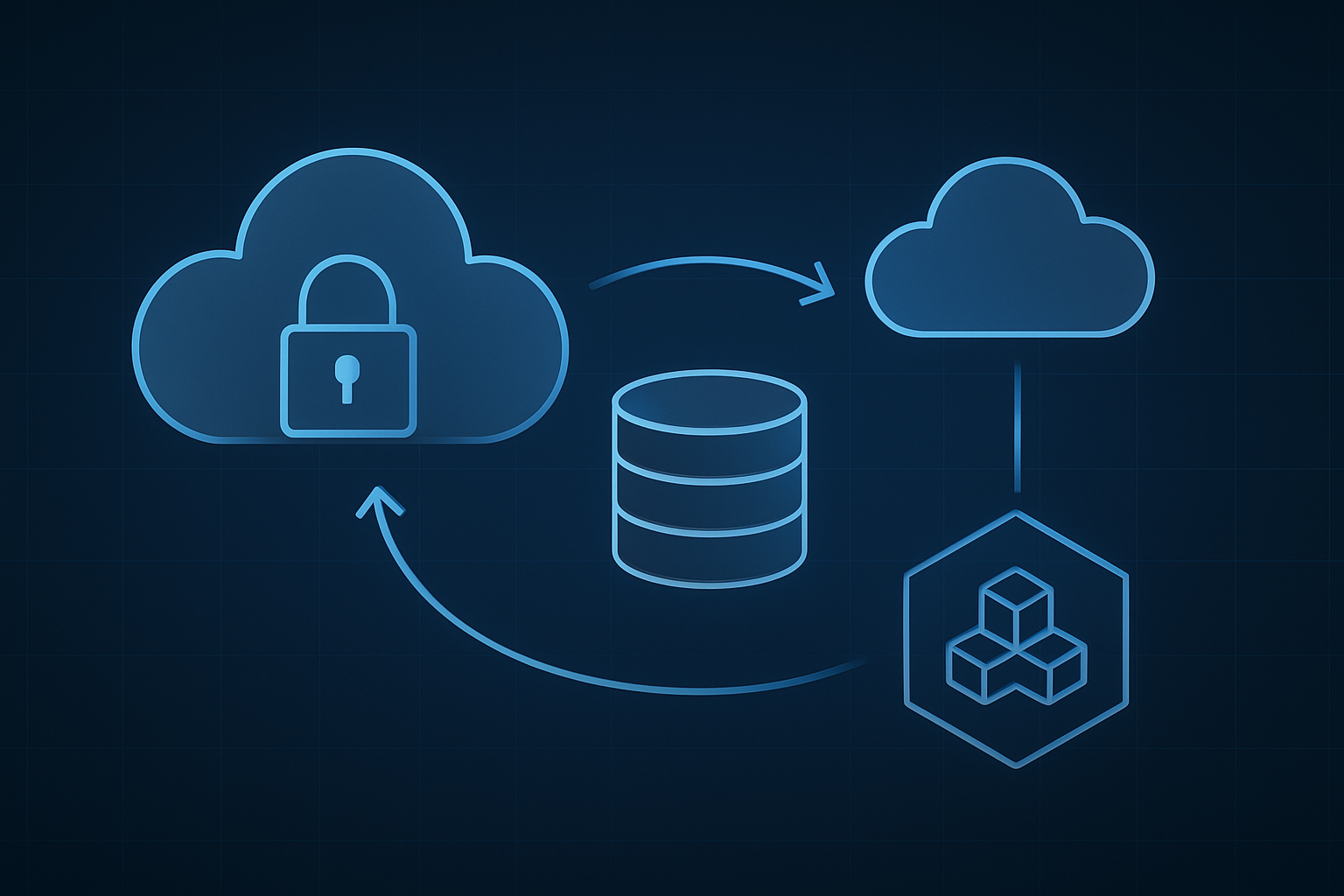
AWS Secrets Manager transforms how organizations handle sensitive data by eliminating hardcoded credentials and environment variables scattered across deployments. This centralized approach provides automatic encryption at rest and in transit, while maintaining detailed audit logs for compliance requirements. Teams gain granular access controls through IAM policies, ensuring only authorized services can retrieve specific secrets.
The integration with EKS creates a seamless bridge between cloud-native secret storage and Kubernetes workloads. Applications can dynamically access database passwords, API keys, and certificates without storing them in container images or configuration files, significantly reducing security risks.
Container Storage Interface Driver Capabilities
The Secrets Store CSI driver acts as a translator between Kubernetes pods and external secret management systems like AWS Secrets Manager. It mounts secrets as files directly into pod filesystems, making them accessible to applications through standard file operations. This approach eliminates the need for custom secret retrieval logic within application code.
The driver supports multiple secret formats including JSON, key-value pairs, and binary data, accommodating diverse application requirements. Real-time secret updates ensure applications always access current credentials without requiring pod restarts or complex refresh mechanisms.
Enhanced Security Through Dynamic Secret Mounting
Dynamic secret mounting prevents credentials from appearing in kubectl describe commands, container logs, or etcd storage. Secrets exist only in memory within the pod’s filesystem, automatically disappearing when pods terminate. This ephemeral nature significantly reduces the attack surface compared to traditional Kubernetes secrets.
The CSI driver enforces least-privilege access patterns by validating service account permissions before mounting secrets. Each pod receives only the secrets it explicitly requests, preventing lateral access to unrelated credentials across namespaces or applications.
Cost Optimization Through Automated Secret Rotation
Automated secret rotation through AWS Secrets Manager eliminates manual credential updates while reducing operational overhead. The CSI driver automatically detects rotated secrets and updates mounted files without application downtime. This continuous refresh cycle maintains security posture while minimizing maintenance windows.
Organizations benefit from reduced incident response costs when credentials are compromised, as automated rotation can immediately invalidate exposed secrets. The pay-per-use pricing model of AWS Secrets Manager scales with actual usage, avoiding fixed licensing costs associated with traditional secret management solutions.
Prerequisites and Environment Setup for EKS Implementation
Required AWS IAM Permissions and Policies
Setting up EKS secrets management requires specific IAM permissions for both the cluster and worker nodes. Create an IAM policy that grants secretsmanager:GetSecretValue and secretsmanager:ListSecrets permissions to access your secrets. The EKS cluster service role needs additional permissions for CSI driver operations, while worker node groups require the AWS managed policy AmazonEKS_CNI_Policy and custom policies for Secrets Manager access. These permissions enable seamless integration between your EKS cluster and AWS Secrets Manager through the CSI driver.
EKS Cluster Configuration Requirements
Your EKS cluster must run Kubernetes version 1.17 or higher to support the Secrets Store CSI driver deployment. Enable the EKS managed add-ons including the AWS VPC CNI plugin and CoreDNS for proper networking functionality. Configure your worker nodes with sufficient CPU and memory resources, as the CSI driver pods require additional overhead. The cluster should have proper security groups allowing internal communication between nodes and access to AWS services endpoints for Secrets Manager API calls.
Installing AWS Secrets Store CSI Driver
Deploy the Secrets Store CSI driver using Helm charts or kubectl manifests from the official repository. Install the base CSI driver first, followed by the AWS provider component that handles Secrets Manager integration. Configure the driver with appropriate node selectors and resource limits based on your cluster size. Verify the installation by checking that CSI driver pods are running in the kube-system namespace and can successfully mount secret volumes to test pods.
Configuring Service Accounts and RBAC for Secure Access

Creating IAM Roles for Service Account Integration
Setting up IAM roles for service account integration requires creating roles with specific trust policies that allow EKS pods to assume AWS credentials. The IAM role must trust the OpenID Connect (OIDC) provider associated with your EKS cluster and include conditions that match your Kubernetes namespace and service account name.
{
  "Version": "2012-10-17",
  "Statement": [
    {
      "Effect": "Allow",
      "Principal": {
        "Federated": "arn:aws:iam::ACCOUNT-ID:oidc-provider/oidc.eks.REGION.amazonaws.com/id/CLUSTER-ID"
      },
      "Action": "sts:AssumeRoleWithWebIdentity",
      "Condition": {
        "StringEquals": {
          "oidc.eks.REGION.amazonaws.com/id/CLUSTER-ID:sub": "system:serviceaccount:NAMESPACE:SERVICE-ACCOUNT-NAME"
        }
      }
    }
  ]
}
Attach the SecretsManagerReadWrite policy or create a custom policy with specific secret ARNs to restrict access scope. The role ARN gets annotated on the Kubernetes service account, enabling seamless AWS Secrets Manager integration for EKS CSI driver configuration.
Setting Up Kubernetes Service Accounts
Create dedicated service accounts for each application or microservice that needs secret access. The service account acts as the bridge between your pod and the IAM role through the eks.amazonaws.com/role-arn annotation.
apiVersion: v1
kind: ServiceAccount
metadata:
  name: secrets-reader
  namespace: production
  annotations:
    eks.amazonaws.com/role-arn: arn:aws:iam::123456789012:role/secrets-manager-role
automountServiceAccountToken: true
Link the service account to your deployment spec by referencing it in the pod template. This connection enables the CSI driver to authenticate with AWS Secrets Manager using the assumed IAM role permissions when mounting secrets.
Implementing Least Privilege Access Principles
Design IAM policies that grant access only to specific secrets your application requires. Instead of broad permissions, target individual secret ARNs and restrict actions to GetSecretValue and DescribeSecret operations.
{
  "Version": "2012-10-17",
  "Statement": [
    {
      "Effect": "Allow",
      "Action": [
        "secretsmanager:GetSecretValue",
        "secretsmanager:DescribeSecret"
      ],
      "Resource": [
        "arn:aws:secretsmanager:us-west-2:123456789012:secret:app/database/*",
        "arn:aws:secretsmanager:us-west-2:123456789012:secret:app/api-keys/*"
      ]
    }
  ]
}
Apply namespace-level RBAC policies within Kubernetes to control which pods can use specific service accounts. This dual-layer security approach prevents credential escalation and ensures applications only access their designated secrets through proper EKS secrets management.
Validating Permission Boundaries
Test your RBAC setup by deploying a test pod that attempts to access both authorized and unauthorized secrets. The CSI driver should successfully mount permitted secrets while rejecting access to restricted resources with clear error messages.
kubectl describe pod test-secrets-pod
kubectl logs deployment/secrets-store-csi-driver -n kube-system
Monitor CloudTrail logs for AssumeRoleWithWebIdentity events to verify that only expected service accounts are assuming IAM roles. Regular permission audits help maintain security posture and identify any misconfigured trust relationships in your Kubernetes secret management implementation.
Deploying and Configuring the Secrets Store CSI Driver

Installing the CSI Driver Using Helm Charts
The Secrets Store CSI driver installation on EKS requires adding the official Helm repository and deploying the chart with specific configurations. Start by adding the secrets-store-csi-driver repository using helm repo add secrets-store-csi-driver https://kubernetes-sigs.github.io/secrets-store-csi-driver/charts and update your repositories. Install the driver with helm install csi-secrets-store secrets-store-csi-driver/secrets-store-csi-driver --namespace kube-system to ensure cluster-wide availability.
Enable the AWS provider by setting --set linux.providersDir="/etc/kubernetes/secrets-store-csi-providers" during installation. The CSI driver creates DaemonSets that run on each node, mounting secrets directly into pod filesystems. Verify successful deployment by checking pod status in the kube-system namespace and confirming the secrets-store-csi-driver pods are running across all nodes.
Configuring SecretProviderClass Resources
SecretProviderClass serves as the bridge between AWS Secrets Manager and your Kubernetes workloads, defining which secrets to retrieve and how to mount them. Create a YAML manifest specifying the AWS provider, region, and specific secret ARNs you want to access. The objectName field maps to your AWS secret name, while objectType should be set to “secretsmanager” for proper AWS integration.
Configure the secretObjects section to create native Kubernetes secrets from AWS Secrets Manager data. This allows applications to consume secrets through standard environment variables or volume mounts. Include proper labels and annotations to ensure the SecretProviderClass targets the correct service account and namespace for seamless EKS secrets management.
Mapping AWS Secrets to Kubernetes Volumes
Volume mapping transforms AWS Secrets Manager data into accessible filesystem paths within your pods. Define volume specifications in your deployment manifests using the CSI driver as the volume type, referencing your SecretProviderClass through the secretProviderClass parameter. Mount paths should align with your application’s expected secret locations, typically under /mnt/secrets or similar directories.
The CSI driver automatically handles the retrieval and mounting process when pods start. Secrets appear as individual files within the mounted directory, with filenames matching the object names defined in your SecretProviderClass. This approach provides seamless AWS Secrets Manager integration while maintaining standard Kubernetes volume semantics for your applications.
Setting Up Secret Rotation Policies
Secret rotation ensures your applications always use current credentials without manual intervention. Configure rotation policies in AWS Secrets Manager to automatically update secrets at defined intervals. The CSI driver supports automatic remounting when secrets change, but requires pod restarts to pick up new values in most scenarios.
Implement rotation monitoring by setting up CloudWatch alarms and EventBridge rules to track rotation events. Consider using deployment strategies like rolling updates to gracefully handle secret changes in production environments. Test rotation scenarios thoroughly to ensure your EKS security implementation maintains service availability during credential updates.
Testing Driver Functionality
Validation confirms your Secrets Store CSI driver configuration works correctly before production deployment. Create a test pod that mounts secrets using your SecretProviderClass and verify files appear in the expected mount paths. Use kubectl exec to access the pod and check that secret content matches your AWS Secrets Manager values.
Monitor CSI driver logs using kubectl logs on the driver pods to identify any authentication or configuration issues. Test secret rotation by manually triggering updates in AWS Secrets Manager and confirming the changes propagate to your mounted volumes. Verify RBAC permissions by testing with different service accounts to ensure proper access controls for your Kubernetes secret management implementation.
Best Practices for Production Deployment and Monitoring

Implementing Secret Access Logging and Auditing
Enable comprehensive logging for your EKS secrets management by configuring CloudTrail to capture all AWS Secrets Manager API calls. Set up structured logging within your CSI driver deployment using JSON format to track secret access patterns, failed retrieval attempts, and pod-level secret usage. This audit trail helps identify security anomalies and ensures compliance with organizational policies while providing visibility into your Kubernetes external secrets operations.
Configure AWS CloudWatch metrics and custom dashboards to monitor secret retrieval frequency and latency across your EKS clusters. Implement alerts for unusual access patterns or authentication failures to maintain robust EKS security implementation standards.
Performance Optimization Strategies
Optimize your secrets store CSI driver deployment by implementing intelligent caching mechanisms that reduce API calls to AWS Secrets Manager while maintaining security boundaries. Configure appropriate refresh intervals based on your secret rotation policies to balance security with performance. Use resource limits and requests effectively to prevent resource contention in your EKS environment.
Implement pod-level secret sharing strategies and consider using init containers for one-time secret retrieval to minimize ongoing API overhead and improve application startup times.
Troubleshooting Common Integration Issues
Debug authentication failures by verifying OIDC provider configuration and service account annotations match your AWS EKS RBAC setup requirements. Check pod events and CSI driver logs to identify permission issues or malformed SecretProviderClass configurations that prevent successful secret mounting.
Address common networking issues by ensuring proper security group rules allow communication between worker nodes and AWS Secrets Manager endpoints, and verify DNS resolution works correctly within your cluster environment.

Secret management in EKS doesn’t have to be overwhelming once you understand the core components. The CSI driver integration with AWS Secrets Manager gives you a secure, scalable way to handle sensitive data without hardcoding secrets into your applications. Setting up service accounts with proper RBAC permissions creates the foundation for controlled access, while the Secrets Store CSI driver handles the heavy lifting of fetching and mounting secrets at runtime.
Getting your production environment right means following the monitoring and deployment best practices we’ve covered. Start with a development cluster to test your configuration, then gradually roll out to staging and production. Keep your RBAC policies tight, monitor secret access patterns, and always have a backup plan for secret rotation. Your applications will be more secure, and your team will sleep better knowing secrets are properly managed.