Capturing and Analyzing AWS Traffic Using BurpSuite in Serverless Architectures
Security testing in serverless environments presents unique challenges that traditional tools weren’t designed to handle. This guide shows cloud security professionals, DevSecOps engineers, and penetration testers how to capture and analyze AWS traffic using BurpSuite in serverless architectures where standard network monitoring falls short.
Serverless applications communicate through APIs, functions, and managed services that create complex traffic patterns difficult to monitor. You need specialized techniques to intercept and examine these interactions for security vulnerabilities, misconfigurations, and potential attack vectors.
We’ll walk through setting up BurpSuite for AWS serverless environment monitoring, starting with configuring proxy settings and authentication for cloud services. You’ll learn advanced traffic interception techniques for serverless applications, including how to capture HTTP/HTTPS traffic from AWS services like Lambda, API Gateway, and managed databases. Finally, we’ll cover analyzing captured AWS traffic for security insights, showing you how to identify common vulnerabilities and automate your security testing workflow.
Whether you’re conducting serverless penetration testing or implementing continuous AWS API security monitoring, this practical approach will help you build effective serverless security monitoring processes using familiar tools in new ways.
Understanding AWS Serverless Traffic Patterns and Security Challenges

Identifying unique traffic flows in Lambda functions and API Gateway
AWS serverless architectures generate distinct traffic patterns that differ significantly from traditional server-based applications. Lambda functions communicate through event-driven triggers, creating ephemeral connections that can be challenging to monitor with conventional tools. API Gateway introduces additional complexity with its request transformation capabilities, custom authorizers, and integration patterns that modify traffic flow between clients and backend services. These unique characteristics require specialized approaches for effective AWS traffic interception and serverless security monitoring.
Recognizing common security vulnerabilities in serverless environments
Serverless applications face unique security challenges including function-level access controls, environment variable exposure, and dependency vulnerabilities. Serverless application security testing must address injection attacks through event data, insecure direct object references in API endpoints, and authentication bypasses in custom authorizers. Cold start behaviors can also introduce timing-based vulnerabilities that traditional scanning tools might miss during serverless penetration testing activities.
Understanding the limitations of traditional network monitoring tools
Traditional network monitoring solutions struggle with serverless architectures due to their stateless, ephemeral nature and managed service dependencies. Standard packet capture tools can’t easily intercept traffic between AWS managed services, making AWS BurpSuite traffic analysis essential for comprehensive visibility. The distributed nature of serverless applications across multiple AWS services creates monitoring blind spots that require specialized cloud traffic analysis tools designed specifically for modern serverless environments.
Setting Up BurpSuite for AWS Serverless Environment Monitoring
Installing and configuring BurpSuite Professional for cloud environments
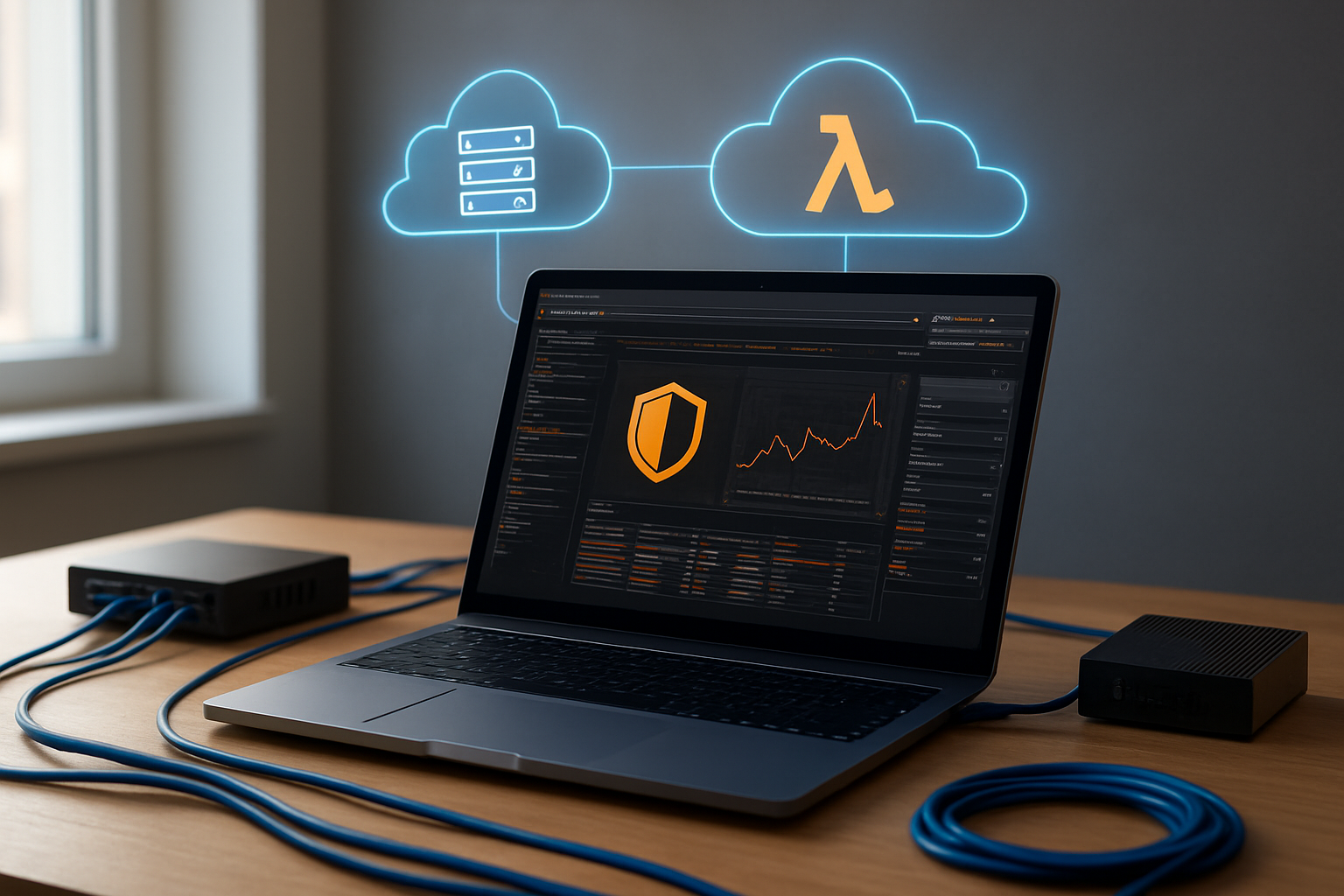
Getting BurpSuite Professional ready for AWS serverless monitoring requires specific configuration adjustments. Download the latest version from PortSwigger and ensure your Java environment supports the increased memory requirements for handling high-volume cloud traffic. Configure the heap space to at least 4GB using the -Xmx4G flag, as serverless applications generate substantial HTTP request volumes that can overwhelm default settings.
Set up dedicated project files for each AWS environment to maintain organized traffic analysis. Enable the professional features like active scanning and collaborative tools that become crucial when monitoring distributed serverless architectures across multiple AWS regions and services.
Establishing proxy connections for AWS API calls
Configure BurpSuite as an intermediary proxy between your applications and AWS endpoints by setting the proxy listener to 127.0.0.1:8080. Route AWS SDK calls through BurpSuite by configuring environment variables HTTP_PROXY and HTTPS_PROXY to point to your local BurpSuite instance. For applications deployed in AWS, establish secure tunneling using tools like SSH port forwarding or AWS Systems Manager Session Manager.
Test the proxy connection by making sample AWS API calls and verifying they appear in BurpSuite’s HTTP history tab. This setup captures all communication between your serverless functions and AWS services like DynamoDB, S3, and Lambda.
Configuring SSL/TLS certificate handling for encrypted AWS traffic
Import BurpSuite’s CA certificate into your application’s trust store to intercept HTTPS traffic to AWS endpoints. Export the certificate from BurpSuite (Proxy > Options > Import/Export CA Certificate) and add it to your system’s certificate store or application-specific trust stores. For containerized serverless applications, embed the certificate directly into your Docker images or Lambda deployment packages.
Configure AWS SDK clients to accept the BurpSuite certificate by setting SSL verification parameters. This allows BurpSuite to decrypt and analyze encrypted API communications while maintaining the security context of your serverless traffic analysis sessions.
Setting up target scope for specific AWS services
Define precise target scope rules to focus on relevant AWS traffic and reduce noise from unrelated requests. Navigate to Target > Scope and add patterns like *.amazonaws.com, *.lambda.*.amazonaws.com, and service-specific endpoints such as dynamodb.*.amazonaws.com. Create separate scope configurations for different AWS services to enable targeted analysis of specific serverless components.
Use advanced scope filters to include only production traffic or specific API versions. Set up exclusion rules for health checks, metrics, and logging endpoints that don’t require security analysis, allowing BurpSuite to concentrate processing power on business-critical serverless application traffic.
Capturing HTTP/HTTPS Traffic from AWS Services

Intercepting API Gateway requests and responses
BurpSuite effectively captures AWS API Gateway traffic by positioning itself as a proxy between client applications and gateway endpoints. Configure your application’s HTTP client to route requests through BurpSuite’s proxy listener, typically running on localhost:8080. This setup enables real-time interception of RESTful API calls, WebSocket connections, and serverless function invocations. The proxy automatically captures request headers, authentication tokens, payload data, and corresponding responses for comprehensive AWS traffic analysis.
Monitoring Lambda function invocations through HTTP triggers
Lambda functions triggered via HTTP events generate valuable traffic patterns that BurpSuite can intercept and analyze. Set up your monitoring environment to capture invocation requests from ALB triggers, API Gateway integrations, and direct HTTP endpoints. BurpSuite’s history tab displays complete request-response cycles, including execution timeouts, cold start behaviors, and error responses. This serverless security monitoring approach reveals authentication flows, input validation patterns, and potential security vulnerabilities in your Lambda-based applications.
Capturing S3 bucket access patterns and file transfers
S3 traffic interception requires configuring BurpSuite to monitor AWS SDK calls and direct bucket operations. Route your application’s S3 requests through the proxy to capture file upload/download activities, bucket listing operations, and access control validations. The captured traffic reveals presigned URL usage, multipart upload sequences, and cross-origin resource sharing configurations. This AWS HTTP traffic capture technique helps identify data exfiltration attempts, unauthorized access patterns, and compliance violations in your cloud storage infrastructure.
Recording CloudFront distribution traffic flows
CloudFront distributions generate complex traffic patterns that BurpSuite can effectively monitor and analyze. Configure your testing environment to route CloudFront requests through the proxy, capturing cache behaviors, origin server interactions, and edge location responses. The intercepted traffic displays header modifications, geographic routing decisions, and content delivery optimization strategies. This cloud traffic analysis provides insights into CDN performance, security headers implementation, and potential attack vectors targeting your distributed content infrastructure.
Advanced Traffic Interception Techniques for Serverless Applications

Using upstream proxy configurations for AWS SDK calls
Configure AWS SDKs to route requests through BurpSuite by setting HTTP_PROXY and HTTPS_PROXY environment variables. Modern serverless applications often use boto3 or AWS CLI tools that respect these proxy settings automatically. For Lambda functions, inject proxy configurations during runtime by modifying the deployment package or using environment variables. This approach captures all AWS API calls, including DynamoDB operations, S3 requests, and SQS messages, providing complete visibility into your serverless application security posture.
Implementing transparent proxy setups for containerized Lambda functions
Container-based Lambda functions require transparent proxy configurations to intercept traffic without modifying application code. Deploy a sidecar container pattern where BurpSuite runs alongside your main application container, capturing network traffic through iptables rules. Docker networking allows seamless traffic redirection to your BurpSuite instance. This method proves especially valuable for AWS traffic interception in complex microservice architectures where manual proxy configuration becomes impractical.
Leveraging BurpSuite extensions for AWS-specific protocols
BurpSuite extensions enhance serverless security monitoring by parsing AWS-specific request formats and authentication schemes. Popular extensions like AWS Security Automator decode SigV4 signatures and identify IAM permission escalation attempts. Custom extensions can parse CloudFormation templates, analyze API Gateway configurations, and monitor serverless application security testing workflows. These tools transform raw network captures into actionable security insights, making BurpSuite serverless setup more effective for identifying cloud-specific vulnerabilities and compliance issues.
Analyzing Captured AWS Traffic for Security Insights

Identifying authentication and authorization weaknesses in API calls
Captured AWS traffic reveals critical authentication flaws through BurpSuite’s AWS traffic analysis capabilities. Look for missing or weak JWT tokens, hardcoded API keys, and improper OAuth implementations in Lambda function requests. Review authorization headers for inconsistent permission checks and examine session management patterns that might allow privilege escalation across serverless functions.
Detecting data exposure risks in serverless function responses
Serverless function responses often leak sensitive information through verbose error messages and debug data. BurpSuite’s response analysis helps identify exposed environment variables, database connection strings, and internal system details. Monitor for PII data appearing in headers, excessive information disclosure in error responses, and unencrypted data transmission between AWS services that could compromise your serverless security monitoring efforts.
Analyzing request patterns for potential injection vulnerabilities
Request pattern analysis uncovers injection attack vectors targeting serverless applications. Examine SQL injection attempts in DynamoDB queries, NoSQL injection patterns in document databases, and command injection risks in Lambda functions processing user input. Pay attention to parameter manipulation attempts and input validation bypass techniques that could exploit serverless penetration testing weaknesses in your AWS API security monitoring setup.
Reviewing IAM permissions through captured service interactions
Service-to-service communications reveal IAM permission misconfigurations and overly permissive policies. Track cross-service authentication flows to identify privilege escalation paths and unnecessary permissions granted to Lambda functions. Analyze captured requests to detect services accessing resources beyond their intended scope, helping refine IAM policies and strengthen your cloud traffic analysis tools implementation for better security posture.
Automating Traffic Analysis with BurpSuite Extensions

Creating custom scanner rules for AWS-specific vulnerabilities
Building custom scanner rules for AWS environments requires targeting unique cloud vulnerabilities that standard scanners miss. You can create rules that detect IAM misconfigurations, exposed S3 buckets, and Lambda function security flaws. BurpSuite extensions allow you to write Python scripts that automatically scan for AWS-specific headers, authentication patterns, and API endpoints that might leak sensitive data or expose excessive permissions.
Implementing automated reporting for compliance requirements
Automated reporting transforms raw traffic data into compliance-ready documentation for frameworks like SOC 2 and PCI DSS. Your BurpSuite setup can generate detailed reports showing API call patterns, authentication failures, and potential data exposure incidents. Custom extensions can format these findings into executive summaries and technical appendices that satisfy auditor requirements while highlighting critical serverless security gaps.
Setting up alerts for suspicious traffic patterns
Real-time alerting systems detect anomalous behavior before it becomes a security incident. Configure BurpSuite to monitor for unusual API call volumes, unauthorized endpoint access, or suspicious payload patterns in your serverless applications. Extensions can integrate with Slack, email, or SIEM platforms to deliver immediate notifications when traffic analysis reveals potential threats or unauthorized access attempts targeting your AWS infrastructure.
Best Practices for Continuous Serverless Security Monitoring

Establishing regular traffic capture schedules for critical functions
Schedule automated BurpSuite traffic capture sessions during peak usage hours to identify abnormal patterns in your serverless functions. Set up monitoring intervals that align with your deployment cycles and business-critical operations. Create dedicated capture profiles for high-risk functions like payment processing, user authentication, and data access APIs.
Integrating BurpSuite findings with AWS security monitoring tools
Connect BurpSuite scan results with AWS CloudTrail, GuardDuty, and Security Hub for comprehensive serverless security monitoring. Export vulnerability reports in formats compatible with AWS Config Rules and Lambda security scanning workflows. Establish automated alerts when BurpSuite detects suspicious traffic patterns that correlate with AWS native security findings.
Creating documentation workflows for vulnerability remediation
Develop standardized templates that capture BurpSuite traffic analysis findings, including request/response details, identified vulnerabilities, and recommended fixes. Maintain vulnerability tracking databases that link serverless function versions with specific security issues. Create step-by-step remediation guides that development teams can follow when addressing API security flaws discovered through traffic interception.
Implementing change management processes for serverless security updates
Establish approval workflows that require security validation before deploying serverless function updates. Integrate BurpSuite testing into your CI/CD pipeline to automatically scan new deployments for security regressions. Create rollback procedures that activate when post-deployment traffic analysis reveals new vulnerabilities or unexpected behavior patterns in your AWS serverless applications.

BurpSuite gives you powerful tools to see exactly what’s happening in your AWS serverless environment. When you capture and analyze traffic from Lambda functions, API Gateway, and other serverless components, you get real-time insights into potential security gaps that might otherwise slip through the cracks. The techniques we covered—from basic traffic interception to automated analysis with custom extensions—help you build a complete picture of your serverless security posture.
Start by setting up your BurpSuite environment to monitor your most critical serverless applications. Focus on the HTTP/HTTPS traffic flowing between your services, and use the advanced interception methods to catch edge cases that basic monitoring might miss. Make traffic analysis part of your regular security routine rather than a one-time setup. Your serverless applications are constantly evolving, and your security monitoring needs to keep up with that pace.