Machine learning engineers and data scientists building scalable ML solutions need robust pipeline architectures that work seamlessly across major cloud platforms. Designing ML pipelines on AWS, GCP, and Azure requires understanding each platform’s unique strengths while maintaining consistent workflows and best practices.
This guide is written for ML engineers, data scientists, and DevOps professionals who want to build production-ready machine learning pipeline architecture across multiple cloud environments. You’ll learn practical approaches to implement cloud ML pipelines that scale efficiently and integrate smoothly with existing infrastructure.
We’ll walk through AWS ML pipeline implementation using services like SageMaker and Step Functions, then explore GCP ML pipeline development with Vertex AI and Cloud Composer. You’ll also discover Azure ML pipeline architecture solutions and multi-cloud ML architecture strategies that let you leverage the best features from each platform while avoiding vendor lock-in.
Understanding ML Pipeline Architecture Fundamentals
Core Components of Modern ML Pipelines
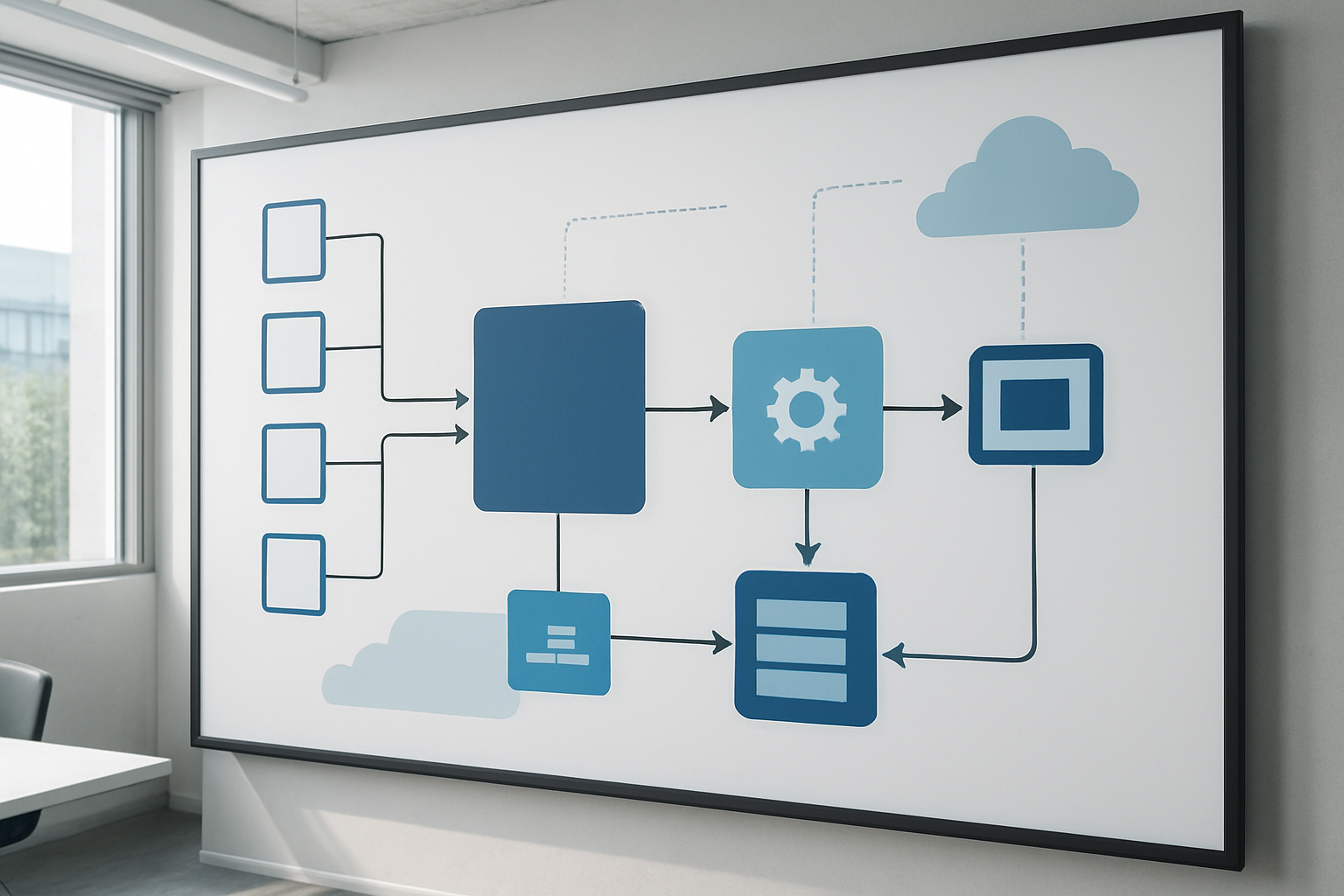
Modern machine learning pipeline architecture consists of several interconnected components that work together to create, deploy, and maintain ML models at scale. Data ingestion forms the foundation, handling batch and streaming data from various sources like databases, APIs, and file systems. Data preprocessing and feature engineering transform raw data into formats suitable for model training, often involving cleaning, normalization, and feature selection processes.
Model training components manage the computational resources needed for algorithm development, including hyperparameter tuning and cross-validation. Model versioning and registry services track different iterations of models, enabling rollback capabilities and experiment tracking. The serving infrastructure handles model deployment, providing REST APIs, batch prediction services, and real-time inference endpoints.
Monitoring and observability components track model performance, data drift, and system health. These include metrics collection, alerting systems, and performance dashboards that help teams identify when models need retraining or when infrastructure issues arise.
Orchestration engines coordinate the entire pipeline workflow, managing dependencies between components and scheduling automated tasks. Popular choices include Apache Airflow, Kubeflow, and cloud-native solutions like AWS Step Functions.
Data Flow Patterns That Maximize Efficiency
Efficient data flow patterns significantly impact ML pipeline performance and resource utilization. Lambda architecture combines batch and stream processing to handle both historical data analysis and real-time processing needs. This pattern processes large datasets in batches while simultaneously handling streaming data for immediate insights.
Kappa architecture simplifies this approach by using stream processing for all data, treating batch processing as a special case of streaming with bounded data. This reduces architectural complexity and maintenance overhead while providing consistent processing logic.
Event-driven patterns trigger pipeline components based on data availability or specific conditions rather than scheduled intervals. This approach reduces resource waste and improves responsiveness. For example, model retraining can be triggered when data drift exceeds predefined thresholds or when new training data reaches specific volume requirements.
Microservices-based data flow enables independent scaling of different pipeline components. Each service handles specific tasks like feature extraction, model training, or prediction serving, allowing teams to optimize resources based on individual component needs. This pattern also improves fault isolation, preventing failures in one component from affecting the entire pipeline.
Infrastructure Requirements for Scalable Solutions
Scalable ML pipeline infrastructure demands careful consideration of compute, storage, and networking resources. Containerization using Docker and Kubernetes provides consistent deployment environments across development, testing, and production stages. Container orchestration manages resource allocation, auto-scaling, and fault recovery automatically.
Storage requirements vary significantly based on data types and access patterns. Object storage handles large datasets and model artifacts efficiently, while databases manage metadata and structured data. Caching layers using Redis or similar technologies improve performance for frequently accessed data and model predictions.
Auto-scaling capabilities adjust resources based on workload demands. Horizontal scaling adds more instances during peak processing times, while vertical scaling adjusts individual instance specifications. Cloud providers offer managed auto-scaling services that integrate with ML workloads seamlessly.
Network architecture impacts data transfer speeds and costs. Virtual private clouds (VPCs) provide secure communication between pipeline components, while content delivery networks (CDNs) optimize model serving for geographically distributed users. Load balancing distributes incoming requests across multiple instances, ensuring high availability and performance.
Cost Optimization Strategies Across Cloud Providers
Effective cost optimization requires understanding pricing models and implementing resource management strategies. Reserved instances or committed use discounts reduce compute costs for predictable workloads. Spot instances handle fault-tolerant batch processing at significantly reduced costs, though they require robust failure handling mechanisms.
Right-sizing instances based on actual resource utilization prevents over-provisioning. Regular monitoring identifies underutilized resources that can be downsized or terminated. Automated resource scheduling shuts down development environments during off-hours and scales production resources based on demand patterns.
Storage optimization involves choosing appropriate storage classes based on access frequency. Infrequently accessed data can be moved to cheaper cold storage tiers, while frequently used datasets remain in high-performance storage. Data lifecycle policies automate these transitions based on predefined rules.
Multi-cloud strategies can reduce costs through competitive pricing and avoiding vendor lock-in. Different providers excel in specific services, allowing organizations to choose the most cost-effective option for each pipeline component. However, this approach requires careful management of data transfer costs and operational complexity.
Serverless computing eliminates idle resource costs by charging only for actual execution time. Functions-as-a-Service (FaaS) platforms work well for event-driven pipeline components and sporadic workloads. Container-as-a-Service options provide middle ground between traditional instances and pure serverless, offering better cost control for variable workloads.
AWS ML Pipeline Implementation Best Practices

Leveraging SageMaker for End-to-End Workflows
SageMaker serves as the backbone of AWS ML pipeline architecture, providing a comprehensive platform that handles everything from data preparation to model deployment. The service excels in streamlining the entire machine learning lifecycle through its integrated notebook instances, built-in algorithms, and automated model tuning capabilities.
Starting with SageMaker Processing jobs, you can handle large-scale data transformation tasks without managing underlying infrastructure. These jobs automatically scale based on your data volume and processing requirements. SageMaker Training jobs then take over, offering distributed training across multiple instances with popular frameworks like TensorFlow, PyTorch, and XGBoost.
The platform’s automatic model tuning (hyperparameter optimization) runs multiple training jobs simultaneously, testing different parameter combinations to find the optimal configuration. This automation saves significant time compared to manual hyperparameter tuning.
SageMaker Pipelines brings orchestration capabilities to your AWS ML pipeline, allowing you to define workflows using Python SDK. You can create conditional steps, parallel processing, and retry logic. The pipeline automatically handles dependencies between steps and provides visual workflow representation through SageMaker Studio.
Model Registry integration ensures version control and lineage tracking. Every model gets tagged with metadata, training metrics, and approval status. This creates a clear audit trail from raw data to deployed models, essential for regulatory compliance and debugging production issues.
S3 and Lambda Integration for Seamless Data Processing
Amazon S3 acts as the central data lake for your ML pipeline architecture, storing raw datasets, processed features, and model artifacts. Its event-driven architecture triggers downstream processing automatically when new data arrives.
S3 bucket organization follows a hierarchical structure that reflects your data pipeline stages. Raw data typically sits in one prefix, processed data in another, and model outputs in a dedicated location. This separation maintains clear data lineage and enables different access policies for each stage.
Lambda functions respond to S3 events, creating serverless data processing workflows. When new files appear in your raw data bucket, Lambda can trigger data validation, format conversion, or feature extraction processes. These functions handle lightweight transformations and orchestration tasks without provisioning servers.
The integration between S3 and Lambda creates powerful automation patterns. For instance, uploading a new dataset can automatically trigger data quality checks, send notifications to data science teams, and initiate retraining pipelines. Lambda’s 15-minute execution limit works well for orchestration tasks, while longer processing jobs get handed off to SageMaker Processing or Glue.
S3 versioning protects against data corruption and enables rollback capabilities. Combined with lifecycle policies, you can automatically archive older data to cheaper storage classes while maintaining immediate access to recent datasets.
Real-Time Model Serving with API Gateway
API Gateway transforms your trained models into production-ready endpoints that applications can consume. This service handles authentication, throttling, and monitoring for your ML inference endpoints.
SageMaker real-time endpoints provide low-latency predictions for individual requests. These endpoints automatically scale based on traffic patterns and health metrics. You can deploy multiple model variants behind a single endpoint, enabling A/B testing and gradual rollouts of new model versions.
API Gateway sits in front of SageMaker endpoints, adding an extra layer of control and security. You can implement custom authentication schemes, rate limiting per API key, and request/response transformation. The service also provides request validation, ensuring that incoming data matches expected schemas before reaching your models.
For high-throughput scenarios, SageMaker batch transform jobs handle bulk predictions more cost-effectively than real-time endpoints. These jobs process entire datasets stored in S3 and output results back to S3, perfect for scheduled scoring runs or large-scale inference tasks.
Multi-model endpoints reduce costs when serving multiple models with similar resource requirements. Instead of running separate endpoints for each model, you can host multiple models on shared infrastructure and invoke them by specifying the target model in your API request.
Monitoring and Logging with CloudWatch
CloudWatch provides comprehensive monitoring for your AWS ML pipeline, tracking both system metrics and custom business metrics. Default SageMaker metrics include endpoint latency, error rates, and instance utilization, giving you immediate visibility into model performance.
Custom metrics let you track domain-specific indicators like prediction accuracy, data drift, or business KPIs. You can publish these metrics from your Lambda functions, SageMaker endpoints, or batch processing jobs using the CloudWatch API.
CloudWatch Logs aggregates log data from all pipeline components. SageMaker training jobs, Lambda functions, and API Gateway all send logs to centralized log groups. This unified logging approach simplifies debugging and audit trail creation.
Log insights enable SQL-like queries across your log data, helping you identify patterns, errors, and performance bottlenecks. You can create saved queries for common troubleshooting scenarios and share them across your team.
Alarms trigger automated responses when metrics cross predefined thresholds. For example, high error rates on your inference endpoints can automatically trigger notifications, scaling actions, or circuit breaker patterns. Dashboard creation provides visual monitoring for stakeholders who need real-time pipeline status.
Security and Access Management Configuration
IAM roles and policies form the security foundation of your cloud ML pipelines on AWS. Each service component gets specific permissions following the principle of least privilege. SageMaker execution roles need access to S3 buckets, ECR repositories, and CloudWatch, but nothing more.
Cross-account access patterns enable secure collaboration between teams and environments. Development teams can access training data and experiment results without touching production models. Production deployment roles have restricted permissions that prevent accidental modifications.
VPC configuration isolates your ML pipeline from public internet access. SageMaker training jobs and endpoints can run within private subnets, communicating with S3 through VPC endpoints. This approach reduces attack surface and ensures data never traverses public networks.
Encryption covers data at rest and in transit. S3 server-side encryption protects stored datasets and model artifacts. SageMaker endpoints use TLS for communication, and inter-service traffic within VPC stays encrypted. KMS integration provides centralized key management with audit trails.
Resource tagging enables cost allocation, access control, and compliance reporting. Tags help you track ML pipeline costs by project, environment, or team. They also support automated resource management policies and security compliance scanning.
GCP ML Pipeline Development Strategies

Vertex AI Pipeline Orchestration Benefits
Google Cloud Platform’s Vertex AI offers a comprehensive approach to GCP ML pipeline development that streamlines the entire machine learning workflow. The platform provides a unified interface for managing ML operations, from data preparation to model deployment, making it easier for teams to collaborate and maintain consistency across projects.
One of the standout features is the visual pipeline builder, which allows data scientists and ML engineers to create complex workflows using a drag-and-drop interface. This approach reduces the need for extensive coding while maintaining the flexibility to customize components when needed. Teams can define pipeline steps, specify resource requirements, and establish dependencies between tasks without getting bogged down in infrastructure management.
Vertex AI’s automatic scaling capabilities handle resource allocation dynamically, ensuring your ML pipeline architecture adapts to workload demands. Whether you’re processing small datasets during development or handling production-scale data, the platform adjusts compute resources automatically, optimizing both performance and costs.
The platform’s experiment tracking capabilities provide detailed insights into pipeline performance, making it easier to compare different approaches and identify optimization opportunities. Version control features ensure reproducibility, allowing teams to track changes across pipeline iterations and roll back to previous versions when necessary.
BigQuery Integration for Large-Scale Data Analytics
BigQuery’s integration within cloud ML pipelines creates powerful opportunities for handling massive datasets efficiently. The serverless architecture eliminates the need to manage infrastructure while providing near real-time query performance on petabyte-scale datasets.
Data preprocessing becomes significantly more manageable when leveraging BigQuery’s SQL interface for feature engineering. Teams can perform complex transformations, aggregations, and joins directly within the data warehouse, reducing data movement and associated latency. This approach is particularly beneficial for time-series analysis, customer segmentation, and other scenarios requiring extensive data manipulation.
The BigQuery ML functionality extends the platform’s capabilities by enabling model training directly within the data warehouse. This feature allows data analysts familiar with SQL to build and deploy models without transitioning to different tools or platforms. Common use cases include classification, regression, clustering, and recommendation systems.
Streaming capabilities support real-time data ingestion, making it possible to update models with fresh data continuously. This feature proves valuable for applications requiring up-to-date predictions, such as fraud detection, dynamic pricing, or personalized recommendations.
Cloud Functions for Event-Driven Processing
Cloud Functions provide serverless compute capabilities that integrate seamlessly into event-driven ML workflows. These lightweight functions trigger automatically in response to specific events, such as new data uploads, model training completion, or prediction requests.
The pay-per-execution model makes Cloud Functions cost-effective for sporadic workloads or tasks that don’t require dedicated resources. Functions can scale from zero to handle sudden spikes in demand, making them ideal for preprocessing tasks, data validation, or triggering pipeline stages based on external events.
Integration with Cloud Storage, Pub/Sub, and other Google Cloud services creates opportunities for building responsive ML systems. For example, when new training data arrives in Cloud Storage, a function can automatically trigger data validation, initiate preprocessing tasks, and start model retraining if data quality checks pass.
Security and monitoring capabilities ensure functions operate reliably within your ML pipeline design. Built-in logging and metrics provide visibility into function performance, while IAM controls limit access to sensitive resources and operations.
Azure ML Pipeline Architecture Solutions
Azure ML Studio Workflow Automation
Azure ML Studio serves as the central hub for designing and orchestrating machine learning pipeline architecture on Microsoft’s cloud platform. The platform provides a visual drag-and-drop interface alongside code-first approaches, making it accessible for both data scientists and ML engineers with varying technical backgrounds.
The studio’s workflow automation capabilities shine through its designer component, where you can create complex ML pipelines by connecting pre-built modules or custom components. These workflows support everything from data preprocessing and feature engineering to model training and evaluation. The real power lies in the automated scheduling and triggering mechanisms that can launch pipelines based on data arrival, time schedules, or external events.
Azure ML’s pipeline architecture supports both batch and real-time inference scenarios. You can configure automated retraining workflows that monitor model performance and trigger retraining when accuracy drops below specified thresholds. The platform also handles version control automatically, maintaining lineage tracking for datasets, models, and pipeline runs.
Integration with Azure DevOps enables CI/CD practices for ML workflows, allowing teams to implement proper testing and deployment strategies. The studio’s experiment tracking capabilities provide comprehensive logging and visualization of metrics, making it easy to compare different pipeline runs and optimize performance.
Data Factory Integration for ETL Operations
Azure Data Factory acts as the orchestration engine for data movement and transformation within Azure ML pipeline workflows. This service handles the heavy lifting of ETL operations, connecting to hundreds of data sources both on-premises and in the cloud.
The integration between Data Factory and Azure ML creates powerful end-to-end data processing scenarios. You can set up complex data pipelines that extract data from various sources, perform necessary transformations, and feed clean, processed data directly into ML training pipelines. The service supports both code-free visual development and infrastructure-as-code approaches through ARM templates and Azure CLI.
Data Factory’s mapping data flows provide a visual way to design data transformations without writing code. These flows can handle complex data preparation tasks like joining multiple datasets, applying business logic, and creating feature stores. The service automatically scales compute resources based on data volume and processing requirements.
Trigger mechanisms in Data Factory enable event-driven ML pipeline execution. You can configure pipelines to start automatically when new data arrives in storage accounts, databases are updated, or external systems signal data readiness. This creates truly automated ML workflows that respond to real-world data changes.
The service also provides robust error handling and retry mechanisms, ensuring data quality and pipeline reliability. Built-in monitoring and alerting capabilities keep teams informed about pipeline status and performance metrics.
Container Instances for Custom Model Deployment
Azure Container Instances (ACI) provides a serverless approach to deploying custom ML models within Azure ML pipeline architecture. This service eliminates the need to manage virtual machines or container orchestrators for simple deployment scenarios.
ACI integration with Azure ML enables rapid prototyping and testing of model endpoints. You can deploy trained models as REST APIs with just a few lines of code, making them immediately accessible for testing and validation. The service automatically handles container lifecycle management, scaling resources up or down based on demand.
For more complex deployment scenarios, Azure Kubernetes Service (AKS) integration provides enterprise-grade container orchestration. This approach supports advanced features like blue-green deployments, A/B testing, and high-availability configurations. The combination of ACI for development and AKS for production creates a smooth deployment pipeline progression.
Custom container support allows teams to package models with specific runtime requirements, dependencies, and preprocessing logic. This flexibility accommodates various ML frameworks including TensorFlow, PyTorch, Scikit-learn, and custom implementations. The containerization approach ensures consistent behavior across development, testing, and production environments.
Azure ML’s model registry integrates seamlessly with container deployment services, providing automated versioning and rollback capabilities. Teams can deploy multiple model versions simultaneously and route traffic between them for comparison and gradual rollouts.
Application Insights for Performance Monitoring
Application Insights transforms ML pipeline monitoring by providing deep visibility into model performance, data drift, and system health. This observability platform captures telemetry data from every component of your Azure ML pipeline architecture.
The service automatically collects standard metrics like request rates, response times, and error rates from deployed models. Custom telemetry allows teams to track domain-specific metrics such as prediction accuracy, data quality scores, and business KPIs. Real-time dashboards and alerting rules help teams respond quickly to performance degradation or anomalies.
Data drift detection becomes straightforward with Application Insights’ statistical analysis capabilities. The platform can monitor input data distributions and alert when they deviate significantly from training data characteristics. This proactive monitoring prevents model performance degradation before it impacts business outcomes.
Log analytics features enable complex queries across pipeline execution logs, making troubleshooting and optimization more efficient. Teams can correlate model performance with infrastructure metrics, identifying bottlenecks and optimization opportunities. The service integrates with Azure Monitor to provide unified observability across the entire ML infrastructure.
Application Insights also supports distributed tracing, showing the complete journey of requests through complex ML pipeline workflows. This visibility helps identify performance bottlenecks in multi-stage pipelines and optimize resource allocation. The platform’s machine learning-powered anomaly detection can automatically identify unusual patterns in telemetry data.
Multi-Cloud Pipeline Management Techniques
Cross-Platform Data Synchronization Methods
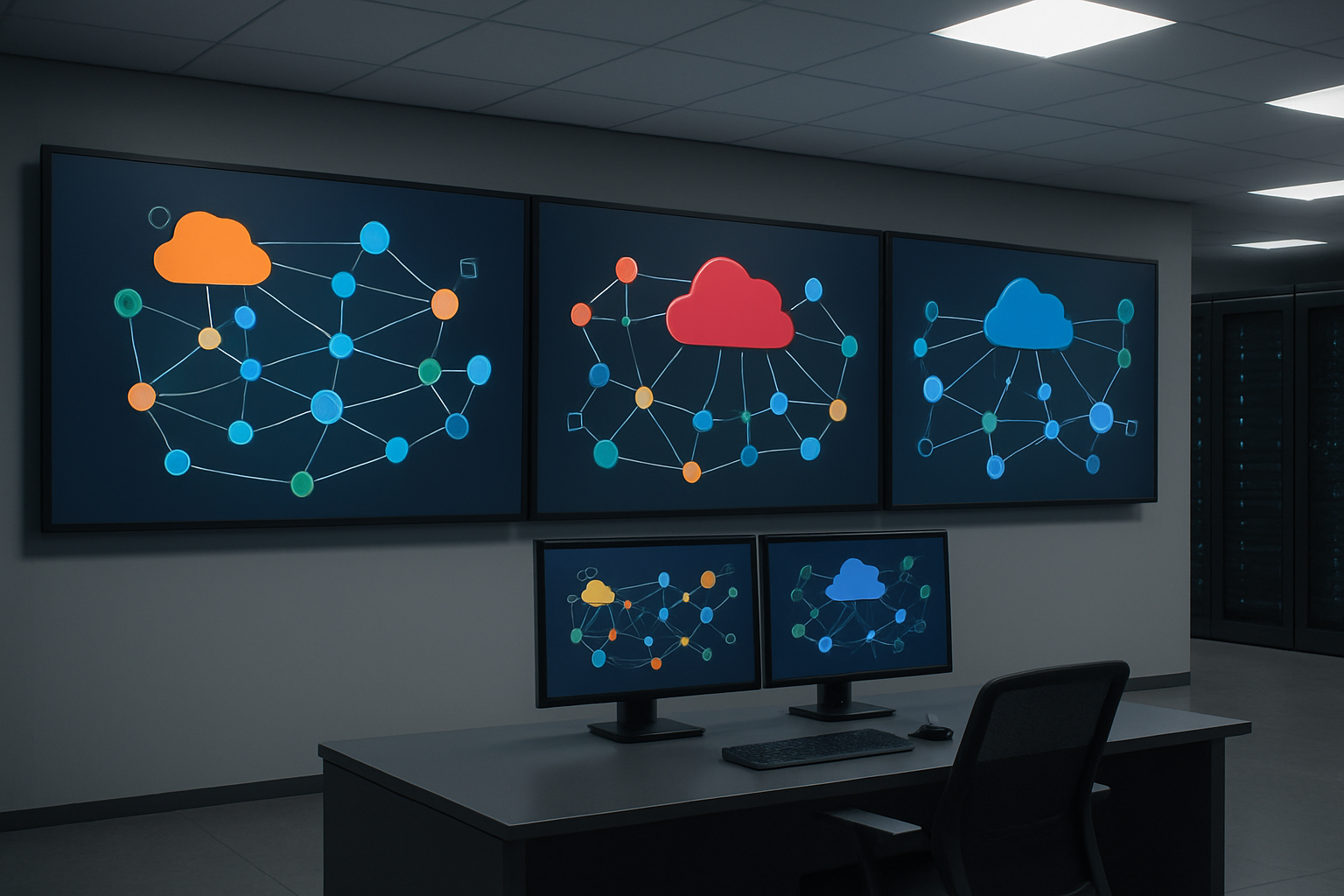
Managing data flow across multiple cloud providers requires robust synchronization strategies that keep your ML pipeline architecture consistent and reliable. Event-driven architectures work exceptionally well for this challenge, using message queues like Amazon SQS, Google Pub/Sub, and Azure Service Bus to coordinate data movements between platforms.
The most effective approach involves establishing data lakes as central hubs on each platform while maintaining synchronized metadata catalogs. Tools like Apache Airflow can orchestrate cross-cloud data transfers, while cloud-native services like AWS DataSync, Google Cloud Storage Transfer Service, and Azure Data Factory handle the heavy lifting of actual data movement.
Real-time synchronization becomes critical when dealing with streaming data. Implementing Apache Kafka clusters that span multiple clouds creates a unified streaming backbone. This setup allows your AWS ML pipeline to consume data that originated in GCP while simultaneously feeding processed results to Azure ML pipeline components.
Consider implementing data versioning systems like DVC (Data Version Control) that work across all three platforms. This approach ensures your multi-cloud ML architecture maintains data lineage and reproducibility regardless of where processing occurs.
Vendor Lock-in Prevention Strategies
Breaking free from single-vendor dependencies starts with embracing containerization and standardized APIs. Docker containers running on Kubernetes clusters provide the foundation for truly portable ML workloads that can migrate between AWS, GCP, and Azure with minimal friction.
Building your ML pipeline design around open-source frameworks like Kubeflow creates vendor-neutral orchestration layers. These frameworks abstract away cloud-specific services while still allowing you to leverage platform strengths when needed. Your team can develop once and deploy anywhere, switching between cloud providers based on cost, performance, or compliance requirements.
API standardization plays a crucial role in maintaining flexibility. Instead of directly calling cloud-specific APIs, create abstraction layers that translate common operations into provider-specific calls. This pattern allows seamless switching between AWS SageMaker, Google AI Platform, and Azure Machine Learning without rewriting core pipeline logic.
Infrastructure as Code (IaC) tools like Terraform enable consistent deployments across all three platforms. Your pipeline configurations remain platform-agnostic while Terraform handles the translation into provider-specific resources. This approach dramatically reduces migration complexity and keeps your options open.
Unified Monitoring Across Multiple Providers
Centralizing observability across multiple cloud platforms requires thoughtful integration of monitoring, logging, and alerting systems. The key lies in establishing common data formats and collection methods that work regardless of the underlying infrastructure.
Prometheus emerges as the de facto standard for metrics collection in multi-cloud ML architectures. Deploy Prometheus instances on each platform to scrape metrics from your ML pipeline components, then federate these metrics into a central monitoring system. Grafana dashboards can visualize performance data from all three clouds in unified views, making it easier to spot issues and optimize performance.
Log aggregation becomes more complex but equally important. Tools like Fluentd or Logstash can collect logs from AWS CloudWatch, Google Cloud Logging, and Azure Monitor, forwarding them to centralized systems like Elasticsearch or Splunk. This unified approach ensures your team has complete visibility into pipeline behavior across all platforms.
Distributed tracing takes on new importance when your cloud ML pipelines span multiple providers. OpenTelemetry provides vendor-neutral instrumentation that tracks requests as they flow between AWS, GCP, and Azure services. This visibility proves invaluable when debugging performance issues or understanding bottlenecks in your multi-cloud architecture.
Setting up intelligent alerting requires correlation engines that understand relationships between metrics from different platforms. When your Azure ML pipeline fails because of upstream data processing issues in AWS, your monitoring system should connect these dots automatically, reducing mean time to resolution and improving overall system reliability.
Machine learning pipelines form the backbone of successful data science projects, and each cloud platform brings unique strengths to the table. AWS offers comprehensive services with SageMaker leading the charge, GCP shines with its seamless integration and AutoML capabilities, while Azure provides enterprise-friendly solutions through Azure ML Studio. The key is understanding your specific requirements and matching them with the right platform’s strengths.
Managing ML pipelines across multiple clouds might seem complex, but it opens doors to incredible flexibility and cost optimization. Start by mastering one platform first, then gradually explore cross-platform strategies as your needs grow. The future belongs to teams who can adapt their pipeline designs to leverage the best of each cloud provider while maintaining clean, scalable architectures that deliver real business value.