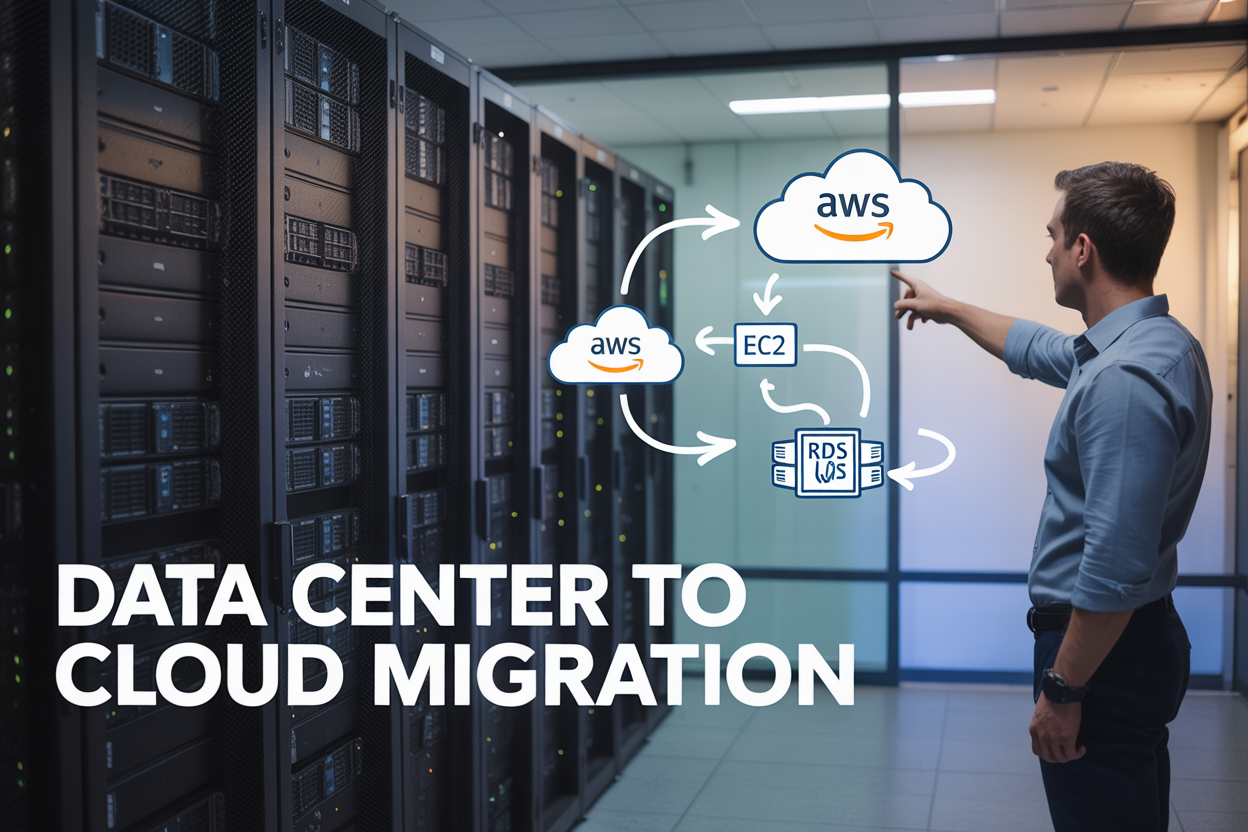
Moving your business from an on-premises data center to AWS doesn’t have to feel overwhelming. This comprehensive data center to cloud migration guide walks IT managers, cloud architects, and technical teams through a proven AWS migration strategy that minimizes downtime and maximizes success.
Who This Guide Is For:
This resource targets IT professionals managing enterprise infrastructure transitions, from system administrators planning their first cloud migration strategy to experienced architects looking to refine their EC2 migration and RDS database migration approaches.
You’ll discover how to assess your current setup and design robust AWS cloud architecture that meets your performance needs. We’ll cover the critical pre-migration planning steps that prevent costly mistakes, including testing protocols that catch issues before they impact production.
The guide also dives deep into application migration to EC2 instances and database migration to RDS, showing you exactly how to execute each phase. Finally, you’ll learn AWS migration best practices for optimizing costs and performance after your migration completes, ensuring your new cloud infrastructure delivers long-term value.
Ready to transform your data center infrastructure? Let’s start with evaluating what you currently have and mapping out your path to the cloud.
Assess Your Current Data Center Infrastructure

Inventory existing servers, databases, and applications
Creating a comprehensive inventory serves as your roadmap for data center migration to AWS. Document every physical server, virtual machine, database instance, and application running in your current environment. Catalog hardware specifications, operating systems, software licenses, and interdependencies between systems. This detailed assessment becomes critical when planning your EC2 migration strategy and determining appropriate instance types.
Evaluate performance metrics and resource utilization
Gather performance data over multiple months to understand CPU usage patterns, memory consumption, storage requirements, and network traffic flows. Peak usage periods reveal actual resource needs versus allocated capacity, helping optimize your AWS cloud architecture design. Monitor database performance metrics like query response times, connection counts, and storage growth rates to inform your RDS database migration decisions.
Identify security vulnerabilities and compliance gaps
Conduct thorough security audits to expose outdated patches, weak authentication protocols, and unencrypted data transmission channels. Review current compliance requirements for your industry and identify gaps that AWS services can address during migration. Document existing firewall rules, access controls, and data protection measures to ensure your cloud migration planning maintains or improves security posture throughout the transition process.
Calculate total cost of ownership and operational expenses
Break down current infrastructure costs including hardware depreciation, power consumption, cooling systems, maintenance contracts, and staffing overhead. Compare these expenses against projected AWS pricing for equivalent EC2 instances and RDS services. Factor in hidden costs like backup systems, disaster recovery infrastructure, and facility management to build an accurate business case for your data center to cloud migration initiative.
Design Your AWS Cloud Architecture

Map EC2 instance types to match server requirements
Start by analyzing your existing servers’ CPU, memory, storage, and network performance metrics. Match these specifications to appropriate EC2 instance families – use compute-optimized instances for CPU-intensive applications, memory-optimized for databases, and general-purpose for balanced workloads. Consider burstable performance instances for variable workloads to optimize costs during your data center migration to AWS.
Select appropriate RDS database engines and configurations
Choose RDS engines that align with your current database systems – Oracle, SQL Server, MySQL, or PostgreSQL. Evaluate Multi-AZ deployments for high availability and read replicas for performance scaling. Size your RDS instances based on current database workloads, connection patterns, and growth projections to ensure smooth database migration RDS processes.
Plan network topology with VPC and security groups
Design your VPC with public and private subnets across multiple availability zones for optimal AWS cloud architecture. Configure security groups as virtual firewalls, allowing only necessary traffic between application tiers. Plan subnetting carefully to accommodate future growth and maintain proper network segmentation for your cloud migration strategy.
Determine storage solutions and backup strategies
Select appropriate storage types – GP3 for general use, io2 for high-performance databases, and S3 for backups and archives. Implement automated backup policies using AWS Backup or native RDS backups. Plan for cross-region replication of critical data and establish recovery time objectives that meet your business requirements.
Design for high availability and disaster recovery
Distribute resources across multiple availability zones to eliminate single points of failure. Implement auto-scaling groups for EC2 instances and configure RDS Multi-AZ for database resilience. Establish clear disaster recovery procedures with defined recovery point objectives and regularly test failover scenarios to validate your AWS migration best practices.
Execute Pre-Migration Planning and Testing

Create detailed migration timeline with phases
Breaking down your data center migration to AWS into manageable phases prevents overwhelming your team and reduces risks. Start with a discovery phase to catalog all applications, then move to pilot migrations with non-critical systems. Plan your production workload migration in waves, prioritizing applications with fewer dependencies first. Each phase should include specific milestones, rollback procedures, and success criteria to keep your cloud migration strategy on track.
Set up AWS landing zone and security frameworks
Your AWS landing zone serves as the foundation for secure, scalable cloud operations. Configure multi-account structures using AWS Organizations, implement centralized logging with CloudTrail, and establish network segmentation through VPCs. Deploy security baselines including IAM policies, encryption standards, and compliance controls before any application migration EC2 activities begin. This groundwork ensures your migrated workloads operate within proper governance boundaries.
Perform proof of concept migrations with non-critical systems
Testing your migration approach with low-risk applications validates your processes before touching critical workloads. Select development or staging environments for initial EC2 migration and database migration RDS trials. These proof of concept migrations reveal potential issues with network connectivity, performance bottlenecks, and integration challenges. Document lessons learned and refine your migration playbooks based on these early experiences to improve success rates for production migrations.
Migrate Your Applications to EC2 Instances

Choose optimal migration tools for server workloads
AWS Application Migration Service (MGN) offers the most efficient path for lifting and shifting your servers to EC2. This tool creates exact replicas of your source servers while minimizing downtime through continuous data replication. For more complex scenarios, consider AWS Server Migration Service for VMware environments or CloudEndure for heterogeneous workloads.
Configure EC2 instances with proper sizing and optimization
Right-sizing your EC2 instances prevents cost overruns and performance bottlenecks during application migration EC2 processes. Start with general-purpose instance families like m5 or m6i, then adjust based on actual workload demands. Enable detailed monitoring from day one to capture CPU, memory, and network utilization patterns that guide future optimization decisions.
Implement load balancing and auto-scaling policies
Application Load Balancers distribute traffic across multiple EC2 instances while performing health checks to route requests only to healthy targets. Configure Auto Scaling groups with target tracking policies based on CPU utilization or request count. Set minimum capacity at 2 instances for high availability and maximum capacity based on peak traffic projections from your data center migration to AWS planning.
Establish monitoring and alerting systems
CloudWatch provides comprehensive visibility into your migrated applications with custom dashboards showing key performance indicators. Create alarms for critical thresholds like high CPU usage, memory consumption, or response time degradation. Integrate with SNS for real-time notifications and AWS Systems Manager for automated remediation actions when issues arise.
Transfer Databases to Amazon RDS
Select database migration service based on engine type
Choosing the right migration service depends on your source database engine and complexity requirements. AWS Database Migration Service (DMS) handles most common scenarios like MySQL, PostgreSQL, Oracle, and SQL Server migrations with minimal downtime. For complex schema conversions or heterogeneous migrations, AWS Schema Conversion Tool (SCT) helps transform database objects and code. Consider native AWS services like MySQL dump/restore for simple migrations or third-party tools for specialized databases.
Execute schema conversion and data synchronization
Schema conversion transforms database structures, stored procedures, and functions to match RDS requirements. AWS SCT automates most conversions while flagging manual review items for complex objects. Data synchronization uses DMS replication instances to keep source and target databases in sync during migration. Configure change data capture (CDC) to minimize downtime and ensure data consistency throughout the RDS database migration process.
Optimize RDS performance parameters and storage
RDS performance tuning starts with selecting appropriate instance classes based on CPU, memory, and IOPS requirements. Configure parameter groups to optimize database engine settings like buffer pool size, query cache, and connection limits. Choose between General Purpose SSD, Provisioned IOPS SSD, or magnetic storage based on your workload patterns. Enable Enhanced Monitoring and Performance Insights to track key metrics and identify bottlenecks post-migration.
Configure automated backups and point-in-time recovery
Automated backups provide essential data protection with configurable retention periods up to 35 days. Enable automatic backups during RDS instance creation and schedule them during low-activity periods to minimize performance impact. Point-in-time recovery allows restoration to any second within the retention period using transaction logs. Configure backup windows and retention policies that align with your business recovery requirements and compliance standards.
Test database connectivity and application integration
Database connectivity testing validates network paths, security groups, and authentication mechanisms between EC2 instances and RDS. Test connection pooling, timeout settings, and failover scenarios to ensure robust application integration. Verify that migrated applications can access RDS endpoints and perform CRUD operations without errors. Run comprehensive application tests covering all database-dependent features to confirm successful RDS migration before switching production traffic.
Optimize Costs and Performance Post-Migration

Implement cost monitoring and budget alerts
Setting up proactive cost tracking prevents unexpected AWS bills from derailing your cloud migration strategy. Configure CloudWatch billing alerts at multiple thresholds and establish departmental budget controls through AWS Budgets. These monitoring tools help identify cost spikes early, allowing teams to address issues before they impact your data center to cloud migration ROI.
Right-size instances based on actual usage patterns
Your EC2 migration success depends on matching instance types to real workload demands rather than replicating on-premises specifications. Use CloudWatch metrics and AWS Compute Optimizer to analyze CPU, memory, and network utilization over 30-day periods. Downsizing oversized instances and upgrading undersized ones can reduce costs by 20-40% while improving application performance.
Leverage Reserved Instances and Savings Plans for long-term workloads
Reserved Instances offer up to 75% savings compared to on-demand pricing for predictable EC2 workloads running 12+ months. Savings Plans provide flexibility across instance families while maintaining significant cost reductions. Combine these commitment-based pricing models with your AWS migration best practices to optimize long-term operational expenses for both compute and RDS database migration components.

Moving your data center to the cloud might seem overwhelming at first, but breaking it down into manageable steps makes the whole process much smoother. The key is taking time upfront to really understand what you’re working with, designing a solid AWS architecture, and testing everything before you make the big move. When you migrate your applications to EC2 and databases to RDS, you’re setting yourself up for better scalability and reliability than most traditional setups can offer.
Don’t forget that the real work starts after migration is complete. Keep an eye on your costs and performance metrics, and make adjustments as needed. The cloud gives you flexibility that your old data center never could, so take advantage of it. Start planning your migration today – your future self will thank you for making the switch to a more flexible, cost-effective infrastructure.