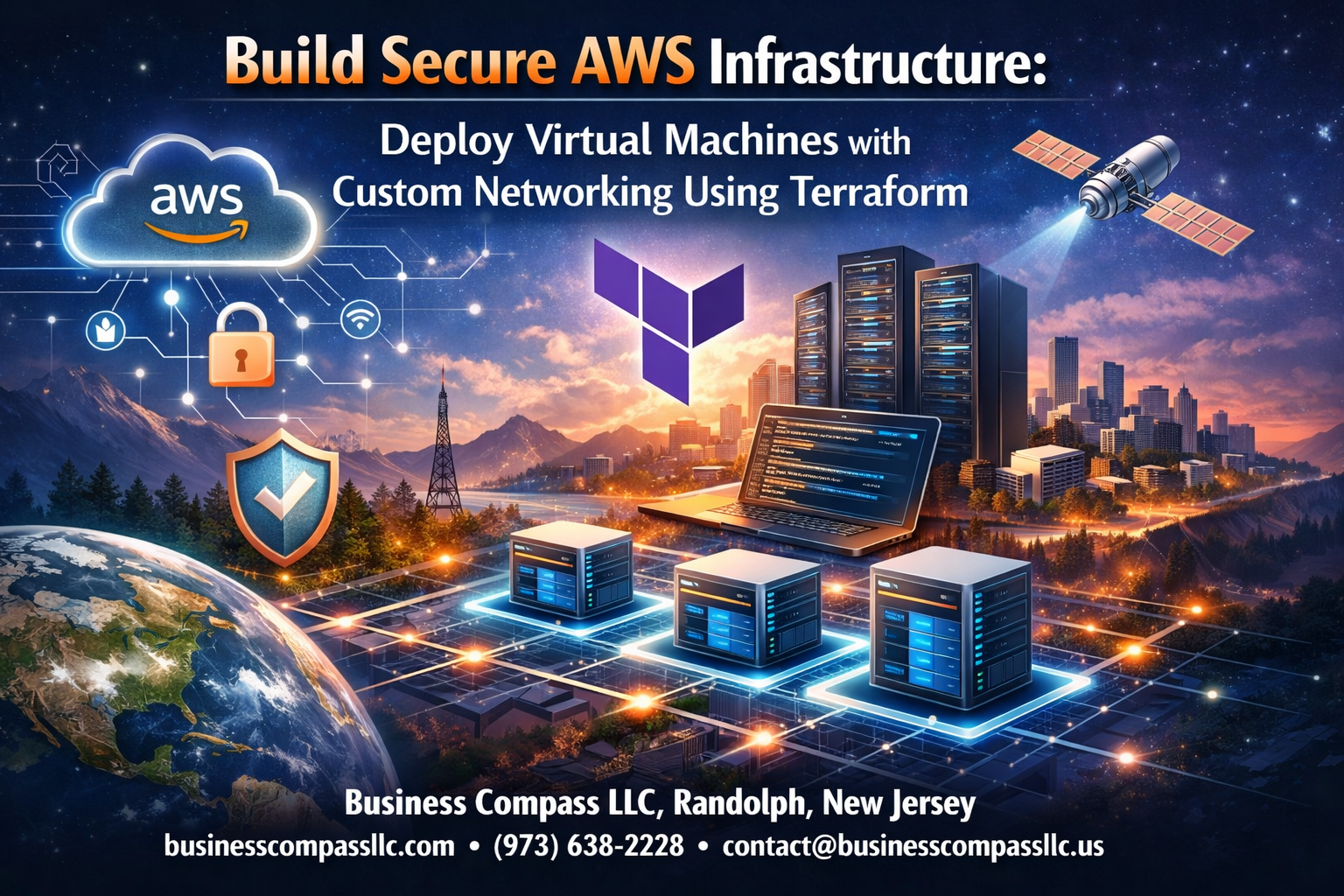
Building secure AWS infrastructure with Terraform is essential for organizations that need reliable, scalable cloud environments. This comprehensive guide is designed for DevOps engineers, cloud architects, and infrastructure professionals who want to master Terraform AWS deployment while implementing robust security measures.
You’ll learn how to create production-ready infrastructure using Terraform Infrastructure as Code principles. We’ll walk through designing custom VPC architecture that follows AWS networking best practices, ensuring your virtual machines run in isolated, secure environments. The tutorial covers AWS VPC configuration from scratch, including proper subnet design and routing strategies.
We’ll also dive deep into configuring AWS Security Groups and network access controls that protect your resources without limiting functionality. You’ll discover how to deploy Terraform virtual machines with hardened security settings and implement monitoring systems that help maintain your secure cloud infrastructure deployment over time.
By the end of this tutorial, you’ll have hands-on experience building enterprise-grade AWS infrastructure that balances security, performance, and maintainability using proven automation techniques.
Set Up Your AWS Environment for Secure Infrastructure Deployment
Configure AWS CLI with proper authentication credentials
Setting up AWS CLI correctly forms the foundation of your Secure AWS Infrastructure deployment. Install the latest version using pip or your package manager, then run aws configure to input your access key ID, secret access key, default region, and output format. Create dedicated programmatic access keys through the IAM console rather than using root account credentials. Store these credentials securely and consider using AWS CLI profiles to manage multiple environments. Test your configuration with aws sts get-caller-identity to verify proper authentication.
Establish IAM roles and policies for Terraform access
Terraform AWS Deployment requires specific IAM permissions to create and manage resources effectively. Create a dedicated service account or IAM user specifically for Terraform operations with programmatic access enabled. Attach policies like AmazonEC2FullAccess, AmazonVPCFullAccess, and IAMFullAccess based on your infrastructure needs. For enhanced security, use IAM roles with temporary credentials through AWS STS assume-role functionality. Document all permissions granted and regularly audit access to maintain least-privilege principles throughout your deployment lifecycle.
Create dedicated AWS account structure for environment isolation
Multi-account architecture provides robust isolation for your Secure Cloud Infrastructure Deployment. Set up separate AWS accounts for development, staging, and production environments using AWS Organizations. This approach prevents accidental cross-environment resource access and simplifies billing management. Configure cross-account roles for centralized management while maintaining environment boundaries. Each account should have its own Terraform state management and resource tagging strategy to ensure clean separation and governance.
Enable CloudTrail logging for comprehensive audit trails
CloudTrail provides essential visibility into API calls and resource changes across your AWS environment. Enable CloudTrail in all regions with a dedicated S3 bucket for log storage, ensuring encryption at rest using AWS KMS keys. Configure log file integrity validation and set up CloudWatch integration for real-time monitoring. Create separate trails for data events if you need detailed S3 or Lambda function logging. Regular CloudTrail analysis helps maintain security posture and supports compliance requirements for your infrastructure deployment.
Install and Configure Terraform for AWS Infrastructure Management

Download and install Terraform CLI on your local machine
Getting Terraform running on your system is straightforward. Head to HashiCorp’s official website and download the appropriate binary for your operating system. For Windows users, extract the zip file and add the terraform.exe to your system PATH. Mac and Linux users can use package managers like Homebrew or APT for easier installation. Once installed, verify everything works by running terraform --version in your terminal.
Set up Terraform AWS provider with version constraints
Your Terraform AWS provider configuration needs specific version constraints to ensure consistent deployments across different environments. Create a versions.tf file and specify the required provider versions using the required_providers block. Pin your AWS provider to a specific version range like ~> 5.0 to avoid breaking changes while still receiving updates. This approach maintains compatibility and prevents unexpected infrastructure changes during team collaboration.
Initialize Terraform backend for remote state management
Remote state management keeps your Terraform Infrastructure as Code secure and enables team collaboration. Configure an S3 backend with DynamoDB for state locking to prevent concurrent modifications. Create your backend configuration in a separate file and run terraform init to initialize the workspace. This setup ensures your infrastructure state remains consistent across multiple deployments and provides a reliable foundation for your Secure AWS Infrastructure project.
Design Custom VPC Architecture for Enhanced Security
Plan IP address ranges and subnet segmentation strategy
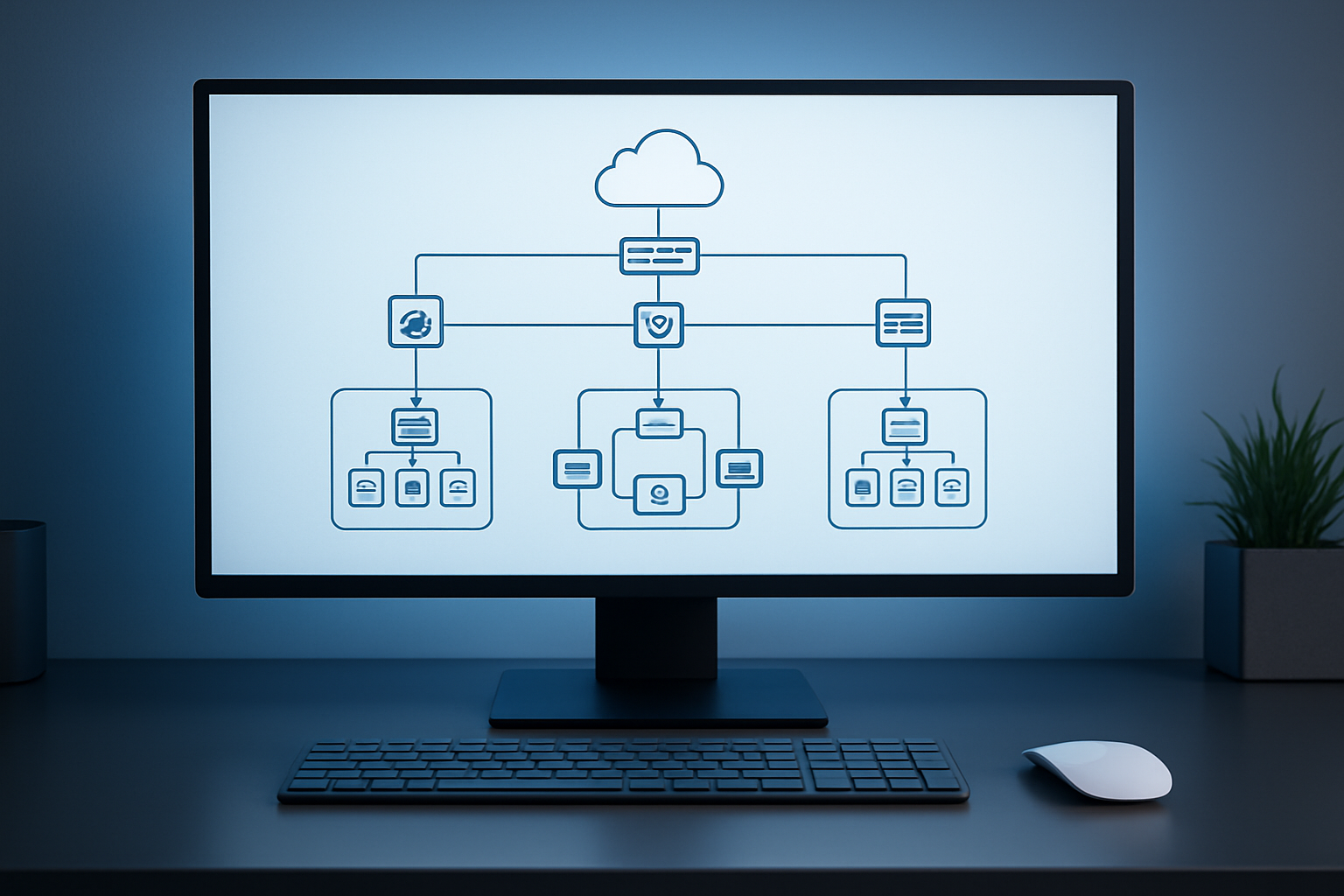
Proper IP address planning forms the backbone of secure AWS infrastructure. When designing your Custom VPC Architecture, choose a CIDR block that provides enough IP addresses for current and future needs while avoiding conflicts with existing networks. A /16 CIDR block (like 10.0.0.0/16) offers 65,536 IP addresses, giving you plenty of room for expansion. Break this down into smaller subnets using /24 blocks for each availability zone and subnet type.
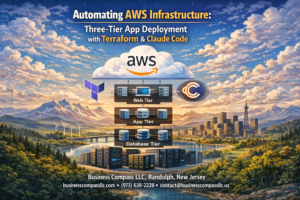
Subnet segmentation creates natural security boundaries within your VPC. Design separate subnets for different tiers – web servers in public subnets, application servers in private subnets, and databases in isolated subnets. This three-tier architecture prevents direct access to critical resources while maintaining necessary connectivity for your applications.
Create public and private subnets across multiple availability zones
Configure route tables for controlled traffic flow
Implement network ACLs for additional security layers
Set up NAT gateways for secure outbound internet access
Terraform AWS Deployment makes it easy to create subnets across multiple availability zones for high availability. Deploy public subnets in at least two AZs for load balancer redundancy, and mirror them with private subnets for application instances. Each subnet should have a /24 CIDR block, providing 254 usable IP addresses per subnet.
Route tables control traffic flow between subnets and external networks. Public subnets need routes to an internet gateway for direct internet access, while private subnets should route through NAT gateways. Create custom route tables for each subnet type to maintain strict control over network traffic patterns and prevent unauthorized access paths.
Configure Advanced Security Groups and Network Controls

Design Granular Security Group Rules for Minimal Access
Creating precise AWS Security Groups requires adopting the principle of least privilege to minimize attack surfaces. Design rules that explicitly define source IP ranges, destination ports, and protocols for each service tier. Start with deny-all defaults and add specific allow rules only for required traffic flows. Document each rule’s business purpose and regularly audit permissions to prevent rule creep.
Implement Port-Specific Restrictions and Protocol Limitations
Configure security groups with exact port specifications rather than broad ranges. Restrict HTTP traffic to port 80, HTTPS to 443, and SSH to port 22 with specific source IP addresses. Use protocol-specific rules that distinguish between TCP, UDP, and ICMP traffic based on application requirements. Avoid opening unnecessary ports like FTP (21) or Telnet (23) that create security vulnerabilities. Implement separate ingress and egress rules to control both inbound and outbound traffic flows.
Create Dedicated Security Groups for Different Application Tiers
Build separate security groups for web, application, and database tiers to enforce network segmentation. Web tier security groups should allow public HTTP/HTTPS access while blocking direct database connections. Application tier groups permit communication between web and database layers without exposing backend services. Database security groups restrict access to specific application servers using precise port and protocol combinations. This layered approach creates defense-in-depth architecture that limits blast radius during security incidents.
Deploy and Configure Virtual Machines with Best Practices

Select appropriate AMIs with security patches and hardening
Choosing the right Amazon Machine Image sets the foundation for your Secure AWS Infrastructure deployment. Amazon Linux 2, Ubuntu Server LTS, and CIS-hardened AMIs offer regularly updated security patches and built-in hardening configurations that significantly reduce attack vectors.
Focus on AMIs with automated patching capabilities and validated security baselines. These images come pre-configured with essential security tools, disabled unnecessary services, and optimized configurations that align with industry compliance standards like SOC 2 and PCI DSS.
Configure EC2 instances with encrypted EBS volumes
Terraform AWS Deployment requires explicit EBS encryption configuration to protect data at rest. Enable default EBS encryption at the account level and configure encrypted root volumes with customer-managed KMS keys for granular access control.
Implement multi-layered encryption strategies using both AWS-managed and customer-managed keys. This approach ensures sensitive workloads remain protected while maintaining compliance with data protection regulations and organizational security policies.
Implement proper key pair management for SSH access
SSH key management forms a critical component of AWS Security Groups and access control strategies. Generate unique key pairs for different environments and implement key rotation schedules to minimize security exposure from compromised credentials.
Store private keys securely using AWS Systems Manager Parameter Store or dedicated secret management solutions. Avoid sharing keys across multiple instances and implement certificate-based authentication where possible for enhanced security and audit capabilities.
Set up instance metadata service security configurations
Configure IMDSv2 (Instance Metadata Service version 2) to prevent unauthorized metadata access through SSRF attacks. This security enhancement requires token-based authentication for all metadata requests, significantly improving your Terraform Virtual Machines security posture.
Disable IMDSv1 and set hop limits to 1 to restrict metadata access to the local instance only. These configurations prevent lateral movement attempts and ensure that container workloads cannot inadvertently expose sensitive instance credentials or configuration data.
Implement Monitoring and Maintenance for Long-term Security

Configure CloudWatch monitoring for infrastructure metrics
Proper monitoring forms the backbone of any secure AWS infrastructure deployment. CloudWatch provides comprehensive visibility into your Terraform-deployed virtual machines and custom VPC architecture. Set up custom metrics to track CPU usage, network traffic, and disk performance across your EC2 instances. Configure alarms that trigger when thresholds are exceeded, ensuring proactive response to potential security threats or performance issues.
Set up automated backup strategies for critical resources
Automated backups protect your secure cloud infrastructure from data loss and enable quick recovery. Create EBS snapshots on scheduled intervals for your virtual machines, and implement cross-region replication for disaster recovery. Use AWS Backup service to centralize backup policies across multiple resources, including your VPC configurations and security group settings. Tag critical resources appropriately to ensure backup policies target the right components of your infrastructure.
Establish update procedures for ongoing security maintenance
Regular updates maintain the security posture of your AWS infrastructure over time. Develop a structured approach for applying security patches to EC2 instances using AWS Systems Manager. Schedule regular reviews of your Terraform configurations to incorporate latest AWS security best practices and update outdated resource definitions. Document change procedures and test updates in staging environments before applying to production systems.
Setting up secure AWS infrastructure with Terraform gives you complete control over your cloud environment while keeping everything organized and repeatable. You’ve learned how to create a custom VPC, configure tight security groups, and deploy virtual machines that follow security best practices. The monitoring and maintenance steps help ensure your infrastructure stays secure as your needs grow and change.
Now it’s time to put this knowledge into action. Start with a simple test environment to get comfortable with the Terraform workflow, then gradually build up to your production setup. Remember that infrastructure security isn’t a one-time task – regular reviews and updates will keep your AWS environment running smoothly and safely for years to come.