


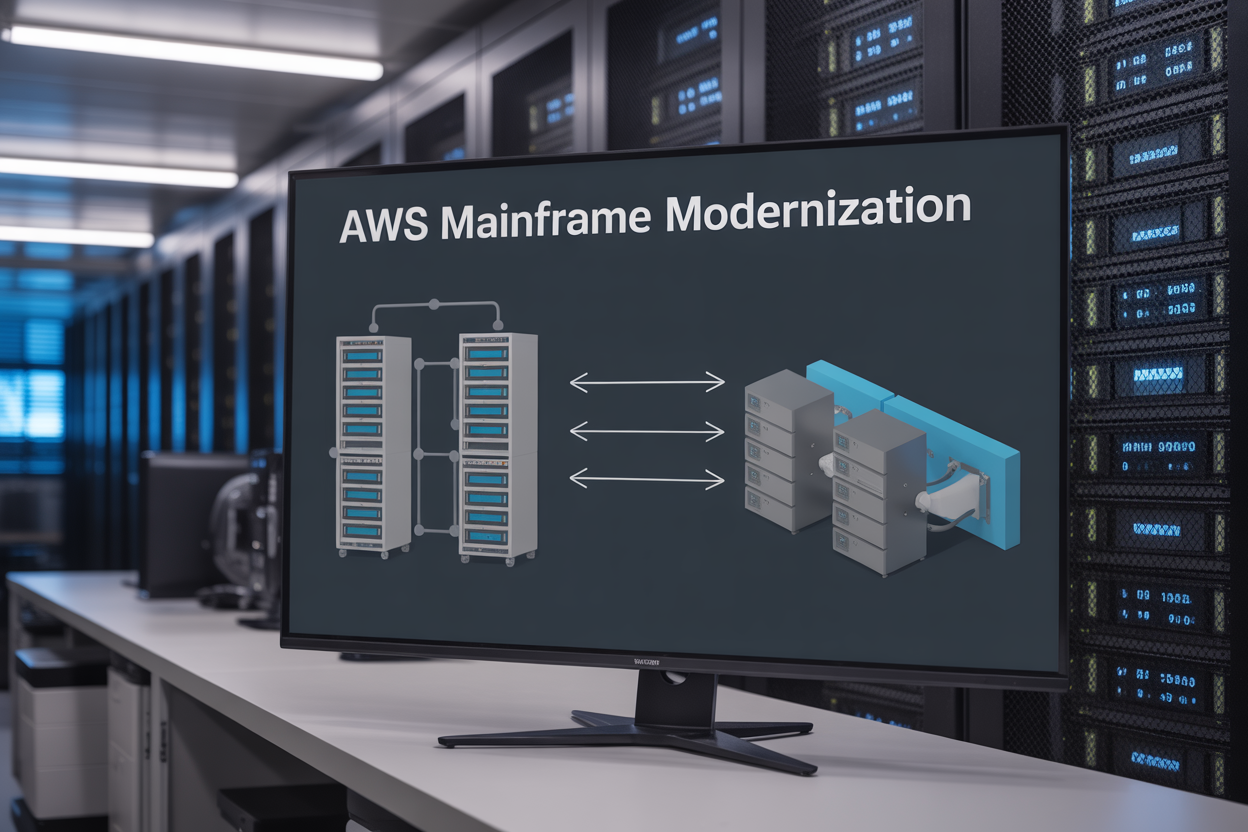
Legacy mainframes still power critical business operations at many large enterprises, but maintaining these aging systems creates mounting challenges and costs. AWS Transform for mainframes offers a strategic path forward, helping organizations migrate legacy applications to modern cloud infrastructure while preserving business logic and reducing operational risks.
This guide is designed for IT leaders, system architects, and modernization teams who need to understand how AWS mainframe modernization works and plan successful migrations. We’ll break down what the Transform service actually does, explore how it reduces technical and business risks during migration, and walk through the deployment process from initial assessment to ongoing optimization.
You’ll discover the specific mainframe modernization benefits that make migration worthwhile, learn proven assessment strategies that set projects up for success, and get practical insights into managing transformed applications in the cloud environment.
Understanding AWS Mainframe Modernization Transform Service
Core functionality and purpose of AWS Transform
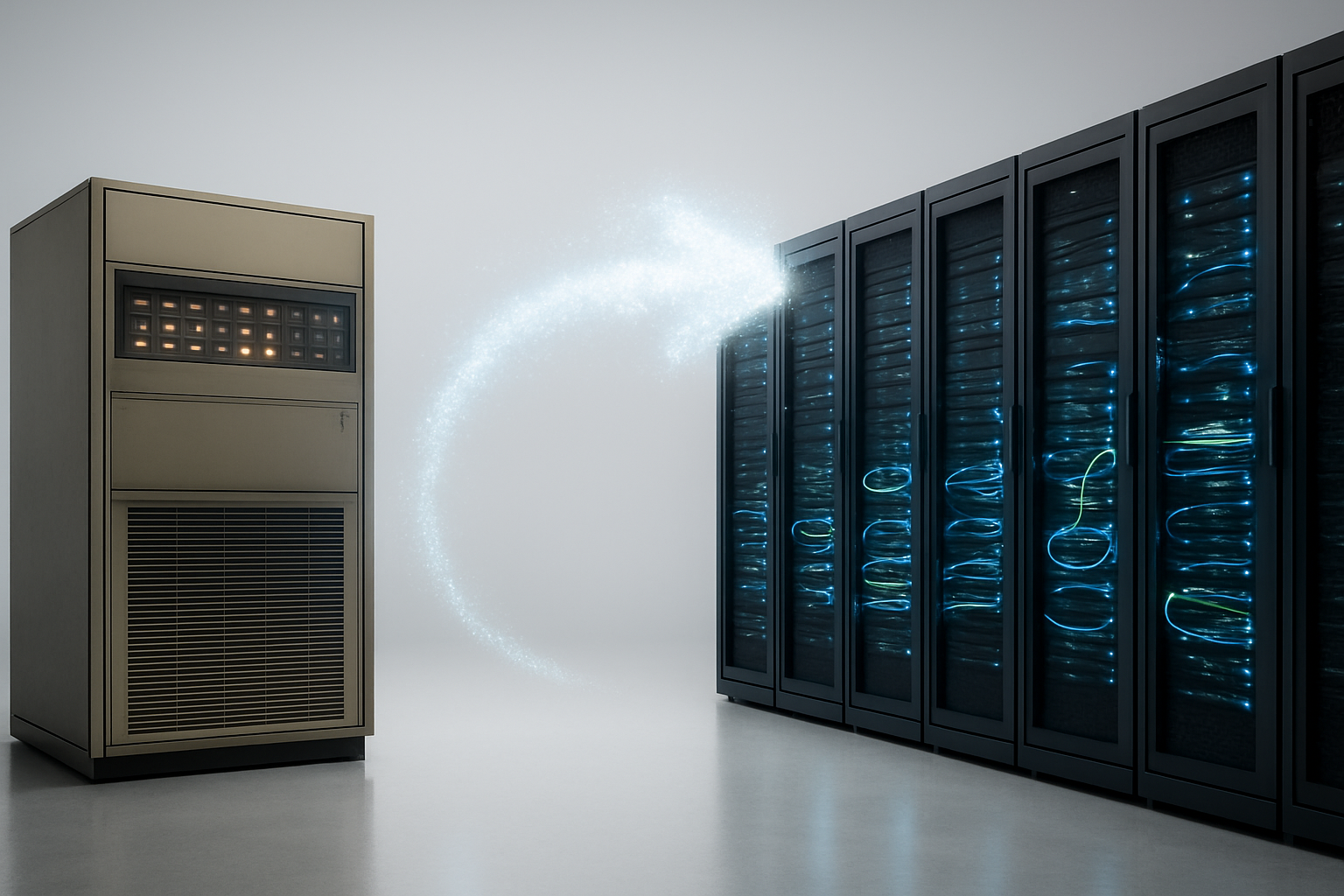
AWS mainframe modernization Transform Service acts as a bridge between legacy mainframe environments and modern cloud infrastructure. This service automatically converts mainframe applications and workloads into cloud-native formats, eliminating the need for manual rewriting that traditionally takes months or years. Transform analyzes existing mainframe code, data structures, and business logic to create functionally equivalent applications that run on AWS infrastructure.
The service operates through pattern recognition and automated code conversion engines that understand mainframe-specific programming constructs, data management systems, and operational procedures. Transform maintains the original business logic while restructuring the code to leverage cloud computing benefits like elasticity, cost optimization, and modern DevOps practices.
Organizations can expect reduced technical debt, improved system performance, and enhanced scalability once their mainframe applications undergo transformation. The service preserves critical business functions while modernizing the underlying technology stack, making applications more maintainable and future-ready.
Key differences from traditional mainframe migration approaches
Traditional mainframe migration typically involves lift-and-shift strategies or complete application rewrites, both carrying significant risks and resource requirements. AWS Transform takes a different approach by focusing on automated refactoring rather than manual conversion processes.
Automated vs Manual Conversion:
- Traditional methods require extensive manual coding and testing phases
- Transform uses machine learning algorithms to automate the conversion process
- Reduces human error and speeds up migration timelines significantly
Risk Management:
- Legacy migration approaches often result in functionality gaps or broken business processes
- Transform maintains functional equivalence through comprehensive testing and validation
- Built-in rollback capabilities provide safety nets during migration phases
Cost Structure:
- Traditional migrations involve high consulting fees and extended project timelines
- Transform operates on a consumption-based model with predictable costs
- Reduces the need for specialized mainframe expertise throughout the migration
Testing and Validation:
- Manual migrations require extensive testing cycles to ensure functionality
- Transform includes automated testing frameworks that validate converted applications
- Continuous integration capabilities enable faster deployment cycles
Integration capabilities with existing AWS infrastructure
AWS Transform seamlessly connects with the broader AWS ecosystem, allowing organizations to leverage existing cloud investments and services. The service integrates with AWS databases, analytics tools, security services, and monitoring solutions without requiring extensive configuration changes.
Database Integration:
- Connects with Amazon RDS, DynamoDB, and Redshift for data storage needs
- Automated data migration tools handle schema conversion and data transfer
- Maintains referential integrity and business rules during database transitions
Security and Compliance:
- Integrates with AWS Identity and Access Management (IAM) for user authentication
- Leverages AWS CloudTrail and GuardDuty for security monitoring
- Maintains compliance frameworks required for regulated industries
Monitoring and Operations:
- Works with CloudWatch for application performance monitoring
- Integrates with AWS Systems Manager for operational management
- Supports automated scaling based on application demand patterns
DevOps Integration:
- Compatible with AWS CodePipeline for continuous integration and deployment
- Supports Infrastructure as Code through CloudFormation templates
- Enables modern development practices while preserving business functionality
Support for COBOL and PL/I application conversion
AWS Transform provides robust support for converting legacy COBOL and PL/I applications, which form the backbone of many enterprise mainframe systems. The service understands the unique characteristics of these programming languages and their runtime environments.
COBOL Conversion Capabilities:
- Handles complex COBOL syntax including OCCURS clauses, REDEFINES, and COPY statements
- Converts COBOL data structures to modern equivalents while preserving data integrity
- Supports batch processing patterns common in COBOL applications
- Maintains COBOL business logic through equivalent cloud-native implementations
PL/I Language Support:
- Processes PL/I procedures, functions, and data structures
- Converts exception handling mechanisms to modern error management patterns
- Handles PL/I-specific features like pointer manipulation and dynamic storage allocation
- Preserves complex business calculations and algorithms written in PL/I
Runtime Environment Migration:
- Converts JCL (Job Control Language) scripts to modern workflow orchestration
- Migrates CICS transactions to microservices architectures
- Handles DB2 database interactions through cloud database services
- Preserves batch job scheduling and dependency management
The conversion process maintains the original application behavior while modernizing the underlying technology stack, ensuring business continuity during the AWS mainframe transformation journey.
Risk Reduction Benefits of AWS Transform Implementation

Elimination of vendor lock-in and legacy system dependencies
Breaking free from vendor lock-in stands out as one of the most significant advantages of AWS mainframe modernization. Traditional mainframe environments often trap organizations in expensive, proprietary systems that limit flexibility and innovation. When companies migrate using AWS Transform service, they escape these restrictive licensing models and gain the freedom to choose technologies that best fit their evolving needs.
Legacy system dependencies create bottlenecks that slow down business growth. Mainframe applications typically rely on outdated programming languages, specialized hardware, and proprietary software that becomes increasingly difficult to maintain. AWS mainframe transformation eliminates these dependencies by converting applications to run on modern, open-source technologies and cloud-native architectures.
This transformation reduces technical debt significantly. Organizations no longer need to invest in expensive mainframe hardware refreshes or pay premium support costs for aging systems. The shift to AWS cloud infrastructure provides access to cutting-edge technologies like artificial intelligence, machine learning, and advanced analytics without the constraints of legacy platforms.
Enhanced security through modern cloud-native protection
Modern cloud security capabilities far exceed what traditional mainframe environments can offer. AWS mainframe migration strategy incorporates multiple layers of security that protect data and applications more effectively than legacy systems. Cloud-native security tools provide real-time threat detection, automated incident response, and comprehensive monitoring across all system components.
Encryption becomes more robust and easier to manage in the cloud environment. AWS provides encryption at rest and in transit, with automated key management that removes the complexity of maintaining security protocols manually. Legacy application migration to AWS includes implementing identity and access management controls that offer granular permissions and multi-factor authentication.
Compliance requirements become simpler to meet with AWS security frameworks. The cloud platform maintains numerous industry certifications and provides tools for continuous compliance monitoring. Organizations gain access to advanced security features like network segmentation, intrusion detection, and automated vulnerability scanning that would be costly and complex to implement on traditional mainframes.
Reduced operational costs and infrastructure maintenance
Cost reduction represents a major driving force behind mainframe to cloud migration decisions. Traditional mainframe operations require substantial investments in specialized hardware, software licenses, and dedicated facilities. These fixed costs continue regardless of actual usage levels, making it difficult to optimize spending based on business needs.
AWS Transform deployment eliminates many operational expenses associated with mainframe maintenance. Organizations no longer need to invest in cooling systems, power infrastructure, or physical security measures for data centers. The cloud model provides pay-as-you-use pricing that aligns costs with actual business requirements.
Maintenance overhead drops dramatically when moving from mainframes to cloud platforms. AWS handles infrastructure updates, security patches, and system maintenance automatically. IT teams can focus on value-added activities rather than spending time on routine maintenance tasks that don’t directly contribute to business objectives.
Energy costs decrease substantially as well. Mainframes consume significant amounts of electricity and require expensive cooling systems. Cloud infrastructure operates at much higher efficiency levels, reducing the overall environmental footprint while cutting operational expenses.
Improved disaster recovery and business continuity capabilities
Disaster recovery becomes much more reliable and cost-effective with AWS mainframe modernization. Traditional mainframe disaster recovery requires duplicate expensive hardware at secondary locations, making comprehensive backup strategies financially challenging for many organizations. Cloud-based solutions provide robust disaster recovery capabilities without the need for additional hardware investments.
Business continuity planning improves dramatically with cloud-native architectures. AWS provides multiple availability zones and regions that enable automatic failover capabilities. Applications can continue running even if entire data centers experience outages, ensuring minimal disruption to business operations.
Recovery time objectives become much more achievable in cloud environments. Traditional mainframe recovery processes often require hours or even days to restore full functionality. Cloud-based systems can restore operations in minutes through automated backup and recovery processes that don’t require manual intervention.
Data protection reaches new levels of reliability with cloud storage solutions. AWS provides multiple backup copies across different geographic locations automatically. This redundancy ensures data remains safe even in the event of major disasters that might affect entire regions.
Mitigation of skills shortage risks for mainframe expertise
The growing shortage of mainframe expertise poses serious risks to organizations that continue operating legacy systems. Experienced mainframe developers and system administrators are becoming increasingly rare and expensive. Many professionals with deep mainframe knowledge are approaching retirement, creating knowledge gaps that become harder to fill each year.
AWS mainframe transformation addresses this challenge by moving applications to modern platforms that align with current technology skills. Cloud-native architectures use programming languages and tools that are widely taught in universities and actively used in the job market. This makes it much easier to find qualified personnel for ongoing development and maintenance activities.
Training costs decrease when teams work with modern technologies instead of specialized mainframe systems. New developers can become productive much faster on cloud platforms compared to the months or years required to master mainframe programming languages and system architecture.
Knowledge transfer becomes more manageable with modern development practices and documentation standards. Cloud-native applications use industry-standard approaches for code organization, testing, and deployment that are familiar to most IT professionals. This reduces the risk of losing critical business knowledge when key personnel leave the organization.
Pre-Deployment Assessment and Planning Strategies

Comprehensive mainframe application inventory and analysis
Before diving into AWS mainframe modernization, organizations need a crystal-clear picture of their existing mainframe landscape. This inventory process goes beyond simply listing applications—it requires deep analysis of business-critical functions, data dependencies, and technical architectures.
Start by cataloging every mainframe application, including COBOL programs, JCL scripts, CICS transactions, and batch jobs. Document the business value each application delivers and identify which systems handle mission-critical operations. Map out data flows between applications and external systems to understand interconnections that could impact migration sequencing.
Performance metrics play a crucial role in this assessment. Gather CPU usage patterns, memory consumption, and transaction volumes for each application. This data helps determine resource requirements for AWS Transform service deployment and identifies potential performance bottlenecks during migration.
Legacy code complexity deserves special attention. Applications with extensive customizations, non-standard programming practices, or outdated documentation present higher migration risks. Create a complexity scoring system that factors in code quality, documentation completeness, and technical debt levels.
Don’t overlook regulatory and compliance requirements tied to specific applications. Financial services, healthcare, and government organizations often face strict data governance rules that influence migration strategies and cloud deployment models.
Cost-benefit evaluation and ROI projections
Building a solid business case for AWS mainframe transformation requires detailed financial modeling that captures both obvious and hidden costs. Traditional mainframe operations carry significant expense burdens that organizations often underestimate when calculating potential savings.
Current mainframe costs extend beyond monthly licensing fees. Factor in specialized personnel salaries, hardware maintenance contracts, facility costs for data center space, and energy consumption. Many organizations spend 60-80% of their IT budget maintaining legacy systems, creating substantial opportunity for cost reduction through AWS Transform implementation.
Cloud migration brings different cost structures that require careful analysis. AWS pricing models offer more predictable expenses through reserved instances and savings plans. Calculate potential savings from eliminating mainframe hardware refresh cycles, reducing data center footprint, and shifting from capital expenditures to operational expenses.
ROI projections should account for improved business agility and faster time-to-market capabilities. Modernized applications enable rapid feature development, better integration with digital channels, and enhanced customer experiences. Quantify these benefits by estimating revenue impact from faster product launches and improved operational efficiency.
Risk mitigation delivers measurable value through reduced downtime costs and improved disaster recovery capabilities. AWS infrastructure provides better availability guarantees than aging mainframe systems, translating to fewer business disruptions and associated revenue losses.
Timeline development for phased migration approach
Successful mainframe modernization requires strategic sequencing that minimizes business disruption while delivering incremental value. A phased migration approach allows organizations to learn from early wins and refine processes for more complex applications.
Begin with low-risk, standalone applications that have minimal dependencies on other mainframe systems. These pilot projects provide valuable experience with AWS Transform service while proving the modernization approach to stakeholders. Target applications with clear business value but limited complexity for initial migration waves.
Mission-critical applications require longer timelines and more extensive testing procedures. Plan 12-18 month migration cycles for core business systems, allowing adequate time for thorough validation and parallel running periods. Build buffer time into schedules to accommodate unexpected technical challenges or business requirement changes.
Dependencies between applications create natural groupings for migration phases. Applications that share databases or exchange data frequently should move together to maintain system integrity. Create dependency maps that guide migration sequencing and identify potential integration challenges.
Seasonal business cycles influence migration timing for many organizations. Avoid major system transitions during peak business periods like year-end processing, tax season, or holiday sales periods. Schedule migration activities during slower business cycles when system downtime has less impact on operations.
Staff capacity and skill development timelines affect project pacing. Teams need time to develop cloud expertise and AWS Transform proficiency. Plan training programs and knowledge transfer activities that align with migration schedules to ensure adequate technical support throughout the modernization journey.
Technical Deployment Process and Best Practices

Setting up AWS Transform environment and prerequisites
Before diving into your AWS mainframe modernization project, you need to establish the proper foundation. Start by creating an AWS account with appropriate IAM roles and permissions for your development team. The AWS Transform service requires specific access to EC2, S3, RDS, and CloudFormation services.
Your development environment should include dedicated VPCs with proper subnet configurations to isolate modernization workloads from production systems. Set up AWS CodeCommit repositories for version control and establish CI/CD pipelines using AWS CodePipeline. This infrastructure becomes the backbone of your mainframe migration AWS strategy.
Install the AWS CLI and configure local development tools. Your team will need COBOL compilers, database connectivity tools, and debugging environments that mirror your target AWS infrastructure. Create standardized AMIs (Amazon Machine Images) with pre-installed development tools to ensure consistency across your modernization team.
Network connectivity between your existing mainframe environment and AWS is critical during the transition period. Establish VPN or Direct Connect links to enable secure data transfer and testing scenarios. Configure security groups and NACLs to control access while maintaining compliance with your organization’s security policies.
Application code conversion and testing procedures
The heart of AWS Transform deployment lies in converting legacy COBOL applications to modern, cloud-native code. Start by analyzing your existing codebase to identify dependencies, shared modules, and integration points. The AWS Transform service automates much of this conversion process, but manual review and optimization remain essential.
Create a systematic approach to code conversion by prioritizing applications based on business criticality and technical complexity. Begin with standalone batch programs before tackling online transaction processing systems. The automated conversion process transforms COBOL code into Java or C#, maintaining business logic while adapting to modern programming paradigms.
Testing becomes your safety net during legacy application migration. Develop comprehensive test suites that validate both functional behavior and performance characteristics. Create parallel testing environments where converted applications run alongside original mainframe versions, allowing direct comparison of outputs and processing times.
Implement regression testing frameworks that can execute thousands of test cases automatically. Your testing strategy should cover unit tests for individual modules, integration tests for system interfaces, and end-to-end tests for complete business processes. Document any behavioral differences and establish acceptance criteria for converted applications.
Data migration strategies and validation techniques
Moving data from mainframe systems to AWS requires careful planning and execution. Start by cataloging your existing data structures, including VSAM files, DB2 databases, and flat files. The AWS mainframe transformation process must preserve data integrity while adapting to modern database technologies.
Choose appropriate AWS database services based on your data characteristics. Amazon RDS works well for relational data previously stored in DB2, while Amazon S3 can handle large volumes of sequential files. For high-performance transactional workloads, consider Amazon Aurora or DynamoDB depending on your access patterns.
Implement incremental migration strategies that minimize downtime and risk. Use AWS Database Migration Service (DMS) for ongoing replication during the transition period. This approach allows you to validate data consistency before switching production workloads to the new environment.
Data validation becomes crucial for maintaining trust in your modernized system. Create automated scripts that compare record counts, checksums, and business metrics between source and target systems. Establish monitoring dashboards that track data quality metrics and alert teams to any discrepancies during migration.
Performance optimization and scaling configurations
Optimizing performance in your AWS Transform deployment requires understanding both legacy workload characteristics and cloud-native capabilities. Start by establishing baseline performance metrics from your existing mainframe environment, including transaction throughput, response times, and resource utilization patterns.
Configure auto-scaling groups for your modernized applications to handle variable workloads efficiently. Unlike mainframes with fixed capacity, AWS allows dynamic scaling based on demand. Set up CloudWatch metrics and alarms that trigger scaling events based on CPU utilization, memory usage, or custom application metrics.
Implement caching strategies using Amazon ElastiCache to reduce database load and improve response times. Many mainframe applications rely on in-memory data structures that can be replicated using Redis or Memcached in the cloud environment.
Database performance tuning requires special attention during AWS mainframe migration strategy execution. Configure read replicas for reporting workloads, implement connection pooling to manage database connections efficiently, and use Amazon RDS Performance Insights to identify bottlenecks.
Monitor application performance continuously using AWS X-Ray for distributed tracing and Amazon CloudWatch for infrastructure metrics. Create custom dashboards that provide real-time visibility into application health and performance trends, enabling proactive optimization of your modernized mainframe workloads.
Post-Deployment Optimization and Management

Monitoring and Performance Tuning in the Cloud Environment
Your AWS mainframe modernization journey doesn’t end at deployment. The real work begins with continuous monitoring and optimization. Cloud environments behave differently than traditional mainframe systems, so you’ll need new approaches to track performance metrics.
Start by setting up CloudWatch dashboards to monitor critical application performance indicators. Key metrics include CPU utilization, memory consumption, network throughput, and response times. Unlike mainframe environments where you might check performance weekly, cloud monitoring happens in real-time with automated alerts.
Performance tuning in AWS requires understanding auto-scaling capabilities. Your modernized applications can now scale horizontally across multiple instances, something impossible with traditional mainframes. Configure auto-scaling groups based on actual usage patterns rather than peak capacity planning. This approach reduces costs while maintaining performance during traffic spikes.
Database performance often becomes a bottleneck after migration. AWS offers RDS Performance Insights and Database Activity Monitoring to identify slow queries and resource contention. Many organizations discover that queries optimized for mainframe databases need adjustment for cloud-native database engines.
Application-level monitoring through AWS X-Ray provides distributed tracing capabilities, showing exactly where performance issues occur across microservices. This visibility was nearly impossible in monolithic mainframe applications but becomes essential for cloud-native architectures.
Staff Training and Knowledge Transfer Requirements
Your team’s success with AWS Transform deployment depends heavily on bridging the knowledge gap between mainframe expertise and cloud operations. Mainframe professionals possess deep understanding of business logic and system interactions, but they need new skills for cloud management.
Start with AWS fundamentals training covering core services like EC2, RDS, and VPC networking. Your mainframe experts already understand complex system architectures, so they’ll quickly grasp cloud concepts once they learn the AWS terminology and interfaces.
DevOps practices represent the biggest cultural shift. Mainframe environments typically involve careful, scheduled changes with extensive testing cycles. Cloud environments encourage continuous integration and deployment with automated testing pipelines. Train your team on tools like CodePipeline, CodeBuild, and Infrastructure as Code using CloudFormation or Terraform.
Security management also requires new approaches. While mainframe security focused on perimeter defense and user access controls, cloud security involves identity and access management (IAM), encryption in transit and at rest, and network security groups. Your security team needs hands-on experience with AWS security services.
Consider establishing a center of excellence with cloud-certified team members who can mentor others. Pair experienced mainframe developers with cloud specialists during the first few months. This knowledge transfer approach preserves critical business knowledge while building cloud competency.
Ongoing Maintenance and Support Considerations
Cloud maintenance patterns differ significantly from traditional mainframe support models. Instead of scheduled maintenance windows every few months, you’ll perform rolling updates with minimal downtime. This shift requires new operational procedures and support structures.
Establish incident response procedures specific to cloud environments. Issues that might take hours to diagnose on mainframes can be resolved in minutes using cloud monitoring tools and automated remediation. Create runbooks for common scenarios like auto-scaling events, database failovers, and network connectivity issues.
Cost optimization becomes an ongoing responsibility rather than an annual budget exercise. Use AWS Cost Explorer and set up billing alerts to track spending patterns. Many organizations find their cloud costs fluctuate based on business cycles, requiring dynamic resource management strategies.
Update cycles in the cloud happen more frequently than traditional mainframe patches. AWS regularly updates its services, and you’ll need processes for evaluating and implementing these updates. Some updates happen automatically, while others require planned deployment windows.
Backup and disaster recovery strategies need complete overhaul. Instead of tape-based backups sent to offsite storage, you’ll use automated cloud backups with configurable retention policies. Test your disaster recovery procedures regularly since cloud recovery times are typically much faster than traditional mainframe restoration processes.
Consider managed services for database administration, monitoring, and security patching. AWS offers managed versions of most database engines and application platforms, reducing your operational overhead while improving reliability and security posture.
AWS Transform makes mainframe modernization less scary and more manageable than most companies think. The service handles the heavy lifting of converting legacy code while reducing downtime risks and cutting operational costs. Your team gets automated conversion tools, built-in testing capabilities, and cloud-native benefits without starting from scratch.
Success comes down to proper planning and taking it step by step. Start with a thorough assessment of your current mainframe setup, pick the right applications to migrate first, and follow AWS best practices during deployment. Once you’re running in the cloud, keep monitoring performance and fine-tuning your setup. Companies that approach this methodically see faster results and fewer headaches. If your mainframe is holding your business back, AWS Transform could be the bridge to your digital future.









