AWS App Runner takes the complexity out of deploying web applications and APIs in the cloud. This fully managed service lets you go from source code to a running application without managing servers, load balancers, or scaling policies.
This AWS App Runner tutorial is designed for developers, DevOps engineers, and technical teams who want to deploy containerized applications AWS without the operational overhead of traditional infrastructure management. If you’re tired of configuring servers or want to focus on building features instead of managing deployment pipelines, App Runner might be your solution.
We’ll walk through App Runner’s core features and show you how it compares to other serverless options like AWS App Runner vs Lambda. You’ll learn practical deployment strategies that work in real environments, plus cost optimization techniques that keep your AWS App Runner pricing under control. We’ll also cover the security features that protect your serverless web applications and monitoring tools that help you troubleshoot issues quickly.
By the end, you’ll understand when App Runner makes sense for your projects and how to use this container orchestration AWS service to deploy scalable applications without the infrastructure headaches.
Understanding AWS App Runner’s Core Value Proposition

Eliminate server management complexity for developers
AWS App Runner removes the headache of infrastructure management that typically consumes developer time and energy. You simply provide your source code or container image, and AWS handles everything else – from provisioning servers to managing operating system updates. This serverless deployment approach lets development teams focus on writing great code instead of wrestling with configuration files and server maintenance.
Automatic scaling based on traffic demands
Traffic patterns are unpredictable, but AWS App Runner adapts seamlessly to your application’s needs. When user demand spikes, the service automatically spins up additional instances to handle the load. During quiet periods, it scales down to save costs. This dynamic scaling happens without any manual intervention, ensuring your containerized applications AWS remain responsive while optimizing resource usage.
Built-in load balancing and SSL certificate management
AWS App Runner includes enterprise-grade load balancing that distributes incoming requests across multiple instances for optimal performance. SSL certificates are automatically provisioned and renewed, giving your users secure HTTPS connections without the usual certificate management overhead. These features come pre-configured, eliminating the need to set up separate load balancers or manage certificate lifecycles manually.
Pay-per-use pricing model advantages
The AWS App Runner pricing model charges only for active compute time and actual requests processed. Unlike traditional hosting where you pay for idle servers, this approach significantly reduces costs for applications with variable traffic patterns. You’re billed based on CPU and memory consumption during request processing, plus a small fee for each million requests, making it cost-effective for both small projects and large-scale applications.
Setting Up Your First AWS App Runner Application
Connecting your source code repository
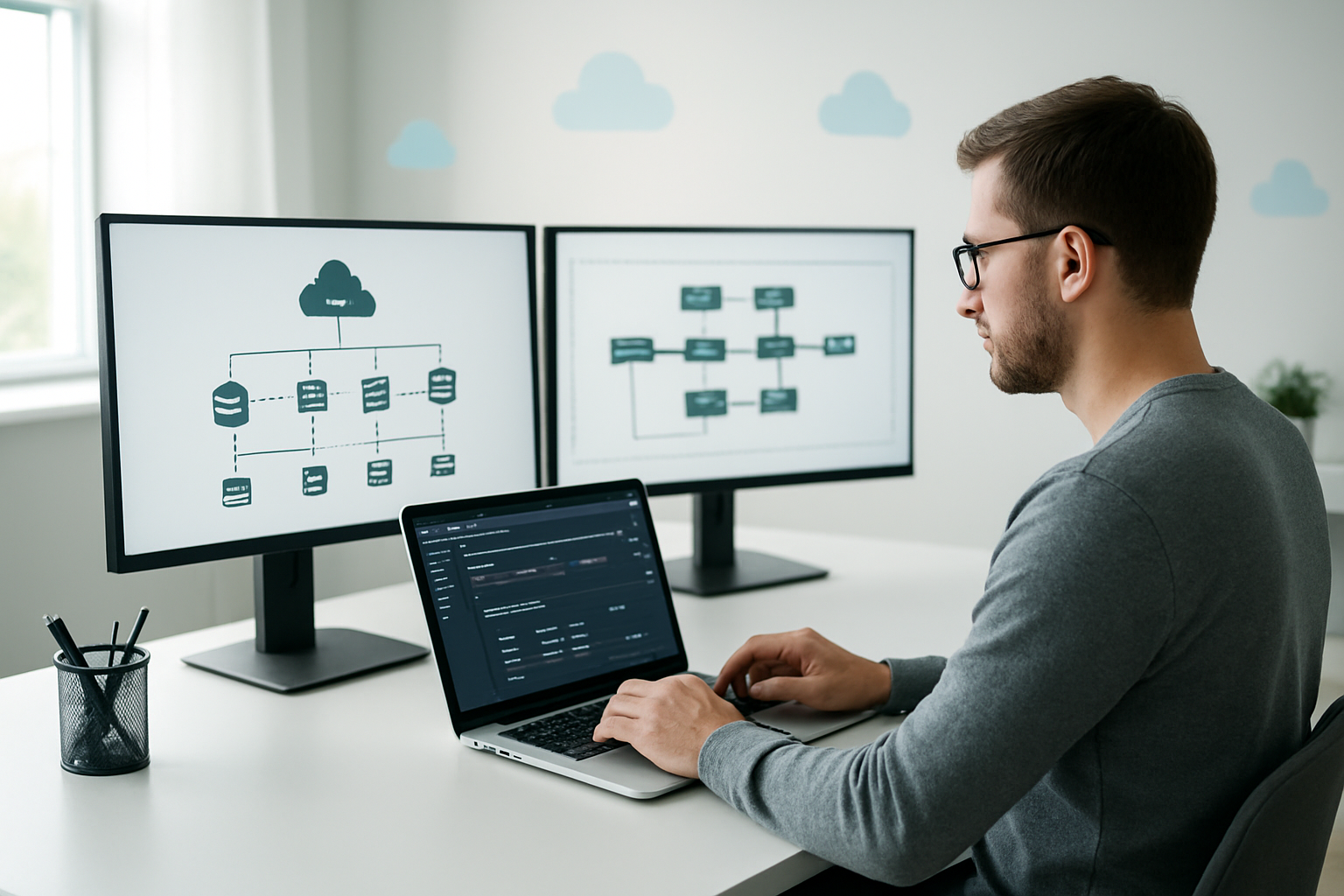
AWS App Runner supports direct integration with GitHub and Bitbucket repositories, making deployment straightforward for most development workflows. Connect your repository by selecting the source type during service creation, then authenticate using OAuth or access tokens. The service automatically detects supported runtimes including Node.js, Python, and container-based applications.
You can also deploy from Amazon Elastic Container Registry (ECR) if your application is already containerized. This approach works well for teams with existing Docker workflows or complex build requirements that need custom container configurations.
Configuring runtime and build settings
App Runner automatically detects your application’s runtime and creates appropriate build configurations, but you can customize these settings using an apprunner.yaml configuration file. Specify build commands, runtime versions, and startup commands to match your application’s specific requirements. The build process runs in a managed environment with common tools pre-installed.
For containerized applications, define your Dockerfile and ensure it exposes the correct port (typically 8000). App Runner handles the container orchestration automatically, scaling your application based on incoming traffic without manual intervention.
Setting environment variables and secrets
Configure environment variables directly through the AWS console or CLI to manage application settings without hardcoding values. App Runner supports both plain text variables and encrypted secrets, with automatic integration to AWS Systems Manager Parameter Store for sensitive data like API keys and database credentials.
Use the secrets manager integration to securely inject confidential information at runtime. This approach keeps sensitive data separate from your source code while maintaining easy access during application execution, following AWS security best practices for serverless application deployment.
Deployment Strategies and Best Practices
Automated deployments from GitHub and GitLab
AWS App Runner seamlessly integrates with your favorite version control platforms, enabling continuous deployment workflows that save hours of manual work. Connect your GitHub or GitLab repository through the App Runner console, and the service automatically detects code changes, triggering fresh deployments without any intervention required.
Setting up automated deployments takes just a few clicks – select your repository, choose the branch you want to monitor, and App Runner handles the rest. The service builds your containerized applications directly from source code, managing the entire deployment pipeline while you focus on writing great software.
Blue-green deployment configuration
Blue-green deployments in AWS App Runner provide zero-downtime updates by maintaining two identical production environments. When you deploy new code, App Runner spins up the green environment while keeping your current blue environment running, then switches traffic only after successful health checks.
This deployment strategy eliminates the risk of application downtime during updates. If issues arise with the new version, traffic instantly routes back to the stable environment, ensuring your users never experience service interruptions during serverless deployment processes.
Rolling back failed deployments quickly
App Runner maintains complete deployment history, making rollbacks lightning-fast when problems occur. Access previous versions through the console with a single click, or use the AWS CLI to revert to any stable release within seconds, restoring service availability immediately.
The rollback process preserves all configuration settings and environment variables from your target version. This approach minimizes recovery time and reduces stress during incident response, giving your team confidence to deploy frequently without fear of extended outages.
Managing multiple environments effectively
Effective environment management starts with clear naming conventions and separate App Runner services for development, staging, and production workloads. Use different AWS accounts or IAM roles to isolate environments, preventing accidental cross-environment deployments that could disrupt live services.
Configure environment-specific variables and scaling policies to match each stage’s requirements. Development environments can run on minimal resources, while production demands robust auto-scaling and monitoring. This strategy optimizes AWS App Runner pricing while maintaining proper separation of concerns across your development lifecycle.
Optimizing Performance and Cost Management

Right-sizing your application instances
AWS App Runner automatically handles instance sizing, but you still control crucial performance factors. Choose the right CPU and memory configuration based on your application’s actual needs rather than guessing. Start with smaller instances and monitor performance metrics to identify bottlenecks. Most web applications perform well with 1 vCPU and 2GB memory, while compute-intensive tasks may need 2-4 vCPUs.
Implementing efficient auto-scaling policies
Configure auto-scaling based on concurrent requests rather than just CPU usage for better responsiveness. Set minimum instances to 1 for cost savings, but consider 2+ for production applications requiring high availability. Maximum instance limits prevent runaway costs during traffic spikes. AWS App Runner pricing scales with usage, making proper auto-scaling configuration essential for cost optimization.
Monitoring resource utilization patterns
Track CPU, memory, and request metrics through CloudWatch to understand usage patterns. Peak traffic times reveal when your application scales up most frequently. Look for sustained high resource usage that might indicate the need for larger instance types. Regular monitoring helps you spot inefficient code patterns and optimize both performance and costs in your serverless deployment strategy.
Security Features and Access Control

VPC connectivity for private resources
AWS App Runner security starts with robust network isolation through Virtual Private Cloud (VPC) connectors. These connectors enable your applications to securely access private resources like RDS databases, ElastiCache clusters, and internal services without exposing them to the public internet. The VPC connector creates a secure bridge between App Runner’s managed infrastructure and your private network, maintaining strict network boundaries while allowing necessary communication.
IAM roles and permissions configuration
Identity and Access Management (IAM) integration provides granular control over AWS App Runner security through service roles and access roles. Service roles define what AWS resources your application can access during runtime, while access roles control who can manage and deploy your App Runner services. This dual-layer approach ensures both your application’s resource access and administrative operations follow the principle of least privilege, creating a robust security foundation for your containerized applications AWS deployment.
Encryption in transit and at rest
Data protection in AWS App Runner includes automatic encryption for all communication channels and stored data. Traffic between clients and your application uses TLS 1.2 encryption, while internal communication within AWS infrastructure remains encrypted throughout the data path. Container images stored in ECR and application logs are encrypted at rest using AWS KMS keys, providing comprehensive data protection without requiring additional configuration from developers.
Network security and firewall rules
Network-level security controls protect your App Runner applications through built-in DDoS protection and AWS Shield integration. The service automatically handles traffic filtering and rate limiting, while custom security groups and NACLs can be applied through VPC connectors for additional network control. These layers work together to create a defensive security posture that protects against common web application attacks and unauthorized access attempts.
Compliance and audit capabilities
AWS App Runner maintains compliance with major security frameworks including SOC, PCI DSS, and GDPR through AWS’s shared responsibility model. CloudTrail integration provides detailed audit logs of all API calls and configuration changes, while AWS Config tracks resource compliance over time. This comprehensive logging and monitoring capability supports regulatory requirements and security audits, making it easier to demonstrate compliance for your serverless web applications running on the platform.
Monitoring, Logging, and Troubleshooting

CloudWatch integration for real-time metrics
AWS App Runner automatically integrates with CloudWatch, giving you instant access to key performance metrics without any setup headaches. You’ll see CPU utilization, memory usage, request count, and response times right in your dashboard. The best part? These metrics update in real-time, so you can spot issues before they become problems.
Set up custom alarms to get notified when your application crosses specific thresholds. CloudWatch also tracks scaling events, helping you understand when and why your AWS App Runner service scales up or down.
Application logs analysis and debugging
Your application logs flow directly into CloudWatch Logs, making debugging straightforward. Access stdout and stderr logs from your containerized applications without SSH access or complex log shipping configurations. Use CloudWatch Insights to query logs with SQL-like syntax and find specific errors quickly.
Filter logs by time range, error level, or custom patterns to pinpoint issues. The structured logging approach helps you trace requests across your serverless deployment and identify root causes faster.
Performance bottleneck identification
CloudWatch metrics reveal performance patterns that help identify bottlenecks in your AWS App Runner applications. Monitor request latency trends and correlate them with CPU and memory usage spikes. Cold start times and concurrent request handling become visible through detailed performance dashboards.
Use these insights to optimize your container configuration and scaling settings. Track how code changes impact performance by comparing metrics before and after deployments.
Health check configuration and alerts
Configure custom health check endpoints to ensure your application responds correctly to traffic. AWS App Runner monitors these endpoints continuously and replaces unhealthy instances automatically. Set up CloudWatch alarms for failed health checks to get immediate notifications.
Define specific health check paths, timeout values, and failure thresholds that match your application’s needs. This proactive monitoring prevents user-facing issues and maintains high availability for your serverless web applications.
Real-World Use Cases and Success Stories

Microservices deployment scenarios
E-commerce giants like Shopify have transformed their architecture using AWS App Runner for microservices deployment. Each service—payment processing, inventory management, and user authentication—runs independently, allowing teams to deploy updates without affecting the entire system. This approach dramatically reduces deployment risks and enables rapid scaling during peak shopping seasons.
Financial services companies deploy trading platforms where each microservice handles specific functions like real-time data feeds, risk calculations, and order execution. AWS App Runner automatically scales these containerized applications based on demand, ensuring millisecond response times during market volatility while maintaining cost efficiency through pay-per-use pricing.
API backend development
Startups building mobile applications rely heavily on AWS App Runner for serverless deployment of their API backends. Gaming companies like Discord-style platforms use it to handle millions of concurrent connections, with automatic scaling managing traffic spikes during viral events. The service eliminates server management overhead, letting developers focus purely on business logic.
SaaS platforms leverage AWS App Runner for their REST and GraphQL APIs, supporting thousands of tenant requests simultaneously. Integration with AWS services like RDS and DynamoDB creates robust backend solutions that scale seamlessly from prototype to enterprise-level applications without infrastructure concerns.
Web application hosting solutions
Media companies host content management systems and publishing platforms on AWS App Runner, handling traffic surges during breaking news events. The automatic scaling capabilities ensure consistent performance whether serving 100 or 100,000 concurrent users, while the containerized applications maintain consistent environments across development and production.
Educational platforms deploy learning management systems where student access patterns vary dramatically throughout academic cycles. AWS App Runner’s cost-effective scaling means institutions pay only for actual usage, making it perfect for serverless web applications that experience seasonal traffic variations while maintaining enterprise-grade security features.

AWS App Runner takes the complexity out of deploying web applications and APIs by handling all the infrastructure management for you. From automatic scaling and load balancing to built-in security features and comprehensive monitoring tools, it lets developers focus on writing code instead of managing servers. The platform’s straightforward setup process, combined with flexible deployment options and cost-effective pricing model, makes it an attractive choice for teams of all sizes.
Ready to streamline your deployment process? Start by creating your first App Runner service with a simple containerized application or connect directly to your source code repository. Take advantage of the built-in monitoring and logging features to keep tabs on your application’s performance, and don’t forget to implement the security best practices we covered to protect your workloads. AWS App Runner could be the game-changer that frees up your time to build amazing applications rather than wrestling with infrastructure.