Managing AWS cloud governance manually becomes a nightmare as your infrastructure grows. DevOps engineers, cloud architects, and compliance teams need automated solutions that catch policy violations in real-time and fix them without human intervention.
AWS cloud governance automation through Lambda functions for compliance and EventBridge event-driven architecture transforms how organizations maintain security and cost controls. Instead of chasing down non-compliant resources after the fact, you can build systems that prevent violations before they impact your business.
This guide walks through creating automated policy enforcement AWS systems that work around the clock. You’ll learn how to set up Lambda EventBridge integration for immediate response to configuration changes and build automated remediation workflows that fix common issues like untagged resources, open security groups, and oversized instances. We’ll also cover cloud governance best practices for designing resilient automation that scales with your organization’s needs.
Understanding AWS Cloud Governance Fundamentals

Key Compliance Requirements and Security Policies
Organizations operating in AWS face a complex web of compliance frameworks that directly impact their cloud governance strategies. HIPAA requirements demand strict data encryption and access controls for healthcare organizations, while PCI DSS standards require secure payment processing environments with continuous monitoring. Financial institutions must navigate SOX compliance, ensuring proper audit trails and data integrity across their AWS infrastructure.
Security policies form the backbone of effective AWS cloud governance automation. Identity and Access Management (IAM) policies must follow the principle of least privilege, granting users only the minimum permissions necessary for their roles. Network security policies require proper VPC configurations, security group rules, and network ACLs to prevent unauthorized access. Data classification policies determine encryption requirements, backup schedules, and retention periods based on data sensitivity levels.
Multi-account governance adds another layer of complexity. Organizations need consistent security baselines across development, staging, and production environments. Service Control Policies (SCPs) help enforce organizational standards, but manual implementation becomes error-prone as environments scale. Cloud governance best practices emphasize automated policy enforcement to maintain compliance consistency across all AWS accounts and regions.
Resource Management and Cost Optimization Challenges
Resource sprawl represents one of the most persistent challenges in cloud governance. Development teams often provision resources without following proper tagging conventions, making cost allocation and ownership tracking nearly impossible. Unused EC2 instances, orphaned EBS volumes, and forgotten RDS snapshots accumulate rapidly, creating significant financial waste.
Cost optimization requires continuous monitoring and proactive management. Organizations struggle with rightsizing decisions when they lack visibility into actual resource utilization patterns. Reserved Instance planning becomes guesswork without historical usage data and growth projections. Spot Instance strategies remain underutilized due to complexity in implementation and monitoring.
Tagging governance poses another significant hurdle. Inconsistent or missing tags prevent accurate cost allocation to business units, projects, or environments. Manual tagging processes are error-prone and difficult to enforce across distributed development teams. Resource lifecycle management suffers without proper tagging strategies, leading to resources that outlive their intended purpose.
Cross-account resource sharing and centralized logging create additional management overhead. Organizations need standardized approaches for sharing AMIs, security groups, and other resources while maintaining security boundaries. Log aggregation from multiple accounts requires careful planning for storage costs and retention policies.
Manual Governance Limitations and Scalability Issues
Manual governance processes break down rapidly as organizations scale their AWS footprint. Security teams cannot manually review every resource deployment or configuration change across hundreds of accounts and thousands of resources. Human error becomes inevitable when relying on manual checklists and approval processes for routine governance tasks.
Response time to security incidents grows exponentially with manual processes. Security teams spend hours investigating and remediating issues that automated systems could resolve in minutes. Manual compliance reporting consumes significant resources, often producing outdated information by the time reports reach stakeholders.
AWS serverless governance addresses these scalability challenges by enabling event-driven responses to governance violations. Traditional manual approaches cannot match the speed and consistency of automated remediation systems. Organizations attempting to scale manual governance processes face increasing costs and diminishing effectiveness as their cloud environments grow.
Change management becomes unwieldy without automation. Manual approval workflows create bottlenecks that slow down legitimate business operations while failing to catch all policy violations. Documentation and audit trails suffer when teams rely on manual processes, creating compliance gaps and operational risks that compound over time.
Human bandwidth limitations mean that governance teams focus on reactive firefighting rather than proactive policy improvement. This reactive approach leaves organizations vulnerable to emerging threats and compliance requirements that manual processes cannot adequately address at cloud scale.
Lambda Functions for Automated Policy Enforcement
Creating Serverless Compliance Checks and Validations
AWS Lambda functions excel at implementing automated policy enforcement through serverless compliance checks. These functions can continuously validate resource configurations against your organization’s governance policies without requiring dedicated infrastructure. Lambda’s event-driven nature makes it perfect for triggering compliance checks whenever resources are created, modified, or accessed.
You can build Lambda functions that automatically scan EC2 instances for proper tagging, verify S3 bucket encryption settings, or check IAM role permissions against your security baseline. For example, a compliance function might trigger whenever a new EC2 instance launches, immediately checking if it follows your organization’s naming conventions and has the required security groups attached.
The serverless approach means your compliance checks scale automatically with your AWS environment. Whether you’re managing 10 resources or 10,000, Lambda functions for compliance run only when needed, keeping costs low while maintaining consistent policy enforcement across your entire cloud infrastructure.
Real-Time Resource Monitoring and Alerting Capabilities
Lambda functions provide powerful real-time monitoring capabilities that can detect governance violations the moment they occur. By integrating with CloudWatch Events and AWS Config, your Lambda functions can monitor resource changes across all AWS services and respond instantly when something doesn’t meet your governance standards.
These monitoring functions can track resource utilization patterns, detect unusual access behaviors, or identify resources that have drifted from their approved configurations. When violations occur, Lambda can immediately send alerts through SNS notifications, Slack messages, or custom webhook integrations to notify your operations team.
The real-time nature of Lambda monitoring means you catch problems before they become bigger issues. Instead of waiting for scheduled reports or manual audits, your governance system actively watches your infrastructure and alerts you within seconds of any policy violations.
Cost Control Through Automated Resource Lifecycle Management
Automated resource lifecycle management through Lambda functions helps organizations control cloud costs by enforcing policies around resource usage and retention. These functions can automatically shut down unused development instances, delete old snapshots, or resize over-provisioned resources based on actual usage patterns.
Lambda functions can implement sophisticated cost control policies, such as:
- Automatically stopping EC2 instances outside business hours
- Deleting unattached EBS volumes after a specified retention period
- Moving infrequently accessed S3 objects to cheaper storage classes
- Terminating idle RDS instances in development environments
- Removing unused Elastic Load Balancers and NAT Gateways
These automated lifecycle management policies run continuously, ensuring your AWS costs stay within budget while maintaining necessary resources for production workloads. The serverless nature of Lambda means the cost control functions themselves add minimal expense to your overall AWS bill.
Security Policy Enforcement and Remediation Actions
Lambda functions serve as powerful tools for automated security policy enforcement, capable of detecting and remediating security violations in real-time. These functions can automatically apply security patches, update security group rules, or quarantine non-compliant resources to prevent security breaches.
Security enforcement functions can handle various scenarios automatically:
- Removing overly permissive S3 bucket policies that allow public access
- Disabling unused IAM users or roles after a specified period
- Enforcing MFA requirements for privileged accounts
- Automatically rotating access keys and API credentials
- Quarantining EC2 instances that show signs of compromise
The automated remediation capabilities of Lambda functions mean security issues get resolved immediately, often before human administrators even notice the problem. This rapid response capability significantly reduces your organization’s security risk while ensuring consistent application of security policies across your entire AWS environment.
EventBridge Integration for Event-Driven Governance
Capturing AWS Service Events for Governance Triggers
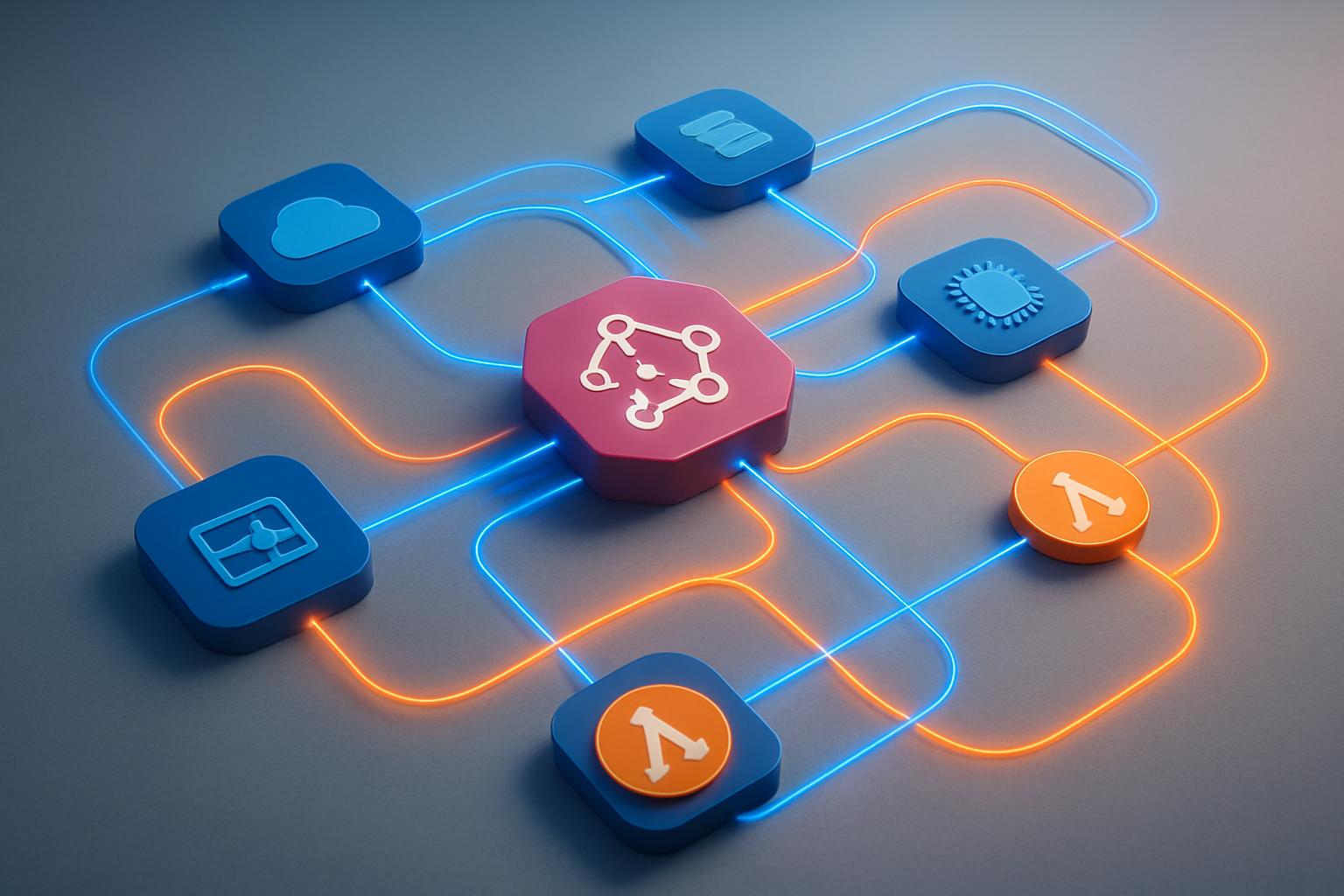
AWS EventBridge acts as a central nervous system for your cloud governance automation, capturing real-time events from over 100 AWS services. When someone launches an EC2 instance, modifies an S3 bucket policy, or changes security group rules, EventBridge immediately detects these actions and can trigger your Lambda functions for compliance checks.
The beauty of this approach lies in its reactive nature. Instead of running periodic scans that might miss critical changes, your governance system responds instantly to policy violations or configuration drift. EventBridge captures events like:
- Security Events: IAM policy changes, security group modifications, VPC configuration updates
- Resource Management: EC2 instance launches, RDS database creations, S3 bucket policy changes
- Cost Control: Large instance launches, high-cost resource deployments, budget threshold breaches
- Compliance Monitoring: Encryption status changes, public access modifications, backup failures
Each event contains rich metadata including the resource ARN, user identity, source IP, and timestamp, giving your Lambda functions everything needed to make informed governance decisions.
Custom Event Patterns for Specific Compliance Scenarios
Creating targeted event patterns allows your AWS serverless governance system to focus on specific compliance scenarios without noise. EventBridge’s pattern matching engine filters events based on source, detail type, and custom field values, ensuring only relevant events trigger your automation.
For instance, a financial services company might create patterns that specifically monitor:
{
  "source": ["aws.ec2"],
  "detail-type": ["EC2 Instance State-change Notification"],
  "detail": {
    "state": ["running"],
    "instance-type": {
      "prefix": "m5.24x"
    }
  }
}
This pattern catches only large instance launches that might impact cost controls. Similarly, healthcare organizations can create patterns for HIPAA compliance:
- Events detecting unencrypted EBS volume creation
- S3 bucket public access changes in regions containing PHI
- Database snapshots shared outside the organization
- VPC flow log deactivation in production environments
Custom patterns also support complex boolean logic, allowing you to combine multiple conditions. You might trigger governance actions only when high-risk changes occur during business hours or when specific user roles perform sensitive operations.
Cross-Account Event Routing for Centralized Governance
Managing governance across multiple AWS accounts requires a centralized approach where events from all accounts flow to a single governance hub. EventBridge’s cross-account event routing capabilities make this seamless through custom event buses and resource-based policies.
The typical architecture involves:
- Central Governance Account: Hosts the main event bus and Lambda functions
- Member Accounts: Send events to the central bus using cross-account rules
- Event Aggregation: All governance events consolidated in one location for unified processing
Setting up cross-account routing involves creating custom event buses in your governance account and configuring member accounts to forward specific events. This approach provides several advantages:
- Unified Monitoring: All compliance events visible in one dashboard
- Consistent Policy Enforcement: Same governance rules applied across all accounts
- Centralized Reporting: Single source of truth for audit trails
- Cost Optimization: Reduced infrastructure duplication
You can implement account-specific governance rules while maintaining centralized oversight. For example, development accounts might have relaxed encryption requirements, while production accounts enforce strict compliance policies. The central governance system receives all events but applies different Lambda functions based on account tags or organizational unit membership.
EventBridge’s built-in retry logic and dead letter queues ensure critical governance events aren’t lost, even during system failures or high-volume periods. This reliability makes it perfect for automated remediation workflows where missing an event could lead to security gaps or compliance violations.
Building Automated Remediation Workflows
Automatic Non-Compliant Resource Tagging and Correction
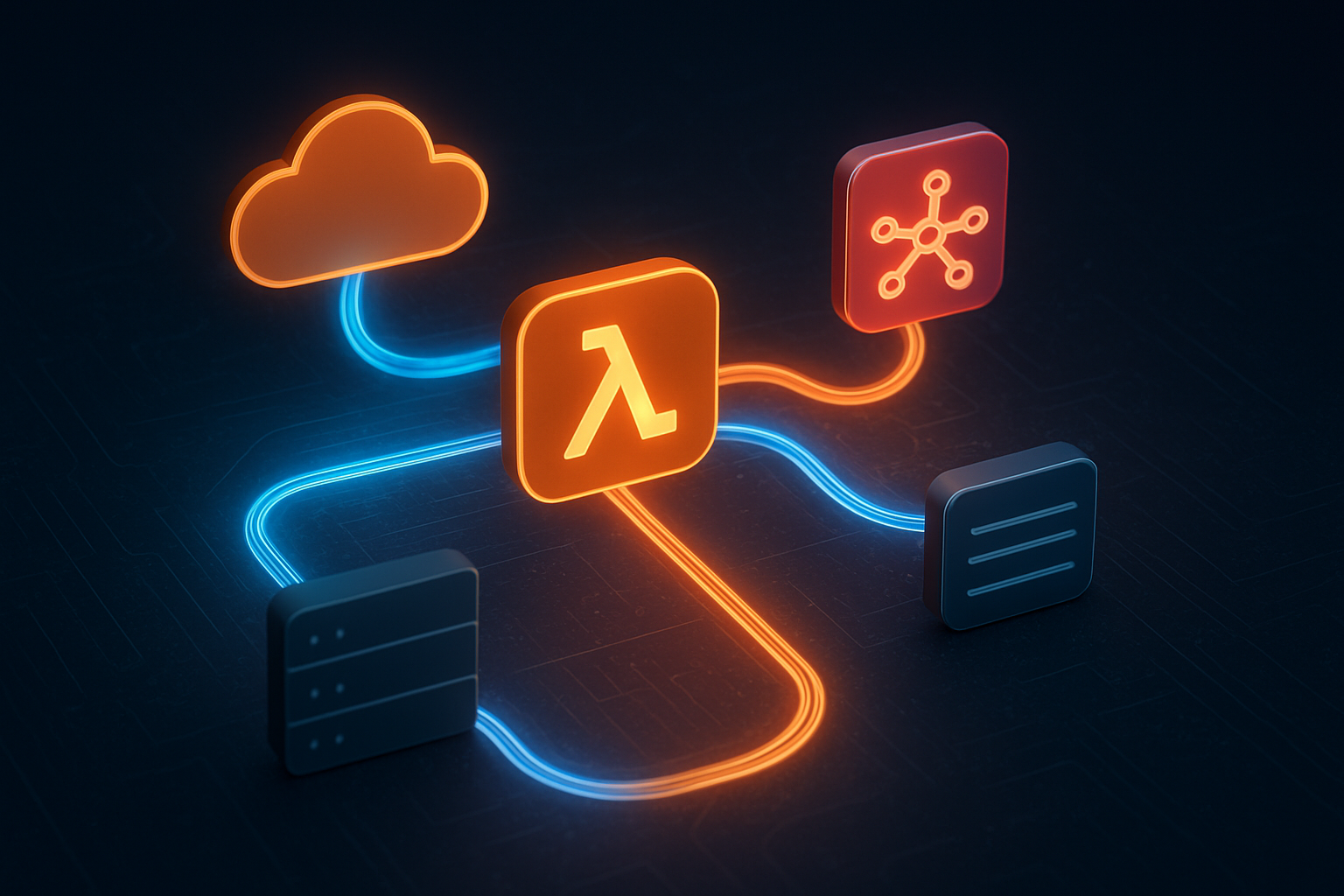
Creating automated remediation workflows for non-compliant resources starts with implementing Lambda functions that scan for missing or incorrect tags. These functions can integrate seamlessly with AWS Config rules to detect when resources don’t meet your organization’s tagging standards.
When a resource lacks proper tags like “Environment,” “Owner,” or “Cost Center,” your Lambda function can automatically apply default values based on the resource’s characteristics. For instance, resources in specific subnets might automatically receive an “Environment: Production” tag, while resources created by certain IAM roles get tagged with the appropriate department.
The workflow typically involves:
- EventBridge capturing Config compliance events
- Lambda function analyzing the resource metadata
- Automatic tag application using resource-specific APIs
- SNS notifications to resource owners for manual verification
For resources that can’t be automatically tagged due to insufficient context, the system can create Jira tickets or send Slack messages to the resource creators, providing them with direct links to apply the correct tags.
Security Group and IAM Policy Violation Responses
Security violations require immediate attention, making automated remediation workflows critical for maintaining robust cloud governance. When EventBridge detects overly permissive security groups (like 0.0.0.0/0 inbound rules), Lambda functions can automatically revoke these rules and replace them with more restrictive alternatives.
For IAM policy violations, the remediation approach varies based on severity:
- High-risk violations: Immediately disable the policy or user account
- Medium-risk violations: Remove specific permissions while maintaining core functionality
- Low-risk violations: Generate alerts and schedule review meetings
The Lambda function can also create backup copies of original policies before making changes, enabling quick rollbacks if business operations are affected. Integration with AWS Systems Manager Parameter Store helps maintain approved security group templates and IAM policy baselines.
Budget Threshold Alert and Resource Shutdown Procedures
Financial governance becomes manageable through automated budget monitoring and resource lifecycle management. When AWS Budgets triggers alerts via EventBridge, Lambda functions can execute graduated responses based on spending thresholds.
At 80% of budget utilization, the system might:
- Send detailed spending reports to project managers
- Temporarily restrict new resource creation for non-essential services
- Scale down development and testing environments
At 100% budget threshold, more aggressive actions kick in:
- Automatic shutdown of tagged non-production resources
- Conversion of on-demand instances to Spot instances where possible
- Suspension of scheduled backup jobs for non-critical data
The AWS serverless governance approach ensures these actions happen consistently without manual intervention. Lambda functions can also integrate with external systems like ServiceNow to create change requests for any resource modifications.
Backup and Disaster Recovery Automation Triggers
Disaster recovery workflows benefit significantly from event-driven automation. When critical resources are created or modified, EventBridge can trigger Lambda functions that automatically enroll these resources in backup schedules and replication processes.
The system monitors resource tags and metadata to determine appropriate backup frequencies. Mission-critical databases might get hourly snapshots, while development resources receive daily backups. Lambda functions can also:
- Create cross-region replication rules for S3 buckets containing important data
- Configure AWS Backup plans based on resource criticality levels
- Test backup integrity by periodically restoring snapshots to isolated environments
- Update disaster recovery documentation automatically when infrastructure changes occur
Cloud compliance automation extends to ensuring backup retention policies align with regulatory requirements. The Lambda functions can adjust retention periods based on data classification tags, automatically extending retention for financial records while reducing it for temporary development data.
These automated workflows create a self-healing infrastructure that maintains compliance standards while reducing operational overhead and human error risks.
Implementation Best Practices and Architecture Patterns
Designing scalable governance automation frameworks
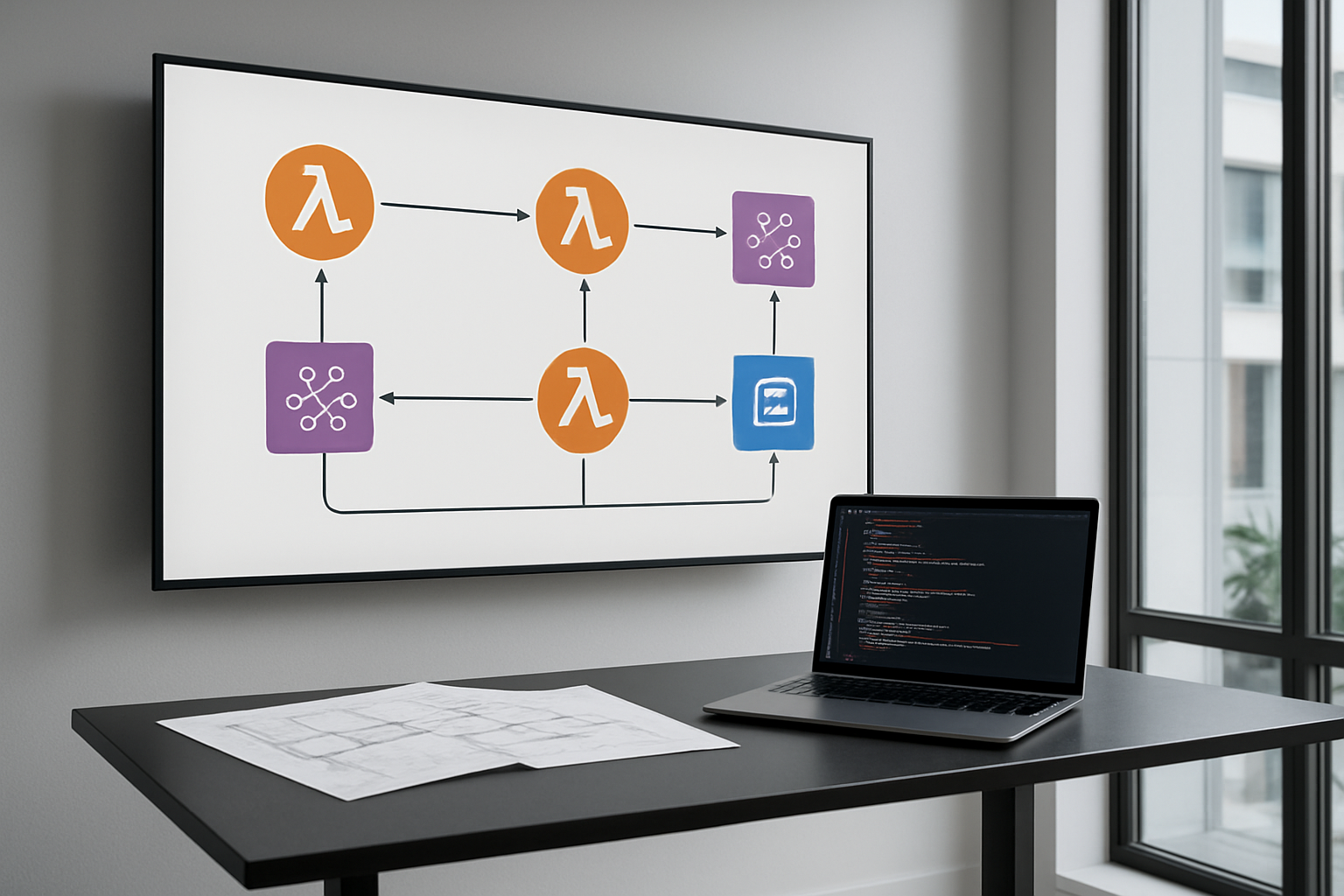
Building effective AWS cloud governance automation requires careful planning of your framework architecture. Start by creating modular Lambda functions that handle specific governance tasks rather than monolithic solutions. This approach allows you to scale individual components independently and makes troubleshooting much easier when issues arise.
Your governance framework should follow an event-driven architecture pattern using EventBridge as the central nervous system. Design your Lambda functions for compliance to be stateless and idempotent, enabling them to handle duplicate events gracefully. Use AWS Step Functions for complex governance workflows that require multiple steps or decision points.
Consider implementing a hub-and-spoke model where a central governance service orchestrates policies across multiple AWS accounts. This pattern works particularly well for enterprise environments with hundreds of accounts. Each spoke can have account-specific Lambda functions while maintaining centralized policy management.
Resource tagging plays a crucial role in scalable governance frameworks. Design a comprehensive tagging strategy that your automated systems can leverage for resource identification, cost allocation, and policy application. Your EventBridge event-driven architecture should filter events based on these tags to ensure governance rules apply to the right resources.
Error handling and logging strategies for reliability
Robust error handling separates amateur governance automation from enterprise-grade solutions. Implement retry logic with exponential backoff for transient failures, but avoid infinite retry loops that can consume resources unnecessarily. Use AWS Lambda’s built-in retry mechanisms for asynchronous invocations and implement custom retry logic for synchronous calls to other AWS services.
Create comprehensive logging that captures both successful operations and failures. Structure your logs using JSON format to enable easy parsing by CloudWatch Logs Insights. Include correlation IDs that track governance actions across multiple services and Lambda functions. This becomes invaluable when debugging complex automated remediation workflows.
Dead letter queues (DLQ) provide essential safety nets for failed governance actions. Configure DLQs for your Lambda functions to capture events that couldn’t be processed after multiple retries. Monitor these queues actively and establish alerting for any accumulation of failed events.
Implement circuit breaker patterns for external API calls to prevent cascading failures. When downstream services become unavailable, your governance automation should gracefully degrade rather than continuously failing and generating noise in your monitoring systems.
Testing and validation approaches for governance rules
Testing governance automation requires a multi-layered approach that covers unit testing, integration testing, and end-to-end validation. Create isolated test environments that mirror your production setup without impacting live resources. Use AWS CloudFormation or AWS CDK to ensure consistent test environment provisioning.
Develop comprehensive test suites that validate both positive and negative scenarios. Your tests should verify that governance rules correctly identify violations, apply appropriate remediation actions, and handle edge cases gracefully. Mock AWS service responses to test how your Lambda functions handle various API response scenarios.
Implement canary deployments for governance rule changes. Roll out new policies to a small subset of resources first, monitor the results, and gradually expand coverage. This approach prevents widespread issues from poorly tested governance rules.
Create synthetic events to test your EventBridge integration patterns regularly. These synthetic tests can run on schedules to ensure your governance automation continues working as expected, even when real governance events are infrequent.
Performance optimization for large-scale deployments
Large-scale AWS governance automation demands careful attention to performance characteristics. Optimize your Lambda functions by right-sizing memory allocation and choosing appropriate timeout values. Higher memory allocation often improves CPU performance and can reduce overall execution costs for compute-intensive governance tasks.
Use AWS Lambda layers to share common code and dependencies across multiple governance functions. This reduces deployment package sizes and improves cold start times. Consider using provisioned concurrency for governance functions that need consistent low-latency responses.
Implement batching strategies where possible to reduce the number of API calls and Lambda invocations. Instead of processing each resource individually, batch similar operations together. This approach significantly improves throughput for governance actions across large numbers of resources.
Monitor and optimize your EventBridge rule patterns to minimize unnecessary Lambda invocations. Overly broad event patterns can trigger governance functions for irrelevant events, wasting compute resources and potentially causing rate limiting issues.
Configure appropriate reserved concurrency limits for your Lambda functions to prevent them from consuming all available concurrency in your account. This ensures other applications continue functioning normally even during large-scale governance operations.
Use AWS X-Ray to trace performance bottlenecks in your governance workflows. This visibility helps identify slow API calls or inefficient code paths that impact overall system performance.
Monitoring and Reporting Governance Effectiveness

CloudWatch Metrics and Dashboards for Governance Insights
Creating comprehensive monitoring for your AWS governance automation requires strategic use of CloudWatch metrics and custom dashboards. Your Lambda functions should emit custom metrics that track key governance activities like policy violations detected, remediation actions triggered, and compliance checks completed. These metrics provide real-time visibility into how effectively your automated systems are maintaining cloud governance standards.
Build dedicated CloudWatch dashboards that consolidate governance metrics across different AWS services and regions. Include widgets showing:
- Policy enforcement success rates
- Resource compliance percentages by service type
- EventBridge rule invocation frequencies
- Lambda function error rates and execution duration
- Cost anomalies detected and addressed
Set up CloudWatch alarms to trigger when governance metrics exceed acceptable thresholds. For example, alert when policy violations spike above normal levels or when remediation workflows fail repeatedly. This proactive approach helps you catch governance issues before they escalate into major compliance problems.
Custom log insights queries can extract detailed patterns from your governance Lambda functions, revealing trends in policy violations and helping identify problematic resource creation patterns. Use these insights to refine your automated policy enforcement rules and improve overall governance effectiveness.
Compliance Reporting and Audit Trail Generation
Automated compliance reporting transforms raw governance data into actionable insights for stakeholders and auditors. Your EventBridge-driven workflows should automatically generate compliance reports on scheduled intervals, capturing snapshots of your cloud environment’s adherence to governance policies.
Design your Lambda functions to maintain detailed audit trails by logging every governance action to CloudTrail and custom log groups. Each entry should include:
- Timestamp and triggering event
- Resource affected and action taken
- Policy rule that was enforced
- User or service that initiated the change
- Remediation outcome and any errors
Create automated report generation workflows that pull data from multiple sources including Config rules, Security Hub findings, and your custom governance metrics. These reports should be formatted for different audiences – technical teams need detailed remediation logs while executives prefer high-level compliance summaries.
Implement automated evidence collection for compliance frameworks like SOC 2 or PCI DSS. Your governance automation can automatically capture screenshots, configuration snapshots, and policy enforcement logs that auditors require. Store this evidence in S3 with proper lifecycle policies and access controls.
Cost Savings Measurement and ROI Tracking
Measuring the financial impact of your AWS governance automation demonstrates clear business value and justifies continued investment in these systems. Track cost savings through automated rightsizing recommendations, unused resource cleanup, and policy-driven resource optimization.
Your governance Lambda functions should calculate and record cost metrics whenever they perform remediation actions. For instance, when automatically stopping oversized EC2 instances or deleting unattached EBS volumes, log the projected monthly savings. Aggregate these savings over time to show cumulative cost reduction.
Build cost dashboards that correlate governance activities with billing data. Track metrics like:
- Monthly cost avoidance through automated cleanup
- Percentage reduction in wasted resources
- Cost per governance action (operational efficiency)
- Time saved through automation vs manual processes
Create ROI calculations that compare your governance automation costs (Lambda execution, EventBridge invocations, storage) against the savings generated. Most organizations see positive ROI within months due to reduced manual effort and prevented cost overruns.
Use AWS Cost Explorer APIs within your governance workflows to automatically identify cost optimization opportunities. When your EventBridge rules detect new resource deployments, trigger Lambda functions that analyze cost implications and suggest optimizations before expenses accumulate.
Document success stories where your automated governance prevented significant cost overruns or security incidents. These concrete examples strengthen the business case for expanding your cloud governance automation initiatives.
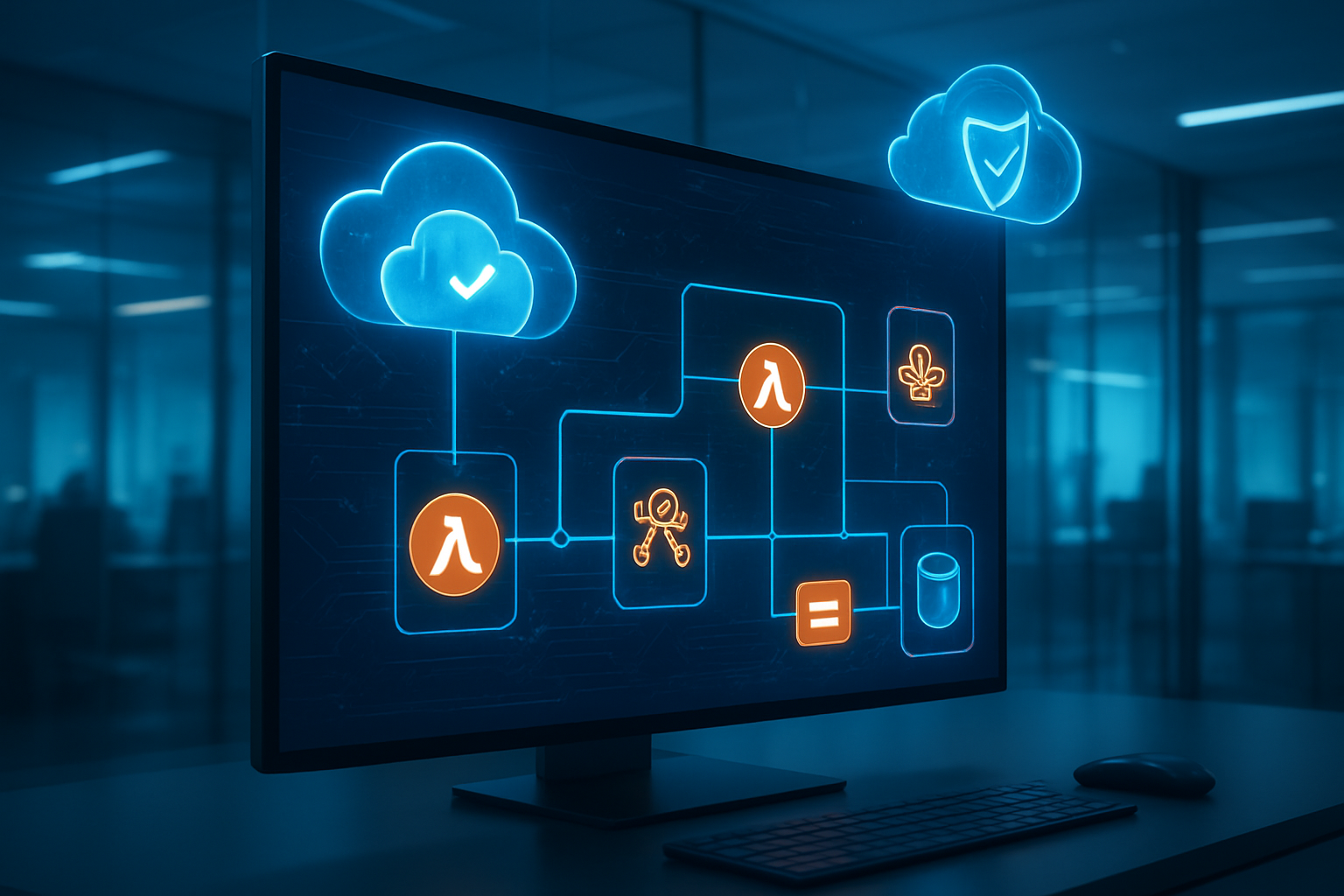
Setting up automated cloud governance transforms how your organization manages AWS resources. Lambda functions handle policy enforcement seamlessly, while EventBridge connects all the moving pieces to create responsive, event-driven workflows. The combination lets you catch compliance issues early and fix them automatically, saving your team countless hours of manual work.
The real power comes from building smart remediation workflows that learn from your environment and adapt to changes. When you implement proper monitoring and reporting, you gain clear visibility into how well your governance rules are working. Start small with a few critical policies, test your automation carefully, and gradually expand your coverage as you build confidence in the system.