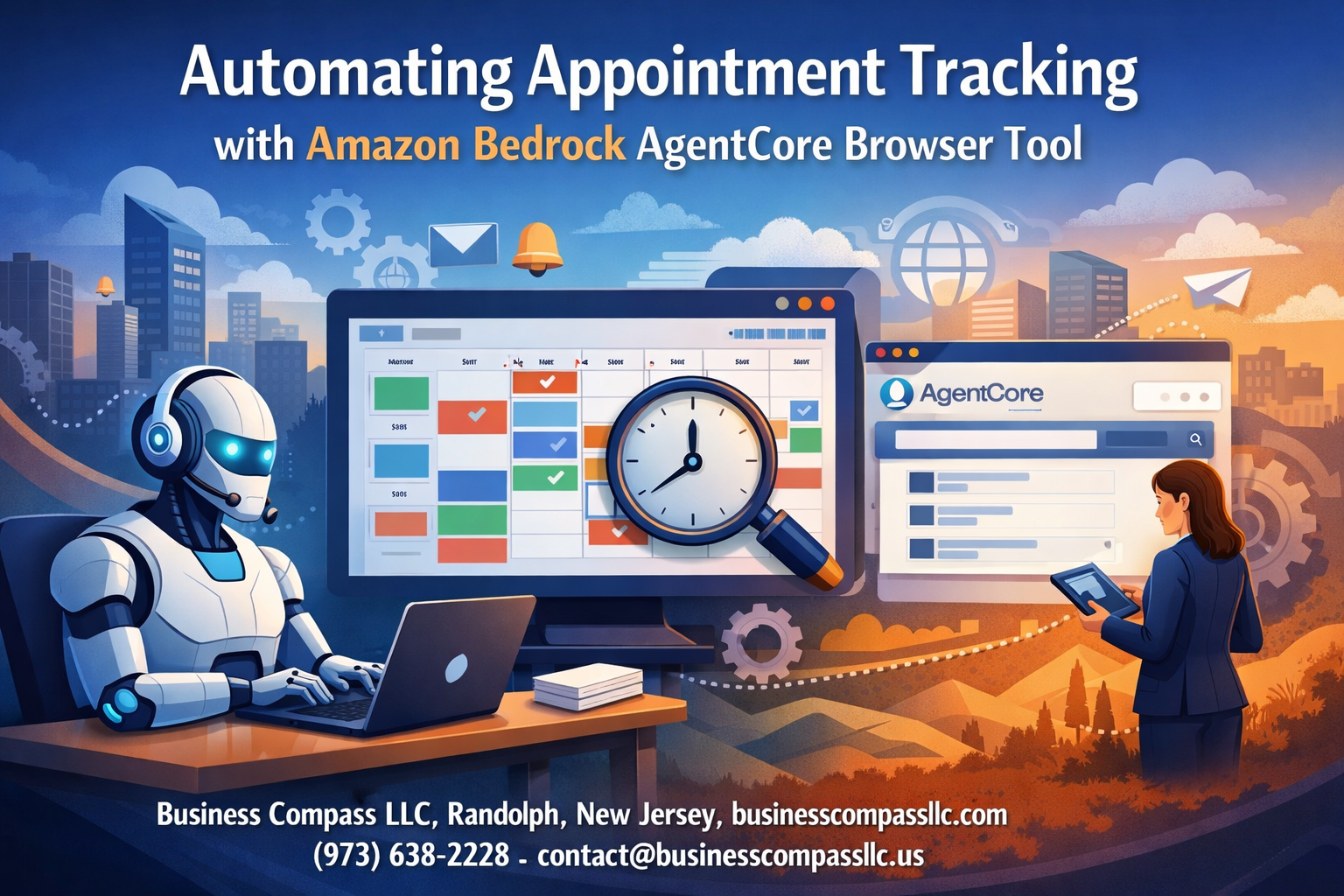
Managing appointments manually is time-consuming and error-prone. Automating Appointment Tracking with Amazon Bedrock AgentCore Browser Tool transforms how healthcare providers, service businesses, and professionals handle their scheduling workflows.
This guide is designed for developers, practice managers, and business owners who want to streamline their appointment tracking automation without building complex systems from scratch. You’ll learn how Amazon Bedrock’s powerful AI capabilities can detect, organize, and manage appointments automatically.
We’ll walk through setting up your appointment tracking infrastructure using Amazon Bedrock AgentCore’s browser integration, then dive into building automated appointment detection workflows that can scan emails, websites, and documents for scheduling information. You’ll also discover how to create smart appointment notifications that keep both staff and clients informed without manual intervention.
By the end, you’ll have a complete appointment management system automation that saves hours of administrative work while reducing scheduling conflicts and missed appointments.
Understanding Amazon Bedrock AgentCore Browser Tool Capabilities
Core features for web automation and data extraction
Amazon Bedrock AgentCore delivers robust browser automation capabilities that excel at extracting appointment data from various web platforms. The tool seamlessly navigates complex web interfaces, captures appointment details from calendars, booking systems, and scheduling platforms with remarkable accuracy. Its intelligent parsing engine recognizes date patterns, time formats, and appointment metadata across different websites without manual configuration.
Integration possibilities with appointment management systems
The browser tool connects directly with popular appointment management systems through API integrations and web-based interfaces. Whether you’re working with Calendly, Acuity Scheduling, or custom booking platforms, Amazon Bedrock AgentCore can automatically sync appointment data, update scheduling conflicts, and maintain consistent records across multiple systems. This eliminates the tedious manual data entry that typically plagues appointment tracking workflows.
Real-time browser interaction capabilities
Real-time browser interaction sets this tool apart from traditional automation solutions. Amazon Bedrock AgentCore responds dynamically to changing web elements, handles pop-ups and authentication prompts, and adapts to website updates automatically. The system monitors appointment booking pages continuously, detecting new appointments as they’re scheduled and triggering immediate processing workflows for time-sensitive scheduling tasks.
Setting Up Your Appointment Tracking Infrastructure

Configuring Amazon Bedrock AgentCore Environment
Setting up your Amazon Bedrock AgentCore environment requires careful configuration of IAM roles, API endpoints, and model access permissions. Configure your agent’s browser tool capabilities by enabling web scraping permissions and defining URL allowlists for appointment booking platforms. Establish proper resource limits and timeout configurations to handle varying website response times effectively.
Connecting to Appointment Booking Platforms
Integration with popular booking platforms like Calendly, Acuity, and Square Appointments demands platform-specific API connections and webhook configurations. Map each platform’s unique data structures to standardized appointment objects within your Amazon Bedrock AgentCore workflow. Test connection stability across different platforms to ensure consistent appointment detection workflows regardless of the booking system used.
Establishing Secure Authentication Protocols
Authentication security begins with implementing OAuth 2.0 flows and API key rotation strategies for each connected platform. Store sensitive credentials in AWS Secrets Manager with automated rotation policies and encrypted transit protocols. Configure multi-factor authentication where supported and establish audit trails for all authentication events to maintain compliance with healthcare and business data protection standards.
Creating Data Storage and Backup Solutions
Design your appointment tracking infrastructure using Amazon DynamoDB for real-time data access and S3 for long-term archival storage. Implement automated backup schedules with point-in-time recovery options and cross-region replication for disaster recovery. Structure your data schema to support fast queries while maintaining data integrity through validation rules and automated data processing appointments workflows that scale with your business needs.
Building Automated Appointment Detection Workflows
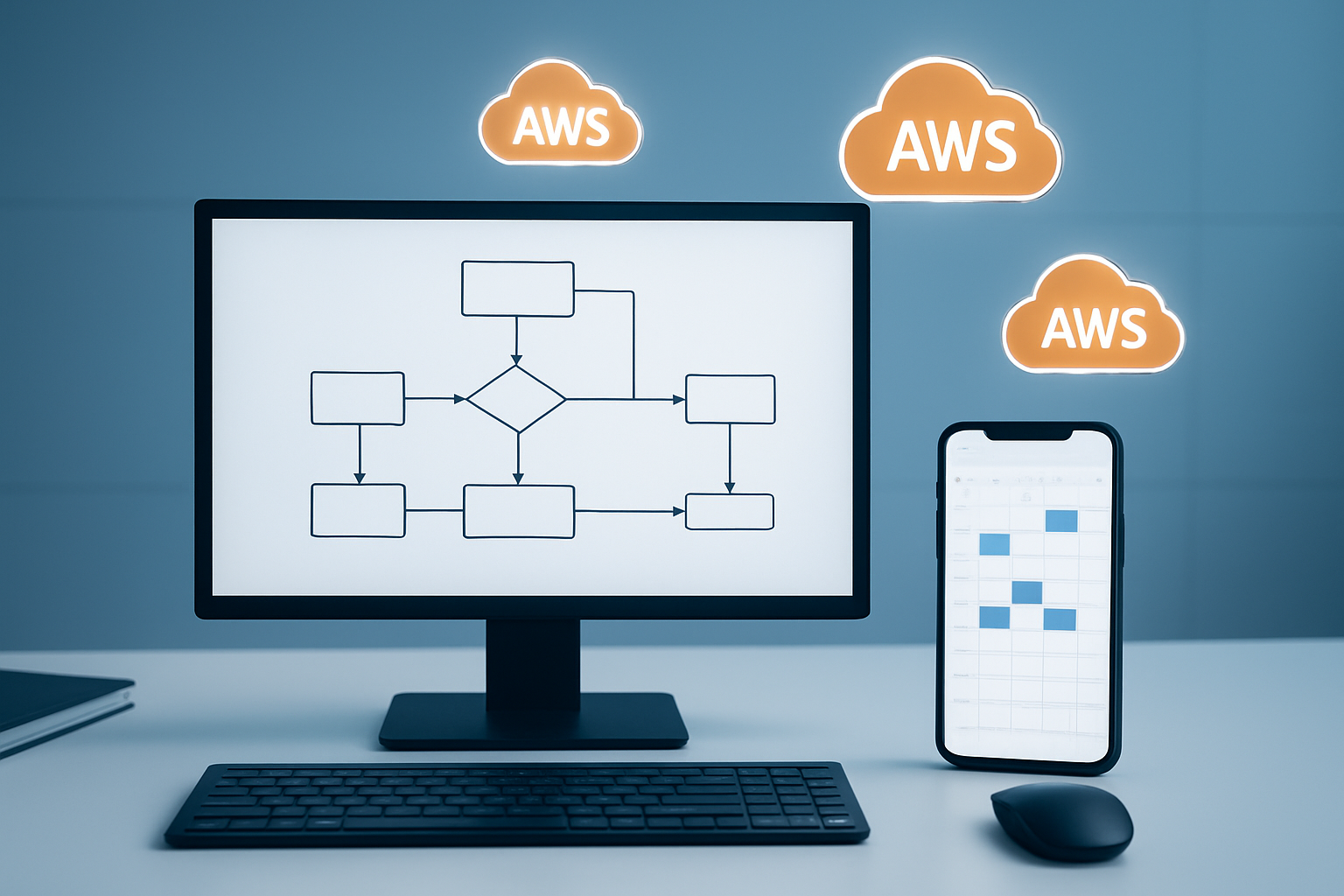
Designing web scraping patterns for appointment data
Amazon Bedrock AgentCore browser tool excels at extracting appointment information from various web interfaces through intelligent pattern recognition. Configure the tool to identify common appointment elements like date fields, time slots, and booking confirmations across different platforms. The browser tool automatically adapts to dynamic content loading and handles JavaScript-heavy scheduling interfaces that traditional scrapers struggle with.
Implementing real-time monitoring triggers
Set up automated appointment detection workflows using event-driven triggers that activate when new appointments appear on monitored platforms. The AgentCore system continuously scans designated websites and applications, instantly capturing booking changes, cancellations, and new appointments. Configure custom monitoring intervals and threshold settings to balance real-time responsiveness with system resource efficiency for optimal automated appointment scheduling performance.
Setting up multi-platform appointment source integration
Integrate diverse appointment sources including healthcare portals, business scheduling systems, and personal calendar applications into a unified Amazon Bedrock automation workflow. The browser tool seamlessly connects multiple platforms through API integrations and web scraping techniques, creating a centralized appointment tracking infrastructure. Configure cross-platform data normalization to ensure consistent appointment data processing regardless of the original source format or structure.
Streamlining Data Processing and Organization

Standardizing appointment data formats across platforms
Amazon Bedrock AgentCore’s browser tool excels at normalizing appointment data from diverse sources into consistent formats. The system automatically converts various date-time formats, location descriptions, and contact information into standardized schemas. This process eliminates data inconsistencies that typically plague multi-platform appointment tracking automation, ensuring seamless integration across calendar systems, CRM platforms, and scheduling applications.
Creating automated categorization and tagging systems
Smart categorization becomes effortless when leveraging Amazon Bedrock’s natural language processing capabilities within the browser tool. The system analyzes appointment descriptions, participant lists, and meeting contexts to automatically assign relevant tags like “client meeting,” “internal review,” or “medical appointment.” Custom tagging rules can be configured to match your organization’s specific needs, while machine learning algorithms continuously improve categorization accuracy based on user feedback and historical patterns.
Implementing duplicate detection and merge capabilities
Duplicate appointments often arise when using multiple scheduling platforms simultaneously. Amazon Bedrock AgentCore identifies potential duplicates by comparing appointment titles, timestamps, attendees, and locations using sophisticated matching algorithms. The automated data processing appointments feature can either flag suspicious duplicates for manual review or automatically merge confirmed duplicates while preserving important details from both entries.
Building custom filtering and sorting rules
Advanced filtering capabilities allow users to create dynamic views of their appointment data based on complex criteria combinations. You can establish rules that automatically sort appointments by priority levels, filter by specific attendee groups, or highlight time-sensitive meetings. The Amazon Bedrock automation tutorial demonstrates how to configure these rules using simple conditional logic, making appointment management system automation accessible even for non-technical users.
Enhancing User Experience with Smart Notifications

Configuring intelligent reminder systems
Amazon Bedrock AgentCore’s browser tool enables sophisticated automated appointment scheduling by analyzing calendar patterns and user behavior. The system learns from past interactions to determine optimal reminder timing, sending notifications when users are most likely to engage. Smart appointment notifications adapt to individual schedules, automatically adjusting frequency and timing based on appointment importance and user response patterns.
Setting up multi-channel notification delivery
Multi-channel delivery ensures users receive appointment tracking automation alerts through their preferred communication methods. The Amazon Bedrock browser tool can simultaneously push notifications via email, SMS, mobile apps, and desktop alerts. This redundancy guarantees critical appointments reach users regardless of their current platform or device availability.
Creating personalized alert preferences
Users can customize notification preferences based on appointment types, urgency levels, and personal schedules. The system allows granular control over when and how alerts are delivered, including quiet hours, weekend preferences, and location-based adjustments. Advanced filtering ensures only relevant appointments trigger notifications while reducing alert fatigue.
Implementing escalation protocols for critical appointments
Escalation protocols automatically intensify notification efforts for high-priority appointments that remain unacknowledged. The system progressively increases alert frequency and expands delivery channels, eventually notifying designated contacts or supervisors. This appointment management system automation ensures no critical meetings are missed due to overlooked notifications.
Measuring Performance and Optimizing Results

Tracking Automation Accuracy and Efficiency Metrics
Successful Amazon Bedrock AgentCore automation requires robust performance monitoring to ensure your appointment tracking system delivers consistent results. Key metrics include appointment detection accuracy rates, processing speed for browser interactions, and successful data extraction percentages. Track false positives and missed appointments to identify patterns in your automated workflows. Monitor response times for Amazon Bedrock browser tool operations and measure the reduction in manual intervention requirements compared to pre-automation baselines.
Identifying and Resolving Common Integration Issues
Browser-based appointment detection often encounters challenges with dynamic page elements, authentication timeouts, and website structure changes. Common issues include selector failures when appointment booking interfaces update, rate limiting from target websites, and inconsistent data formats across different appointment platforms. Debug these problems by implementing detailed logging for Amazon Bedrock AgentCore operations, setting up automated retry mechanisms for failed requests, and creating fallback strategies when primary detection methods fail.
Implementing Continuous Improvement Feedback Loops
Establish automated feedback mechanisms that capture user corrections and system errors to refine your appointment tracking automation continuously. Create workflows that analyze missed appointments, incorrectly categorized events, and user-reported discrepancies to update your Amazon Bedrock automation tutorial processes. Regular model retraining using collected performance data ensures your appointment detection workflows adapt to changing patterns and maintain high accuracy over time.

Amazon Bedrock AgentCore Browser Tool opens up exciting possibilities for appointment management that go way beyond basic scheduling. By setting up the right infrastructure and building smart detection workflows, you can create a system that automatically catches appointment details, organizes your data seamlessly, and keeps users informed with intelligent notifications. The tool’s ability to process information and learn from patterns means your appointment tracking gets smarter over time.
The real magic happens when you start measuring what works and fine-tuning your setup based on actual performance data. This isn’t just about replacing manual entry – it’s about creating an appointment management experience that anticipates needs and reduces friction for everyone involved. If you’re ready to move beyond traditional scheduling headaches, start small with one workflow, test it thoroughly, and gradually expand your automation as you see results. Your future self will thank you for making this investment in smarter appointment tracking.