


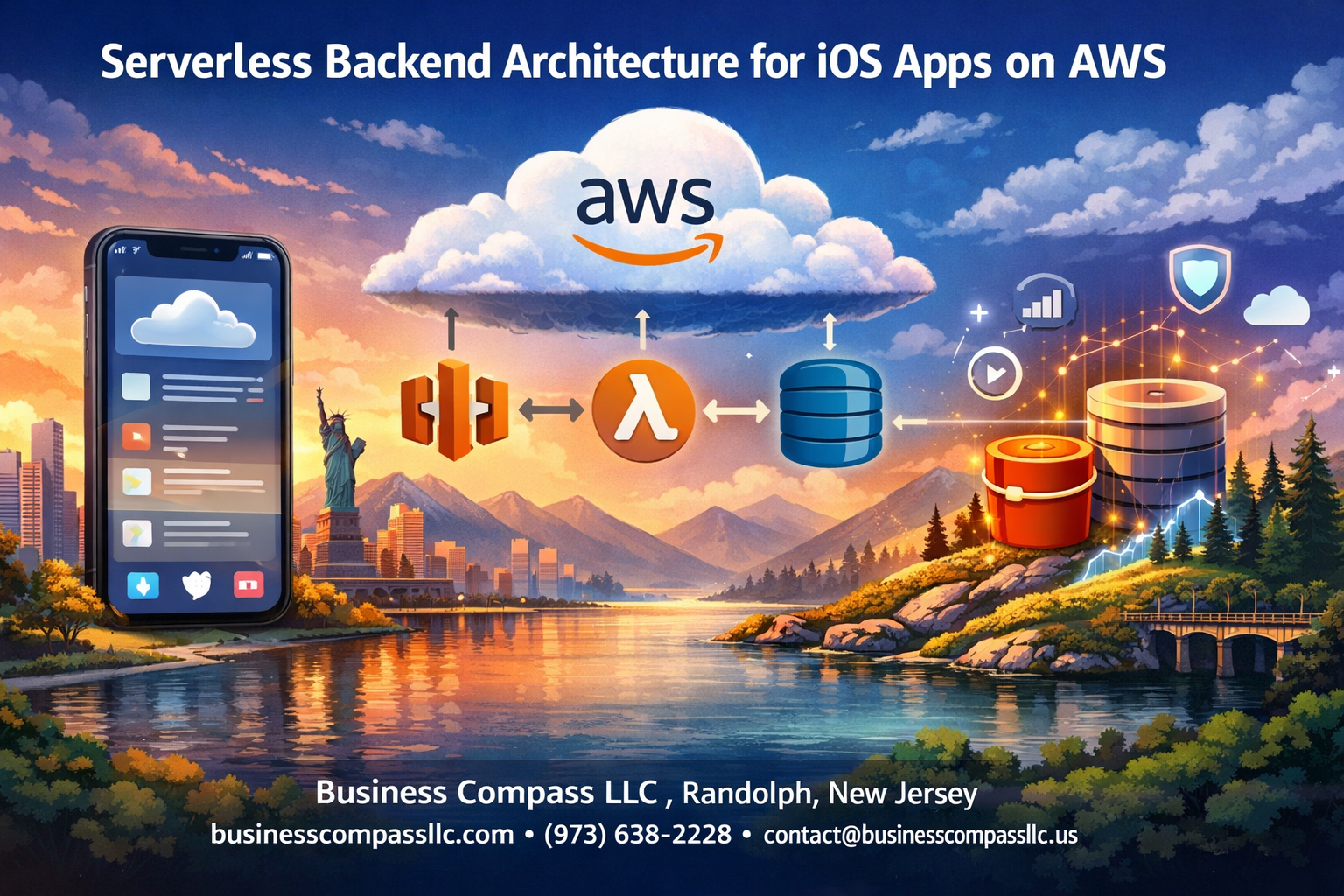
Building a serverless backend for your iOS app on AWS can slash your infrastructure costs and eliminate server management headaches. This guide is designed for iOS developers who want to create scalable, cost-effective mobile backends without dealing with traditional server setup and maintenance.
Serverless architecture iOS development lets you focus on writing code instead of managing servers, while AWS provides the perfect toolkit for mobile app backends. You’ll pay only for what you use, automatically scale with user demand, and deploy faster than ever.
We’ll walk through choosing the right AWS services for your iOS backend, including Lambda functions for iOS app logic and API Gateway for your mobile backend endpoints. You’ll also learn serverless security best practices to protect your users’ data and discover serverless performance optimization techniques that keep your app running smoothly as it grows.
By the end, you’ll have a complete roadmap for AWS mobile backend architecture that scales with your success.
Understand Serverless Architecture Benefits for iOS Development
Eliminate server management overhead and costs
Managing traditional servers means dealing with provisioning, patching, scaling, and maintaining infrastructure around the clock. With serverless architecture iOS development, you skip all that headache. AWS handles the underlying infrastructure while you build amazing iOS experiences.
You won’t need dedicated DevOps teams or expensive server hardware. No more 3 AM wake-up calls when servers crash or need emergency updates. The serverless approach removes the technical debt that comes with server maintenance, letting your team focus on what matters most – creating great mobile apps.
Cost savings add up quickly too. Traditional servers run 24/7 whether users are active or not. You’re paying for idle capacity during off-peak hours, weekends, and holidays. Serverless eliminates these wasteful expenses by charging only when your backend actually processes requests.
Scale automatically with user demand
Your iOS app could go viral overnight, or experience seasonal traffic spikes. Traditional servers would buckle under sudden load increases, requiring manual intervention to spin up additional capacity.
AWS backend for mobile apps handles scaling seamlessly. Lambda functions automatically spawn new instances when request volume increases, then scale back down when traffic subsides. This happens in milliseconds without any configuration on your part.
Whether you have 10 users or 10 million, the serverless infrastructure adapts instantly. Your iOS app maintains consistent performance during traffic surges, app store promotions, or unexpected popularity boosts. Users get fast response times regardless of current load levels.
Pay only for actual usage and execution time
The traditional server model forces you to pay for reserved capacity, even when your app sits idle. Serverless flips this model completely – you pay per request and execution duration.
Lambda functions for iOS charge by the millisecond of compute time used. If your function executes for 100ms, you pay for exactly 100ms. No charges accumulate when users aren’t actively using your app.
API Gateway follows the same principle, charging per API call made. This pricing model perfectly aligns costs with actual user engagement. During slow periods, your AWS bill shrinks accordingly. High-traffic periods generate more revenue to offset increased usage costs.
For new iOS apps with unpredictable usage patterns, this eliminates the risk of over-provisioning expensive servers that might remain underutilized for months.
Focus development resources on iOS app features
Building server infrastructure diverts precious development time away from crafting exceptional iOS experiences. Every hour spent configuring servers, managing databases, or troubleshooting infrastructure issues could be spent improving your app’s user interface, adding new features, or optimizing performance.
Serverless API design lets iOS developers stay in their sweet spot. Your team can concentrate on Swift development, Core Data optimization, and creating smooth user interactions instead of wrestling with backend complexities.
AWS mobile backend architecture provides pre-built, production-ready services that integrate seamlessly with iOS apps. Authentication, push notifications, file storage, and database operations become simple SDK calls rather than complex backend implementations.
This focus shift accelerates time-to-market significantly. You launch faster, iterate quicker, and respond to user feedback without backend bottlenecks slowing down development cycles.
Choose the Right AWS Services for Your iOS Backend

AWS Lambda for business logic and API endpoints
AWS Lambda serves as the powerhouse behind your serverless architecture iOS backend, handling all your business logic without requiring server management. This compute service runs your code in response to events, automatically scaling up or down based on demand. For iOS apps, Lambda functions can process user requests, manipulate data, integrate with third-party services, and execute complex algorithms.
Lambda’s pay-per-request pricing model makes it incredibly cost-effective for mobile apps with variable traffic patterns. Your functions can be written in multiple programming languages including Node.js, Python, Java, and Go, giving you flexibility in implementation. The service automatically handles infrastructure provisioning, scaling, and maintenance, allowing you to focus on writing quality code for your iOS backend.
Each Lambda function can handle specific business operations like user registration, data processing, image resizing, or sending push notifications. The stateless nature of Lambda functions ensures consistent performance and easy debugging.
Amazon API Gateway for RESTful API management
Amazon API Gateway acts as the front door for your iOS app’s backend services, providing a fully managed service for creating, deploying, and managing RESTful APIs. This service handles all tasks involved in accepting and processing concurrent API calls, including traffic management, authorization, access control, monitoring, and API version management.
API Gateway integrates seamlessly with Lambda functions, creating a powerful combination for serverless API design. You can define HTTP methods (GET, POST, PUT, DELETE) that your iOS app will use to communicate with your backend. The service supports request and response transformations, allowing you to modify data formats between your iOS client and backend services.
Key features include:
- Request throttling and rate limiting
- API caching for improved performance
- Detailed monitoring and logging
- Multiple stage management (development, testing, production)
- SDK generation for iOS applications
The service automatically scales to handle traffic spikes without manual intervention, making it perfect for mobile apps that experience sudden increases in usage.
Amazon DynamoDB for fast NoSQL data storage
DynamoDB provides lightning-fast NoSQL data storage that’s perfectly suited for mobile applications requiring consistent, single-digit millisecond latency. This fully managed database service eliminates the operational burden of running and scaling databases, automatically handling hardware provisioning, setup, configuration, replication, software patching, and cluster scaling.
For iOS applications, DynamoDB excels at storing user profiles, game scores, chat messages, session data, and real-time analytics. The database supports both key-value and document data models, providing flexibility in how you structure your app’s data. DynamoDB’s partition key and sort key structure allows for efficient querying patterns that match mobile app usage.
Notable advantages include:
- Automatic scaling based on traffic patterns
- Built-in security with encryption at rest and in transit
- Global tables for multi-region replication
- DynamoDB Streams for real-time data processing
- On-demand backup and point-in-time recovery
The service integrates directly with Lambda functions and API Gateway, creating a cohesive serverless stack for your iOS backend.
Amazon S3 for file storage and static content
Amazon S3 handles all your iOS app’s file storage needs, from user-uploaded photos and videos to application assets and backups. This object storage service offers industry-leading scalability, data availability, security, and performance. Your iOS app can store and retrieve any amount of data from anywhere on the web.
S3 provides multiple storage classes optimized for different use cases and access patterns. For frequently accessed content like user profile pictures or recent uploads, S3 Standard offers high durability and availability. For archival data or backups, S3 Glacier provides cost-effective long-term storage.
Key features for mobile applications:
- Direct uploads from iOS devices using pre-signed URLs
- CloudFront integration for global content delivery
- Event-driven processing with Lambda triggers
- Fine-grained access control with bucket policies
- Versioning and lifecycle management
The service can trigger Lambda functions when objects are uploaded, modified, or deleted, enabling automatic processing workflows like image thumbnail generation or video transcoding.
Amazon Cognito for user authentication and authorization
Amazon Cognito provides comprehensive user authentication and authorization services specifically designed for mobile applications. This service handles user sign-up, sign-in, and access control, supporting both federated identities and user pools. Cognito eliminates the complexity of building and maintaining user management infrastructure.
User Pools manage user directories and handle authentication flows including multi-factor authentication, password policies, and account verification. Identity Pools provide temporary AWS credentials to users, enabling direct access to AWS services from your iOS app while maintaining security.
Authentication features include:
- Social identity provider integration (Google, Facebook, Apple)
- Custom authentication flows
- User attribute management and verification
- Security features like adaptive authentication
- SDK integration for seamless iOS implementation
Cognito scales automatically to support millions of users and integrates with other AWS services to provide role-based access control. The service maintains security best practices while simplifying user management for your iOS application.
Design Your Serverless API Architecture

Structure Lambda functions for optimal performance
When building a serverless API design for iOS apps, organizing your Lambda functions properly makes all the difference. Think of each function as a specialized tool – you want them focused, efficient, and easy to maintain.
Start by creating single-purpose functions that handle specific tasks. Instead of cramming user authentication, data processing, and email sending into one massive function, split them up. This approach gives you better error isolation and faster cold start times, which your iOS users will definitely appreciate.
Keep your functions lightweight by avoiding heavy dependencies. Node.js and Python work great for most iOS AWS integration scenarios because they start up quickly. If you’re processing images or doing heavy computation, consider using provisioned concurrency for functions that need consistent performance.
Structure your code with proper separation of concerns. Put your business logic in separate modules that can be easily tested outside the Lambda environment. This makes debugging much easier when something goes wrong at 3 AM.
Memory allocation plays a huge role in performance. Start with 512MB and adjust based on your actual usage patterns. More memory often means faster execution, but you’ll pay more, so find that sweet spot through testing.
Implement proper error handling and logging
Solid error handling separates professional AWS backend for mobile apps from amateur projects. Your iOS app needs to know exactly what went wrong and how to respond appropriately.
Create a consistent error response format across all your Lambda functions. Something like:
{
  "error": "USER_NOT_FOUND",
  "message": "The requested user does not exist",
  "statusCode": 404
}
This predictable structure lets your iOS code handle errors gracefully instead of crashing unexpectedly.
Set up comprehensive logging using CloudWatch. Log important events like authentication attempts, database operations, and external API calls. But don’t go overboard – logging everything will hurt performance and rack up costs.
Use structured logging with JSON format so you can easily search and filter logs later. Include correlation IDs that tie together related operations across different functions. When a user reports a problem, you can trace their entire request flow.
Implement circuit breaker patterns for external dependencies. If your payment processor goes down, your Lambda functions should fail fast instead of timing out and making users wait.
Dead letter queues are your safety net for processing failures. Configure them to catch failed invocations so you can investigate and potentially retry them later.
Configure API Gateway routing and security
API Gateway mobile backend configuration requires careful planning to support your iOS app’s specific needs. Start with RESTful resource design that maps cleanly to your app’s data model.
Set up proper HTTP method routing. Use GET for data retrieval, POST for creating resources, PUT for updates, and DELETE for removals. Your iOS networking code will be much cleaner when it follows these conventions.
Enable request validation at the gateway level to catch malformed requests before they hit your Lambda functions. Define JSON schemas for request bodies and validate required parameters. This saves compute costs and improves response times.
CORS configuration is critical for iOS apps, especially if you’re building hybrid applications or using web views. Set appropriate allowed origins, methods, and headers to prevent security issues while maintaining functionality.
Implement rate limiting to protect your backend from abuse. Different endpoints might need different limits – authentication endpoints typically need stricter controls than read-only data endpoints.
Use API keys for basic access control and AWS WAF for advanced protection against common attacks. Enable AWS X-Ray tracing to monitor request flows and identify performance bottlenecks in your serverless architecture iOS setup.
Stage management lets you maintain separate environments for development, staging, and production. Deploy changes to staging first, run your iOS app tests, then promote to production when everything checks out.
Integrate AWS Services with iOS Applications
Configure AWS SDK for iOS development
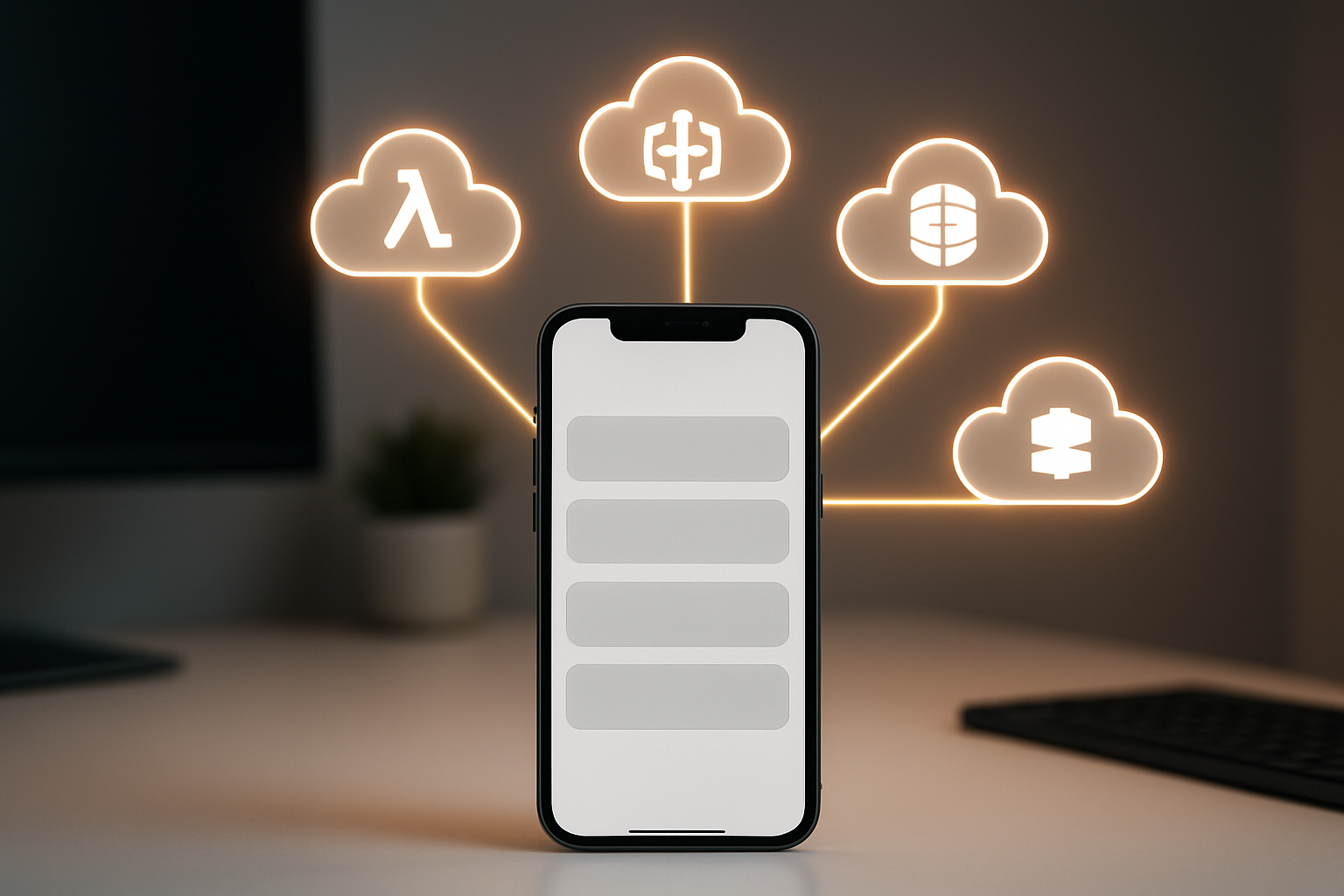
Setting up the AWS SDK for iOS gives your mobile app direct access to powerful cloud services. Start by adding the AWS Mobile SDK to your Xcode project through Swift Package Manager or CocoaPods. The SDK provides native Swift and Objective-C support, making serverless architecture iOS integration smooth and efficient.
Configure your AWS credentials using Amazon Cognito Identity Pools for temporary credentials that don’t require hardcoding sensitive information in your app. Create a configuration file (awsconfiguration.json) that defines your service endpoints, regions, and authentication settings. This approach keeps your iOS AWS integration secure while maintaining flexibility across development environments.
Initialize the SDK in your AppDelegate with proper error handling and region configuration. The AWS Mobile SDK automatically handles connection pooling, retry logic, and credential management, reducing the complexity of your serverless API design implementation.
Implement secure authentication flows
AWS Cognito User Pools provide robust authentication for your AWS backend for mobile apps. Implement sign-up, sign-in, and password reset flows using the built-in UI components or create custom interfaces that match your app’s design.
Configure multi-factor authentication and password policies through the Cognito console to enhance security. The SDK handles token refresh automatically, maintaining user sessions without manual intervention. Use Cognito Identity Pools to exchange user pool tokens for temporary AWS credentials, enabling direct access to other AWS services like S3 or DynamoDB.
For social authentication, integrate providers like Google, Facebook, or Apple Sign-In through Cognito’s federated identity features. This creates a seamless user experience while maintaining security best practices for your Lambda functions for iOS backend.
Handle offline data synchronization
Mobile apps must work reliably without constant internet connectivity. Implement local data storage using Core Data or SQLite for offline functionality. Create a synchronization layer that queues API requests when offline and processes them when connectivity returns.
Use AWS AppSync for real-time data synchronization with built-in offline support. AppSync automatically handles conflict resolution and provides optimistic response capabilities, allowing users to interact with your app even during network interruptions. The service integrates seamlessly with your API Gateway mobile backend, ensuring data consistency across devices.
Implement delta sync to minimize data transfer by sending only changed records. This approach reduces bandwidth usage and improves performance on slower mobile connections, making your serverless performance optimization more effective.
Optimize network requests for mobile connectivity
Mobile networks vary significantly in speed and reliability. Implement request batching to reduce the number of API calls to your AWS mobile backend architecture. Group related operations together and use compression to minimize payload sizes.
Configure appropriate timeout values and retry policies for different network conditions. The AWS SDK provides built-in exponential backoff, but you can customize these settings based on your app’s specific needs. Use connection pooling and keep-alive headers to reduce the overhead of establishing new connections.
Implement progressive data loading for large datasets. Load essential data first, then fetch additional information in the background. This strategy improves perceived performance and reduces the impact of network latency on user experience. Consider using CloudFront as a CDN to cache static assets and API responses closer to your users.
Monitor network usage patterns in your app and implement smart caching strategies that balance data freshness with performance. Use HTTP ETags and conditional requests to avoid downloading unchanged data, optimizing both performance and data usage for your users.
Implement Security Best Practices

Set up proper IAM roles and permissions
Getting IAM roles right is where most serverless security disasters begin or end. Your iOS backend needs granular permissions that follow the principle of least privilege, giving each service only what it needs to function.
Create dedicated IAM roles for each Lambda function rather than using broad, catch-all permissions. Your user authentication function should only access Cognito and DynamoDB user tables, while your image processing function needs S3 read/write permissions for specific buckets. This separation prevents a compromised function from accessing resources it doesn’t need.
Service-linked roles work well for API Gateway integration with Lambda functions. These automatically grant the minimum permissions required for API Gateway to invoke your functions without exposing broader AWS account access.
For iOS AWS integration, set up separate roles for different user types. Authenticated users might need read/write access to their personal data folders in S3, while anonymous users get limited read-only permissions. Use Cognito Identity Pools to map these roles automatically based on authentication status.
Cross-service permissions require careful consideration. When your Lambda functions need to call other AWS services, create custom policies that specify exact resource ARNs rather than wildcard permissions. This prevents privilege escalation if an attacker gains access to your function execution environment.
Enable API rate limiting and throttling
Rate limiting protects your serverless API design from abuse and unexpected traffic spikes that could drain your AWS budget overnight. API Gateway provides built-in throttling mechanisms that work seamlessly with mobile apps.
Configure throttling at multiple levels for comprehensive protection. Set account-level limits to prevent any single API from consuming all your quota, then apply method-level throttling for specific endpoints. Your user registration endpoint might handle 10 requests per second, while file upload endpoints need higher limits but shorter burst durations.
Usage plans create another layer of control, especially useful for different iOS app versions or user tiers. Free tier users might get 1,000 requests per month, while premium users receive higher limits. This approach protects your serverless architecture iOS backend while enabling business model flexibility.
Implement exponential backoff in your iOS client code to handle throttled requests gracefully. When API Gateway returns a 429 status code, your app should wait progressively longer before retrying. This prevents client-side retry storms that can worsen throttling situations.
Consider geographic traffic patterns when setting limits. iOS apps often experience traffic bursts during specific time zones, so configure burst capacity accordingly. Monitor CloudWatch metrics to identify usage patterns and adjust throttling limits based on real user behavior.
Implement data encryption at rest and in transit
Encryption forms the foundation of serverless security best practices, protecting sensitive data whether it’s moving between services or stored in AWS databases. Your mobile backend architecture must encrypt data at every stage of its lifecycle.
Transport Layer Security (TLS) 1.2 or higher should encrypt all communication between your iOS app and AWS services. API Gateway enforces HTTPS by default, but verify that your custom domain certificates use strong encryption algorithms. Lambda functions communicating with other AWS services automatically use encrypted connections within the AWS network.
DynamoDB encryption at rest happens through AWS KMS keys that you control. Create customer-managed keys rather than using default AWS keys for better security auditing and access control. These keys integrate with IAM policies, so you can restrict which roles can decrypt sensitive data.
S3 bucket encryption protects user-generated content and application assets. Enable default encryption with KMS keys, and consider using different keys for different data types. User profile images might use one key while sensitive documents use another with stricter access controls.
Client-side encryption adds an extra security layer for highly sensitive data. Your iOS app can encrypt data before sending it to AWS, ensuring that even AWS administrators cannot access plaintext information. The AWS Encryption SDK for mobile platforms simplifies this implementation while maintaining strong security standards.
Field-level encryption through API Gateway protects specific sensitive fields in your API requests and responses. Credit card numbers, social security numbers, or other PII can be encrypted individually while leaving non-sensitive fields in plaintext for processing.
Monitor and Optimize Performance

Set up CloudWatch monitoring and alerts
CloudWatch serves as your primary monitoring hub for serverless architecture iOS applications, giving you real-time visibility into your AWS backend performance. Start by enabling detailed monitoring for your Lambda functions, API Gateway endpoints, and DynamoDB tables. Create custom dashboards that display key metrics like function execution duration, error rates, throttle counts, and API response times.
Set up meaningful alerts that trigger when specific thresholds are exceeded. For Lambda functions, monitor invocation errors, duration spikes, and concurrent executions. Configure SNS notifications to alert your team when error rates climb above 1% or when average response times exceed 3 seconds. API Gateway metrics deserve special attention – track 4XX and 5XX error rates, cache hit ratios, and integration latency to catch issues before they impact your iOS users.
Consider implementing custom metrics using CloudWatch Logs Insights to track business-specific events. You can monitor user registration patterns, feature usage, or custom error scenarios that matter to your iOS app’s success.
Analyze cost optimization opportunities
Serverless performance optimization goes hand-in-hand with cost management. Start by reviewing your Lambda function memory allocation and execution patterns. Many functions run with more memory than needed, leading to unnecessary costs. Use CloudWatch metrics to identify functions consistently using less than 50% of allocated memory and right-size them accordingly.
DynamoDB costs can spiral quickly without proper capacity planning. Analyze your read/write patterns and consider switching between on-demand and provisioned billing modes based on usage predictability. Implement DynamoDB auto-scaling for tables with variable workloads, and review your Global Secondary Indexes (GSI) to eliminate unused ones.
API Gateway pricing varies between REST APIs and HTTP APIs, with HTTP APIs offering up to 70% cost savings for simpler use cases. Evaluate whether your iOS backend really needs REST API features like request validation or SDK generation. S3 storage costs can be optimized through lifecycle policies that automatically transition older data to cheaper storage classes like IA or Glacier.
Review your CloudWatch Logs retention settings – keeping logs indefinitely creates unnecessary costs. Set appropriate retention periods based on compliance requirements and debugging needs.
Implement caching strategies for better response times
Caching dramatically improves response times for your iOS users while reducing backend costs. API Gateway caching provides the first layer of optimization – enable it for GET endpoints that return relatively stable data. Configure appropriate TTL values based on your data freshness requirements, typically ranging from 5 minutes for dynamic content to several hours for static reference data.
DynamoDB DAX (DynamoDB Accelerator) delivers microsecond response times for read-heavy workloads. This in-memory cache works seamlessly with your existing DynamoDB operations and can reduce response times from milliseconds to microseconds. DAX proves especially valuable for iOS apps that frequently access user profiles, game leaderboards, or product catalogs.
Lambda function caching strategies include connection pooling for database connections and caching API responses within the function execution environment. Store frequently accessed data in global variables that persist across invocations within the same execution context.
Client-side caching on your iOS app works in tandem with backend caching. Implement HTTP caching headers correctly in your API responses, allowing iOS networking libraries to cache responses automatically. Consider using CloudFront as a CDN layer for static assets and API responses that benefit from global edge caching.
ElastiCache (Redis or Memcached) provides another caching layer for complex queries or computed results that multiple Lambda functions might need. This approach works well for session data, computed analytics, or frequently accessed configuration data.
Track user engagement and app performance metrics
User engagement metrics provide insights into how your serverless backend impacts the iOS user experience. Implement custom CloudWatch metrics that track user journey completion rates, feature adoption, and session durations. These metrics help you understand which backend optimizations translate into better user experiences.
API-level metrics should track more than just technical performance. Monitor business metrics like successful user registrations, completed purchases, or content interactions. Create CloudWatch dashboards that combine technical metrics (response times, error rates) with business metrics (conversion rates, user retention) to get a complete picture.
AWS X-Ray provides distributed tracing capabilities that help you understand request flows through your serverless architecture. Enable X-Ray tracing on Lambda functions and API Gateway to visualize how requests move through your system. This visibility proves invaluable when debugging performance issues or understanding bottlenecks in complex workflows.
Consider implementing Application Performance Monitoring (APM) tools that specialize in mobile applications. These tools can correlate backend performance with client-side metrics from your iOS app, providing end-to-end visibility. Look for solutions that integrate with AWS services and can track how backend changes impact mobile app performance.
Real User Monitoring (RUM) helps you understand actual user experiences rather than synthetic test results. Implement lightweight logging in your iOS app that sends performance metrics back to CloudWatch, including network latency, request success rates, and feature usage patterns grouped by user demographics or device characteristics.
Building a serverless backend for your iOS app using AWS services opens up a world of possibilities for developers. The combination of services like Lambda, API Gateway, DynamoDB, and Cognito creates a powerful, scalable foundation that grows with your app’s success. You’ll save time on server management, reduce operational costs, and gain the flexibility to iterate quickly on new features. The automatic scaling means your backend can handle sudden traffic spikes without breaking a sweat.
Getting started with serverless doesn’t have to be overwhelming. Focus on designing clean API endpoints, implementing proper authentication, and setting up monitoring from day one. Your users will appreciate the faster response times and reliable performance, while you’ll love the simplified deployment process and lower infrastructure headaches. Take the leap into serverless architecture – your future self will thank you for choosing a backend solution that scales effortlessly and lets you focus on what matters most: creating amazing iOS experiences.









