


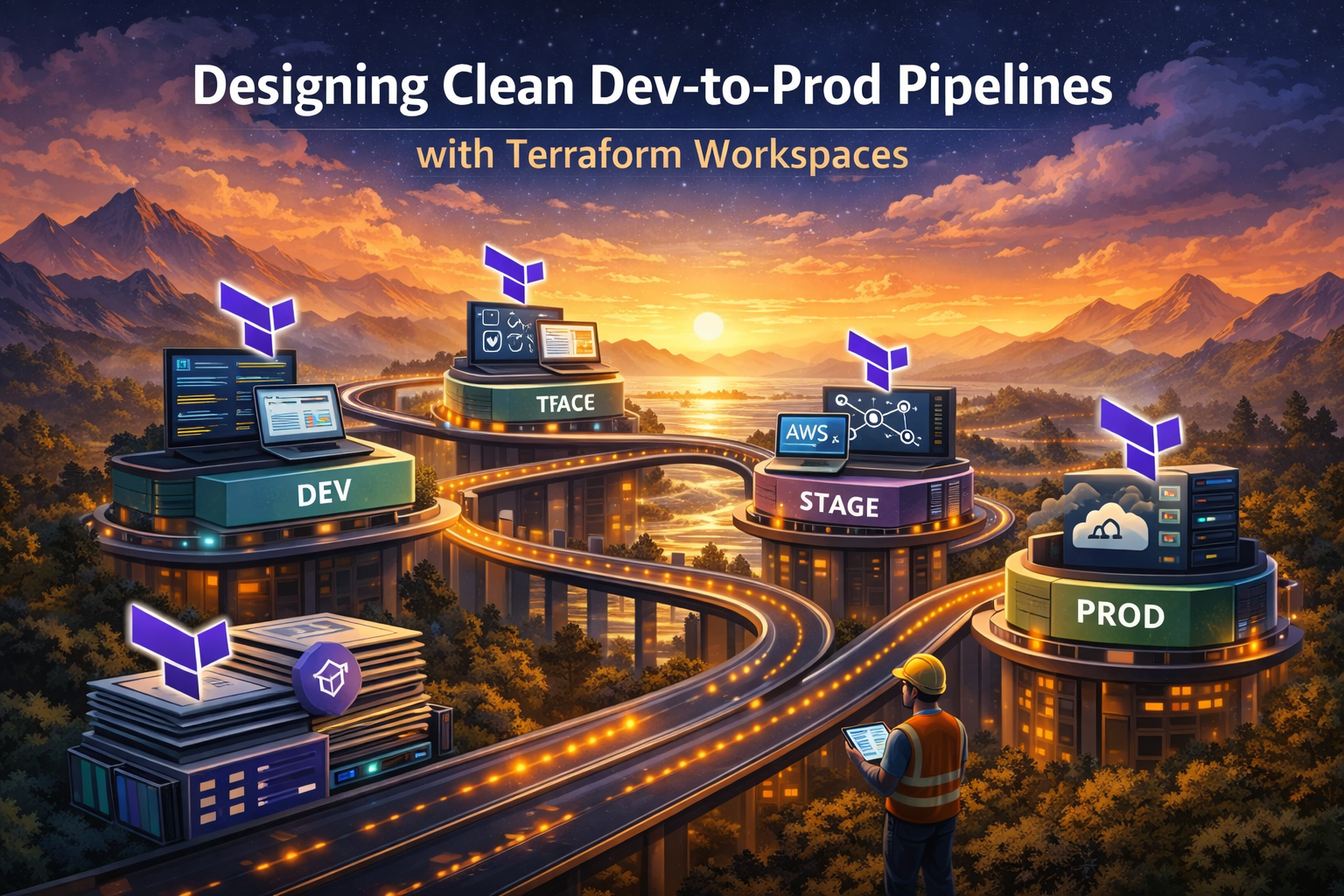
Managing multiple environments in your infrastructure can quickly turn into a nightmare without the right approach. Terraform workspaces offer a powerful solution for creating clean, scalable dev to prod pipelines that keep your environments organized and your deployments predictable.
This guide is designed for DevOps engineers, infrastructure teams, and developers who want to streamline their infrastructure as code deployment process using Terraform’s built-in workspace functionality. Whether you’re running a startup with basic staging needs or managing enterprise-level multi-environment setups, you’ll learn practical strategies that work in real-world scenarios.
We’ll walk through setting up your multi-environment infrastructure foundation with proper workspace configuration, then dive into implementing environment-specific configurations that maintain consistency while allowing necessary customization. You’ll also discover how to build automated deployment workflows that integrate seamlessly with your existing CI/CD pipeline, turning manual infrastructure updates into reliable, repeatable processes.
By the end, you’ll have the knowledge to create robust Terraform workspace best practices that scale with your team and reduce the complexity of managing infrastructure across different environments.
Understanding Terraform Workspaces for Environment Management
Core concepts and workspace fundamentals
Terraform workspaces create isolated state environments within a single configuration directory, allowing you to manage multiple infrastructure deployments using identical code. Each workspace maintains its own state file, enabling you to deploy the same infrastructure template across development, staging, and production environments without state conflicts. The default workspace always exists, and you can create additional named workspaces using terraform workspace new commands. When you switch workspaces with terraform workspace select, Terraform automatically references the correct state file for that environment. This workspace-based approach streamlines Terraform environment management by eliminating the need for separate directories or complex file structures for each deployment target.
Benefits of workspace-based environment separation
Workspace-based environment separation delivers significant advantages for dev to prod pipeline automation. You maintain a single source of truth for infrastructure code while deploying across multiple environments, reducing maintenance overhead and configuration drift. State isolation prevents accidental cross-environment modifications, protecting production resources from development changes. The approach simplifies CI/CD with Terraform by enabling dynamic workspace selection based on branch or deployment stage. Teams can easily replicate environments, test infrastructure changes safely, and maintain consistent configurations across the entire deployment lifecycle. This Terraform multi-environment setup also supports parallel development workflows where multiple team members can work on different environments simultaneously without conflicts.
Common pitfalls and when not to use workspaces
Terraform workspaces aren’t suitable for every scenario and can create challenges when misused. Avoid workspaces when environments require significantly different resource configurations, networking topologies, or security policies, as forcing identical code across drastically different environments leads to overly complex conditional logic. Don’t use workspaces for managing completely separate projects or when you need different providers, regions, or subscription accounts per environment. Common mistakes include hardcoding workspace names in configurations, sharing sensitive variables across workspaces, and attempting to manage cross-workspace dependencies. Skip workspaces when your team lacks experience with Terraform workspace best practices, as improper state management can lead to resource conflicts and deployment failures that are difficult to debug.
Workspace vs. other environment management approaches
Several alternatives exist for managing multiple environments in Terraform configurations. Directory-based separation creates distinct folders for each environment, offering complete isolation but requiring code duplication and increased maintenance. Git branches can separate environments, though they complicate collaboration and code reviews. Remote state with different backends provides strong isolation but adds complexity to infrastructure pipeline automation. Terragrunt offers advanced environment management with DRY principles but introduces additional tooling overhead. Module-based approaches promote reusability but can become complex for simple deployments. Terraform workspaces strike a balance by providing state isolation with code reuse, making them ideal for environments with similar infrastructure patterns. Choose workspaces when your environments share common architecture but require different variable values, resource counts, or scaling parameters.
Setting Up Your Multi-Environment Infrastructure Foundation
Structuring your Terraform project for workspace compatibility
Creating a workspace-compatible Terraform project requires careful organization of your configuration files and directory structure. Start by separating environment-agnostic resources from environment-specific configurations using a modular approach. Place shared modules in a dedicated modules/ directory while keeping environment-specific variables in separate .tfvars files. This structure allows Terraform workspaces to seamlessly switch between environments without code duplication. Organize your main configuration files at the project root, ensuring they reference modules and variables that can adapt to different workspace contexts.
Configuring provider settings for multiple environments
Provider configurations need dynamic settings to work across different Terraform workspaces effectively. Use workspace-aware variable interpolation in your provider blocks to automatically adjust settings based on the active workspace. Configure region, account aliases, and resource naming conventions using terraform.workspace references. Set up provider aliases for multi-region deployments and implement workspace-specific authentication methods. This approach ensures your infrastructure deployments target the correct cloud accounts and regions for each environment without manual configuration changes.
Managing state files across workspaces securely
State file management becomes critical when implementing Terraform multi-environment setup across multiple workspaces. Configure remote state backends with workspace-specific paths using S3 buckets or Terraform Cloud workspaces. Implement state file encryption and access controls to protect sensitive infrastructure data. Set up separate state buckets for each environment or use workspace prefixes within shared backends. Enable state locking mechanisms to prevent concurrent modifications and establish backup strategies for state file recovery. Regular state file auditing helps maintain security and compliance across your infrastructure pipeline automation workflow.
Implementing Environment-Specific Configurations
Using variables effectively across dev, staging, and production
Terraform workspaces enable dynamic variable management through workspace-specific configurations. Create separate .tfvars files for each environment, leveraging Terraform’s built-in workspace interpolation with terraform.workspace to automatically load the correct values. Structure your variables with environment prefixes and use locals blocks to define workspace-specific resource naming conventions and sizing parameters.
Handling secrets and sensitive data per environment
Environment-specific secrets require careful orchestration across your Terraform workspace best practices. Store sensitive values in dedicated secret management systems like AWS Secrets Manager or HashiCorp Vault, referencing them through data sources rather than hardcoding in configuration files. Mark sensitive variables explicitly and use separate state files per workspace to prevent cross-environment data leakage during your infrastructure as code deployment processes.
Scaling resources appropriately for each workspace
Resource scaling varies dramatically between development and production environments in Terraform multi-environment setup scenarios. Define scaling matrices using workspace conditionals to automatically adjust instance counts, storage capacity, and compute resources. Development workspaces typically require minimal resources for cost optimization, while production demands high availability configurations with auto-scaling groups and redundant infrastructure components.
Managing environment-specific networking and security rules
Network isolation and security policies must adapt to each workspace’s risk profile and compliance requirements. Implement workspace-conditional security group rules, VPC configurations, and firewall policies that tighten restrictions as environments progress from development to production. Use Terraform’s conditional expressions to apply stricter CIDR blocks, enable logging, and enforce encryption standards in higher-tier environments while maintaining development flexibility.
Building Automated Deployment Workflows
Integrating Terraform workspaces with CI/CD pipelines
GitHub Actions Integration
- Configure workspace selection using environment variables:
TF_WORKSPACE=$.event.inputs.environment }} - Set up matrix builds to deploy multiple environments simultaneously
- Use secrets management for workspace-specific credentials and API keys
- Implement branch-based triggers: feature branches for dev, main for staging/production
Pipeline Workflow Structure
- Create separate jobs for plan and apply phases across different workspaces
- Configure workspace switching before each Terraform operation:
terraform workspace select $WORKSPACE_NAME - Set up artifact storage for sharing Terraform plans between pipeline stages
- Use conditional logic to prevent accidental production deployments from feature branches
Creating approval gates for production deployments
Manual Approval Requirements
- Configure required reviewers for production workspace deployments in your CI/CD platform
- Set up environment protection rules that require specific team members to approve changes
- Implement time-based approval windows to prevent off-hours production deployments
- Create approval templates with pre-deployment checklists and risk assessment criteria
Automated Safety Checks
- Run compliance scans before allowing production approvals to proceed
- Validate resource quotas and cost estimates against predefined thresholds
- Check for breaking changes in infrastructure that could impact running applications
- Require successful completion of all staging environment tests before production approval gates
Implementing automated testing at each pipeline stage
Infrastructure Validation Tests
- Run
terraform validateandterraform planchecks across all workspaces before deployment - Implement Terratest for end-to-end infrastructure testing with Go-based test suites
- Use policy-as-code tools like Sentinel or Open Policy Agent for compliance validation
- Configure drift detection to compare actual infrastructure state against Terraform configuration
Application Integration Testing
- Deploy applications to newly provisioned infrastructure in non-production workspaces
- Run health checks and smoke tests to verify infrastructure components are functioning correctly
- Implement load testing to validate performance characteristics of provisioned resources
- Set up monitoring and alerting validation to ensure observability stack is properly configured
Setting up rollback strategies for failed deployments
Automated Rollback Triggers
- Configure health checks that automatically trigger rollbacks when infrastructure fails validation
- Set up monitoring alerts that can initiate rollback procedures based on application metrics
- Implement timeout-based rollbacks for deployments that don’t complete within expected timeframes
- Use blue-green deployment patterns with Terraform workspaces to enable instant rollbacks
Manual Rollback Procedures
- Maintain previous Terraform state backups for quick restoration of working configurations
- Create rollback playbooks with step-by-step instructions for different failure scenarios
- Set up emergency access procedures that bypass normal approval gates during critical incidents
- Document workspace switching commands and state restoration processes for operations teams
Monitoring and Maintaining Your Pipeline Architecture
Tracking Workspace State Changes and Drift Detection
Terraform workspaces require continuous monitoring to catch configuration drift before it impacts your infrastructure pipeline automation. Set up automated drift detection using terraform plan -detailed-exitcode in scheduled CI/CD jobs that compare your actual infrastructure against the desired state. Tools like Atlantis or Terraform Cloud provide built-in drift detection with webhook notifications when changes occur outside your Terraform configuration management process. Configure state locking mechanisms and enable detailed logging for all workspace operations to track who made changes and when. Monitor state file sizes and workspace resource counts to identify potential issues early in your dev to prod pipeline.
Implementing Logging and Alerting for Pipeline Failures
Build comprehensive logging into your Terraform workspace workflows by capturing all plan and apply outputs with structured formatting. Configure alerts for common failure patterns like state lock conflicts, provider authentication issues, or resource dependency failures across your multi-environment setup. Set up Slack or email notifications for deployment failures, with different severity levels for development versus production workspace issues. Create centralized logging dashboards that aggregate Terraform workspace activities across all environments, making troubleshooting faster when your infrastructure as code deployment encounters problems. Include workspace-specific tags in all log entries to filter issues by environment quickly.
Regular Maintenance Tasks and Workspace Cleanup Procedures
Schedule weekly maintenance windows to clean up unused Terraform workspaces and remove orphaned resources from failed deployments. Implement automated workspace pruning scripts that identify stale environments based on last activity timestamps and resource utilization metrics. Regularly update Terraform providers and module versions across all workspaces using automated dependency management tools. Archive old workspace states to reduce storage costs while maintaining audit trails for compliance requirements. Create runbooks for common maintenance scenarios like workspace corruption recovery, state file repairs, and emergency rollback procedures that your team can follow during critical incidents in your Terraform environment management system.
Terraform Workspaces offer a game-changing approach to managing multiple environments without the complexity of maintaining separate codebases. By establishing a solid foundation with environment-specific configurations and automated deployment workflows, teams can dramatically reduce deployment errors while maintaining consistency across development, staging, and production environments. The key lies in thoughtful planning of your workspace structure and implementing proper variable management from the start.
The real power comes from combining Terraform Workspaces with robust monitoring and maintenance practices. When you build these pipelines right, your team spends less time troubleshooting deployment issues and more time focusing on what matters most – delivering value to users. Start small with a simple dev-to-prod setup, master the fundamentals, and gradually expand your pipeline architecture as your infrastructure needs grow. Your future self will thank you for investing in clean, maintainable deployment processes today.









