



Choosing the wrong git branching strategy can turn your development workflow into a nightmare of merge conflicts and deployment delays. This guide breaks down every major git branching strategy—from the structured Git Flow to the streamlined GitHub Flow—so you can pick the right approach for your team.
Who this is for: Software developers, team leads, and DevOps engineers who want to streamline their version control workflow and avoid common branching pitfalls.
We’ll walk through the core principles behind each git branching model, compare trunk-based development against feature branch workflows, and give you a practical framework for choosing between Git Flow, GitHub Flow, GitLab Flow, and other popular strategies. You’ll also learn how to implement release branch strategies that actually work and discover which git workflow comparison factors matter most for your specific project needs.
By the end, you’ll know exactly which version control strategy fits your team size, release cycle, and deployment requirements.
Fundamentals of Git Branching Strategies

What Git Branching Strategies Are and Why They Matter
Git branching strategies are structured approaches that define how teams organize their code changes across different branches in a repository. Think of them as the rules of the road for your development team – they establish when to create new branches, how to merge code, and where different types of work should happen.
These strategies serve as blueprints for managing complex codebases where multiple developers work simultaneously. Without a clear branching model, teams often face merge conflicts, broken builds, and chaotic release cycles. A well-defined strategy transforms your git workflow from reactive firefighting into proactive collaboration.
The magic happens when everyone follows the same playbook. Developers know exactly where to push their features, when to create release candidates, and how to handle urgent bug fixes. This consistency reduces cognitive overhead and lets teams focus on building great software instead of wrestling with version control.
Different git branching strategies excel in different scenarios. Some prioritize rapid deployment and continuous integration, while others emphasize stability and controlled releases. The strategy you choose becomes the foundation of your entire development lifecycle, influencing everything from code reviews to deployment pipelines.
How Different Strategies Impact Development Workflow
Your chosen git branching strategy shapes every aspect of how your team works together. Trunk-based development encourages frequent small commits directly to the main branch, creating a fast-paced environment where changes integrate immediately. This approach works brilliantly for teams practicing continuous deployment but requires robust testing automation and disciplined coding practices.
Git flow, on the other hand, creates distinct pathways for different types of work. Feature development happens in isolation, releases get their own dedicated branches, and hotfixes follow a separate track. This structure provides excellent control and visibility but can slow down simple changes that need multiple branch transitions.
GitHub flow simplifies the equation by using just feature branches and main. Developers create branches for new work, open pull requests for review, and merge directly to production. This streamlined approach reduces complexity but requires strong CI/CD practices to maintain quality.
The collaboration patterns change dramatically between strategies. Teams using feature branch workflows spend more time in code reviews and branch management, while trunk-based teams focus on real-time integration and immediate feedback loops. Your strategy determines whether developers work in isolation for weeks or integrate changes multiple times daily.
Release cycles also shift based on your branching model. Some strategies support continuous deployment with every merge, while others batch changes into scheduled releases. The frequency and complexity of your releases should align with your chosen strategy.
Key Factors to Consider When Choosing a Strategy
Team size plays a crucial role in strategy selection. Small teams can often succeed with simpler approaches like GitHub flow, where overhead stays minimal and communication happens naturally. Larger organizations might need the structure and process controls that git flow provides, especially when coordinating across multiple teams and projects.
Your release frequency should drive many decisions. Companies deploying multiple times per day benefit from trunk-based development or GitHub flow, where the path from code to production stays short. Organizations with monthly or quarterly releases might prefer git flow’s formal release branch process that allows for extended testing and stabilization periods.
| Factor | Trunk-Based | Git Flow | GitHub Flow |
|---|---|---|---|
| Team Size | Small to Medium | Medium to Large | Small to Medium |
| Release Frequency | Multiple daily | Weekly to Monthly | Daily to Weekly |
| Testing Strategy | Automated | Mixed | Automated |
| Complexity Tolerance | Low | High | Low to Medium |
The maturity of your testing and CI/CD infrastructure matters enormously. Trunk-based development demands comprehensive automated testing since code goes straight to the main branch. Without solid test coverage, this approach becomes dangerous. Git flow can work with more manual testing processes since release branches provide time for thorough validation.
Consider your team’s experience level with git and branching concepts. Newer developers often struggle with complex workflows that involve multiple branch types and merge strategies. Starting with simpler approaches and evolving toward more sophisticated strategies often works better than jumping into complex workflows immediately.
Compliance requirements and change management processes in your organization also influence strategy choice. Highly regulated industries might need the audit trails and controlled merge processes that formal branching strategies provide. Startups and creative environments often prioritize speed and flexibility over process overhead.
Git Flow Strategy Deep Dive
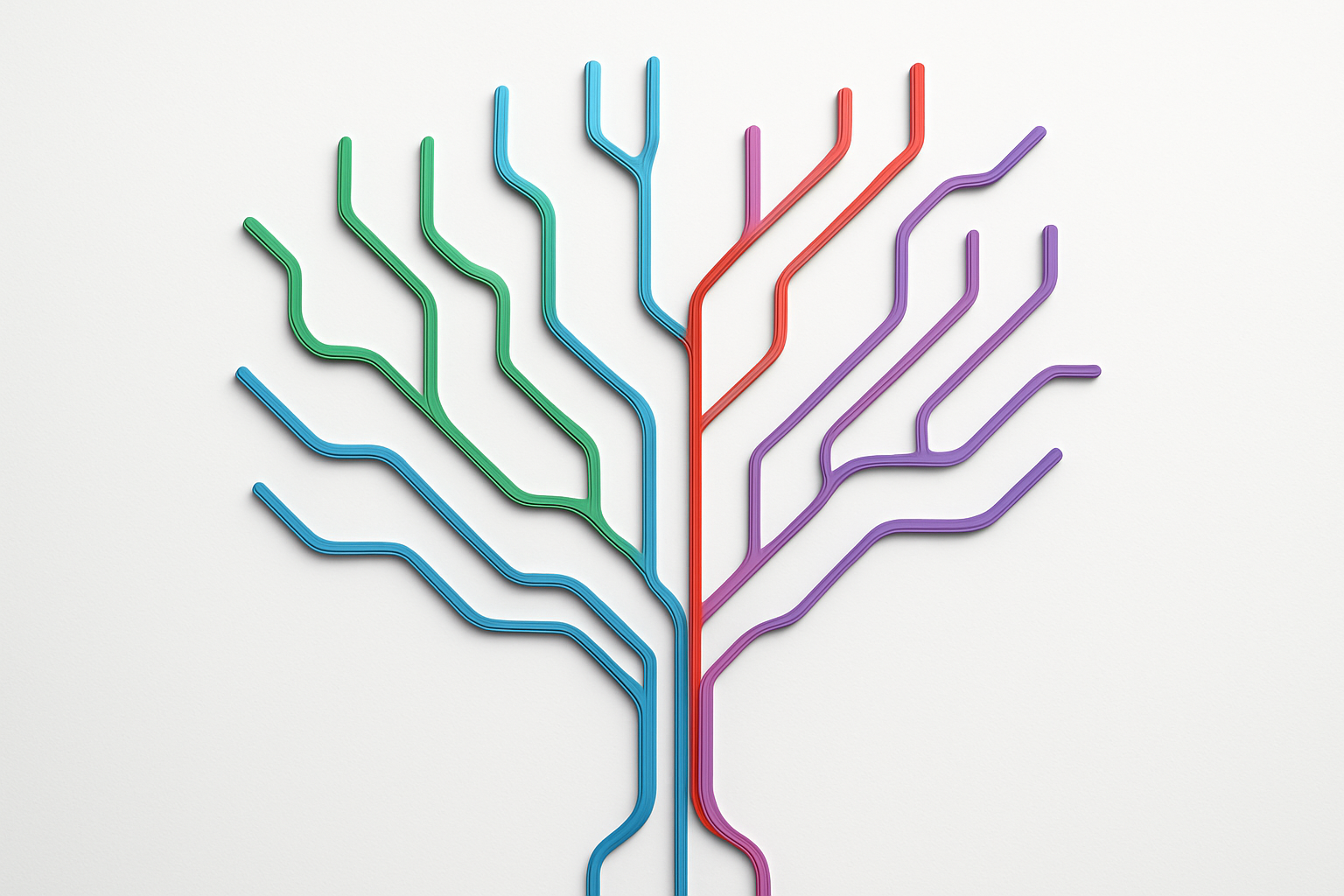
Core Structure of Master, Develop, Feature, and Hotfix Branches
Git Flow operates on a well-defined branch hierarchy that creates a structured approach to development. The master branch serves as the production-ready codebase, containing only stable, tested code that’s been released to users. This branch should always reflect what’s currently running in production.
The develop branch acts as the integration branch where all completed features merge before reaching production. Think of it as the staging area where developers collaborate and ensure their code works together harmoniously. All feature development branches off from develop and eventually merges back into it.
Feature branches handle individual development tasks, bug fixes, or new functionality. Each feature gets its own dedicated branch, typically named with descriptive prefixes like feature/user-authentication or feature/payment-integration. These branches isolate work-in-progress code from the stable develop branch.
Hotfix branches provide emergency fixes for critical production issues. When bugs appear in the live system, hotfix branches branch directly from master, get fixed quickly, then merge back to both master and develop to keep everything synchronized.
Release branches complete the structure by preparing code for production deployment. They branch from develop when features are complete, allowing final testing and bug fixes without blocking new development work.
Step-by-Step Workflow for Managing Releases
The git flow workflow follows a predictable pattern that teams can standardize across projects. Starting development begins with creating a feature branch from develop using git checkout -b feature/new-functionality develop. Developers work exclusively on this branch, committing changes and pushing regularly to share progress with the team.
Once feature development completes, the merge process begins. Create a pull request to merge the feature branch into develop, allowing team members to review code quality, test functionality, and suggest improvements. After approval, merge the feature branch and delete it to keep the repository clean.
Release preparation starts when enough features accumulate in develop for a new version. Create a release branch from develop using git checkout -b release/v1.2.0 develop. This branch allows final testing, documentation updates, and minor bug fixes without interfering with ongoing feature development.
The production deployment process involves merging the release branch into master, creating a tagged version for easy reference, and merging back into develop to keep branches synchronized. For urgent production fixes, create hotfix branches directly from master, fix the issue, then merge to both master and develop immediately.
Best Use Cases for Large Teams and Complex Projects
Git flow shines in environments where multiple developers work simultaneously on different features. Large teams benefit from the clear separation of concerns – junior developers can work safely on feature branches without affecting the stable develop branch, while senior developers handle release management and hotfix deployment.
Complex projects with lengthy development cycles find git flow particularly valuable. Software products requiring extensive testing phases, regulatory compliance, or coordinated releases across multiple teams need the structured approach git flow provides. The branching strategy supports parallel development streams while maintaining clear checkpoints for quality assurance.
Enterprise environments often require detailed audit trails and controlled release processes. Git flow’s structured approach creates natural documentation points where teams can track what features went into which releases, making compliance reporting and change management much simpler.
Projects with scheduled release cycles – monthly, quarterly, or annual updates – align perfectly with git flow’s release branch concept. Teams can prepare releases methodically while continuing development work on future versions.
Common Pitfalls and How to Avoid Them
Long-lived feature branches create the biggest headache for teams using git flow. Developers sometimes work for weeks on isolated feature branches, leading to massive merge conflicts when integrating with develop. Combat this by enforcing regular merges from develop into feature branches and keeping feature scope small and focused.
Release branch misuse often derails the workflow when teams treat release branches like feature branches, adding new functionality instead of focusing on bug fixes and polishing. Establish clear policies about what changes are acceptable in release branches – typically only critical bug fixes and documentation updates.
Hotfix branch confusion occurs when teams bypass the proper workflow during emergencies. Under pressure, developers might commit directly to master or skip the merge back to develop, creating version inconsistencies. Create automated checks and clear emergency procedures that still follow the git flow principles.
Branch naming conventions become chaotic without team standards. Implement consistent naming patterns like feature/TICKET-123-user-login or hotfix/security-patch-v1.2.1 to make branch purposes immediately clear. Use branch protection rules to enforce these standards automatically.
Merge strategy inconsistencies happen when some team members use merge commits while others prefer rebasing. Choose one approach and stick with it across the entire team. Most git flow implementations work best with merge commits to preserve the branching history and maintain clear feature integration points.
Trunk-Based Development Mastery

Single Main Branch Philosophy and Its Benefits
Trunk-based development centers around a revolutionary concept: everyone commits directly to a single main branch, traditionally called “trunk” or “main.” This approach completely flips the script on traditional git branching strategies by eliminating long-running feature branches and complex merge processes.
The philosophy stems from the idea that code integration should happen as frequently as possible. Instead of developers working in isolation on separate branches for weeks or months, trunk-based development encourages small, frequent commits that keep everyone’s work synchronized. This creates a shared codebase where conflicts get resolved immediately rather than accumulating into merge nightmares.
Key benefits include dramatically reduced integration problems, faster feedback loops, and simplified release processes. Teams report 50-70% fewer merge conflicts when switching from feature-heavy workflows to trunk-based development. The approach also enables true continuous integration since the main branch always represents the current state of the product.
Risk mitigation becomes easier when everyone works from the same source. Bug fixes reach production faster, and rollbacks become straightforward since the main branch maintains a linear history. Teams can deploy multiple times per day without worrying about complex branch management or integration bottlenecks.
Short-Lived Feature Branches and Continuous Integration
While trunk-based development emphasizes direct commits to main, short-lived feature branches serve as a practical middle ground for teams transitioning from traditional workflows. These branches live for hours or days, not weeks, maintaining the integration benefits while providing a safety net for experimental code.
The golden rule: feature branches should last no longer than 24-48 hours before merging back to trunk. This time constraint forces developers to break down large features into smaller, manageable chunks that can be integrated quickly. Each small piece adds value while maintaining system stability.
Continuous integration becomes the backbone of this approach. Automated testing runs on every commit to trunk, catching issues immediately before they spread to other team members. CI pipelines should complete within 10-15 minutes to maintain development velocity. Teams often implement:
- Automated unit and integration tests
- Code quality checks and linting
- Security vulnerability scanning
- Performance regression testing
Feature flags play a crucial role in enabling incomplete features to merge safely. Developers can commit working code behind flags, allowing continuous integration while controlling feature visibility. This technique separates deployment from feature releases, giving teams incredible flexibility in their delivery process.
The result is a development rhythm where code flows smoothly from individual developers through automated testing into production, with minimal friction and maximum confidence.
How to Maintain Code Quality with Frequent Merges
Frequent merges in trunk-based development require robust quality control mechanisms that work at the speed of continuous integration. Traditional code review processes often become bottlenecks, so teams need streamlined approaches that maintain standards without slowing down delivery.
Pre-commit hooks provide the first line of defense. These automated checks run locally before code reaches the trunk, catching formatting issues, basic syntax errors, and simple violations. Combined with IDE integrations, developers get immediate feedback while coding, preventing quality issues from ever entering the shared codebase.
Pair programming emerges as a powerful quality control technique in trunk-based environments. Two developers working together naturally catch more issues than solo development followed by asynchronous code review. The real-time collaboration also spreads knowledge across the team, reducing the risk of critical information being siloed.
| Quality Control Method | Implementation Time | Effectiveness | Team Size Suitability |
|---|---|---|---|
| Automated Testing | Immediate | High | All sizes |
| Pair Programming | Real-time | Very High | Small to Medium |
| Post-commit Reviews | 1-2 hours | Medium | All sizes |
| Feature Flags | Immediate | High | Medium to Large |
Post-commit code reviews work well for non-critical changes, allowing code to merge immediately while still getting human oversight. Teams set up notifications for risky changes that require immediate attention, balancing speed with thorough review.
Monitoring and observability become essential quality measures. Real-time alerts catch production issues quickly, while detailed logging helps teams understand the impact of frequent changes. Teams often implement canary deployments and gradual rollouts to minimize the blast radius of any problems that slip through other quality gates.
GitHub Flow Simplified Approach
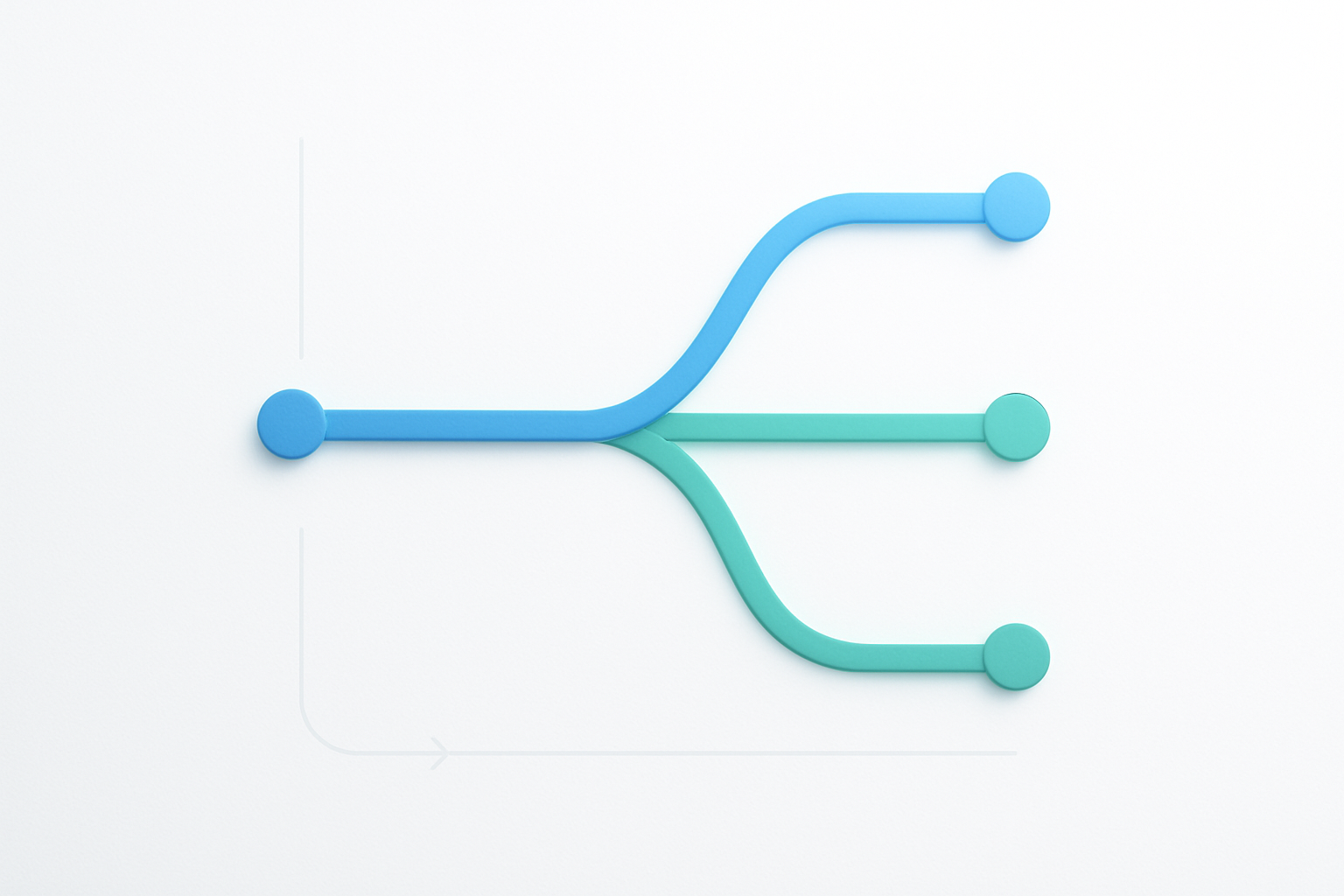
Streamlined Branch-and-Merge Workflow
GitHub Flow takes git branching strategies and strips them down to their core essentials. Instead of juggling multiple long-lived branches like Git Flow, this approach keeps things beautifully simple with just two types of branches: the main branch and feature branches.
The workflow starts when developers create a new branch from main for each feature, bug fix, or experiment. These feature branches live short lives – typically just a few days or weeks. Once the work is complete, developers merge back to main through a pull request, and the feature branch gets deleted immediately after.
This streamlined approach eliminates the complexity of managing separate development, staging, and release branches. Everything revolves around keeping main in a deployable state at all times. When you need to ship new features, you simply deploy from main. No complex merging ceremonies or branch hierarchies to navigate.
The simplicity shines when teams need to move fast. Developers spend less time managing branches and more time writing code. New team members pick up the workflow in minutes rather than hours, and there’s virtually no confusion about which branch to use for what purpose.
Pull Request Process for Code Review and Collaboration
Pull requests form the backbone of GitHub Flow, transforming code review from an afterthought into a collaborative experience. When developers finish work on their feature branches, they open pull requests that serve as discussion hubs where teammates review code, suggest improvements, and catch potential issues.
The pull request process creates natural checkpoints that prevent problematic code from reaching production. Team members can comment on specific lines, suggest alternative approaches, and ensure coding standards stay consistent across the entire codebase. This peer review system catches bugs early and spreads knowledge throughout the team.
GitHub’s interface makes collaboration effortless. Reviewers see exactly what changed with clear diffs, can test changes locally with a single command, and approve or request modifications with simple clicks. Automated checks can run tests, lint code, and verify builds before anyone even looks at the changes.
The collaborative nature extends beyond just finding bugs. Pull requests become teaching moments where senior developers mentor juniors, team members share best practices, and everyone stays informed about project evolution. Comments create a searchable history of decisions that future developers can reference when maintaining the code.
Continuous Deployment Integration Benefits
GitHub Flow pairs perfectly with continuous deployment pipelines, creating a seamless path from code to production. Since main always stays deployable, automated systems can confidently deploy changes as soon as they merge without complex coordination or manual verification steps.
The integration works through automated testing that runs on every pull request. Tests verify functionality, check performance, and validate security before code reaches main. Once tests pass and reviewers approve, the merge triggers deployment pipelines that push changes to staging environments for final verification, then automatically promote to production.
This tight integration reduces deployment friction dramatically. Teams can ship features multiple times per day without dedicated release engineers or complex deployment procedures. When bugs appear, hotfixes follow the same simple workflow – create a branch, fix the issue, review through a pull request, and deploy immediately after merge.
The continuous feedback loop helps teams respond to user needs faster. Features reach users quickly, allowing teams to gather feedback and iterate rapidly. This responsiveness becomes a competitive advantage, especially in fast-moving markets where user preferences shift constantly.
Perfect Scenarios for Small to Medium Teams
GitHub Flow thrives in environments where teams prioritize speed, simplicity, and frequent deployments. Small to medium teams benefit most because they can coordinate easily without heavy process overhead that larger organizations might require.
Startups and growing companies find GitHub Flow ideal for rapid iteration. The workflow supports quick pivots, frequent feature releases, and the experimental approach that early-stage companies need. Teams can test new ideas quickly, gather user feedback, and adjust direction without getting bogged down in complex branching procedures.
Web applications and SaaS products particularly benefit from this git branching model. These applications typically deploy frequently, handle updates gracefully, and need quick bug fixes when issues arise. The continuous deployment aspects align perfectly with modern web development practices.
| Team Size | Deployment Frequency | Project Type | GitHub Flow Fit |
|---|---|---|---|
| 2-10 developers | Multiple times per day | Web apps, APIs | Excellent |
| 5-20 developers | Daily to weekly | SaaS products | Very good |
| 10+ developers | Weekly or less | Enterprise software | Consider alternatives |
Teams with strong DevOps practices and automated testing capabilities see the biggest benefits. The workflow assumes that automated checks catch most issues, so teams without comprehensive test suites might struggle with the frequent deployments that GitHub Flow encourages.
GitLab Flow Hybrid Strategy

Environment-Based Branching Structure
GitLab Flow takes a practical approach to git branching strategies by organizing branches around your actual deployment environments. Instead of getting caught up in complex branching rules, this strategy mirrors your real-world infrastructure setup. You’ll typically see branches like master, staging, and production, each representing a specific environment in your deployment pipeline.
The beauty of this approach lies in its simplicity. Your master branch contains the latest stable code that’s ready for testing. When features pass quality checks in staging, they move to production through controlled merges. This creates a clear path from development to deployment that everyone on your team can understand and follow.
Unlike other git branching models that rely heavily on feature branches, GitLab Flow keeps the branch structure lean. You might have temporary feature branches, but the core focus stays on these environment-specific branches. This reduces complexity while maintaining the flexibility teams need for modern software development.
Production and Pre-Production Branch Management
Managing production and pre-production branches in GitLab Flow requires a strategic approach that balances stability with development velocity. Your pre-production branch (often called staging or pre-production) serves as the final testing ground before code reaches users.
Code flows in one direction: from master to staging to production. This unidirectional flow prevents the chaos that can happen when changes move back and forth between branches. When a bug appears in production, you fix it in the appropriate upstream branch and let it flow down through your normal process.
Hot fixes create the main exception to this rule. Critical production issues might require immediate patches that bypass the normal flow. Even then, you’ll want to backport these fixes to your upstream branches to maintain consistency across your deployment pipeline.
Here’s how the branch hierarchy typically works:
| Branch | Purpose | Deployment Target |
|---|---|---|
| Master | Latest development code | Development environment |
| Staging | Release candidate testing | Staging environment |
| Production | Live user-facing code | Production environment |
Issue Tracking Integration Advantages
GitLab Flow shines when integrated with issue tracking systems, creating a seamless connection between project management and version control. Each merge request can link directly to specific issues, providing clear traceability from problem identification to solution deployment.
This integration transforms how teams handle bug reports and feature requests. When someone reports an issue, you can create a branch directly from that issue, work on the fix, and automatically close the issue when the merge request gets accepted. This creates a paper trail that project managers and stakeholders love.
The workflow becomes especially powerful for compliance and auditing requirements. You can track exactly which code changes addressed which business requirements or bug reports. This level of documentation often proves invaluable during security audits or when troubleshooting production issues months later.
Teams using GitLab Flow often see improved communication between developers and non-technical team members. Product managers can follow the progress of specific features through the branch structure, while developers get clear requirements linked directly to their work. This reduces the back-and-forth emails and meetings that typically slow down development cycles.
The integration also helps with release planning. You can group issues into milestones and track which branches contain the code for upcoming releases. This visibility helps teams make informed decisions about release timing and scope.
Feature Branch Workflow Essentials

Isolated Development for Individual Features
Feature branch workflow creates a dedicated branch for every new feature, bug fix, or enhancement. This approach keeps the main branch clean and stable while developers work on their specific tasks without interfering with each other’s code. Each feature branch acts as a sandbox where developers can experiment, make mistakes, and iterate without affecting the production codebase.
The workflow starts when a developer creates a new branch from the main branch, typically using descriptive names like feature/user-authentication or bugfix/payment-gateway-error. This naming convention makes it easy for team members to understand what each branch contains at a glance. The developer then works exclusively on that branch until the feature is complete and ready for integration.
Branch isolation prevents conflicts between different features under development. While one developer works on the shopping cart functionality, another can simultaneously develop the user profile system without worrying about code collisions. This parallel development significantly speeds up the overall development process and reduces the coordination overhead between team members.
The feature branch workflow also provides a clear history of how each feature evolved. Every commit on a feature branch tells the story of that specific functionality, making debugging and maintenance much easier down the road.
Merge Strategies and Conflict Resolution
Different merge strategies serve different purposes in feature branch workflows. The three primary approaches are merge commits, squash merges, and rebase merges, each with distinct advantages depending on your team’s needs and project requirements.
Merge commits preserve the complete history of the feature branch while creating a merge commit that shows when the feature was integrated. This strategy works well for complex features where you want to maintain the detailed development history. The downside is that it can create a cluttered commit history with many merge commits.
Squash merges combine all commits from the feature branch into a single commit on the main branch. This creates a clean, linear history where each commit represents a complete feature. Squash merges work best for small features or when you want to hide the messy development process from the main branch history.
Rebase merges replay the feature branch commits on top of the current main branch, creating a linear history without merge commits. This approach maintains individual commits while keeping the history clean and readable.
Conflict resolution becomes critical when multiple developers modify the same files or lines of code. The key is catching conflicts early through regular synchronization with the main branch. Smart developers pull updates from main into their feature branches regularly, resolving small conflicts as they arise rather than dealing with massive conflicts at merge time.
| Merge Strategy | History Preservation | Complexity | Best For |
|---|---|---|---|
| Merge Commit | Complete | Medium | Complex features, team collaboration |
| Squash Merge | Summary only | Low | Small features, clean history |
| Rebase Merge | Individual commits | High | Linear history, experienced teams |
Code Review Process Optimization
Code reviews in feature branch workflows happen naturally through pull requests or merge requests. This creates a checkpoint where team members can examine proposed changes before they reach the main branch. The feature branch workflow makes reviews more focused since each branch contains changes for a specific feature or fix.
Effective code reviews start with clear pull request descriptions that explain what the feature does, why it was implemented this way, and any potential concerns. Screenshots, demo videos, or links to staging environments help reviewers understand the changes better. Good pull requests also include testing instructions so reviewers can verify the functionality works as expected.
Review assignments should balance thoroughness with speed. Having two reviewers catches more issues than one, but requiring approval from five people creates bottlenecks. Many teams use automatic reviewer assignment based on code ownership or rotating assignments to distribute the review workload evenly.
Automated checks enhance the review process by catching common issues before human reviewers get involved. Continuous integration pipelines can run tests, check code formatting, verify security scans, and perform other quality checks. This allows reviewers to focus on logic, design decisions, and business requirements rather than syntax errors or style violations.
The review process should encourage learning and knowledge sharing, not just bug catching. Reviewers can suggest better approaches, share relevant resources, or explain why certain patterns work better. This turns code reviews into teaching moments that improve the entire team’s skills over time.
Release Branch Strategy Implementation

Dedicated Branches for Release Preparation
Creating dedicated release branches forms the backbone of this git branching strategy. When your development team nears completion of a feature set, you branch off from the main development branch to create a release candidate. This approach isolates release preparation from ongoing development work, allowing your team to polish and stabilize code without blocking new features.
The release branch serves as a staging environment where you can focus solely on release readiness. Your development team continues working on new features in the main branch while the release team handles final preparations. This separation prevents half-finished features from accidentally making it into production releases.
Naming conventions matter here. Most teams use formats like release/v1.2.0 or release/2024.1 to clearly identify which version is being prepared. This clarity helps everyone understand which branch contains what code.
Bug Fixes and Last-Minute Changes Management
Release branches excel at handling the inevitable bugs and tweaks discovered during final testing. When QA finds issues in the release candidate, developers can apply targeted fixes directly to the release branch without disrupting ongoing development work.
The key principle is keeping changes minimal and focused. Only critical bugs and essential tweaks should make it into release branches. New features belong in the development branch, not in release preparation. This discipline prevents scope creep and maintains release stability.
Your team needs a clear process for managing these fixes:
- Hotfix workflow: Critical bugs get immediate attention with fast-track fixes
- Change approval: Last-minute modifications require team lead approval
- Testing requirements: Every fix needs verification before merging
- Documentation updates: Track all changes made during release preparation
Remember to merge approved fixes back to your main development branch. This prevents regression bugs when the next release cycle begins.
Version Control and Tagging Best Practices
Proper tagging transforms your release branch strategy from chaotic to organized. When you finalize a release, create an annotated tag that marks the exact commit representing that version. This creates a permanent reference point you can return to if needed.
Your tagging strategy should follow semantic versioning principles:
| Version Type | Format | Example | When to Use |
|---|---|---|---|
| Major | X.0.0 | 2.0.0 | Breaking changes |
| Minor | X.Y.0 | 1.3.0 | New features |
| Patch | X.Y.Z | 1.2.1 | Bug fixes only |
Tag messages should include release notes highlighting major changes, bug fixes, and any breaking changes. This information becomes invaluable for debugging production issues later.
Automate your tagging process where possible. CI/CD pipelines can create tags automatically when release branches get merged, reducing human error and ensuring consistency across releases.
Coordination Between Development and Release Teams
Successful release branch strategy requires tight coordination between different team roles. Development teams need clear communication about feature freeze dates, while release teams need visibility into development progress.
Establish regular sync meetings during release preparation. Daily standups help identify blocking issues early, while weekly planning sessions ensure everyone understands priorities and timelines. Your development team should know when to stop adding features, and your release team needs realistic expectations about what’s ready for production.
Communication tools become critical here. Use shared dashboards showing release branch status, outstanding issues, and testing progress. This transparency helps prevent last-minute surprises that can derail release schedules.
Set up clear handoff procedures between teams. Development teams should provide comprehensive documentation about new features, known limitations, and testing recommendations. Release teams need standardized checklists covering deployment procedures, rollback plans, and monitoring requirements.
Cross-training between teams improves coordination significantly. When developers understand release constraints and release managers grasp development complexities, decision-making becomes faster and more informed. This shared understanding reduces friction during high-pressure release periods.
Choosing the Right Strategy for Your Team

Team Size and Project Complexity Assessment
Small teams of 2-5 developers working on straightforward projects often thrive with GitHub Flow or simple feature branch workflows. These git branching strategies minimize overhead and keep everyone moving fast without getting tangled up in complex processes. When you’re building a basic web app or mobile application, the last thing you need is a heavyweight branching model that slows down your momentum.
Medium-sized teams handling 6-15 developers typically benefit from GitLab Flow or structured feature branch workflows. These teams need more coordination but still want to maintain agility. The added structure helps prevent conflicts while keeping deployment cycles reasonable.
Large organizations with 20+ developers working on enterprise applications usually require Git Flow or trunk-based development. Complex codebases with multiple integrations, strict quality gates, and regulatory requirements demand robust branching models. Git Flow excels when you need clear separation between development, testing, and production environments.
Project complexity matters just as much as team size. Simple CRUD applications can get away with minimal branching, while distributed systems with microservices architectures need careful coordination across multiple repositories and deployment pipelines.
| Team Size | Recommended Strategy | Project Complexity |
|---|---|---|
| 2-5 developers | GitHub Flow, Feature Branch | Simple to moderate |
| 6-15 developers | GitLab Flow, Structured Feature Branch | Moderate to complex |
| 20+ developers | Git Flow, Trunk-based | Complex enterprise |
Release Frequency and Deployment Requirements
Daily or continuous deployments work best with trunk-based development or GitHub Flow. These git branching models support rapid iteration and quick feedback loops. Companies practicing DevOps with automated testing and deployment pipelines can push changes to production multiple times per day without breaking things.
Weekly releases fit perfectly with GitLab Flow or feature branch workflows. You get enough time to test features properly while maintaining steady delivery cadence. Most SaaS products and web applications fall into this category, balancing speed with stability.
Monthly or quarterly releases often require Git Flow or release branch strategies. These longer cycles allow for extensive testing, documentation updates, and coordinated rollouts across multiple environments. Enterprise software, mobile apps going through app store approval, and products with complex integration requirements typically follow this pattern.
Your deployment infrastructure directly impacts which git branching strategies work best. Blue-green deployments, canary releases, and feature flags can make aggressive branching models safer by reducing rollback complexity.
Tool Integration and Automation Considerations
Your existing development tools heavily influence which git workflow comparison makes sense. Teams using Jira, Azure DevOps, or Linear for project management need branching strategies that integrate smoothly with issue tracking. Feature branch workflows naturally connect feature branches to specific tickets, making progress tracking straightforward.
CI/CD pipeline capabilities determine how complex your version control strategies can be. Jenkins, GitHub Actions, GitLab CI, or Azure Pipelines each handle different branching models with varying levels of sophistication. Trunk-based development requires robust automated testing since you’re constantly merging to main branches.
Code review tools like GitHub Pull Requests, GitLab Merge Requests, or Azure DevOps Pull Requests work differently with various git branching models. Some strategies create more review overhead than others, which impacts team velocity.
Automated testing coverage becomes critical with faster branching strategies. GitHub Flow and trunk-based development demand comprehensive test suites because you’re deploying frequently. Teams with limited test automation might need slower, more controlled approaches like Git Flow.
Monitoring and rollback capabilities influence risk tolerance for different strategies. Strong observability tools and quick rollback mechanisms enable more aggressive deployment patterns, while limited monitoring suggests more conservative branching approaches.

Git branching strategies aren’t one-size-fits-all solutions, and the key to success lies in matching your approach to your team’s needs and project requirements. Git Flow works great for teams with scheduled releases and multiple product versions, while trunk-based development shines when you want rapid deployment and continuous integration. GitHub Flow keeps things simple for teams that deploy frequently, and GitLab Flow bridges the gap between simplicity and structured releases.
The best branching strategy is the one your team actually uses consistently. Start by looking at how often you deploy, how many environments you manage, and how your team likes to work together. Remember that you can always evolve your strategy as your team grows and your needs change. Pick something that feels natural for your current situation, document it clearly, and make sure everyone on your team understands the workflow. Your code quality and team productivity will thank you for it.









