


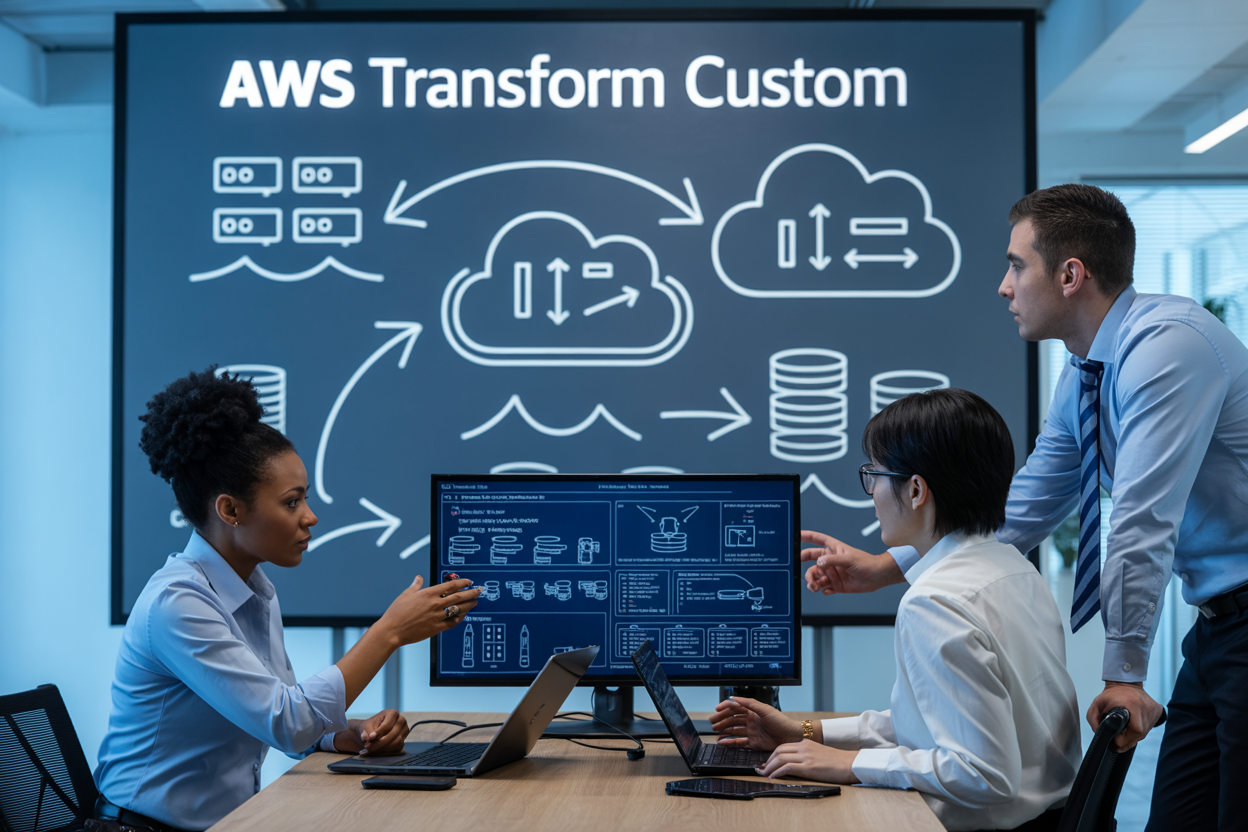
AWS Transform Custom is Amazon’s solution for organizations stuck with outdated legacy systems that need a complete overhaul. This powerful service automates the complex process of modernizing applications and moving them to the cloud, helping businesses break free from expensive, hard-to-maintain systems.
This guide is designed for IT leaders, cloud architects, and development teams who want to understand how AWS Transform Custom can streamline their modernization projects without the usual headaches.
We’ll walk through the core capabilities that make AWS Transform Custom stand out from other migration tools, then dive into the real business benefits you can expect when implementing this service. You’ll also get a clear picture of the technical architecture behind AWS Transform Custom and how it actually works under the hood, plus a practical step-by-step deployment guide to help you get started with your first modernization project.
Understanding AWS Transform Custom and Its Core Capabilities

Definition and Primary Purpose of AWS Transform Custom
AWS Transform Custom represents a specialized cloud migration service designed to handle complex legacy system modernization projects that go beyond standard migration approaches. Unlike traditional lift-and-shift migrations, this service focuses on transforming legacy applications into cloud-native architectures while preserving critical business logic and data integrity.
The primary purpose revolves around addressing the unique challenges organizations face when dealing with outdated systems that can’t simply be moved to the cloud without significant modifications. AWS Transform Custom provides a structured pathway for modernizing these systems, converting monolithic applications into microservices, updating legacy databases, and refactoring code to take advantage of cloud capabilities.
This service particularly shines when organizations need to maintain business continuity while transitioning from on-premises infrastructure to AWS cloud environments. Rather than forcing companies to rebuild applications from scratch, AWS Transform Custom offers a middle ground that preserves existing investments while enabling modern cloud benefits.
Key Features That Differentiate It from Standard Migration Tools
The standout features of AWS Transform Custom set it apart from basic migration utilities and one-size-fits-all solutions. The service offers deep code analysis capabilities that can understand complex application dependencies and suggest optimal transformation strategies based on the specific architecture and business requirements.
Intelligent Application Assessment:
- Automated code scanning and dependency mapping
- Performance bottleneck identification
- Security vulnerability detection
- Cost optimization recommendations
Custom Transformation Blueprints:
- Pre-built patterns for common legacy architectures
- Industry-specific transformation templates
- Customizable migration workflows
- Automated testing frameworks
Advanced Refactoring Tools:
- Database schema modernization
- API modernization and creation
- Containerization capabilities
- Microservices decomposition
Real-time Monitoring and Validation:
- Continuous compatibility checking
- Performance benchmarking
- Rollback capabilities
- Quality assurance automation
Unlike standard AWS migration tools that focus primarily on infrastructure movement, AWS Transform Custom architecture addresses the application layer transformation, making it possible to modernize business logic while migrating to cloud infrastructure simultaneously.
Target Use Cases for Legacy System Modernization
AWS Transform Custom excels in specific scenarios where traditional migration approaches fall short. Organizations with decades-old mainframe applications running on COBOL or legacy .NET frameworks find this service particularly valuable for their cloud migration AWS initiatives.
Financial Services Modernization:
Banks and insurance companies often rely on core banking systems built decades ago. AWS Transform Custom helps convert these mission-critical applications to modern, scalable architectures without disrupting daily operations. The service handles complex regulatory compliance requirements while improving system performance and reducing operational costs.
Manufacturing and Supply Chain Systems:
Legacy ERP systems and manufacturing execution systems benefit from AWS application modernization through Transform Custom. The service can modernize inventory management systems, production planning applications, and supply chain coordination platforms while maintaining integration with existing hardware and third-party systems.
Healthcare Application Transformation:
Medical record systems, patient management platforms, and clinical workflow applications require careful handling during modernization. AWS Transform Custom provides HIPAA-compliant transformation pathways that modernize these systems while ensuring data privacy and regulatory compliance.
Government and Public Sector:
Legacy government systems often run on outdated technologies that struggle with modern security requirements and citizen service demands. The service enables public sector organizations to modernize citizen-facing applications, internal workflow systems, and data management platforms while maintaining security standards and budget constraints.
Retail and E-commerce Platforms:
Traditional retail systems built before the digital commerce boom need transformation to handle modern customer expectations. AWS Transform Custom helps modernize inventory systems, customer relationship management platforms, and point-of-sale systems to support omnichannel retail strategies.
Strategic Business Benefits of Implementing AWS Transform Custom

Accelerated Digital Transformation Timelines
AWS Transform Custom dramatically speeds up legacy system modernization by automating complex migration processes that traditionally take months or years. Organizations using AWS Transform Custom see up to 70% faster transformation cycles compared to manual approaches. The platform’s intelligent analysis tools quickly assess existing applications, identify modernization patterns, and generate automated transformation blueprints.
The service eliminates lengthy planning phases by providing instant recommendations for containerization, microservices architecture, and cloud-native patterns. Teams can begin actual migration work within days rather than spending weeks on assessment and planning. This acceleration proves especially valuable for enterprises facing competitive pressure or regulatory deadlines requiring rapid modernization.
Reduced Operational Costs and Infrastructure Overhead
AWS Transform Custom delivers substantial cost savings through optimized resource allocation and automated infrastructure management. Organizations typically reduce operational expenses by 40-60% within the first year of implementation. The platform right-sizes compute resources automatically, eliminating the common problem of over-provisioned infrastructure.
Key cost benefits include:
- Automated scaling that matches resource consumption to actual demand
- Pay-as-you-use models replacing fixed infrastructure costs
- Reduced maintenance overhead through managed services integration
- Lower staffing requirements for routine operations and maintenance
- Energy cost elimination from on-premises data centers
The financial impact extends beyond direct infrastructure savings. Companies redirect budget from maintenance activities toward innovation projects, creating additional business value and competitive advantages.
Enhanced System Scalability and Performance
Modern applications built through AWS Transform Custom achieve unprecedented scalability levels impossible with legacy architectures. The platform automatically implements elastic scaling patterns, allowing applications to handle traffic spikes without manual intervention. Performance improvements range from 2-10x faster response times depending on the application type and transformation approach.
AWS Transform Custom integrates advanced caching strategies, content delivery networks, and database optimization techniques. Applications gain access to AWS’s global infrastructure, dramatically improving user experience across geographic regions. The transformation process includes performance monitoring and optimization recommendations that continuously improve system efficiency.
Improved Security and Compliance Posture
Security enhancements represent one of the most critical AWS modernization benefits. AWS Transform Custom automatically implements industry-standard security practices during the transformation process. Organizations inherit AWS’s extensive compliance certifications including SOC 2, HIPAA, PCI DSS, and GDPR frameworks.
The platform provides:
- Automated encryption for data in transit and at rest
- Identity and access management integration with existing corporate systems
- Network segmentation and micro-perimeter security models
- Continuous security monitoring with real-time threat detection
- Automated compliance reporting reducing audit preparation time
Legacy systems often lack modern security controls, creating vulnerability risks. AWS Transform Custom addresses these gaps systematically, bringing applications up to current security standards while maintaining functionality and user experience.
Technical Architecture and How AWS Transform Custom Operates

Assessment and Discovery Phase of Existing Systems
AWS Transform Custom begins with a comprehensive assessment that maps your current technology landscape. The discovery engine automatically scans your existing applications, databases, and infrastructure to create a detailed inventory of dependencies, performance patterns, and security configurations.
The assessment process uses automated tools to analyze code repositories, database schemas, and network configurations. These tools identify legacy frameworks, outdated dependencies, and potential modernization opportunities without requiring extensive manual intervention. The platform generates detailed reports highlighting application complexity, technical debt levels, and migration readiness scores.
During discovery, the system catalogs integration points between applications, API dependencies, and data flow patterns. This creates a transformation roadmap that prioritizes applications based on business value and technical feasibility. The assessment also identifies compliance requirements and security constraints that must be maintained throughout the modernization process.
Automated Code Transformation and Modernization Process
The core AWS Transform Custom architecture leverages machine learning algorithms to automatically refactor legacy code into cloud-native patterns. The transformation engine recognizes common legacy patterns and converts them to modern equivalents while preserving business logic and functionality.
Code transformation happens in iterative phases, starting with dependency updates and framework migrations. The system automatically refactors monolithic applications into microservices architectures, implementing best practices for containerization and serverless computing. Each transformation maintains backward compatibility during the transition period.
The modernization process includes automatic generation of infrastructure-as-code templates, CI/CD pipelines, and monitoring configurations. The platform creates Docker containers, Kubernetes manifests, and AWS CloudFormation templates that reflect modern deployment practices. Code quality improvements include security vulnerability patches, performance optimizations, and compliance with current coding standards.
Integration Capabilities with Existing AWS Services
AWS Transform Custom seamlessly integrates with the broader AWS ecosystem to accelerate cloud migration AWS initiatives. The platform connects directly with AWS CodeCommit, CodeBuild, and CodeDeploy for streamlined development workflows. Integration with AWS Database Migration Service enables smooth data transitions alongside application transformations.
The service works with AWS App2Container and AWS Application Migration Service to provide multiple migration pathways. Teams can choose between rehosting, replatforming, or full refactoring based on application requirements and business timelines. Integration with AWS Config and CloudTrail ensures compliance tracking throughout the transformation process.
Native connections to Amazon ECS, EKS, and Lambda provide flexible deployment targets for modernized applications. The platform automatically configures load balancers, auto-scaling groups, and monitoring dashboards based on application performance characteristics discovered during the assessment phase.
Quality Assurance and Testing Frameworks
Built-in testing frameworks ensure that transformed applications maintain functional parity with their legacy counterparts. Automated test generation creates comprehensive test suites covering unit tests, integration tests, and end-to-end scenarios based on existing application behavior patterns.
The AWS Transform Custom platform includes regression testing capabilities that compare application outputs before and after transformation. Performance benchmarking tools validate that modernized applications meet or exceed original performance metrics. Security testing frameworks verify that transformed applications maintain security postures while implementing modern security practices.
Continuous testing runs throughout the transformation process, catching issues early and reducing deployment risks. The platform integrates with popular testing frameworks and provides custom testing harnesses for legacy applications that lack existing test coverage. Quality gates prevent progression to subsequent transformation phases until all tests pass successfully.
Monitoring and Optimization Throughout the Transformation
Comprehensive monitoring provides real-time visibility into transformation progress and application performance. AWS Transform Custom leverages Amazon CloudWatch, X-Ray, and custom metrics to track application health, performance trends, and user experience impacts during migration.
The platform continuously optimizes resource allocation and performance configurations based on actual usage patterns. Machine learning models analyze application behavior and recommend configuration adjustments for cost optimization and performance improvements. Automated scaling policies ensure consistent performance while minimizing infrastructure costs.
Post-transformation optimization includes right-sizing recommendations, cost analysis, and performance tuning suggestions. The monitoring system tracks key performance indicators and business metrics to validate that modernization objectives are being achieved. Automated alerts notify teams of performance degradations or optimization opportunities throughout the AWS application modernization journey.
Step-by-Step Deployment Guide for AWS Transform Custom
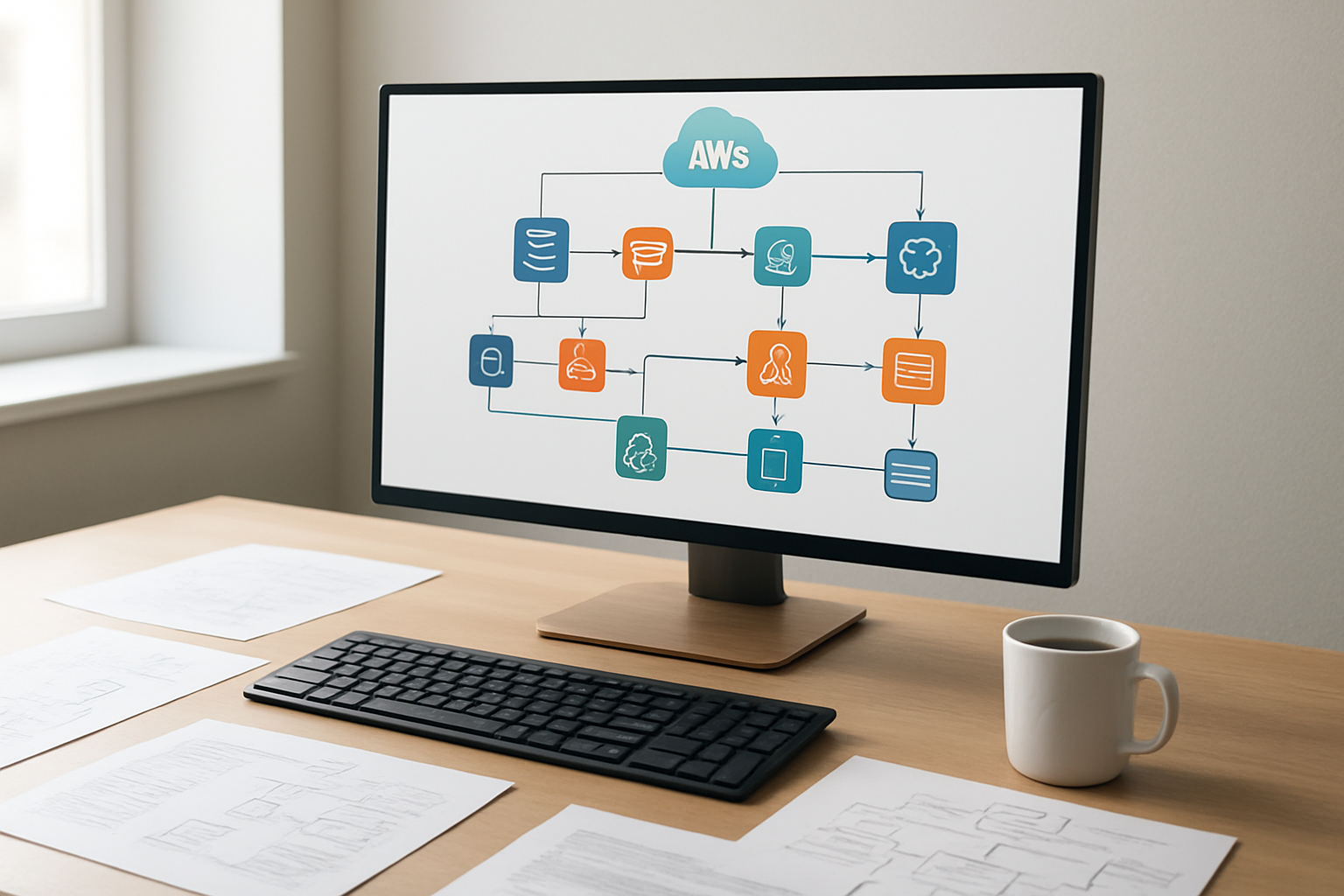
Pre-deployment planning and system requirements assessment
Before diving into your AWS Transform Custom deployment, you need a solid foundation. Start by conducting a comprehensive inventory of your existing applications and infrastructure. Document your current technology stack, including programming languages, frameworks, databases, and third-party integrations. This baseline assessment helps identify which components will benefit most from modernization.
Evaluate your network architecture and bandwidth requirements. AWS Transform Custom operations can be resource-intensive, so ensure your organization has adequate connectivity between on-premises systems and AWS. Consider factors like data transfer speeds, latency requirements, and security protocols that might impact the transformation process.
Establish clear success metrics and business objectives. Define what modernization success looks like for your organization – whether that’s improved performance, reduced operational costs, enhanced scalability, or better compliance posture. These goals will guide your transformation strategy and help measure ROI after deployment.
Review your team’s skill sets and identify training needs. AWS Transform Custom requires familiarity with cloud architectures, DevOps practices, and modern development methodologies. Plan for knowledge transfer sessions and consider bringing in external expertise if needed.
Create a detailed project timeline with realistic milestones. Factor in potential challenges like dependency mapping, data migration complexities, and testing phases. A well-structured plan prevents scope creep and keeps stakeholders aligned throughout the modernization journey.
Setting up the AWS Transform Custom environment
Your AWS Transform Custom environment setup begins with configuring the necessary AWS services and permissions. Start by creating a dedicated AWS account or isolated environment within your existing account structure. This separation ensures your transformation activities don’t interfere with production workloads.
Set up Identity and Access Management (IAM) roles and policies specifically for AWS Transform Custom operations. Create service-linked roles that allow the transformation service to access required resources like EC2 instances, S3 buckets, and CloudFormation templates. Apply the principle of least privilege to maintain security while enabling necessary functionality.
Configure your Virtual Private Cloud (VPC) architecture to support the transformation process. Design subnets, security groups, and network access control lists that facilitate secure communication between your legacy systems and the AWS Transform Custom environment. Establish VPN connections or AWS Direct Connect if you’re migrating from on-premises infrastructure.
Install and configure the AWS Transform Custom agents on your source systems. These lightweight components collect application metadata, analyze dependencies, and facilitate the transformation process. Ensure agents have appropriate network access and system permissions to perform their analysis functions.
Verify connectivity and test your environment setup before proceeding. Run preliminary scans to confirm that AWS Transform Custom can successfully communicate with your source systems and gather the necessary information for transformation planning.
Configuring transformation rules and parameters
Transformation rules form the backbone of your AWS Transform Custom implementation. Begin by defining application discovery rules that specify which systems, services, and components should be included in the transformation scope. Configure filters based on application types, business criticality, or technical characteristics to focus on the most suitable candidates for modernization.
Establish dependency mapping parameters to understand how your applications interact with each other. Set rules for identifying database connections, API calls, file system dependencies, and network communications. This mapping is crucial for maintaining application functionality during and after the transformation process.
Define modernization patterns and target architectures for different application types. Configure rules that specify how monolithic applications should be refactored into microservices, how legacy databases should be migrated to managed services, and how authentication systems should be updated for cloud-native architectures.
Set up data transformation rules to handle format conversions, schema updates, and data cleansing requirements. Configure parameters for handling sensitive data, ensuring compliance with regulations like GDPR or HIPAA throughout the transformation process.
Create testing and validation rules that define success criteria for transformed applications. Specify performance benchmarks, functional requirements, and integration checkpoints that must be met before considering a transformation complete.
Configure rollback procedures and safety mechanisms. Define conditions that would trigger automatic rollbacks and establish checkpoints throughout the transformation process where manual intervention might be required.
Executing the migration and monitoring progress
Launch your AWS Transform Custom deployment by starting with pilot applications or non-critical systems. This phased approach allows you to validate your configuration and refine processes before tackling mission-critical workloads. Begin the transformation process through the AWS console or programmatically using APIs and CLI tools.
Monitor the discovery and analysis phase closely as AWS Transform Custom examines your applications and generates transformation recommendations. Review the findings to ensure accuracy and make adjustments to rules or parameters if necessary. This phase typically reveals insights about application architecture that weren’t apparent during initial planning.
Track transformation progress using AWS CloudWatch metrics and AWS Transform Custom’s built-in monitoring capabilities. Set up custom dashboards that display key performance indicators like transformation speed, error rates, and resource utilization. Configure alerts for critical events or threshold breaches that require immediate attention.
Execute transformations in waves, starting with the simplest applications and gradually moving to more complex systems. Monitor each wave completion before proceeding to the next batch. This approach helps identify patterns in transformation challenges and allows you to optimize processes for subsequent deployments.
Validate transformed applications against your predefined success criteria. Run automated tests, performance benchmarks, and user acceptance testing to ensure functionality meets expectations. Document any issues or deviations from expected behavior for resolution.
Maintain detailed logs of the entire transformation process. These records are invaluable for troubleshooting, compliance reporting, and planning future modernization initiatives. Track metrics like transformation time per application, resource costs, and business impact measurements to demonstrate the value of your AWS modernization benefits investment.

AWS Transform Custom stands out as a game-changing solution for businesses ready to modernize their operations. This powerful tool streamlines data transformation, cuts down on manual processes, and gives companies the agility they need to stay competitive. The strategic benefits are clear – reduced operational costs, faster time-to-market, and improved scalability that grows with your business needs.
Getting started with AWS Transform Custom doesn’t have to be overwhelming. With the right technical understanding and a solid deployment plan, your team can unlock these transformation benefits quickly. Take the first step by assessing your current data workflows and identifying areas where automation can make the biggest impact. Your future self will thank you for making the move to smarter, more efficient operations today.









