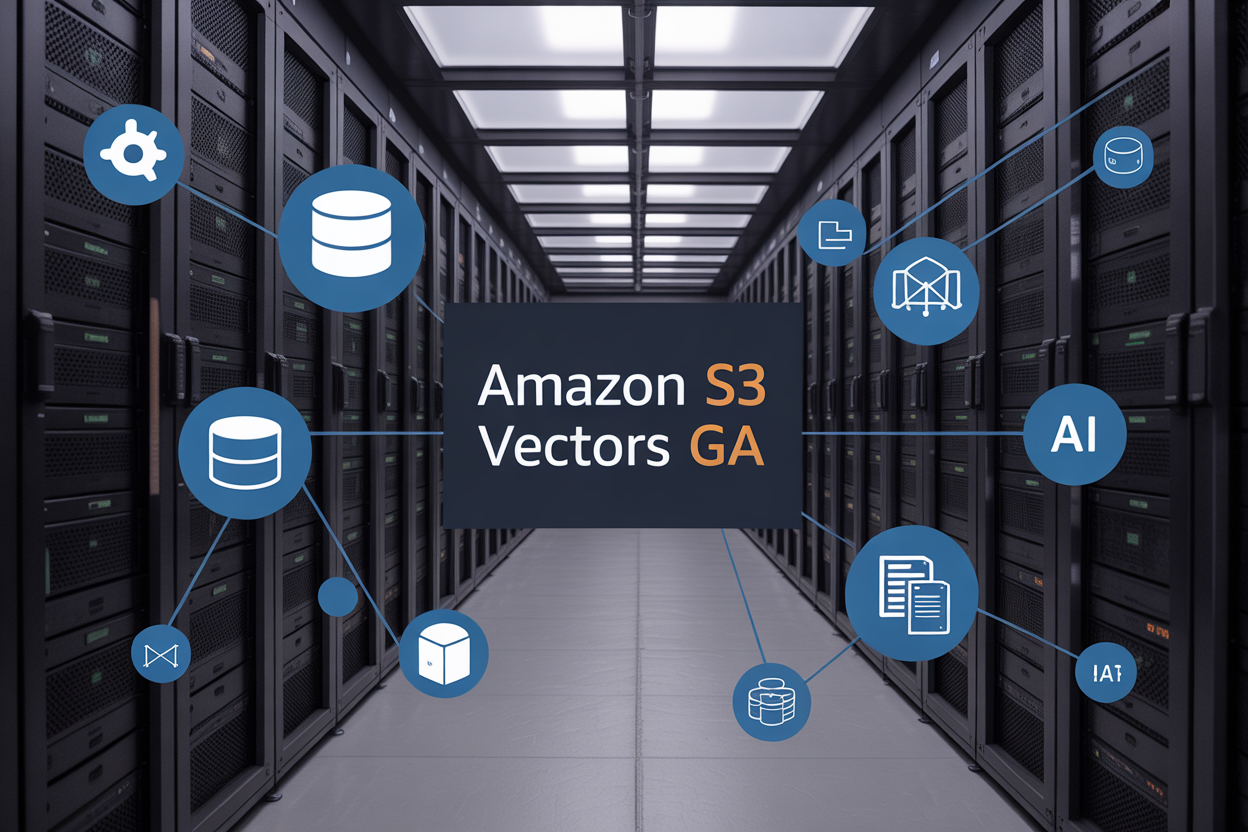
Amazon S3 Vectors GA brings powerful vector storage AWS capabilities directly to your existing S3 infrastructure, making it easier than ever to build AI applications with semantic search and retrieval augmented generation AWS features. This new Amazon S3 vector database functionality eliminates the complexity of managing separate vector databases while keeping your data where it already lives.
Who this guide is for: Data engineers, AI developers, and cloud architects looking to implement vector embeddings Amazon S3 solutions without the overhead of additional infrastructure.
We’ll walk through the core capabilities that make S3 Vectors GA a game-changer for GenAI vector storage, including how its technical architecture delivers AWS vector search capabilities at scale. You’ll also get a practical S3 Vectors deployment guide and discover real-world RAG implementation S3 scenarios that demonstrate why teams are choosing this integrated approach over standalone vector databases.
By the end, you’ll understand exactly how to leverage this native vector storage solution to power your next AI project with the reliability and scale that AWS provides.
Understanding Amazon S3 Vectors GA and Its Core Capabilities

Defining S3 Vectors and its Vector Database Functionality
Amazon S3 Vectors represents a groundbreaking evolution in cloud storage, transforming the traditional object storage paradigm into a sophisticated vector database solution. Unlike conventional databases that store structured data in rows and columns, Amazon S3 Vectors handles high-dimensional vector embeddings—numerical representations of data like text, images, and audio that machine learning models can understand and process.
The S3 Vectors GA release marks the maturation of this technology, offering enterprise-grade capabilities for storing, indexing, and querying billions of vector embeddings. This vector storage AWS solution eliminates the complexity of managing separate vector databases while providing the reliability and durability that S3 is known for.
Vector embeddings capture semantic meaning and relationships between data points. When you convert a document into vectors, similar content clusters together in the high-dimensional space, enabling powerful similarity searches and content discovery. The Amazon S3 vector database functionality makes these operations seamless and scalable.
Key Features That Differentiate S3 Vectors from Traditional Storage
S3 Vectors introduces several game-changing capabilities that set it apart from standard object storage solutions:
Intelligent Vector Indexing: The service automatically creates optimized indexes for vector data, enabling sub-second query responses across massive datasets. Traditional S3 required external indexing solutions, but S3 Vectors handles this natively.
Similarity Search at Scale: Built-in approximate nearest neighbor (ANN) search capabilities allow you to find semantically similar content without scanning entire datasets. This is impossible with traditional storage without additional compute layers.
Multi-Modal Data Support: S3 Vectors seamlessly handles various data types—text embeddings from language models, image vectors from computer vision systems, and audio embeddings from speech recognition tools—all within the same storage framework.
Dynamic Schema Evolution: Unlike rigid database schemas, S3 Vectors adapts to changing vector dimensions and metadata requirements without requiring migrations or downtime.
Native Integration Advantages with Existing AWS Ecosystem
The AWS vector search capabilities shine through seamless integration with existing AWS services. S3 Vectors connects directly with Amazon Bedrock, enabling immediate access to foundation models for embedding generation. This tight coupling eliminates data movement overhead and reduces latency significantly.
Amazon SageMaker integration allows data scientists to train models and store resulting embeddings directly in S3 Vectors. The service also works natively with AWS Lambda for serverless vector processing and Amazon EC2 for compute-intensive operations.
Security integration leverages existing AWS Identity and Access Management (IAM) policies, encryption keys from AWS Key Management Service (KMS), and VPC endpoints for network isolation. Organizations don’t need to learn new security paradigms or restructure existing access controls.
Cost optimization benefits emerge through integration with S3 lifecycle policies, allowing automatic transition of older vector data to cheaper storage classes while maintaining search functionality. This native integration reduces operational complexity and total cost of ownership.
Performance Benchmarks and Scalability Improvements
Performance metrics demonstrate S3 Vectors’ substantial improvements over traditional approaches. Query latency averages under 100 milliseconds for similarity searches across datasets containing millions of vectors, compared to several seconds with conventional solutions.
Throughput capabilities support thousands of concurrent queries while maintaining consistent performance. The service scales horizontally across multiple availability zones, distributing vector indexes and query processing to handle enterprise workloads without manual intervention.
Storage efficiency improvements include optimized compression algorithms that reduce vector storage footprint by up to 40% compared to standard formats. This compression doesn’t compromise search accuracy or query speed.
Retrieval augmented generation AWS implementations benefit from these performance gains, enabling real-time RAG applications that previously required extensive caching and pre-computation strategies. The scalability improvements support everything from prototype applications to production systems serving millions of users.
Memory optimization techniques allow S3 Vectors to handle datasets larger than available RAM, using intelligent caching and prefetching to maintain high performance. This capability removes previous limitations where vector databases required dataset sizes to fit in memory for acceptable performance.
Transformative GenAI Benefits of S3 Vectors Implementation
Enhanced machine learning model performance and accuracy
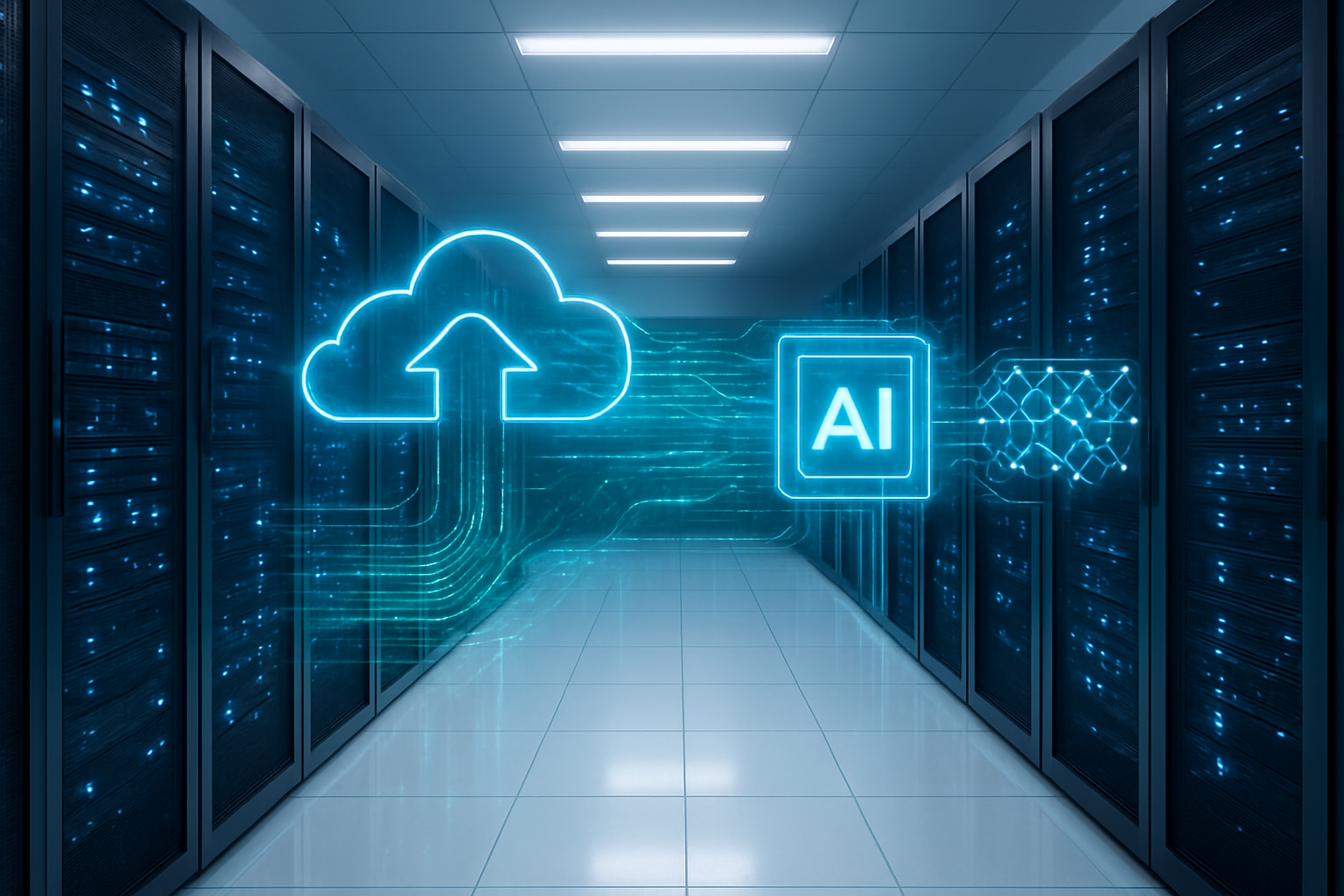
Amazon S3 Vectors GA brings significant improvements to machine learning workflows by optimizing how vector embeddings are stored and retrieved. The native vector storage AWS capabilities eliminate the complexity of managing separate vector databases, allowing ML models to access high-dimensional data more efficiently.
Vector embeddings processed through S3 Vectors maintain their semantic relationships with greater fidelity. This preservation of data integrity directly translates to improved model accuracy across various GenAI applications. The service handles vector operations at scale without compromising precision, ensuring that similarity searches and retrieval tasks produce consistently reliable results.
The integration with existing AWS ML services creates a seamless environment where models can leverage optimized vector operations. Training pipelines benefit from faster data access patterns, while inference workloads see improvements in both speed and quality of results. Amazon S3 vector database functionality supports complex embedding strategies that were previously resource-intensive to implement.
Reduced latency for real-time AI applications
Real-time GenAI applications demand microsecond response times, and S3 Vectors delivery on this requirement through architectural optimizations specifically designed for vector workloads. The service implements intelligent caching mechanisms that keep frequently accessed vectors readily available, dramatically reducing retrieval times.
Traditional vector storage solutions often struggle with the dual challenge of scale and speed. S3 Vectors addresses this by distributing vector data across AWS’s global infrastructure while maintaining consistent low-latency access patterns. Applications requiring immediate vector similarity searches, such as recommendation engines or content matching systems, experience substantial performance gains.
The serverless nature of the service means resources scale automatically based on demand. During peak usage periods, additional compute capacity becomes available instantly without manual intervention. This elastic scaling ensures that latency remains low even as request volumes fluctuate, making it ideal for production GenAI vector storage scenarios.
Cost optimization through serverless vector operations
The serverless architecture of S3 Vectors eliminates the overhead costs associated with managing dedicated vector database infrastructure. Organizations pay only for actual vector operations and storage consumed, creating a more predictable and often lower total cost of ownership compared to traditional solutions.
AWS vector search capabilities through S3 Vectors reduce the need for specialized hardware or complex clustering setups. The service handles resource allocation, maintenance, and scaling automatically, freeing up engineering teams to focus on application development rather than infrastructure management. This operational efficiency translates directly into cost savings.
Storage costs benefit from S3’s proven durability and availability features without requiring additional investment in backup or disaster recovery solutions. The integration with existing S3 storage classes allows organizations to optimize costs further by automatically tiering vector data based on access patterns and retention requirements.
Simplified data pipeline management for AI workloads
RAG implementation S3 becomes significantly more streamlined when vector operations are natively integrated into the storage layer. Data engineers can build more efficient pipelines that process, store, and retrieve vector embeddings without complex orchestration between multiple services.
The unified approach reduces the complexity of data movement and transformation steps typically required in vector-heavy workflows. Vector embeddings Amazon S3 processing eliminates the need to maintain separate data stores, reducing synchronization challenges and potential consistency issues across different systems.
Pipeline monitoring and debugging become more straightforward when vector operations are consolidated within the S3 ecosystem. Standard AWS monitoring tools provide visibility into vector processing performance, making it easier to identify bottlenecks and optimize data flows. This simplified management approach accelerates development cycles and reduces operational overhead for AI teams working with large-scale vector workloads.
Technical Architecture and How S3 Vectors Functions
Vector Embedding Storage and Retrieval Mechanisms
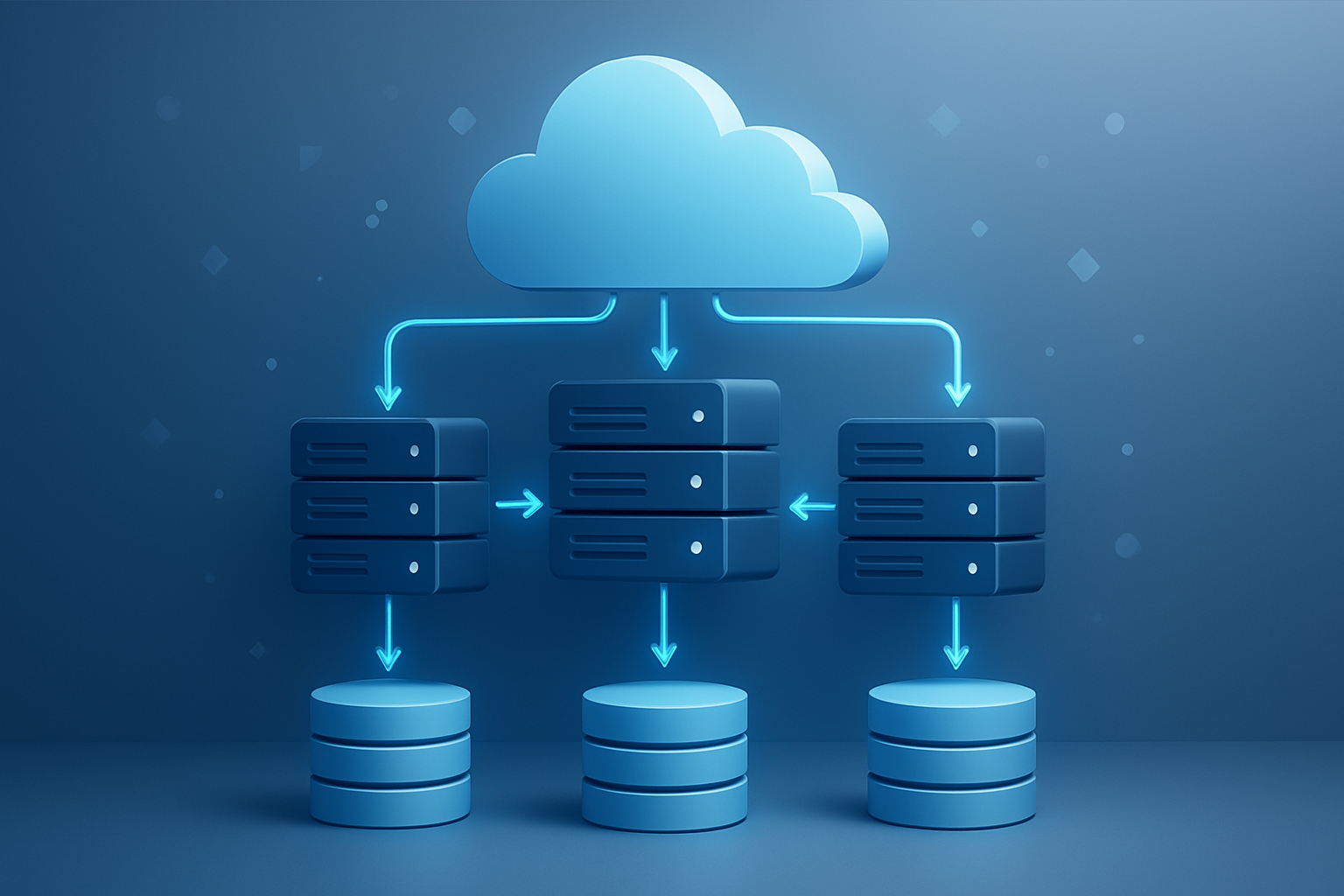
Amazon S3 Vectors GA transforms how organizations store and access high-dimensional vector embeddings by building directly on S3’s proven storage foundation. The system stores vector embeddings as specialized data objects within S3 buckets, maintaining the same durability and scalability characteristics that make S3 the backbone of modern cloud storage.
Each vector embedding gets stored with its associated metadata, creating a rich data structure that supports complex queries. The storage mechanism optimizes for both individual vector retrieval and batch operations, allowing applications to fetch single embeddings for real-time inference or process thousands of vectors for training workloads.
The retrieval system works through purpose-built APIs that understand vector operations natively. When your application requests similar vectors, S3 Vectors performs the computation server-side, reducing data transfer and improving response times. This approach eliminates the need to download entire vector datasets to perform similarity calculations locally.
Vector compression and encoding happen automatically during storage, balancing storage costs with query performance. The system supports multiple vector formats and dimensions, accommodating everything from small text embeddings to large multimodal representations without requiring format conversions.
Automatic Indexing and Similarity Search Capabilities
S3 Vectors GA includes built-in indexing that creates optimized data structures as you upload vector embeddings. The automatic indexing process builds specialized indices based on your vector characteristics and access patterns, removing the complexity of manual index management.
The similarity search engine supports multiple distance metrics including cosine similarity, Euclidean distance, and dot product calculations. You can configure which metric best suits your use case during setup, and the system optimizes index structures accordingly. This flexibility supports diverse GenAI applications from semantic search to recommendation systems.
Search performance scales with your dataset size through intelligent partitioning and caching strategies. The system automatically distributes vector collections across multiple storage nodes and maintains hot caches for frequently accessed embeddings. Query latency remains consistent whether you’re searching through thousands or millions of vectors.
Advanced filtering capabilities let you combine vector similarity with traditional metadata filters. For example, you can find semantically similar documents within a specific date range or product category, enabling sophisticated hybrid search scenarios that power modern RAG implementations.
Integration with AWS AI Services and Third-Party Tools
S3 Vectors GA connects seamlessly with the broader AWS ecosystem, particularly Amazon Bedrock for foundation model access and Amazon SageMaker for custom model deployment. This integration enables end-to-end GenAI workflows where embeddings flow naturally between model training, inference, and storage layers.
The service provides native connectors for popular vector databases and machine learning frameworks. LangChain, LlamaIndex, and other RAG frameworks can interact with S3 Vectors through standard APIs, making migration from existing vector solutions straightforward. OpenAI, Anthropic, and other model providers work directly with the stored embeddings without additional transformation steps.
Real-time streaming capabilities allow continuous embedding updates from AWS Kinesis and other data sources. As new documents enter your system, their vector representations automatically join your searchable collection without service interruption.
Third-party integrations extend to business intelligence tools and analytics platforms through standard REST APIs and SDK support across multiple programming languages. This broad compatibility means existing applications can add vector search capabilities without architectural changes, accelerating time-to-value for vector storage AWS implementations.
Step-by-Step Deployment Guide for S3 Vectors

Prerequisites and AWS Account Configuration Requirements
Before diving into Amazon S3 Vectors deployment, you’ll need an active AWS account with appropriate permissions. Your IAM user or role requires full S3 access, along with permissions for AWS CLI operations and CloudFormation stack management. Make sure you have the latest AWS CLI installed and configured with your credentials.
The minimum requirements include:
- AWS CLI version 2.0 or higher
- Python 3.8+ for SDK interactions
- At least 5GB of available storage for initial vector data
- Network connectivity to AWS regions supporting S3 Vectors GA
- Valid SSL certificates for secure connections
Your account should have billing alerts configured since vector storage AWS costs can accumulate quickly with large datasets. Enable CloudTrail logging to track all API calls related to your Amazon S3 vector database operations.
Creating and Configuring Your First Vector Database
Start by creating a new S3 bucket specifically for vector storage AWS operations. Use the AWS Console or CLI to create a bucket with versioning enabled and default encryption turned on. The bucket name should follow a clear naming convention like company-vectors-prod or app-name-embeddings.
Configure the bucket with these essential settings:
- Enable versioning for data protection
- Set up lifecycle policies for cost optimization
- Configure cross-region replication if needed
- Apply appropriate bucket policies for access control
Next, create the vector index configuration file. This JSON file defines your vector dimensions, similarity metrics, and indexing parameters. Most implementations use 768 or 1536 dimensions depending on your embedding model. Choose between cosine similarity, dot product, or Euclidean distance based on your specific GenAI vector storage needs.
Use the AWS SDK to initialize your vector index:
import boto3
s3_client = boto3.client('s3')
response = s3_client.create_vector_index(
    Bucket='your-bucket-name',
    VectorIndexConfiguration={
        'VectorDimensions': 1536,
        'SimilarityMetric': 'cosine'
    }
)
Data Ingestion Strategies and Best Practices
Efficient data ingestion makes or breaks your S3 Vectors deployment guide success. Start small with a subset of your data to test the pipeline before scaling up. Batch your uploads in groups of 1000-5000 vectors to optimize throughput while avoiding API rate limits.
Transform your text data into vector embeddings before upload. Popular options include:
- OpenAI’s text-embedding-ada-002 model
- Hugging Face sentence transformers
- AWS Bedrock embedding models
- Custom fine-tuned models
Implement parallel processing to speed up large ingestions. Use multi-threading or AWS Lambda functions to process multiple files simultaneously. Always validate vector dimensions match your index configuration before uploading.
Create a robust error handling system that retries failed uploads and logs issues for debugging. Store metadata alongside vectors to enable filtering and improve search relevance. This metadata might include document titles, creation dates, source URLs, or content categories.
Security Settings and Access Control Implementation
Security configuration requires careful planning for your Amazon S3 vector database. Start with the principle of least privilege by creating specific IAM roles for different access patterns. Application roles need read/write permissions, while analytics roles might only need read access.
Set up bucket policies that restrict access by IP address, VPC endpoints, or specific AWS accounts. Enable MFA delete protection for critical vector datasets. Use S3 Access Logs to monitor all bucket activity and set up alerts for suspicious access patterns.
Configure encryption at rest using either S3-managed keys or AWS KMS customer-managed keys for sensitive data. Enable SSL/TLS encryption for all data in transit. Consider using VPC endpoints to keep traffic within your AWS network and avoid internet routing.
Implement resource-based policies alongside identity-based policies for defense in depth. Regular access reviews help ensure permissions stay current as team members change roles or leave the organization.
Monitoring and Performance Optimization Setup
Establish comprehensive monitoring from day one to track your RAG implementation S3 performance. Enable CloudWatch metrics for your S3 bucket and set up custom metrics for vector search latency, throughput, and error rates. Create dashboards showing key performance indicators like search accuracy and response times.
Configure CloudWatch alarms for critical thresholds such as:
- High error rates during vector searches
- Unusual spikes in storage costs
- Slow query response times
- Failed data ingestion jobs
Performance optimization starts with choosing the right instance types for your search workloads. Use provisioned throughput for predictable performance or on-demand for variable workloads. Monitor your AWS vector search capabilities usage patterns to right-size resources and control costs.
Implement caching strategies for frequently accessed vectors using ElastiCache or application-level caching. This dramatically improves response times for popular queries while reducing costs from repeated S3 API calls.
Set up automated scaling based on query volume and establish backup procedures for your vector indices. Regular performance testing helps identify bottlenecks before they impact production workloads.
Powerful RAG Use Cases and Real-World Applications

Document search and knowledge base enhancement
Amazon S3 Vectors transforms how organizations handle massive document repositories and knowledge bases. Companies dealing with thousands of legal documents, technical manuals, or research papers can now build vector embeddings that capture semantic meaning rather than just keyword matches. Law firms use S3 Vectors to search through case files and precedents by concepts and context, finding relevant information even when exact terms don’t match. Medical institutions leverage this capability to search through vast libraries of research papers, clinical guidelines, and patient records.
The real magic happens when combining S3 Vectors with retrieval augmented generation AWS workflows. Instead of traditional search results, users get contextually relevant answers pulled from the most appropriate documents. A pharmaceutical company might ask “What are the contraindications for diabetes medications in elderly patients?” and receive synthesized responses from multiple clinical studies stored as vector embeddings in Amazon S3.
Enterprise knowledge bases become incredibly powerful when enhanced with vector search capabilities. Employee handbooks, training materials, and internal documentation stored in S3 Vectors can understand nuanced queries. When someone asks about “remote work policies during company restructuring,” the system finds relevant sections across multiple documents, even if they use different terminology.
Personalized recommendation systems at scale
S3 Vectors deployment guide implementations shine when building recommendation engines that understand user preferences at a deeper level. E-commerce platforms store product descriptions, user behavior patterns, and purchase histories as vector embeddings, creating recommendation systems that go beyond simple collaborative filtering.
Streaming services leverage vector embeddings Amazon S3 to analyze viewing patterns, content metadata, and user preferences simultaneously. The system understands that someone who enjoys “dark psychological thrillers with unreliable narrators” might appreciate content that shares these thematic elements, even across different genres or time periods.
Fashion retailers use AWS vector search capabilities to create style-based recommendations. Customer browsing behavior, seasonal trends, and product attributes get encoded as vectors, enabling recommendations that consider color palettes, fabric types, and style preferences together. This creates a shopping experience where customers discover items that truly match their aesthetic preferences.
Gaming companies implement GenAI vector storage to recommend in-game items, quests, or social connections based on playing styles and preferences. Players with similar strategic approaches or gaming behaviors get matched automatically, creating better multiplayer experiences.
Customer support automation with contextual responses
Vector database implementations revolutionize customer support by providing agents and chatbots with contextual information that goes far beyond keyword matching. Support tickets, product documentation, and resolution histories stored as vectors enable systems to understand customer intent and provide precise solutions.
Financial services companies use RAG implementation S3 to handle complex customer inquiries about investment products, loan applications, or account issues. The system can pull relevant information from regulatory documents, product specifications, and historical case resolutions to provide comprehensive answers that consider multiple factors simultaneously.
Telecommunications providers leverage vector storage AWS to troubleshoot technical issues by understanding problem descriptions in natural language. When customers describe connectivity issues using their own words, the system matches these descriptions with technical documentation and previous resolution cases stored as vector embeddings.
SaaS companies implement Amazon S3 vector database solutions for multi-layered support automation. User questions about software features get matched with documentation, video tutorials, and community discussions, providing comprehensive assistance that considers user skill level and specific use cases.
The contextual understanding enables support systems to escalate issues appropriately. Simple questions get automated responses, while complex issues requiring human intervention get routed to specialists with relevant background information already compiled from vector searches across multiple knowledge sources.

Amazon S3 Vectors GA represents a game-changing advancement for organizations looking to harness the power of generative AI and vector search capabilities. By combining S3’s proven scalability with built-in vector processing, businesses can now store, search, and retrieve embeddings at unprecedented scale while maintaining cost-effectiveness. The technical architecture seamlessly integrates with existing AWS services, making it easier than ever to build sophisticated AI applications without the complexity of managing separate vector databases.
The deployment process, while straightforward, opens doors to countless RAG applications that can transform how organizations handle knowledge management, customer support, and content discovery. From semantic search across massive document libraries to intelligent chatbots that understand context, S3 Vectors GA provides the foundation for next-generation AI experiences. Start by identifying your most promising use case, follow the deployment steps outlined, and begin experimenting with small datasets to see the immediate impact on your AI workflows.